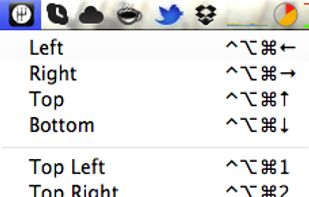
Access all native macOS window tiling commands in one place — the Tiling Panel. Customize keyboard shortcuts and use them on any keyboard, even third-party ones.
Cost / License
- Free
- Proprietary
Application type
Platforms
- Mac
 Poland
 EU
EU


Apps similar to Moom include Microsoft PowerToys, which is free and open source. Other options are Rectangle, BetterTouchTool, Loop - Window Management and ClickFit. Window Managers like Moom are a crowded field, with more than 100 alternatives for Mac, Windows, Linux and Android.
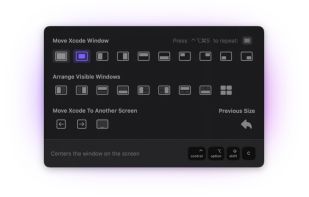
Access all native macOS window tiling commands in one place — the Tiling Panel. Customize keyboard shortcuts and use them on any keyboard, even third-party ones.
PolandEU
A native macOS menu bar app that provides quick window tiling with keyboard shortcuts and visual grid overlay. Just press QWE, ASD to tile your windows instantly. DRM-free, one-time purchase for all your Macs.
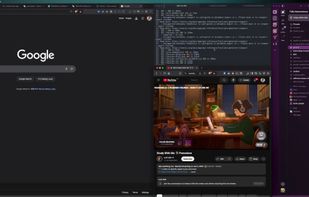
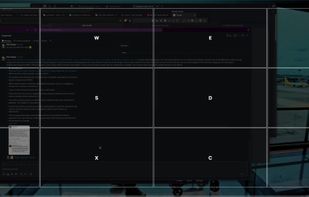


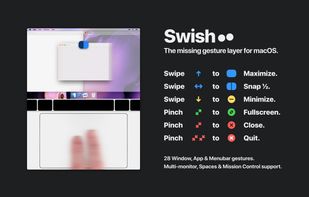


Split screen and organize windows on Mac with keyboard shortcuts, drag-and-drop zones, and professional layouts. Better than native Split View. Multi-monitor support.
PolandEU
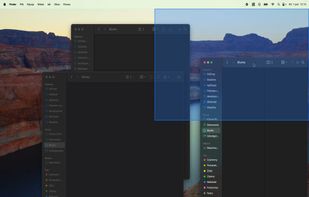
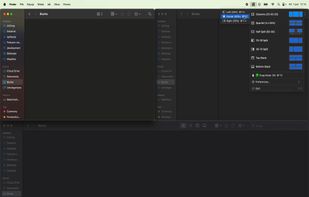


A native macOS menu-bar utility that groups the 2–4 apps you use together into one visual workspace — tiled, resizable, and shown, hidden, or restored as a single unit.
 Australia
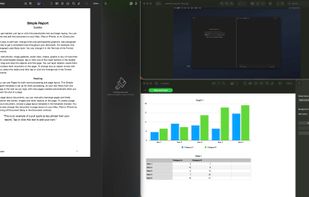


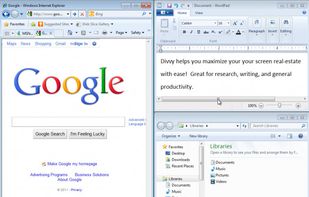
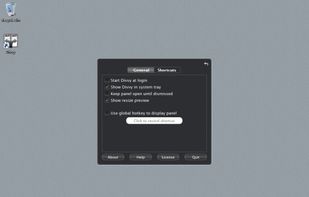
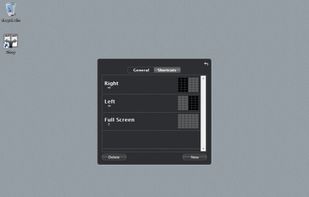
Divvy is an entirely new way of managing your workspace. It allows you to quickly and efficiently "divvy up" your screen into exact portions.
 United States


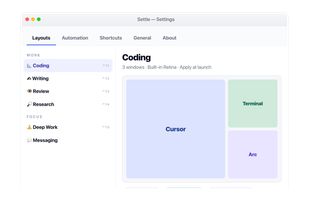
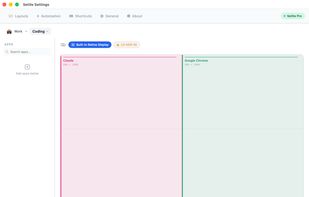
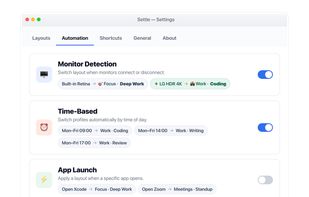
Enables window snapping, remembers and restores multi-app and multi-display layouts, supports workspace profiles, automation for monitor, time, and app rules, local data storage, per app positioning, works offline, and adapts window layouts to display changes.
 Türkiye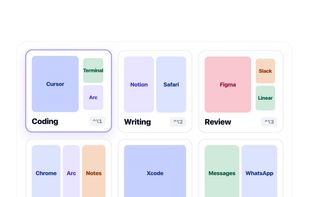


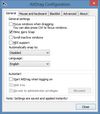
AltDrag allows you to move and resize windows much easier. When you have it running you can simply hold down the Alt key and then use your mouse to drag any window, and it doesn't matter where in the window you click.
 SwedenEU


Amethyst is a tiling window manager for Mac similar to the xmonad tiling window manager popular on Linux. Amethyst is written in Objective-C and has configurable shortcuts, multi-monitor support, multiple layouts, and the option to float certain applications.
United States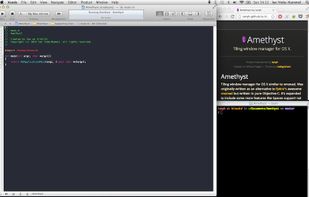
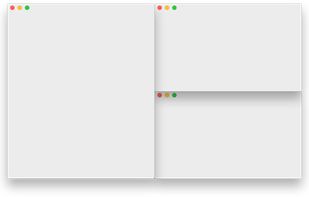


GridMove - A window management tool that can quickly arrange your windows into desktop grids.
 Brazil


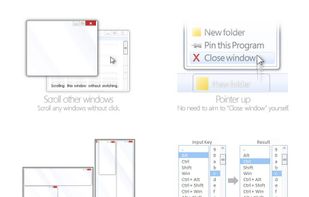
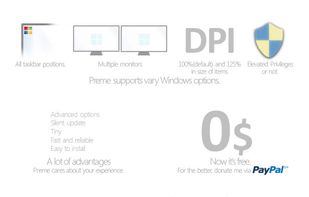
Preme is a free software for Windows which lets you add cool desktop features and enhances the desktop functionality.
 Thailand



ShiftIt is an application for OSX that allows you to quickly manipulate window position and size using keyboard shortcuts. It intends to become a full featured window organizer for OSX. It is a complete rewrite of the original ShiftIt by Aravindkumar Rajendiran which is not...
 CzechiaEU