Panelet groups the two, three, or four Mac apps you use together into a single visual workspace — then lets you resize, show, hide, and restore the whole set as one.
It's important to know what Panelet is not: it does not embed, mirror, record, or remote into your apps. Your windows stay fully native. Panelet uses macOS's own window-control APIs to launch, arrange, resize, show, and hide real app windows — so everything behaves exactly like it normally would.
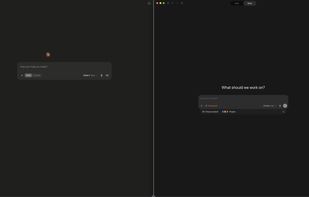
Build a workspace in a visual layout builder — left/right, top/bottom, a three-pane arrangement, or a 2×2 grid — then treat that group of apps as one object:
• Resize by dragging the divider between apps; they reflow together, with a clean preview while you drag.
• Show or hide the whole workspace in a keystroke (??1–9 to show, ??H to hide), or bring the active workspace to whatever display you're on (??B).
• Run several workspaces at once — click any app and its whole group comes to the front.
• Drive it from the keyboard: move focus between apps (^?? / ^??) or zoom the focused app to fill the workspace (^??).
Panelet never reads your app content. It runs quietly as a menu-bar item, with no Dock icon and no main window.
Requirements: macOS 13 (Ventura) or later. One-time purchase — no subscription — with a 7-day free trial.




 Panelet

No comments or reviews, maybe you want to be first?