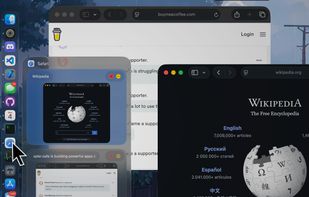
Move and resize windows on macOS with keyboard shortcuts. Rectangle is a window management app based on Spectacle Wndow Manager, written in Swift (programming language).
 United States
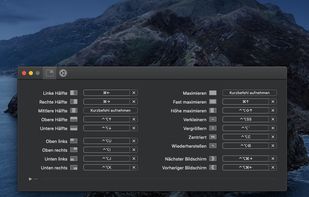


Apps similar to emcee for macOS include Rectangle, which is open source with a free version. Other options are BetterTouchTool, ClickFit, AltTab and Loop - Window Management. Window Managers like emcee for macOS are a crowded field, with more than 25 alternatives for Mac.
Move and resize windows on macOS with keyboard shortcuts. Rectangle is a window management app based on Spectacle Wndow Manager, written in Swift (programming language).
United States
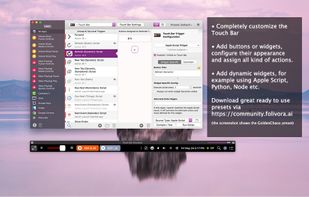
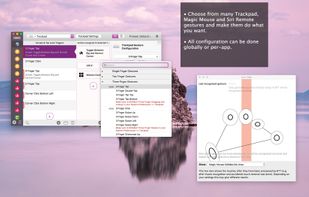
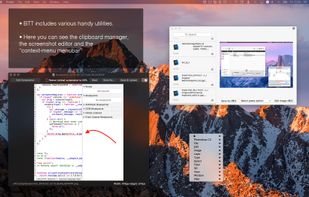
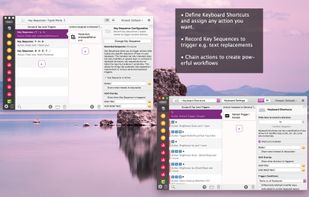
Customizes input devices on macOS by enabling gesture and button mapping, keyboard shortcut assignment, window snapping, automation, scripting, multi-device integration, and iOS app control. Features include touch bar, Apple Remote, and per-app profiles.
 Germany
 EU

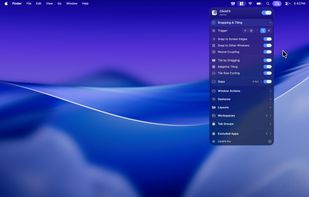
A macOS menu bar window manager that moves, resizes, snaps, and tiles windows using modifier-key drags, keyboard shortcuts, and trackpad gestures.
 Türkiye



AltTab is free and open-source. AltTab Pro adds search, extra styles, and more shortcuts.
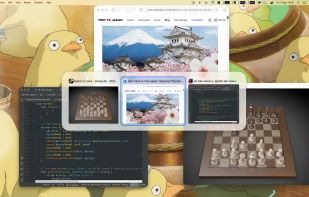


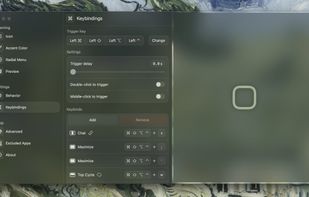
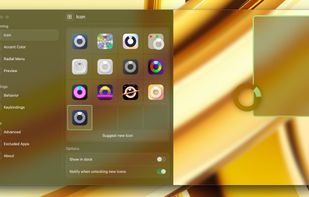
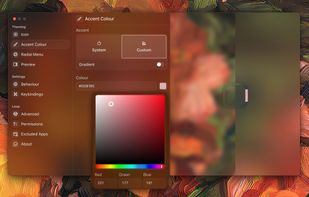
Loop is a macOS app that simplifies window management for you! You can effortlessly choose your window direction using a radial menu triggered by a simple key press, and customize it according to your preferences with personalized colors and settings.



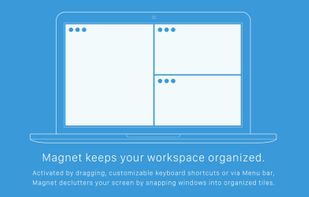
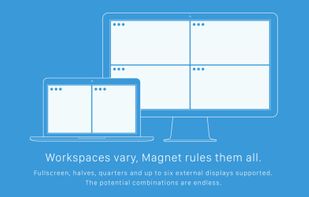
Every time you multitask with many apps open, you need all the windows arranged accordingly. Magnet makes this process swift and easy.
 CzechiaEU



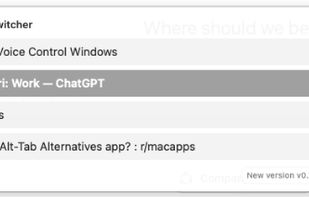
The intelligent window switcher that transforms how you navigate macOS. Built for developers, designers, and anyone who values efficiency.



SpatialDock redefine how you switch between applications on macOS by introducing spatial consistency to your workflow.



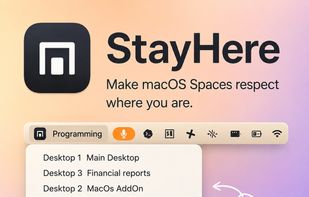
Lightweight macOS tool enabling custom Space names, visible indicators, change alerts, Dock click protection, window switching limited by Space, and keyboard shortcuts for seamless navigation, enhancing workspace separation, clarity, and predictable context use.
 PolandEU


Customize layouts and sections for organizing windows into defined zones on macOS, easily snap and rearrange application windows, support multitasking needs, reduce desktop clutter, and enhance work efficiency for users managing multiple windows.
Türkiye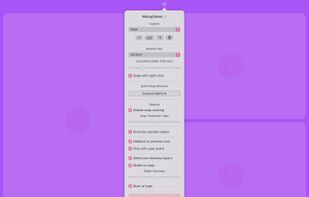

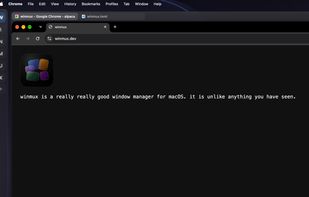
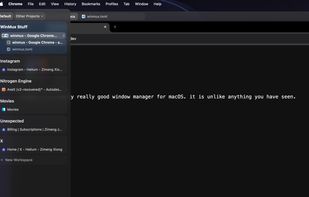
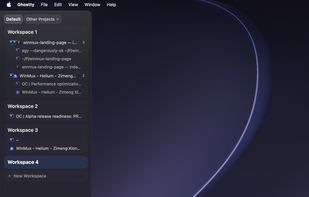
Sidebar-first macOS window manager supporting project hierarchies, drag-and-drop window and tab group organization, fully adjustable window gaps, browser-style tab groups with tab reordering, auto-hiding sidebar, Liquid Glass support, and robust workspace navigation.


Extends the built-in Mac Dock with hover previews for every open window, including minimized, hidden, other-Space, and other-display windows. A custom window switcher cycles or searches individual windows, while preview controls can focus, close, minimize, or quit them.