

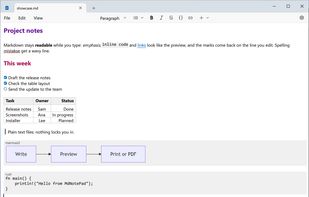
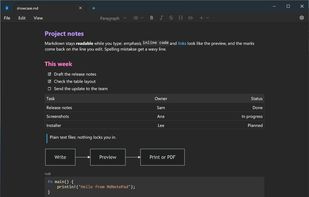
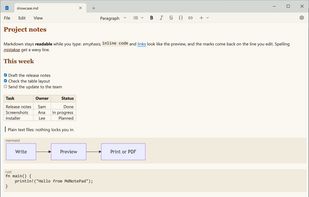
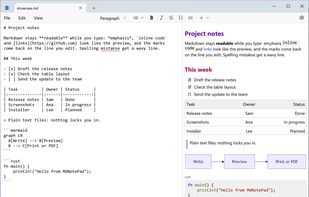
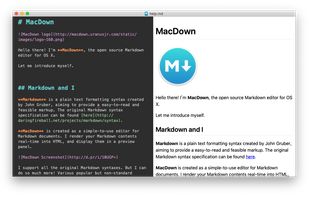
MdNotePad edits plain .md files in a Windows 11 Notepad look. Headings, bold, links, lists, quotes and code are shown formatted as you type, and the Markdown marks appear only on the line you are editing.





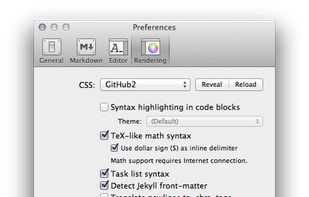
MarkdownPad has been discontinued. Similar apps include Typora. It's paid, but ghostwriter and MarkText are free. Other options are Clearly Markdown, Marknote, Downright and Rentry.co. Text Editors like MarkdownPad are a crowded field, with more than 100 alternatives for Mac, Windows, Linux, the web and iPhone.
MdNotePad edits plain .md files in a Windows 11 Notepad look. Headings, bold, links, lists, quotes and code are shown formatted as you type, and the Markdown marks appear only on the line you are editing.
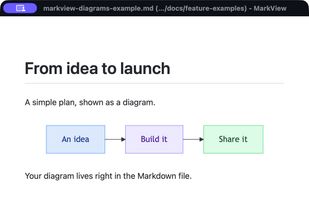
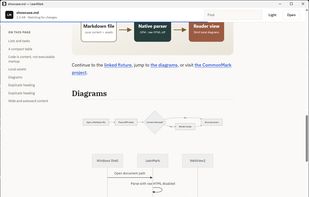
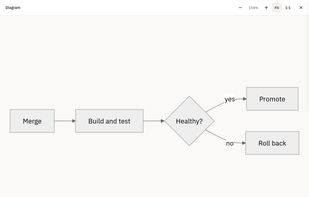
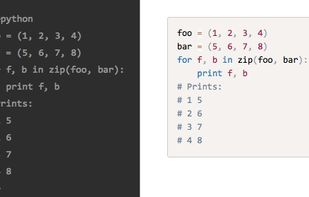
Read Markdown files without opening an editor. LeanMark shows tables, task lists, code, math and Mermaid diagrams offline, opens a window in about 74 ms, and will not run scripts or load remote content from the files it opens. Free and open source.


 United States

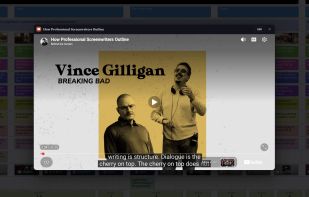
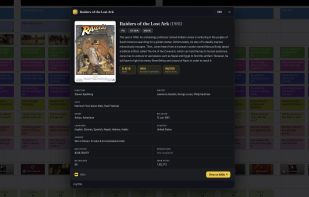
SceneWright Studio is a media-rich story planning and writing application. It takes the time proven index card method and digitizes it, adding almost every resource you could want on its own card.
United States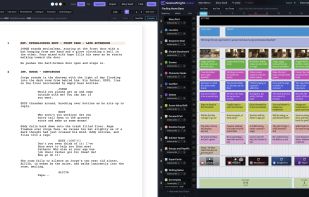

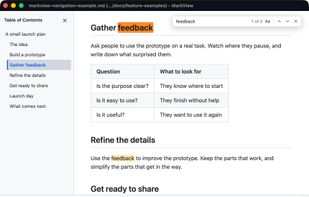
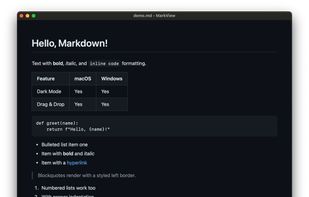
Free desktop app for reading Markdown files with native support for macOS, Windows, and Linux. Offers double-click opening, tables, syntax-highlighted code, diagrams, light and dark themes, adjustable zoom, and assures local privacy with no accounts or uploads.
United States