MarkdownPad Alternatives
MarkdownPad has been discontinued. Similar apps include Typora. It's paid, but ghostwriter and MarkText are free. Other options are Clearly Markdown, Marknote, Ferrite and Rentry.co. Text Editors like MarkdownPad are a crowded field, with more than 100 alternatives for Mac, Windows, Linux, the web and iPhone.
Alternatives list

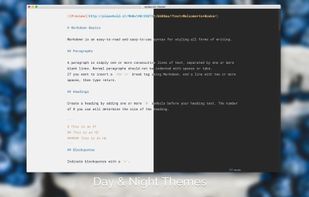
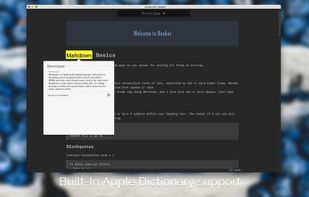
Meet Booker, an editor with the power of Markdown, made specially for writers and bloggers. You don’t have to blur your mind with any concerns instead of writing down your ideas. Just pull up a chair, enter fullscreen distraction-free mode, and start making a new book, post, or...
Cost / License
- Paid
- Proprietary
Platforms
- Mac

 +1
+1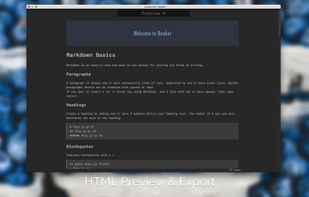


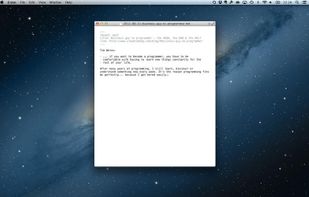
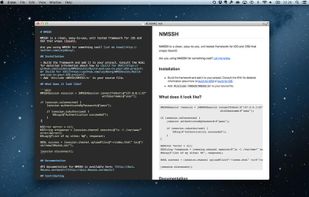
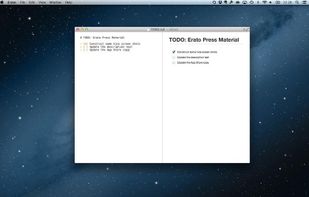
Erato is a beautiful and simple Markdown editor for your Mac. It is fast, extremely easy to use and gets out of your way.
Cost / License
- Paid
- Proprietary
Platforms
- Mac
 Sweden
 EU
EU


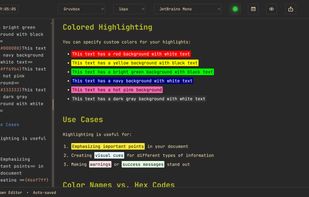
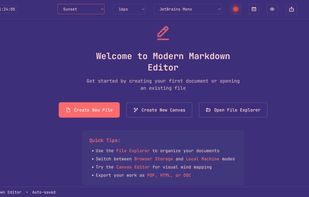
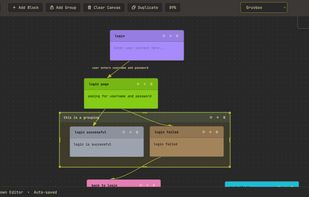
Modern Markdown Editor is a sleek, minimal note-taking and writing platform that lets you create, edit, and organize your notes effortlessly using Markdown.
Cost / License
- Free
- Proprietary
Application type
Platforms
- Online
- Global
 +4
+4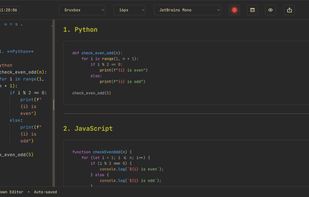


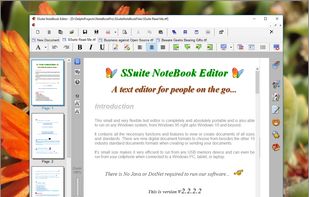
SSuite NoteBook Editor is a free portable text editor that has all the functionality to start you on writing that important novel, short-story or article, with enough bells and whistles to help out. It also includes all the necessary editing short-cut keys for power users and...
Cost / License
- Free
- Proprietary
Application typeApplication types
Platforms
- Windows
 South Africa

 90 Theorylog alternatives
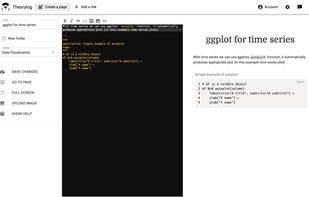
Write markdown documents with quickly accessible code snippets, mathematical equations and images and store them in the cloud to be accessed anywhere.
Cost / License
- Free
- Proprietary
Platforms
- Online
- Software as a Service (SaaS)


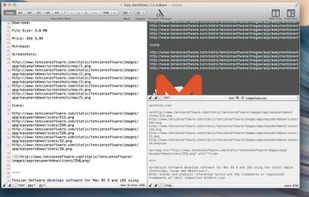
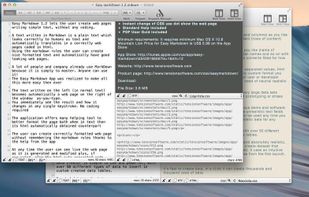
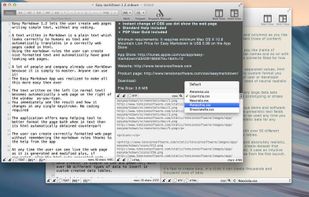
Easy Markdown lets the user create web pages writing simple text using the Markdown rules to create readable well formatted text. A text written in Markdown is a simply text which looks correctly to humans as text and automatically translates in a correct web page.
Cost / License
- Paid
- Proprietary
Platforms
- Mac
 Italy
Italy- EU


Cost / License
- Free
- Proprietary
Application type
Platforms
- Mac
- Windows
- Linux
 Canada
 +1
+1


Cost / License
- Free
- Proprietary
Platforms
- Online
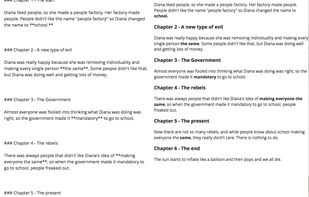
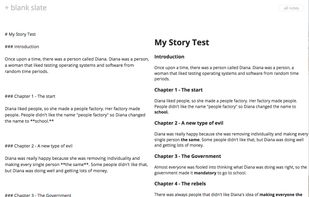


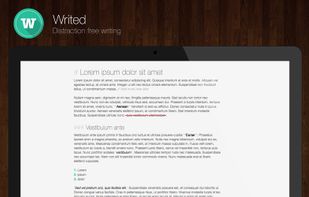
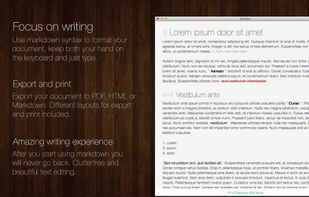
Writed is a distraction free text editor that will help you type more in less time. Writed uses markdown* syntax to format your document in real time, keep both your hand on the keyboard and just type.
Cost / License
- Freemium
- Proprietary
Platforms
- Mac



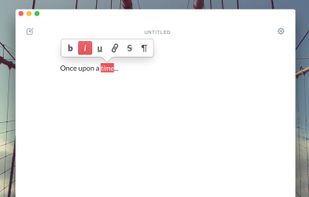
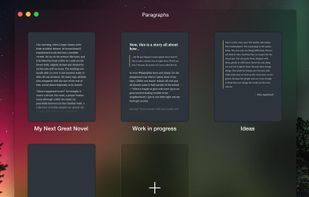
Paragraphs is an app just for writers. It was built for one thing and one thing only: writing. It gives you everything you need to create brilliant prose and does away with the rest.
Cost / License
- Paid
- Proprietary
Platforms
- Mac


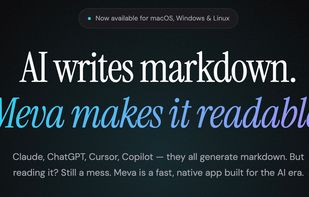
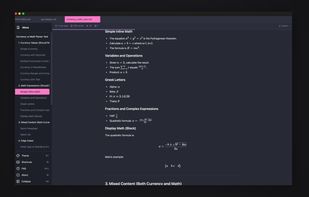
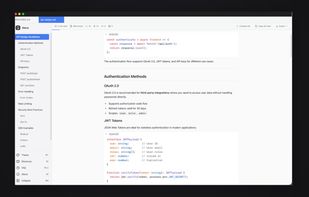
A fast, native markdown viewer built for the AI era. Browse folders, render LaTeX and Mermaid diagrams, and read AI-generated docs beautifully — all offline, under 15MB.
Cost / License
- Freemium
- Proprietary
Platforms
- Mac
- Windows
- Linux
 United States
 +3
+3