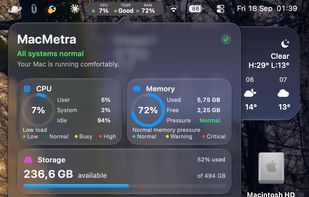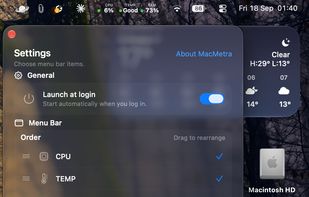


Menu bar tool for macOS shows real-time CPU, GPU, memory, disk, network, battery status, sensor data, fan speed, Bluetooth device info, multi-time zone clocks, customizable widgets, and historical graphs while ensuring privacy.
 Ukraine
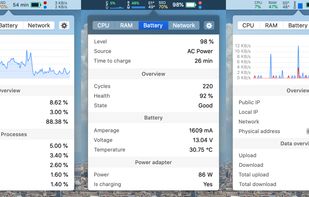


Apps similar to MoStats include Stats, which is free and open source. Other options are iStat Menus, Vitals for macOS, Activity Monitor and ActivityLine. In total there are nine Network Monitors like MoStats for Mac and iPhone.
Menu bar tool for macOS shows real-time CPU, GPU, memory, disk, network, battery status, sensor data, fan speed, Bluetooth device info, multi-time zone clocks, customizable widgets, and historical graphs while ensuring privacy.
Ukraine
Advanced Mac utility with menubar monitoring for CPU, GPU, memory, disks, network, and sensors, including fan control, S.M.A.R.T status, Bluetooth battery tracking, weather, notifications, and deep customization. Combines multiple stats in a single view while prioritizing privacy.
 Australia
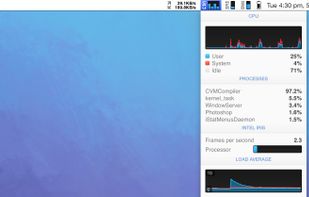
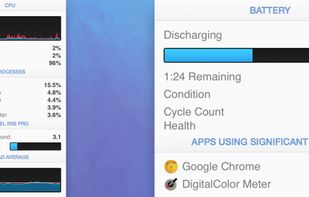


Native Apple Silicon monitoring for macOS with CPU, GPU, Neural Engine, memory, SMC sensors, processes, disks, SMART data and network views. It adds menu bar modules, floating panels, health alerts, disk treemaps, CSV exports and CPU, memory, disk and Metal benchmarks.
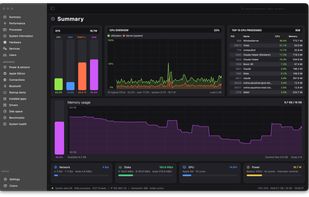
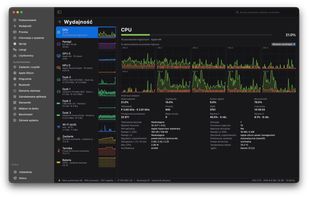


Provides real-time statistics for CPU, memory, disk, and network usage on macOS, allows users to view, organize, and terminate processes, analyze system resource consumption, view data in graphs and tables, check current transfers, and monitor system health.
 United States
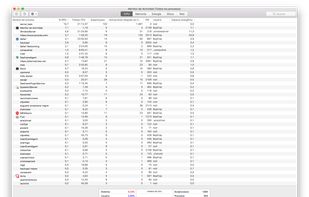
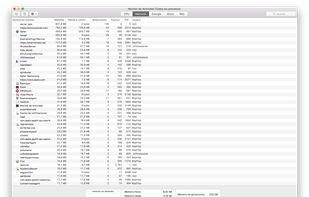
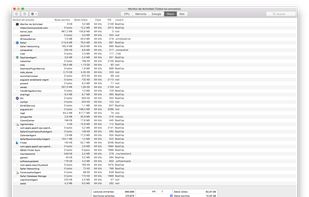


A tiny native macOS menu-bar line for CPU, GPU, RAM, network activity, and the apps behind meaningful spikes.
Australia
Displays Mac CPU, GPU, memory, storage, and network stats with per-core and per-volume detail, plain-language explanations, process analysis, on-demand memory reclaim, battery health, multiple themes, optional helper for temperature, and fully private.
 Hong Kong
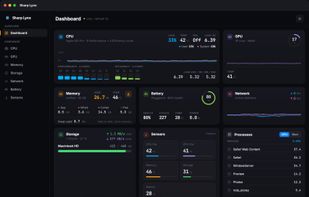
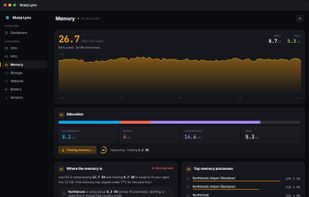
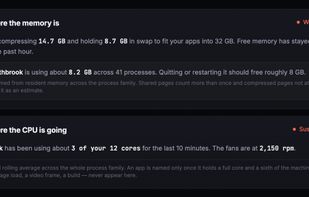
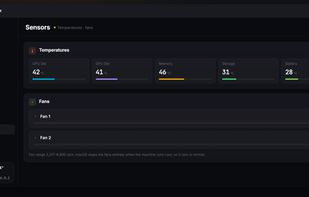
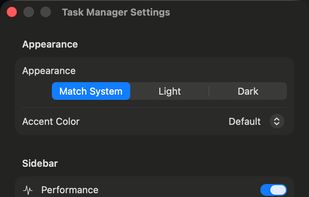
A Windows 11 Task Manager–style system monitor for macOS — processes, CPU/memory/GPU/disk/network, listening ports, startup items and services, with no password and no permission prompts.
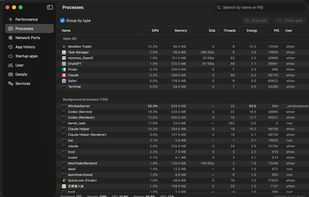
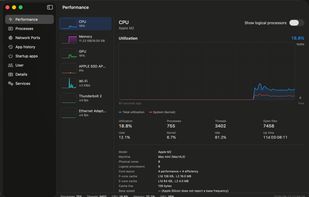
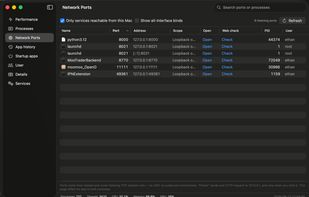

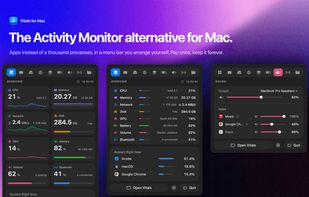
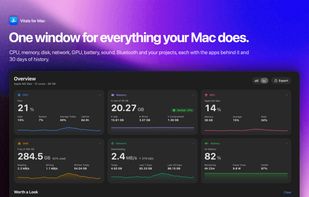
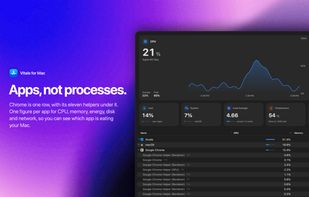
The Activity Monitor alternative for Mac: groups every process under its app, so you see 60 apps instead of 1,000 processes.
 Pakistan
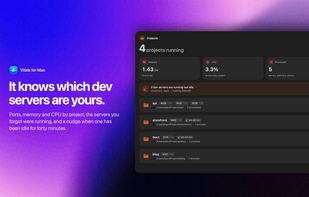

A macOS system monitor that lives entirely in the menu bar, showing CPU load, thermal state and memory at a glance, with a one-click dashboard.
 Romania
 EU