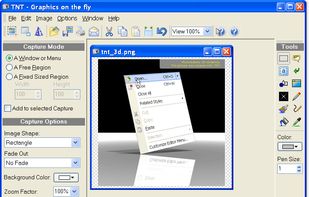
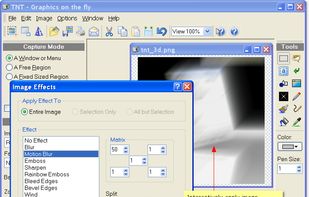
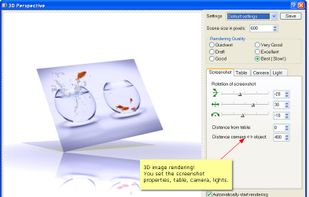
TNT Screen Capture creates screen shots that look better than the original screen.
Cost / License
- Free Personal
- Proprietary
Application type
Platforms
- Windows
 Austria
 EU
EU



+6


Jing has been discontinued. One of the most popular alternatives is ShareX, which is free and open source. Other popular alternatives are Greenshot, SimpleScreenRecorder, FastStone Capture and Bandicam. There's no shortage of Screenshot Capture Tools like Jing, with more than 100 alternatives for Windows, Mac, the web, Linux and Android.
TNT Screen Capture creates screen shots that look better than the original screen.
AustriaEU
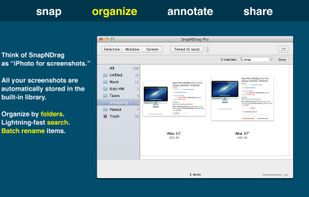
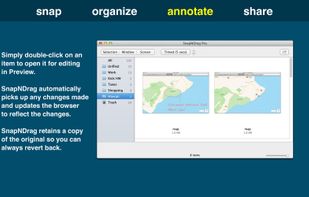
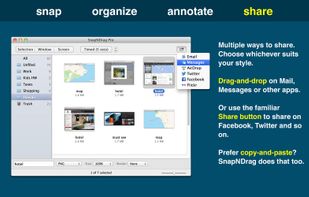
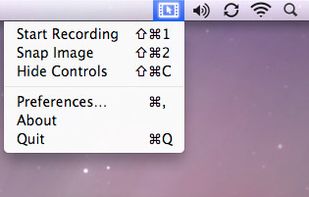
SnapNDrag makes taking screenshots super easy. Click, select and the screenshot is added to your library. SnapNDrag maintains a library of all the screenshots you have ever taken. Think of it as iPhoto for screenshots.
 United States


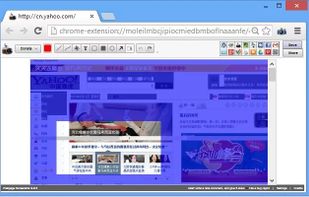
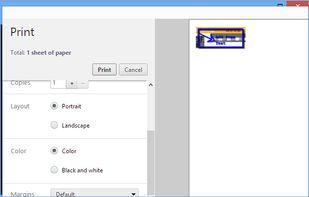
This extension is able to capture 100% of both the vertical and horizontal content appearing on any webpage on the Internet.




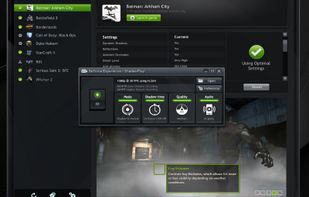
ShadowPlay is a graphics-accelerated overlay to record and share high-quality gameplay videos, screenshots, and livestreams.
United States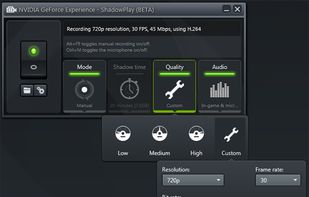


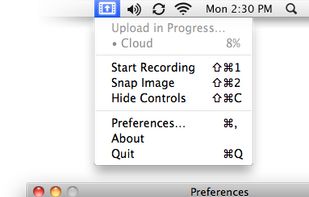
Hotshots is a screenshot tool with some editing features. It is particularly suitable for writing documentation (as used in the following chapters) but you can use it to highlight some details on a map image or what ever you want.


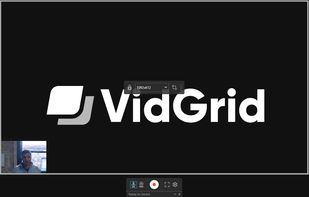
Video capture, screen recording, in-video questions, call to actions, video management, sharing, LMS integrations, hosting, analytics, and closed captioning inside one app.



Screeny gives you the freedom to capture your videos or images at any size. You can click & drag to resize the capture area or input the exact pixel dimensions to set to the size of the capture area.
United States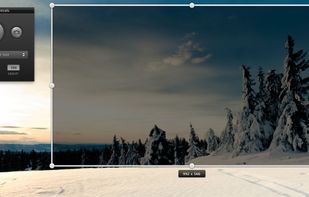


In SnapDraw Free, all the complicated annotation graphics such as Callouts and Magnifier Lens or nice looking effect such as 3D perspective and Reflections - are built-in tools.
 CzechiaEU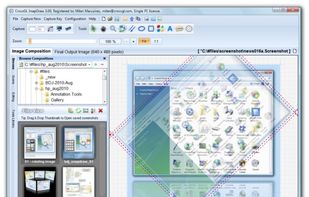


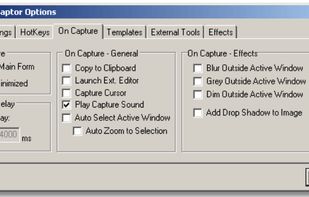
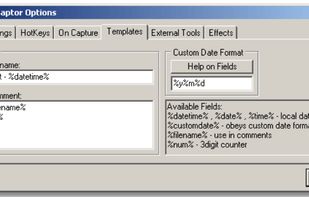
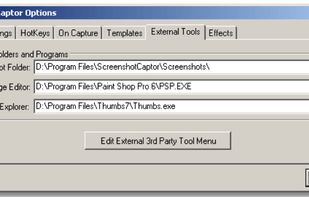
Screenshot Captor is a program for taking screenshots on your computer. Its different from other screenshot utilis in several notable ways:
United States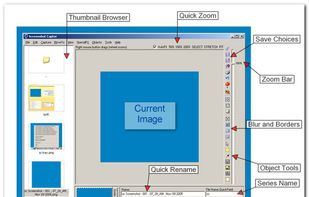


Screencast Capture Lite is a tool to continuously capture the desktop screen, storing this information in video files. The application supports recording from the primary screen, from a chosen window or from a fixed region.
 Brazil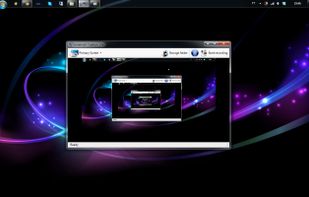


Zebra Screen Recorder captures your PC desktop activity into standard MPEG or AVI video files. It records everything you see on the computer screen, including the entire desktop, windows, menus, cursors - even video with sound.
 Ukraine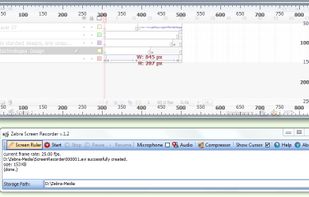


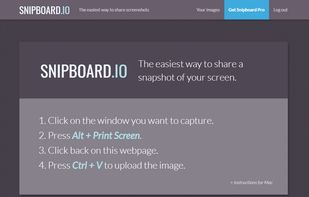
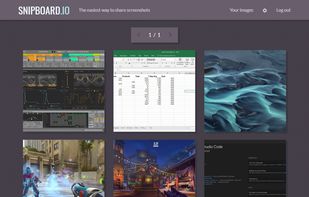
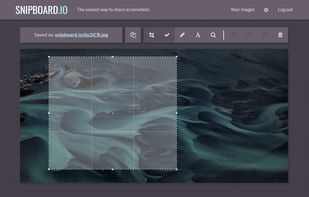
Snipboard (previously known as Snaggy) is an image host that lets you quickly paste and share images from your clipboard directly online.
United States