Greenshot AlternativesOnly apps categorised as Screenshot Capture Tools

The best Screenshot Capture alternative to Greenshot is ShareX, which is both free and Open Source. If that doesn't suit you, our users have ranked more than 100 alternatives to Greenshot and loads of them are Screenshot Capture Tools so hopefully you can find a suitable replacement. Other interesting Screenshot Capture Tool alternatives to Greenshot are Flameshot, Ksnip, PicPick and Snagit.

filter to find the best alternatives

Greenshot alternatives are mainly Screenshot Capture Tools, but if you're looking for Screen Recorders or Screen Casting Tools you can filter on that. Other popular filters include Linux, Mac, Windows + Open Source, iPad, Chrome OS, iPhone and Android. These are just examples - use the filter bar below to find more specific alternatives to Greenshot.
Copy a direct link to this comment to your clipboard
Greenshot alternatives page was last updated

Alternatives list

  1. ShareX icon
     796 likes

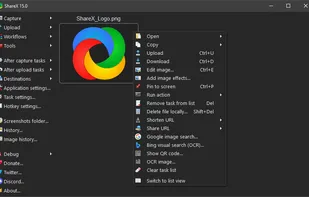
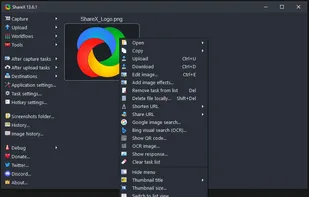
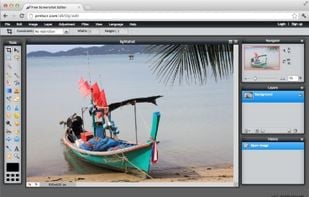
    Open-source screen capture and file sharing tool with recording, editing, and annotation features. Supports 4K, dark mode, theming, offline use, and offers a lightweight, ad-free experience without tracking user data.

    256 ShareX alternatives

    Cost / License

    Platforms

    • Windows
    • PortableApps.com
    • Steam
     
    |
    6
    ShareX vs Greenshot Comments
    Top Positive Comment
    Guest
    2

    It's a fantastic tool for anything related to your screen. Screenshots (with custom editions), screen recording (for gifs or videos), file uploading, OCR, color picker, custom tasks and keybinds to do anything you want with all the available tools... Simply beautiful

    Review by a new / low-activity user.
    Top Negative Comment
    AdrienVR
    2

    You don't have defaults quick actions like in Greenshot (save, print, edit) right after the screenshot is done. You can customize it but by default screenshot function is set to Ctrl + PrintScreen instead of PrintScreen.

    Guest
    Negative
    1

    no option to easily change where screenshots are saved

    Review by a new / low-activity user.
    3 of 6 comments
    • ShareX is Free and Open SourceGreenshot is Freemium and Open Source
    • ShareX is Privacy focusedGreenshot is not according to our users
  2. Flameshot icon
     256 likes

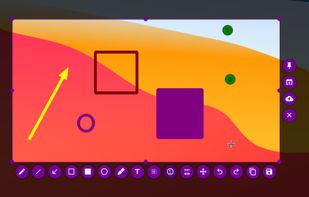
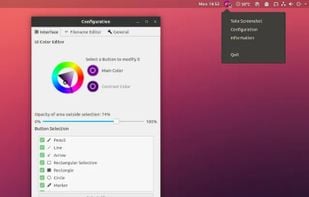
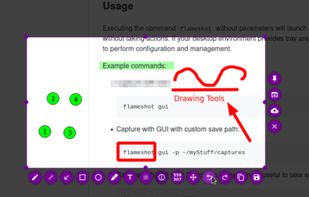
    Flameshot is a free, open-source screenshot tool that is cross-platform compatible, offering customization, editing features, CLI scripting, and direct Imgur uploads for seamless sharing. It provides an intuitive user experience through features like area selection, annotations, and saving options.

    78 Flameshot alternatives

    Cost / License

    Application type

    Platforms

    • Mac
    • Windows
    • Linux
    • Flathub
    • Snapcraft
     
    |
    5
    Flameshot vs Greenshot Comments
    Top Positive Comment
    Guest
    6

    Very quick with a lot of features. Layout is different than Greenshot, functions are really similar.

    Review by a new / low-activity user.
    Top Negative Comment
    bluMyst
    0

    I wanted a cross-platform way to be able to:

    • Screenshot a rectangular area
    • Automatically open that screenshot in an arbitrary external app

    It seems like Flameshot does have that feature, but I wasn't able to figure out how to make it work. The UI seemed broken for me on Windows.

    disassembler
    Negative
    -1

    No OCR and other magical features

    Review by a new / low-activity user.
    3 of 5 comments
    • Flameshot is Free and Open SourceGreenshot is Freemium and Open Source
    • Flameshot is Privacy focusedGreenshot is not according to our users
  3. Ksnip icon
     66 likes

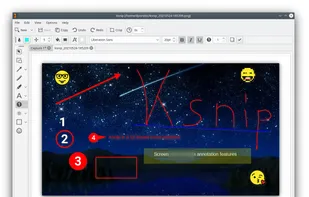
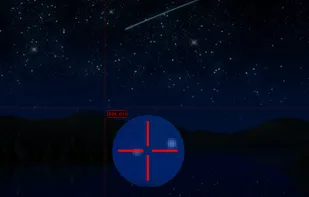
    Ksnip is a Qt based cross-platform screenshot tool that provides many annotation features for your screenshots.

    61 Ksnip alternatives

    Cost / License

    Application type

    Platforms

    • Mac
    • Windows
    • Linux
    • Snapcraft
    • Flathub
     
    |
    4
    Ksnip vs Greenshot Comments
    Guest
    Positive
    3

    Almost all Greenshot features are available.

    Review by a new / low-activity user.
    Guest
    Positive
    1

    Greenshot is not maintained anymore, no new release for several years.

    Ksnip has all the features in needed from Greenshot, and isn't running on a bloated electron engine, but on QT5

    Review by a new / low-activity user.
    Guest
    Positive
    0

    Has features:

    • Auto-save captures to a folder
    • Put capture in clipboard
    • Display capture in editor
    • Shows grid lines and a magnified view of the pointer when capturing and area
    Review by a new / low-activity user.
    3 of 4 comments
    • Ksnip is Free and Open SourceGreenshot is Freemium and Open Source
    • Ksnip is Privacy focusedGreenshot is not according to our users
  4. PicPick icon
     198 likes

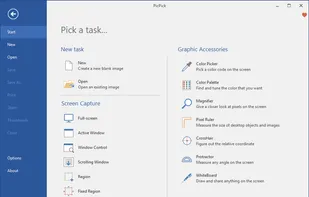
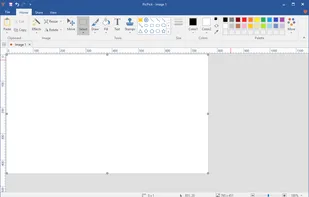
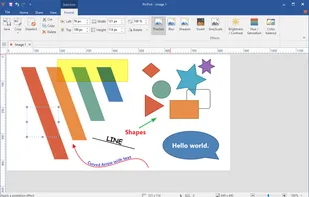
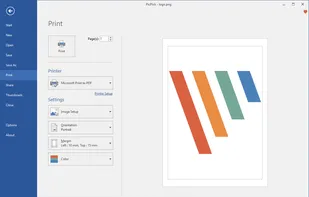
    Provides versatile screen capture options, built-in image annotation, color picking and palette, precision measurement tools like ruler and protractor, hotkey customization, clipboard and multi-format support, simple tray access, sharing, and portable operation.

    204 PicPick alternatives

    Cost / License

    • Free Personal
    • Proprietary

    Application type

    Platforms

    • Windows
    • PortableApps.com
    • Software as a Service (SaaS)
     
    |
    1
    PicPick vs Greenshot Comments
    Guest
    Positive
    2

    Adds scrolling capture, though it's free for personal use only, not commercial use

    Review by a new / low-activity user.
    • PicPick is Free Personal and ProprietaryGreenshot is Freemium and Open Source
  5. Snagit icon
     200 likes

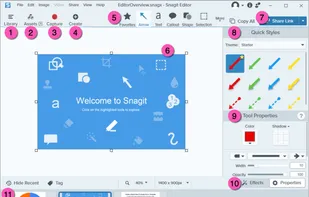
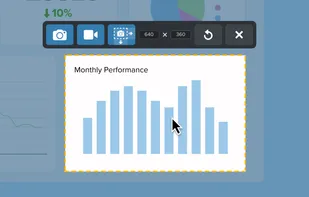
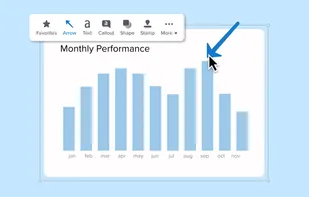
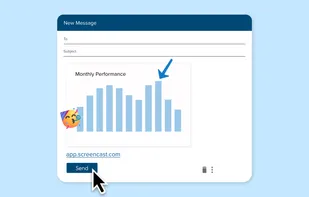
    Advanced screen capture and recording tool enabling image or video captures directly from your screen. Includes editing features like callouts, transparency, and effects to enhance visuals. Organize and easily share creations through documents, presentations, or favorite applications.

    205 Snagit alternatives

    Cost / License

    • Paid
    • Proprietary

    Platforms

    • Mac
    • Windows
     
    |
    1
    Snagit vs Greenshot Comments
    meyerisch
    Positive
    -1

    Many features, sharing to screencast.com (cloud)

    • Snagit is Paid and ProprietaryGreenshot is Freemium and Open Source
  6. Lightshot icon
     209 likes

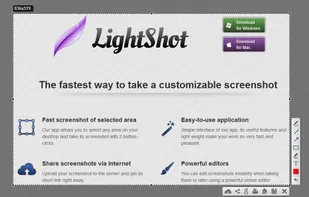
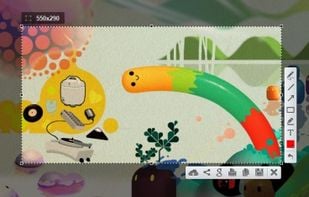
    Captures selectable screen regions for Windows and Mac, offers instant uploading, quick editing, and sharing through short URLs, supports saving locally, annotating, clipboard copying, browser add-ons, upload history access, and operates without heavy system use.

    188 Lightshot alternatives

    Cost / License

    • Free
    • Proprietary

    Application type

    Alerts

    • Warning
    • Bundleware

    Platforms

    • Mac
    • Windows
    • Google Chrome
    • Wine
    • Mozilla Firefox
     
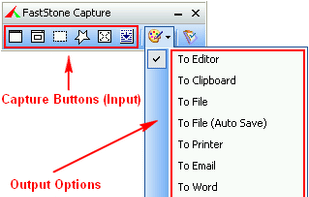
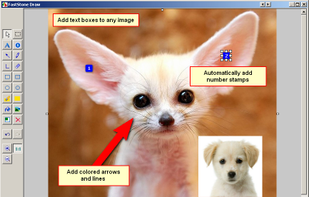
  7. A powerful, lightweight, yet full-featured screen capture tool that allows you to easily capture and annotate anything on the screen including windows, objects, menus, full screen, rectangular/freehand regions and even scrolling windows/web pages.

    184 FastStone Capture alternatives

    Cost / License

    • Paid
    • Proprietary

    Platforms

    • Windows
     
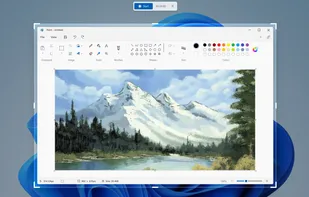
  8. Snipping Tool icon
     231 likes

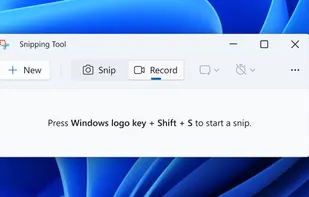
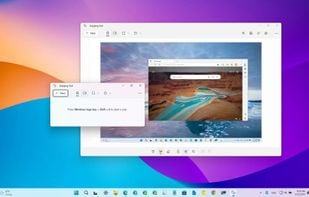
    Snipping Tool is a screen capture utility that allows users to take screenshots of specific objects or full screens, annotate them, and save or share the captured images or videos.

    155 Snipping Tool alternatives

    Cost / License

    • Free
    • Proprietary

    Platforms

    • Windows
     
    |
    1
    Snipping Tool vs Greenshot Comments
    Guest
    Negative
    8

    There is no ability to add text and Greenshot has other useful shape tools.

    Review by a new / low-activity user.
    • Snipping Tool is Free and ProprietaryGreenshot is Freemium and Open Source
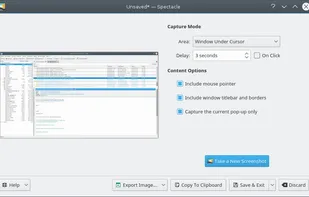
  9. Spectacle icon
     38 likes

    Spectacle is a simple application for capturing desktop screenshots. It can capture images of the entire desktop, a single monitor, the currently active window, the window currently under the mouse, or a rectangular region of the screen.

    197 Spectacle alternatives

    Cost / License

    Platforms

    • Linux
    • KDE Plasma
    • Snapcraft
     
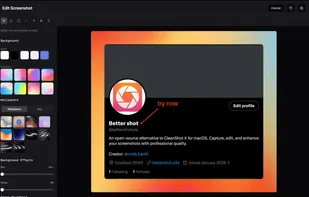
  10. Better Shot icon
     7 likes

    Open-source screenshot solution for macOS featuring region, window, and fullscreen capture, local OCR powered by offline Tesseract.js, fast annotation, customizable backgrounds and effects, menu bar integration, clipboard support, and persistent workflow preferences.

    15 Better Shot alternatives

    Cost / License

    Application type

    Platforms

    • Mac
     
  11. Shottr icon
     22 likes

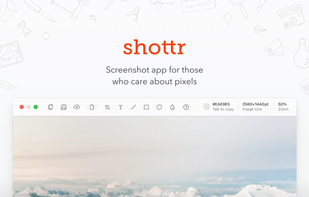
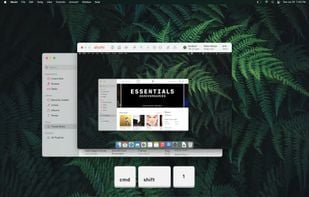
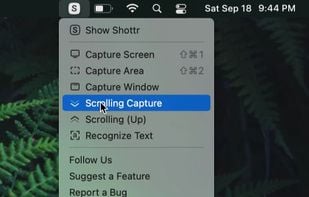
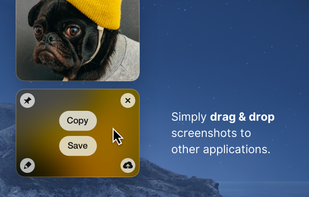
    Shottr is a small, fast, human-sized screenshot app built for those who care about pixels. It was crafted with Swift, optimized for M1, and is completely free at the moment.

    89 Shottr alternatives

    Cost / License

    • Paid
    • Proprietary

    Application type

    Platforms

    • Mac
     
  12. CleanShot X icon
     21 likes

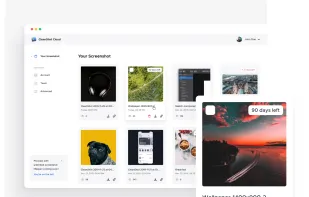
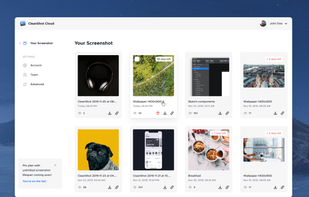
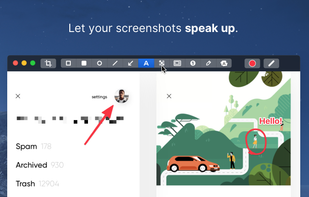
    Capture and record screens on Mac with CleanShot X, featuring seamless recording, custom keyboard shortcuts, customizable wallpapers, Quick Access Overlay, and Desktop icon toggle for a tidy user interface.

    196 CleanShot X alternatives

    Cost / License

    • Paid
    • Proprietary

    Platforms

    • Mac
     
12 of 197 Greenshot alternatives