


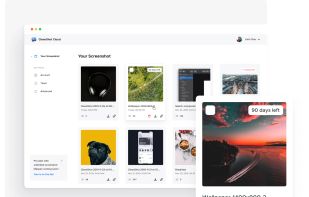
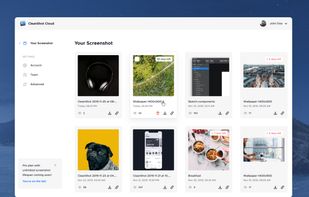
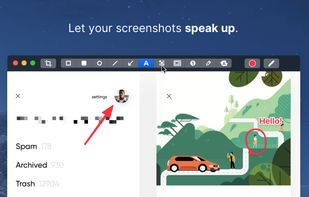
Capture and record screens on Mac with CleanShot X, featuring seamless recording, custom keyboard shortcuts, customizable wallpapers, Quick Access Overlay, and Desktop icon toggle for a tidy user interface.
 Sweden
 EU
EU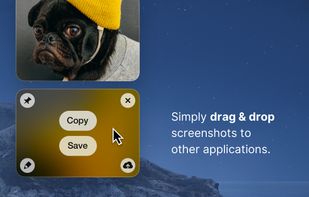



+3


FullGrab is described as 'Capture webpages, regions, elements and recordings; annotate or redact them, extract text, tables and links, then export searchable PDFs locally' and is a screenshot capture tool in the photos & graphics category. There are more than 50 alternatives to FullGrab for a variety of platforms, including Windows, Mac, Google Chrome, Web-based and Linux apps. The best FullGrab alternative is ShareX, which is both free and Open Source. Other great apps like FullGrab are Flameshot, Greenshot, PicPick and Snipping Tool.
Capture and record screens on Mac with CleanShot X, featuring seamless recording, custom keyboard shortcuts, customizable wallpapers, Quick Access Overlay, and Desktop icon toggle for a tidy user interface.

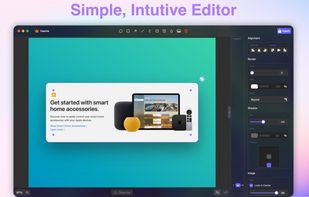
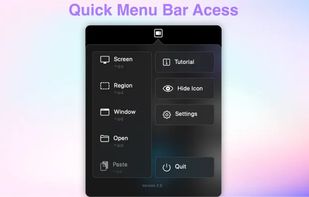
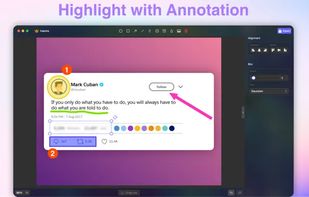
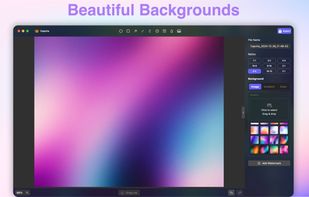


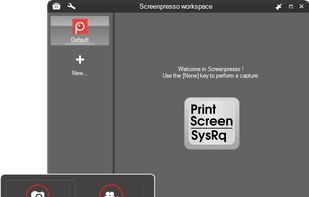
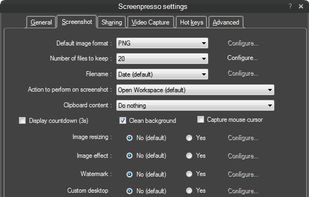
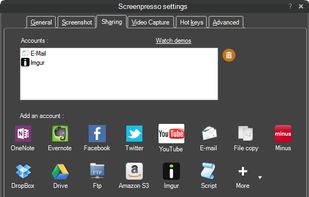
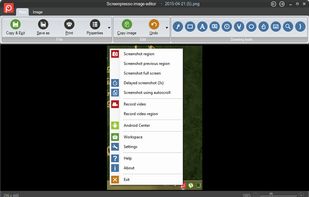
Comprehensive screenshot and screencast tool offering full-screen, window, or region captures with a built-in editor. Supports cropping, resizing, labels, and effects, with integration for popular services. Free version includes some branding and is limited to 15s screen casts.


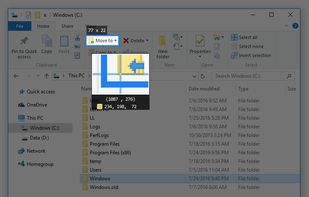
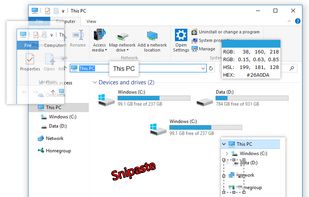
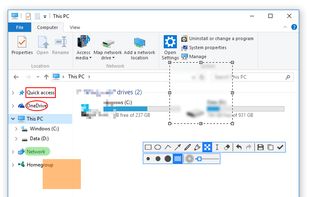
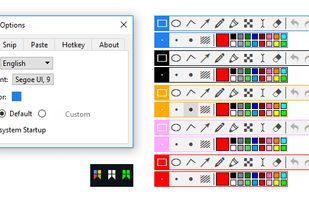
Snipaste is a simple but powerful snipping tool, and also allows you to pin the screenshot back onto the screen. Snip. Then paste. Free. Customizable. Portable.


ShotLab is a lightweight screenshot editor built for creators, indie hackers, and marketers who want better engagement without spending hours on design.
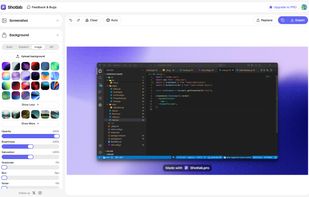
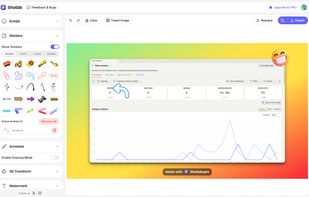
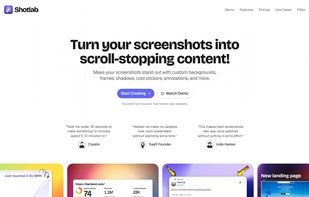


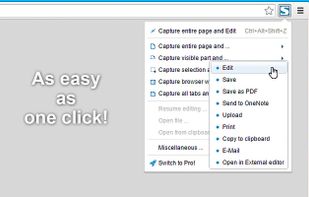
Capture full web page screenshots in Firefox, Chrome, Opera, Pale Moon or Internet Explorer Quick screenshots and annotations!
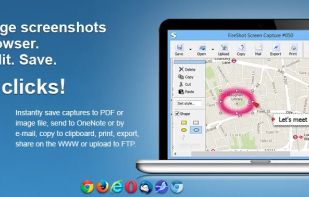


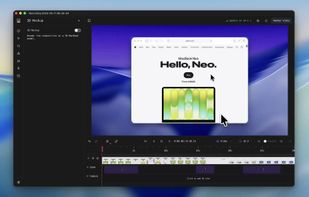
Screenshot and screen recorder app for macOS. One app instead of four. Capture multiple windows, annotate, zoom, add transitions, and drop your recording onto a 3D MacBook with a simulated lens. Everything stays local.
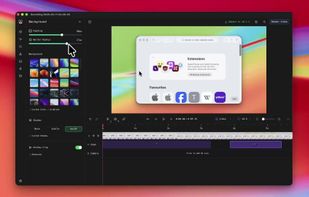
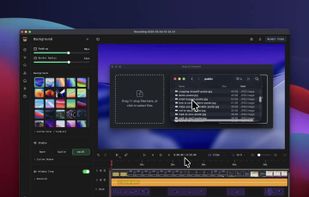
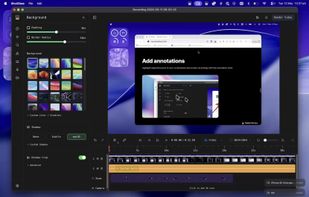


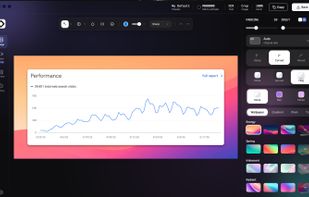
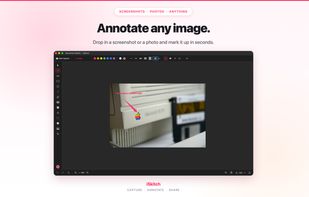
Beautiful screenshots with stunning backgrounds and powerful annotation tools. Create, edit, and share professional-quality screenshots with ease.


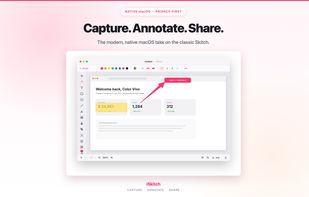
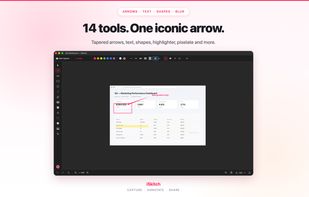
Native macOS tool for fast region, window or full screen capture, 14 annotation tools including arrows, text and highlight, image overlay, export to multiple formats, full undo/redo, privacy-first operation—no tracking or data collection, native share integration.
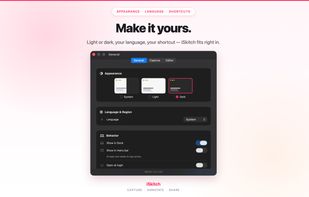


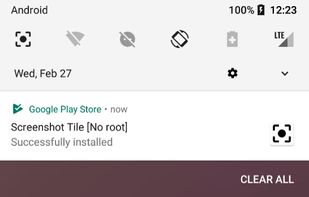
Screenshot Tile offers a variety of features designed to enhance your experience when taking and managing screenshots. One of the key benefits of our app is the ability to customize storage location, format, and notification settings to suit your preferences.


Intuitive screenshots baked right into the browser. Capture, save and share screenshots as you browse the Web using Firefox.


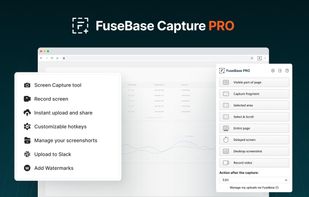
Capture full and partial screenshots, record screen or webcam videos with extensive editing tools, including annotations, video conversion to gif/mp4, and sharing options. Create step-by-step guides enhanced by AI, save in multiple formats, and utilize cloud storage integration.


 France


 India
India


 Russia


 Australia


 Portugal


 Spain
Spain


 United States


