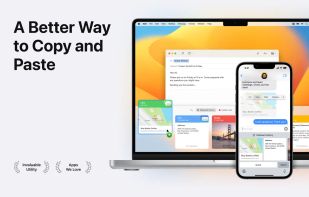
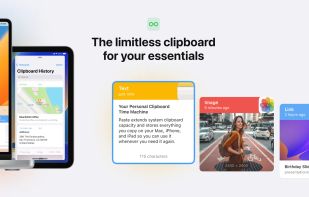
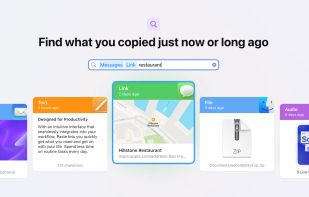
Paste stores everything you copy on your Mac, iPhone, and iPad, so it's always there whenever you need it again.
Cost / License
- Paid
- Proprietary
Application type
Platforms
- Mac
- iPhone
- iPad
 United States



+3
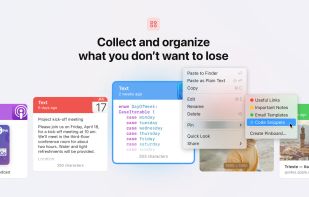





Paste stores everything you copy on your Mac, iPhone, and iPad, so it's always there whenever you need it again.
United States
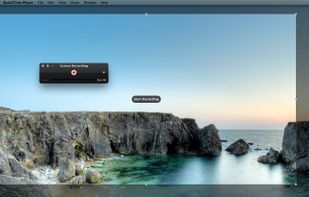
Watch Internet video, HD movie trailers, and personal media clips. Whether it’s on the web or on your desktop, QuickTime Player brings your digital media brilliantly to life.
United States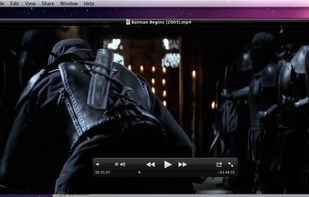



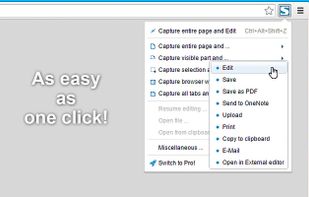
Capture full web page screenshots in Firefox, Chrome, Opera, Pale Moon or Internet Explorer Quick screenshots and annotations!
 Russia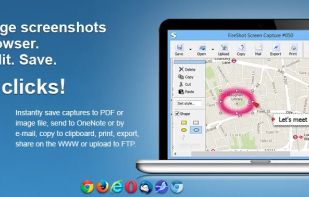


Menu-bar clipboard manager for macOS enabling automatic triggers, shell-style pipelines with variable referencing, persistent undo per entry, fuzzy-searchable and time-filtered history, hotkeys, paste queue, per-app exclusion, image OCR, import options, robust privacy, and local HTTP API.
United States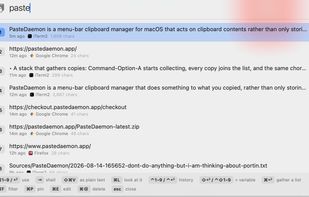


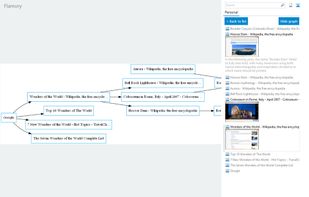
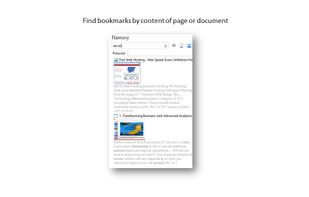
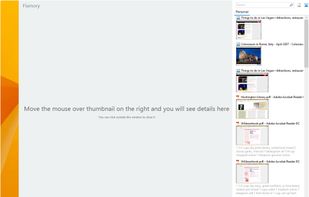
Flamory remembers things, so you don't have to. Make snapshots of web pages, files and desktop apps. You can find snapshots later using full-text search and thumbnails. Paste them anywhere as links or screenshots.
United States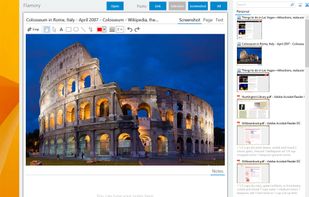


Meet MiniSnip, the smallest and fastest way to capture your screen and extract text with OCR on Windows. Open-source, feather-light, uses minimal resources, and stays completely out of your way.
Just one hotkey (Ctrl+Shift+C) is all you need to start.
United States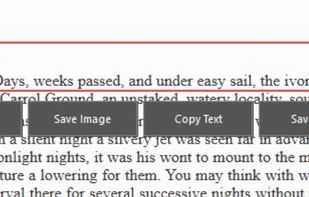


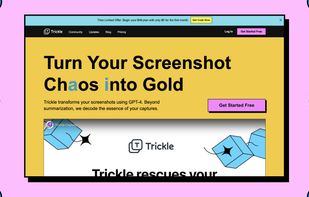
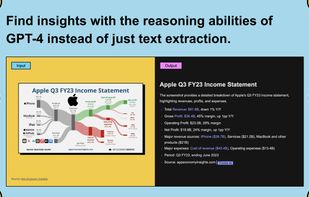
Trickle helps you summarize and organize screenshots, extracting insights for easy search and query. Transform visual chaos into an intelligent archive, allowing you to screenshot anything and effortlessly retrieve and utilize its contents later.




Screenshot and screen recorder app for macOS. One app instead of four. Capture multiple windows, annotate, zoom, add transitions, and drop your recording onto a 3D MacBook with a simulated lens. Everything stays local.
 Australia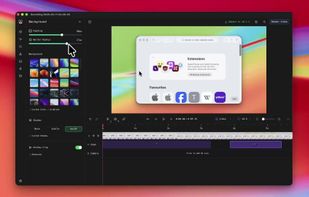
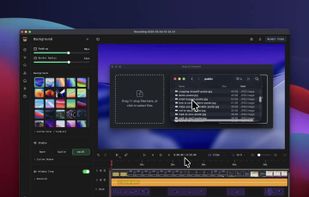
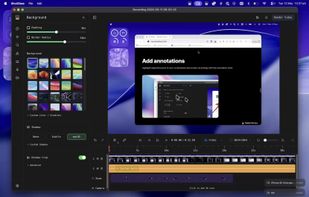
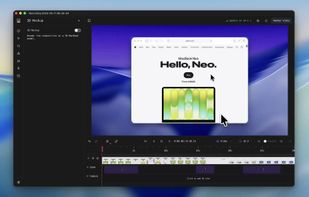


Comprehensive tool supporting all video creation stages with a doc-style editor, separate scene recording, auto-sync, customizable layout, and transcript-based editing.
 Italy
Italy EU
EU

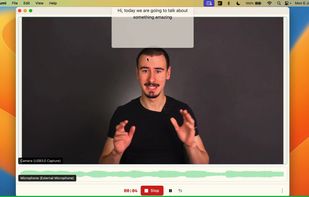
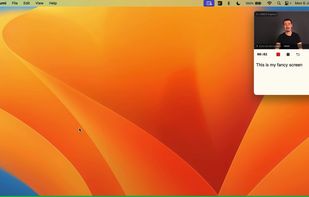


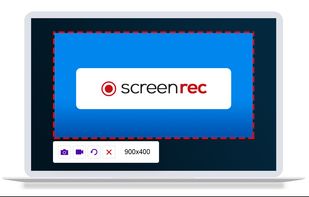
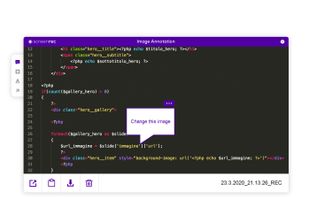
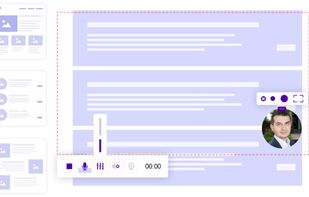
ScreenRec is a free screen recorder for Windows, Linux, and Mac with webcam, microphone, and system audio capture. Record without a watermark or time limit, store videos in free cloud storage, and share instantly with private links.
 BulgariaEU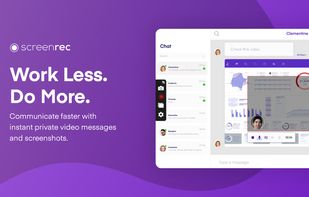


Beautiful screenshots with stunning backgrounds and powerful annotation tools. Create, edit, and share professional-quality screenshots with ease.
 PortugalEU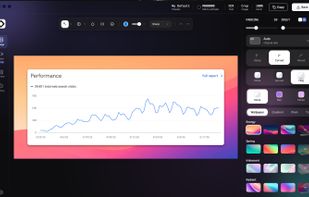


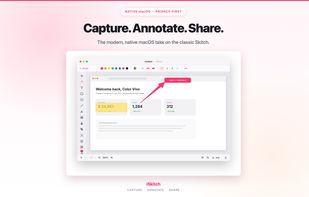
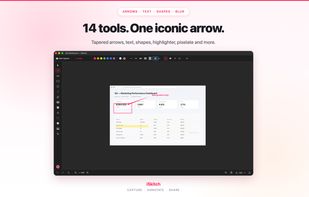
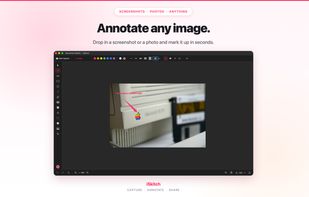
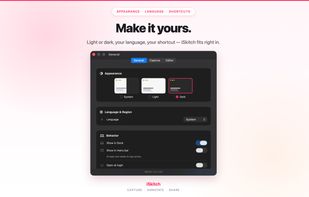
Native macOS tool for fast region, window or full screen capture, 14 annotation tools including arrows, text and highlight, image overlay, export to multiple formats, full undo/redo, privacy-first operation—no tracking or data collection, native share integration.
 SpainEU