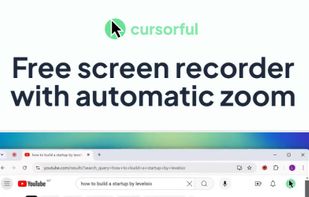
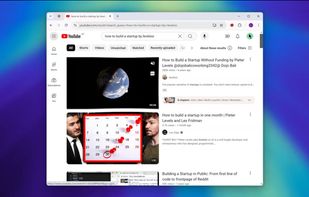
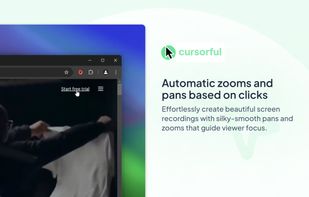
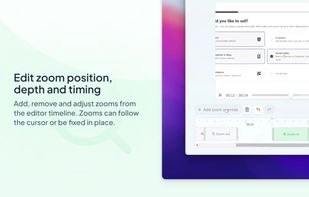
Cursorful is a browser extension that creates beautiful screen recordings with zooms and pans that guide viewer focus.
Cost / License
- Freemium
- Proprietary
Application typeApplication types
Platforms
- Online
- Microsoft Edge
- Google Chrome



+4


Apps similar to FocuSee include OBS Studio, which is free and open source. Other options are OpenScreen, Recordly, SimpleScreenRecorder and ScreenArc. You're spoiled for choice with Screen Recorders like FocuSee: we list more than 100 alternatives for Mac, Windows, the web, Linux and iPhone.
Cursorful is a browser extension that creates beautiful screen recordings with zooms and pans that guide viewer focus.

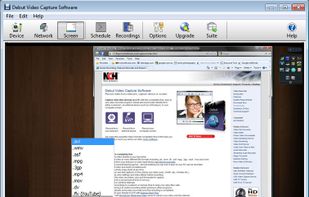
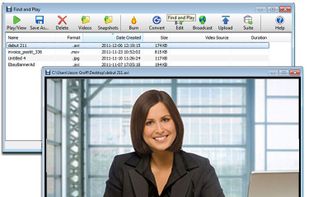
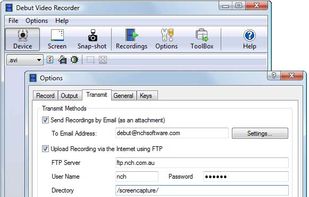
Debut is a screen capture and video recording software that records videos from your screen, webcam or other video devices.
 Australia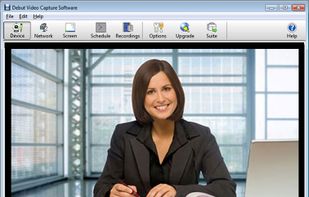


Vibrantsnap creates studio-quality product demos, training videos, and guides that speed up onboarding and drive adoption. Record your screen with the Chrome extension or import your own video, then let AI turn the raw footage into a polished video.


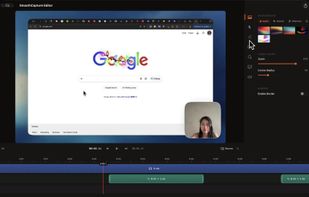
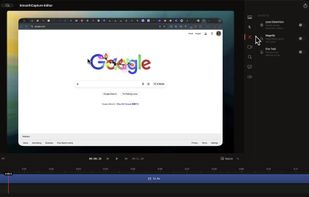
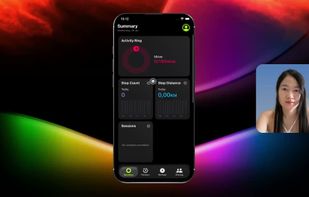
Smooth Capture is a macOS app designed to create cinematic, professional-looking screen recordings with "zero effort" by automatically applying polished visual effects like auto-zoom, cursor smoothing, and 3D device framing.
 Vietnam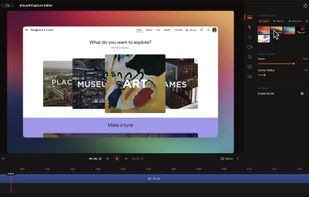


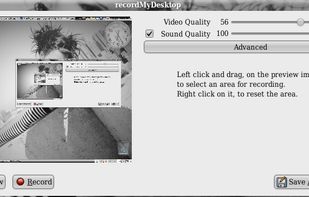
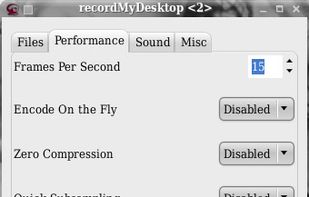
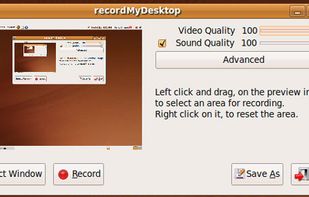
recordMyDesktop is a desktop session recorder for GNU / Linux that attemps to be easy to use, yet also effective at it's primary task. As such, the program is separated in two parts; a simple command line tool that performs the basic tasks of capturing and encoding and an...


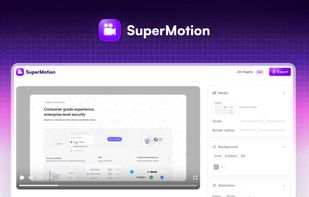
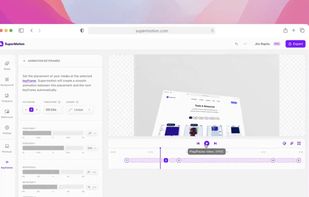
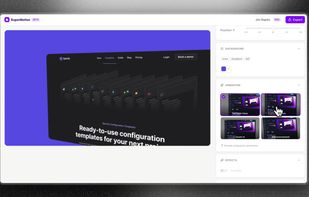
Turn static images or a boring video into captivating animated clips that really capture attention. Ideal for Dribbble shots, Twitter videos, landing page videos, feature announements.


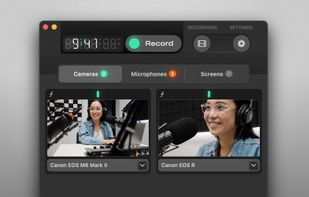
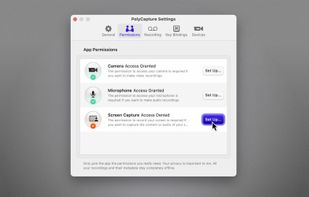
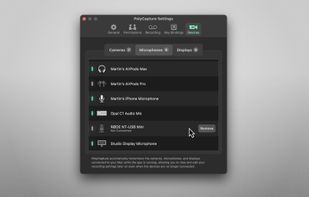
PolyCapture allows you to record cameras, microphones, screens, and apps — individually or multiple at once.
 Germany
 EU
EU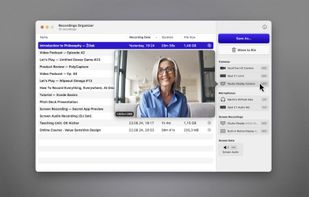


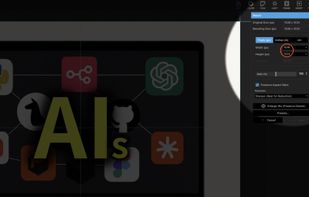
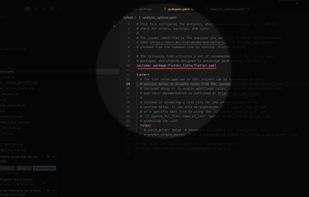
A live screen effect layer for macOS that adds real-time zoom, cursor spotlight/highlight, and freehand drawing directly on your screen.


Free version Records up to 15 minutes, premium is $20/year or $48/year depending on features (as of January 2020).
 United States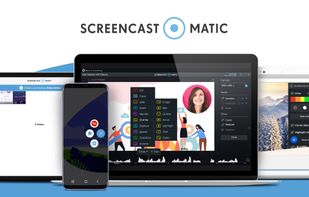


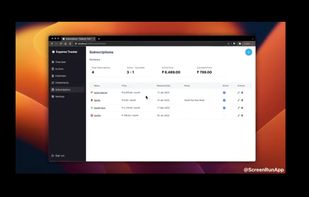
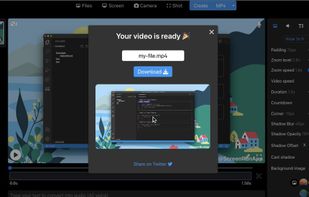
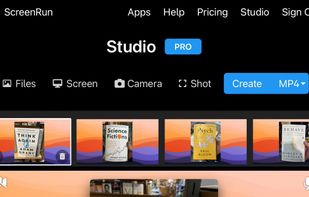


Record Go: Screen Recorder is a user-friendly and practical application for screen capture. No matter whether it is to record tutorials, courses, demonstrations, meetings, games, film/TV series, or videos, Record Go: Screen Recorder could always save your time and offer great...
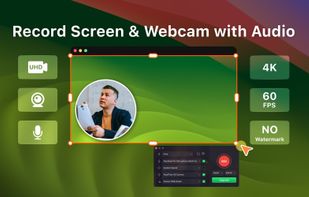
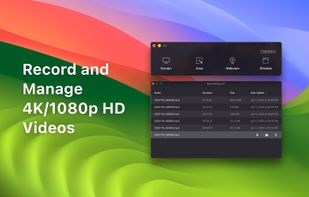
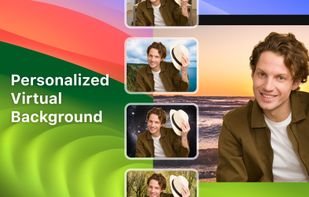
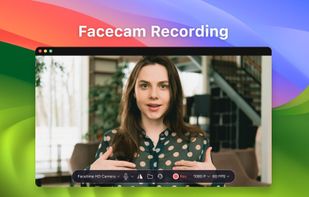


Turns screen recordings into branded, shareable videos with composite, multi-layout recording, background removal, auto-chapters, analytics, captions, comments, call-to-actions, permissions, fast app workflow, HD export, and multi-language support.
 United Kingdom