

Cost / License
- Free
- Open Source (GPL-3.0)
Application typeApplication types
Since
- New
GitHub
- GitHub stars: 4



+2


The best Screenshot Capture alternative to Flameshot is ShareX, which is both free and Open Source. If that doesn't suit you, our users have ranked more than 100 alternatives to Flameshot and loads of them are Screenshot Capture Tools so hopefully you can find a suitable replacement. Other interesting Screenshot Capture Tool alternatives to Flameshot are Greenshot, Snipping Tool, Ksnip and macshot.

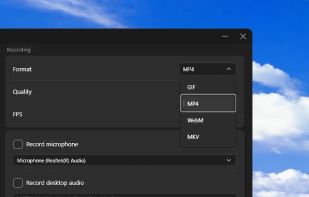
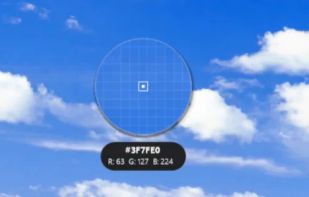
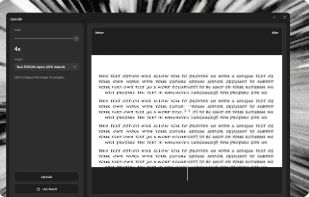
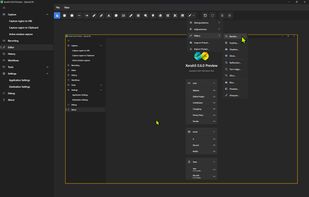
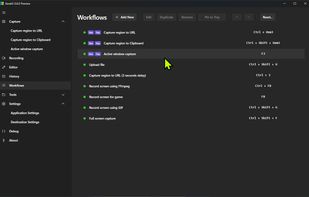
The most advanced screen capture tool for Windows, macOS, and Linux. ShareX reimagined with modern UI technologies, built from the ground up for cross-platform performance.
 United States


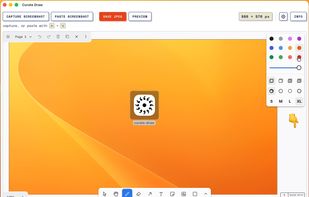
Annotate screenshots on macOS with drawing tools, brushes, shapes, text, and pointer emojis. All processing is local for privacy. Preview and export in JPEG, PNG, or WebP, downscale high-res images, set export paths, and enjoy a small, responsive app.
 Germany
 EU


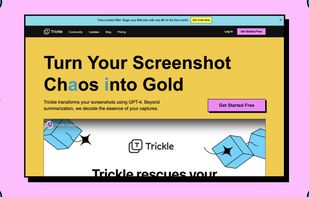
Trickle helps you summarize and organize screenshots, extracting insights for easy search and query. Transform visual chaos into an intelligent archive, allowing you to screenshot anything and effortlessly retrieve and utilize its contents later.



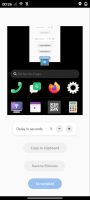
This application allows you to capture the entire screen, the active window or a selected region. You can set the delay that elapses before the screenshot is taken and the action that will be done with the screenshot: save it to a PNG file, copy it to the clipboard, open it...
GermanyEU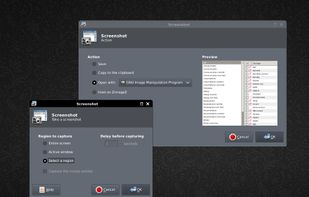

 FranceEU


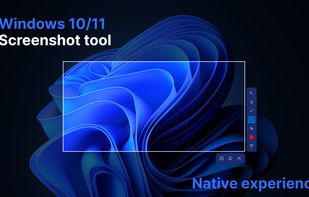
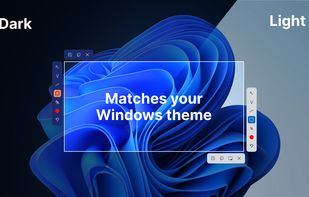
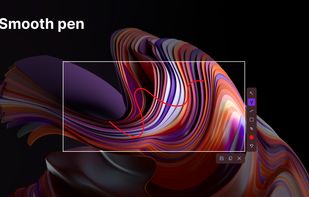
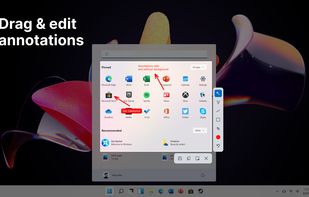
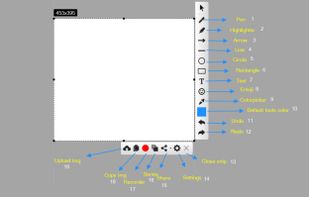
This screenshot tool is made just for Windows 10/11 and lets you take and mark up screenshots really quickly. Right after you take a screenshot, you can start editing it because the editing area shows up around what you've captured.
 Russia

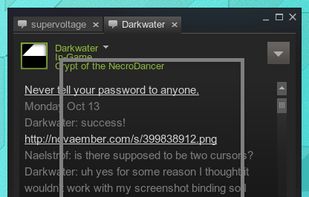
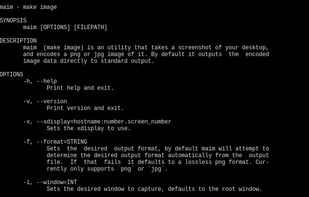
maim (make image) takes screenshots of your desktop. It has options to take only a region, and relies on slop to query for regions. maim is supposed to be an improved scrot.

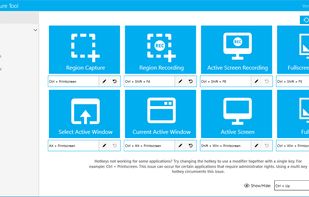
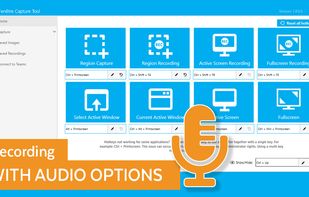
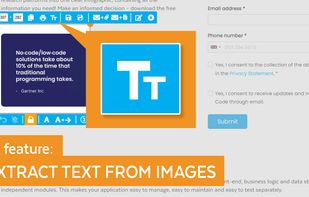
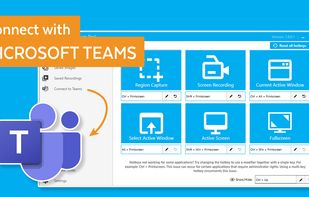
The Fenêtre Capture Tool for making professional screenshots and screen recordings. With advanced functions and abilities that other free capture tools don't offer.


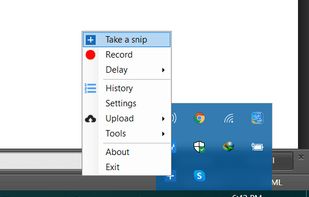
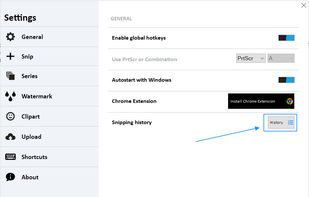
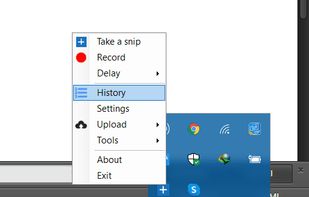
With Free Snipping Tool, not just you create snips, you can save your snips on major backup services like Imgur, Google Drive and Dropbox. Not just this you can also upload them via FTP or simple WebRequest.


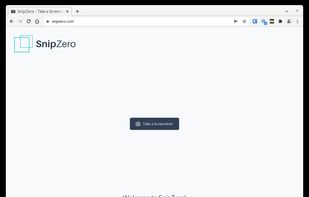
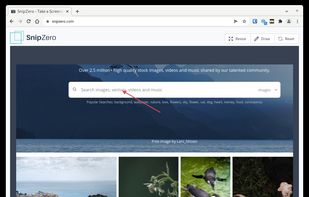
SnipZero is a convenient zero-install screenshot app that lets you take screenshots right from your web browser. No installation required. You can select any application window or browser tab as source.
GermanyEU