


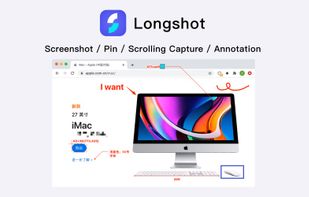
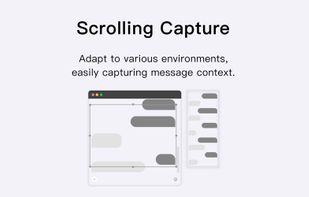
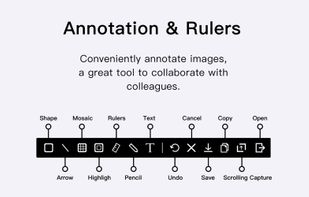
Longshot is a versatile software that allows you to conveniently annotate images, capture scrolling screenshots, highlight windows, and turn any image or text into a tack for easy viewing and comparison.



+1


There are many alternatives to Flameshot for Mac if you are looking for a replacement. The best Mac alternative is Greenshot, which is both free and Open Source. If that doesn't suit you, our users have ranked more than 100 alternatives to Flameshot and loads of them are available for Mac so hopefully you can find a suitable replacement. Other interesting Mac alternatives to Flameshot are Ksnip, macshot, Snagit and Lightshot.
Longshot is a versatile software that allows you to conveniently annotate images, capture scrolling screenshots, highlight windows, and turn any image or text into a tack for easy viewing and comparison.

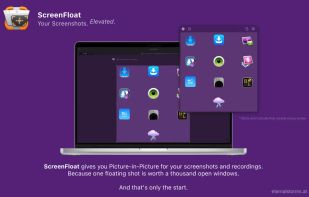
Maximize productivity on Mac with intuitive screen captures, Picture in Picture, and versatile annotation capabilities.
 Austria
 EU


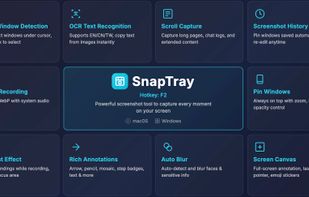
SnapTray is a tray-native screenshot and screen recording app for macOS and Windows. It is built for fast desktop workflows: capture a region, explain it instantly, keep references on screen, and turn the same moment into a shareable image or video.
 Taiwan
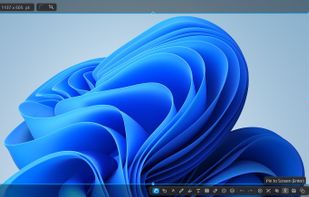


Pensela is an screen annotation tool that can also take screenshots available cross-platform.
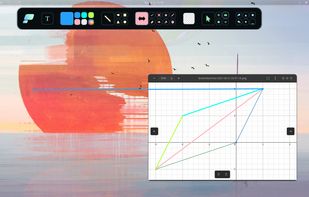
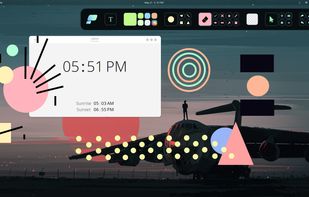


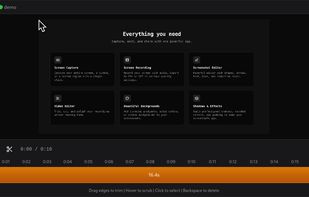
Capture your screen, windows, or regions on macOS, record with audio, edit screenshots and videos using built-in tools like shapes, blur, and redaction, export in various formats with multiple quality presets, enjoy ad-free usage, offline access, and no registration.
 GermanyEU
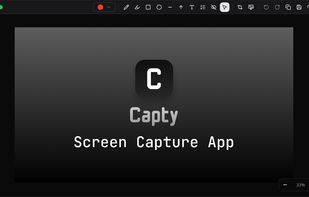


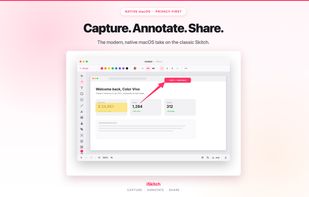
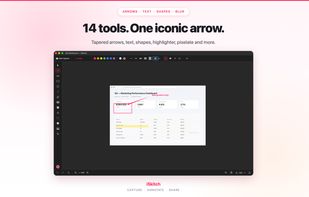
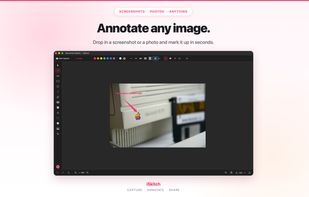
Native macOS tool for fast region, window or full screen capture, 14 annotation tools including arrows, text and highlight, image overlay, export to multiple formats, full undo/redo, privacy-first operation—no tracking or data collection, native share integration.
 SpainEU
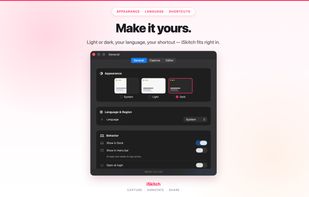


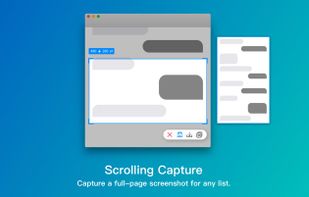
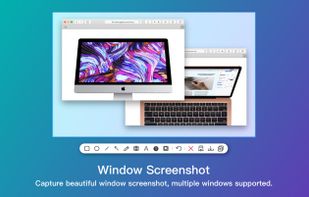
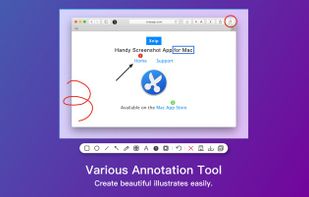
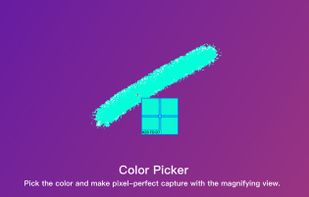
Screenshot app for macOS includes scrolling capture for full-page screenshots, multi-window selection, annotation tools, color picker, shadow effects, object measurement, pixel accuracy, and pinning images—ideal for code, chats, articles, and design references.
 China


Zappy is a macOS screen capture tool made for internal use by Zapier and released free for all. It's built for speed and provides the perfect set of features for remote teams to work with screenshots and GIF recordings quickly and effectively.
 United States
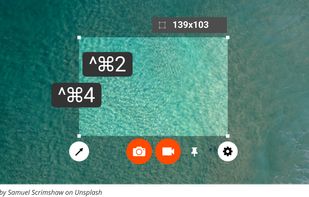
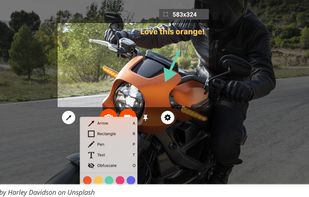

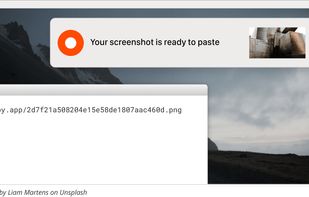


Screenshot and annotation tool that runs in your web browser, with free capture apps for Mac, Windows, Linux, Chrome and Firefox.
United States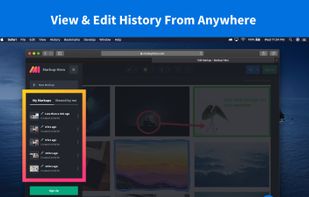
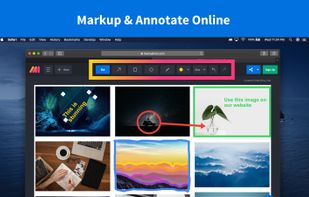
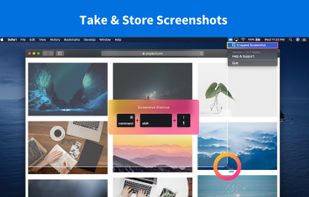
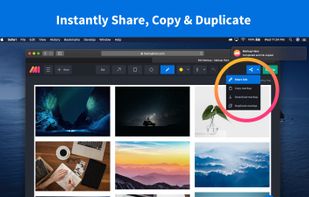


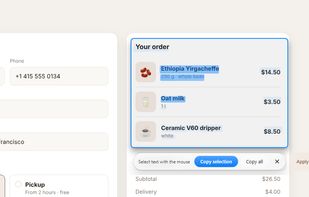
A macOS app for capturing, annotating and sharing screenshots. Quickly add comments, highlight what matters or blur any sensitive content. Upload screenshots to Google Drive or Dropbox. Copy screenshots to the clipboard and paste them directly into Slack, Skype, Jira, Trello and...


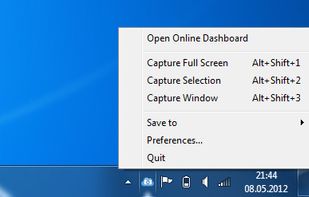
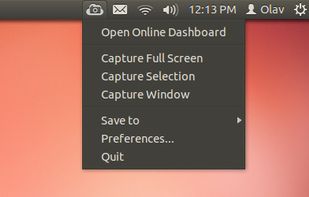
ScreenCloud is an easy to use screenshot sharing application. Take a screenshot using one of the 3 hotkeys or simply click the ScreenCloud tray icon. You can choose where you want to save your screenshot.

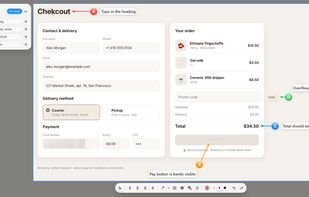
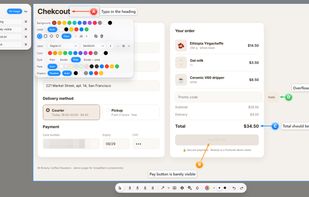
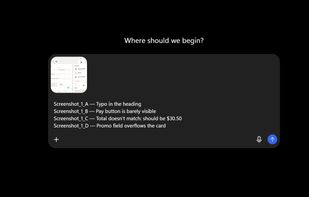
Screenshots that explain themselves: A-B-C markers with comments, one-Ctrl+V sharing to any chat, screen recording, OCR and scrolling screenshots.
 Georgia








 Russia


