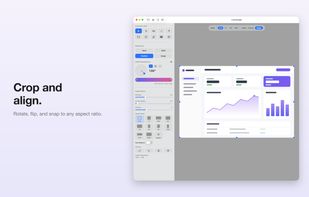
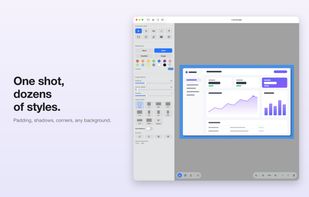
Share what you see with the rest of the world.
With Piclair.com you share what you see with your friends! Works flawlessly with Facebook, Twitter, MSN, Skype etc.
Cost / License
- Free
- Proprietary
Application type
Platforms
- Mac
- Windows
- iPhone







Apps similar to Evernote Web Clipper include ShareX, which is free and open source. Other options are Raindrop.io, Greenshot, wallabag and Karakeep. Screenshot Capture Tools like Evernote Web Clipper are a crowded field, with more than 100 alternatives for Windows, the web, Mac, iPhone and iPad.
Share what you see with the rest of the world.
With Piclair.com you share what you see with your friends! Works flawlessly with Facebook, Twitter, MSN, Skype etc.
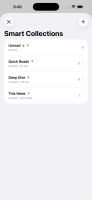
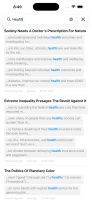
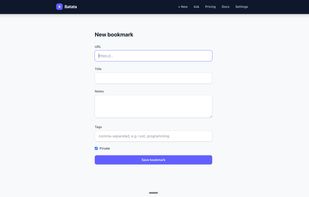
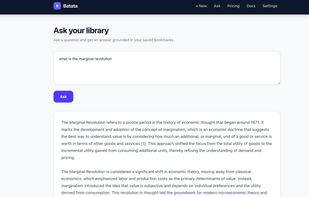
An AI-native bookmark manager that archives the full text of everything you save, so you can search it by meaning or ask questions across your own library and get answers with citations.
 United States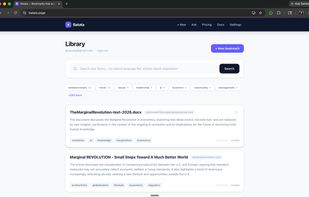

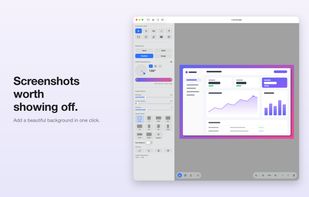
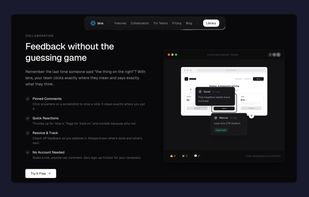
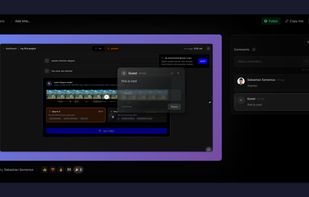
Capture screenshots, annotate, and share a link where your team pins feedback directly on the image — no sign-up needed for reviewers.
 Romania
 EU
EU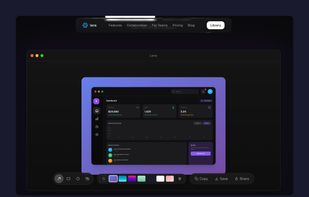


SnipSnip is a screen capture utility, designed for easy capture of some or all of your screen(s). It also allows you to do simple tasks like resizing, cropping and drawing on the capture.
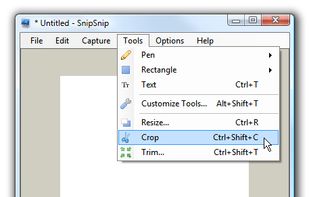
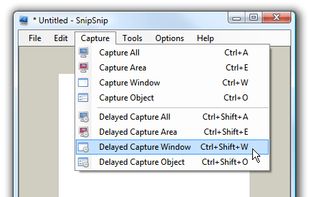
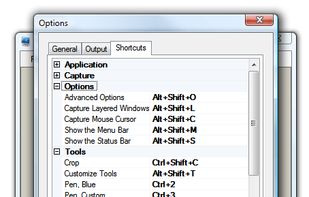


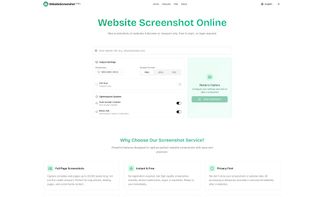
Free online website screenshot tool. Capture any website pages instantly in PNG, JPEG, PDF formats. Custom resolutions, mobile & desktop views, automatic cookie popup handling, ad blocking, and intelligent content loading ensure clean, accurate screenshots.



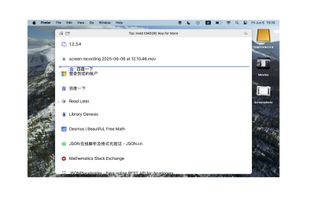
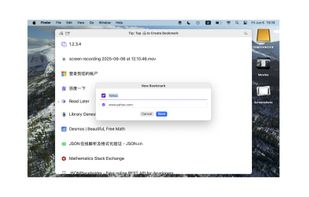
We browse various websites every day, many of which are frequently visited pages. Although we can add these pages as bookmarks for easier access next time, there are still several problems:
 China
China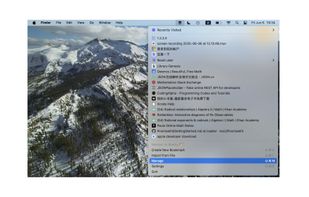
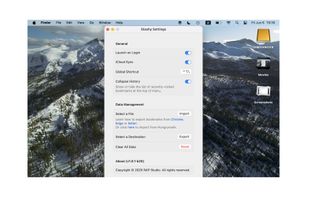

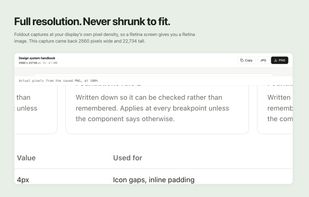
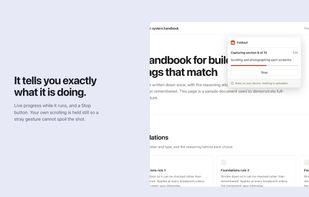
Foldout captures an entire web page as a single image, including everything below the fold. Click the button and it scrolls the page, captures each section, and stitches them together in the browser.
 Canada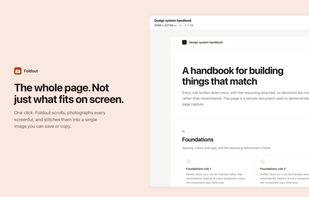
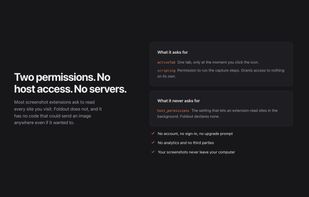

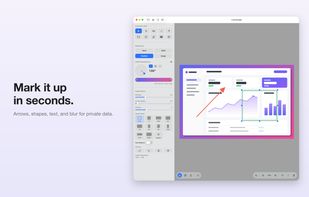
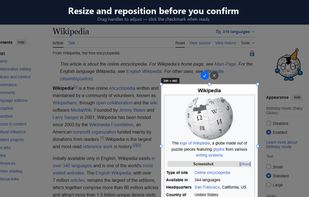
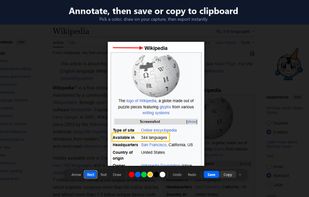
ClearShot captures any area of your browser tab, lets you annotate with arrows, rectangles, text, and freehand drawing, then saves as PNG or copies to clipboard. Everything stays on your device — no upload, no account, no tracking.
United States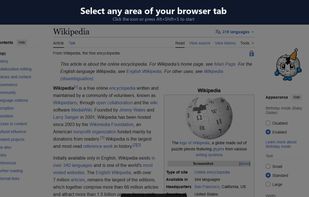


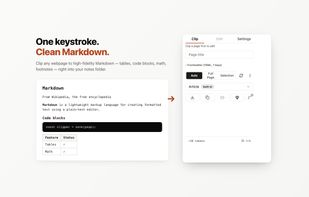
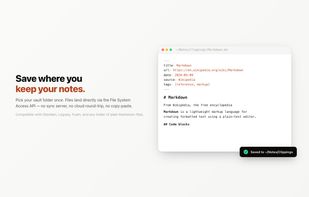
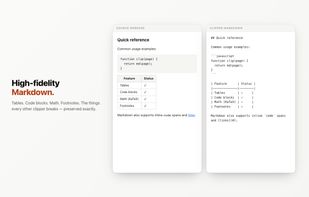
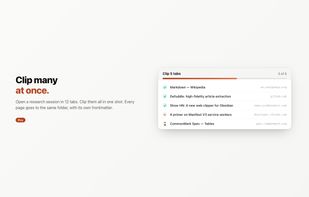
A free, open-source Chrome extension that converts any webpage to clean Markdown and saves it to Obsidian, a local folder, GitHub Gist, or the clipboard.


AI-powered mobile app that automatically organizes your Instagram saved posts and reels with semantic search.
 India
India



Found a great article but no time to read it? Save it to Moji and come back when you're ready — distraction-free, beautifully formatted, and automatically organized.
China