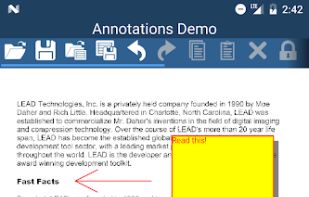
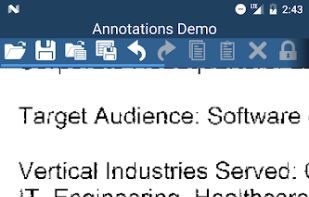
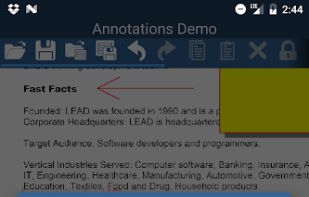
Annotate and Markup images and photos without changing the image data using the LEADTOOLS Annotation & Markup
Cost / License
- Free
- Proprietary
Platforms
- Android
- iPhone
- iPad
 United States



+7
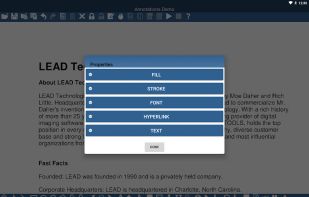


Apps similar to Easy Screen Capture and Annotation include ShareX, which is free and open source. Other options are Greenshot, Snipping Tool, PicPick and FastStone Capture. You're spoiled for choice with Screenshot Capture Tools like Easy Screen Capture and Annotation: we list more than 100 alternatives for Windows, Mac, the web, Linux and Android.
Annotate and Markup images and photos without changing the image data using the LEADTOOLS Annotation & Markup
United States
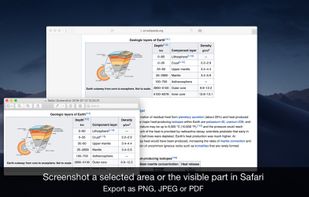
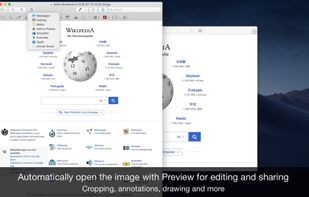
Page Screenshot for Safari is an awesome extension, just a click away, ready to use every time you need to capture a webpage screenshot, either the full page or just part of it.
 Romania
 EU
EU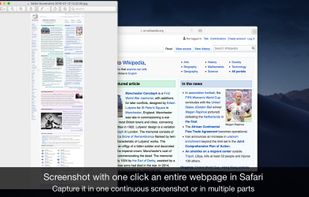


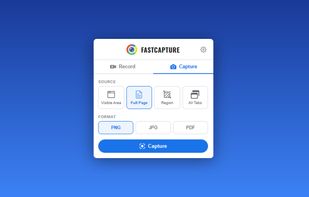
Record your screen, capture screenshots, annotate, and share them instantly. FastCapture is a lightweight, all-in-one Chrome extension for video recording, image capture, and annotation - no upload to external servers. Everything is processed locally in your browser.
United States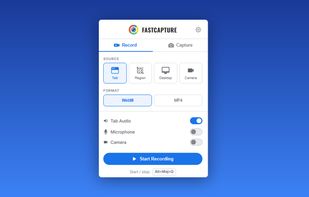


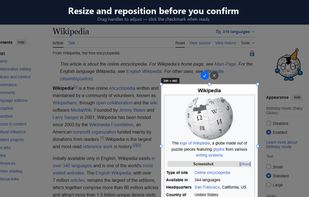
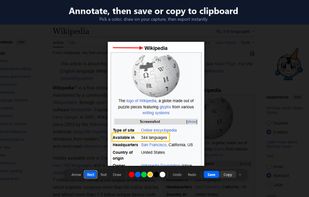
ClearShot captures any area of your browser tab, lets you annotate with arrows, rectangles, text, and freehand drawing, then saves as PNG or copies to clipboard. Everything stays on your device — no upload, no account, no tracking.
United States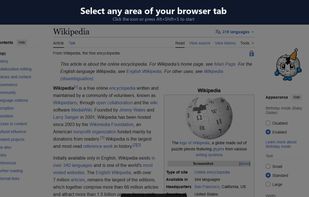


Zappy is a macOS screen capture tool made for internal use by Zapier and released free for all. It's built for speed and provides the perfect set of features for remote teams to work with screenshots and GIF recordings quickly and effectively.
United States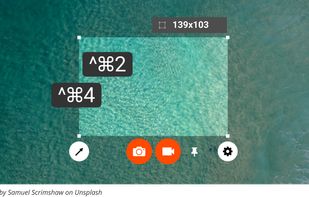
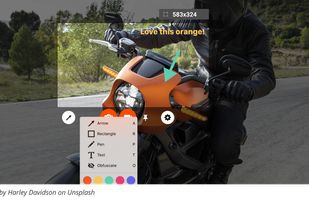

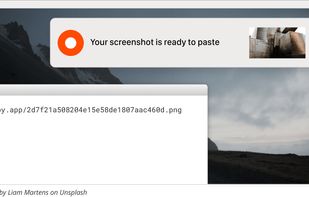

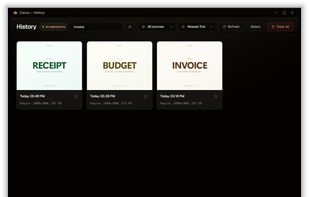
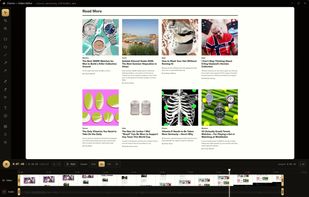
Screenshot and screen recording tool for Windows designed for fullscreen, area, or window captures, with audio recording, advanced annotation editor, and text-based search. Pro features add scrolling capture, text extraction, webcam, replays, and cloud sharing.
 United Arab Emirates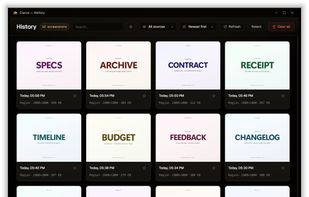

Generate web page full-length screenshot for free online.
United States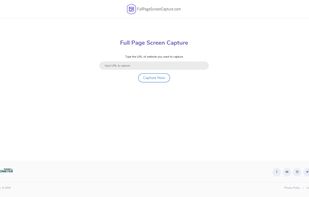

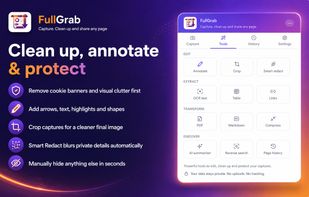
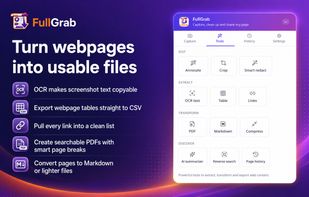
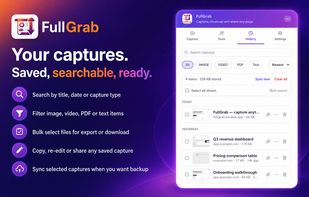
Capture visible areas, full pages, regions, elements and screen recordings, then remove clutter, annotate or redact details. Extract OCR text, tables, links or Markdown; create searchable PDFs, share results or send them to AI while keeping captures local by default.
United States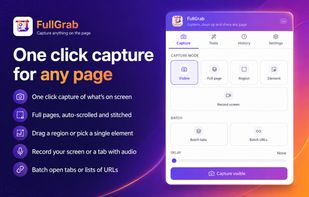


You grab Screens or Windows using the standard PrtScn and Alt-PrntScn keys and MGrab will intercept the saved data as it is sent to the clipboard and put it into your chosen folder as a BMP or JPG file leaving the clipboard free for you to take another screenshot.