Cost / License
- Free
- Open Source (MIT)
Application type
Platforms
- Mac
- Linux
- Vim


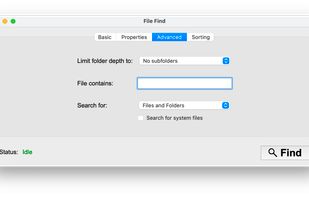
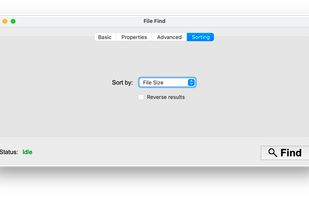
Apps similar to EasyFind include Everything, which is free. Other options are TagSpaces, FSearch, DocFetcher and Keypirinha. File Search Utilities like EasyFind are a crowded field, with more than 50 alternatives for Windows, Mac, Linux, iPhone and iPad.

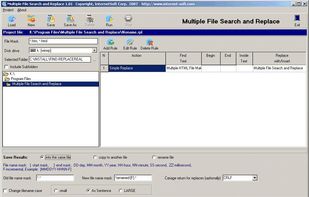
Make a change immediately in many files, add new text or new links in various webpages, change descriptions, key words and other metatags, repair inactive links, and redesign and optimize pages for search...


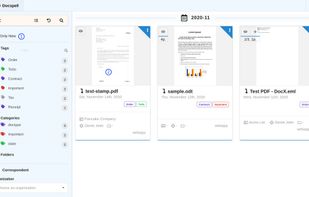
Docspell is a personal document organizer. You'll need a scanner to convert your papers into files. Docspell can then assist in organizing the resulting mess 😉.



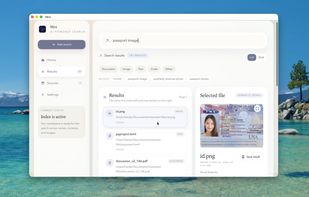
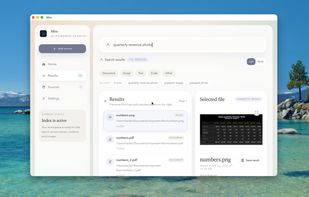
Local-first desktop app for Mac offering plain English search across file names, metadata, and document contents. Uses semantic ranking, previews, live indexing, and keeps all processing local for privacy. Optional API-based semantic search can be enabled.
 United Kingdom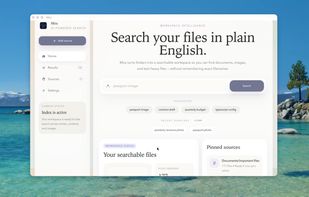


 Switzerland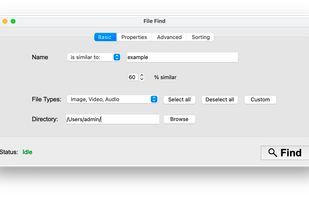



Advanced Recent Access is designed to see more properties of your recent used resources (files and directories). Key features: can see more properties of the recent resources, such as path, size, type, date modified and date created. And more.
 United States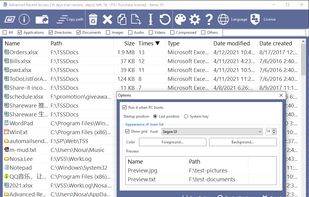


Wherever you have files DeskRule can locate them. Search your hard disk, but also in mobile phones and cameras, zipfolders, FTP, OneDrive and all the other virtual shell folders.
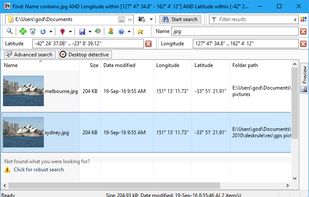
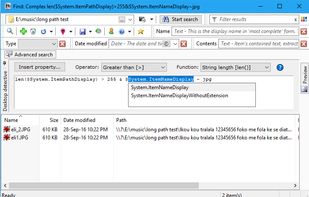
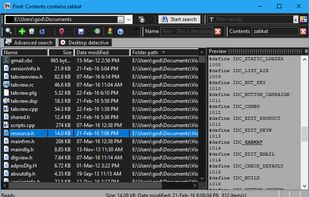
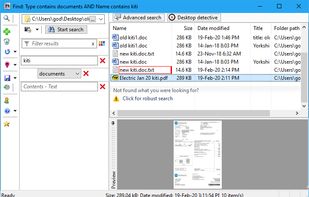


No indexes junking down your disk - have you ever thought of what happens if your indexes start getting indexed? None of that. No 'snapshot' thinking where you only see what the system found the last time it looked (whenever that was).
 Sweden
 EU
EU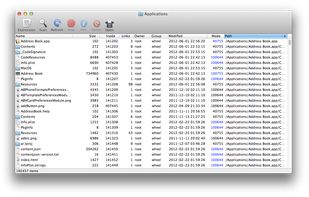


iBar is like Spotlight but for the web — jump to any page in your browser history in a couple of keystrokes.

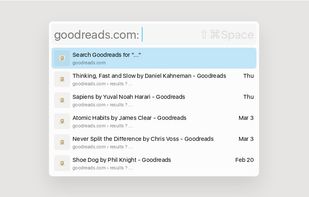


Replacement for Windows built-in search. Search files, folders and other data efficiently and easily.
 ItalyEU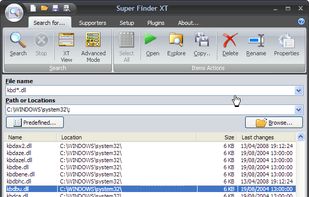
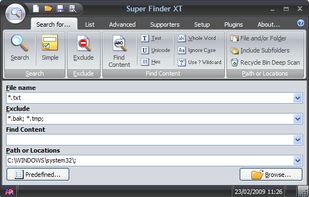
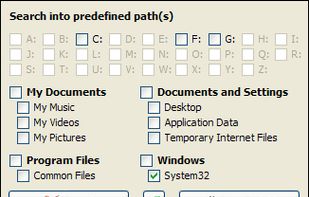


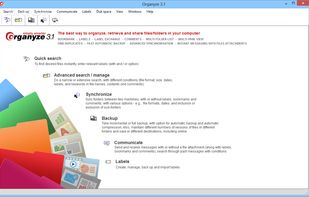
Find files fast across folders, drives, disks and machines and emails in MS Outlook, find duplicates. Attach labels, bookmarks and comments, automatic backup, synchronize, messaging. Tag Web pages while downloading. Share labels with others.