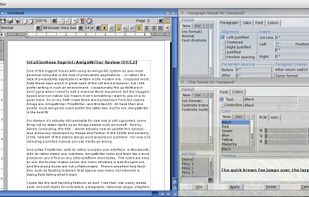
Word processing program from Haage and Partner, processed some Amiga formats and is compatible with Microsoft Office 2000.
Platforms
- AmigaOS
 Germany
 EU
EU


Apps similar to Doit.io include Trello, which has a free version. Other options are AFFiNE, Zim, TiddlyWiki and CherryTree. Note-taking Tools like Doit.io are a crowded field, with more than 100 alternatives for the web, Windows, Mac, Linux and iPhone.
Word processing program from Haage and Partner, processed some Amiga formats and is compatible with Microsoft Office 2000.
GermanyEU
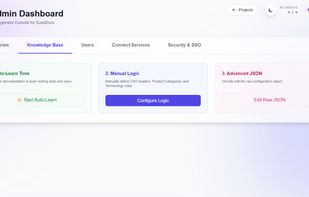
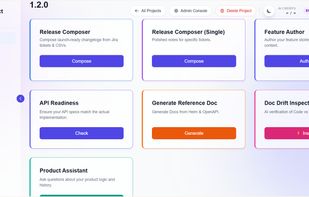
SudoDocs is an AI-powered documentation assistant for technical writers and product teams. You can create product demos and author product features along with composing release notes for your launches.
 India
India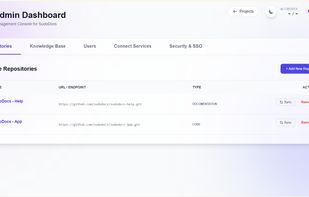



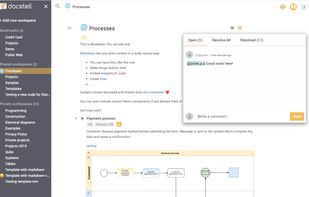
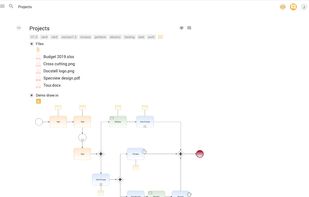
Docstell is a real time content collaboration tool that lets you document projects, requirements, system specifications and processes in a super efficient new way. Built in diagram editor, markdown support, spread sheets, templates, file uploads etc.
 SwedenEU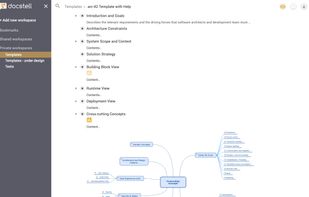


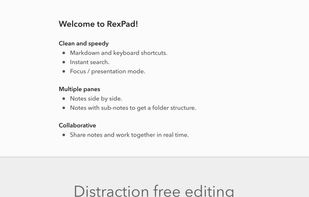
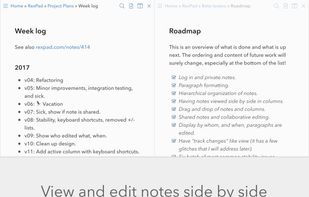
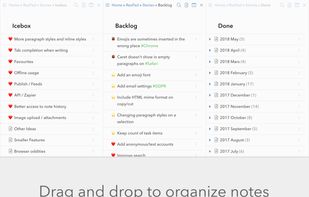
Note-taking app for individuals and team. Clean, speedy, and real-time collaborative. Markdownish with multiple panes and good search.


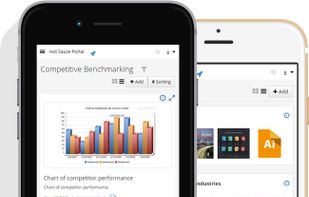
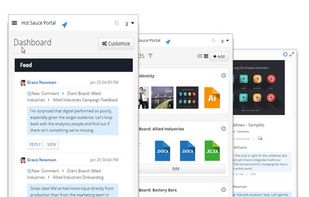


Celframe doesn't skimp on the features for its word processor Write. This office software application has nearly every tool you need in a word processor and has a similar look and feel you've likely been familiar with for years.
 Malaysia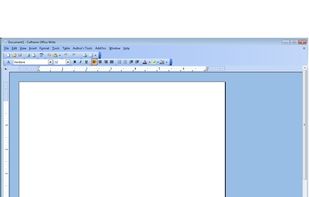


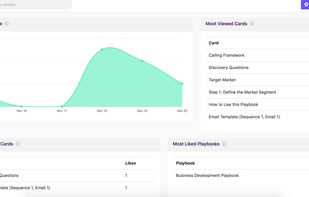
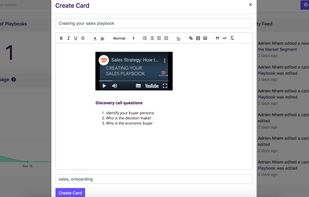
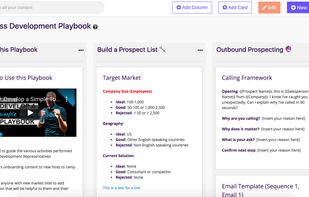
Design internal playbooks to keep your sales team up to speed, decrease ramp up time, and shorten your sales cycle. Check the video on the right to see if that's what you need.


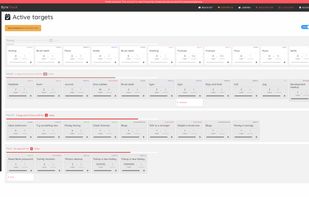


Open, Edit and Save DOC and XLS files directly from Windows using Google Docs™.
Easy to use Open by double click any MS Office, Open Office and Star Office document file; Saves time Automatic background upload to your Google Docs™ account; Auto-sync Synchronize local and remo.


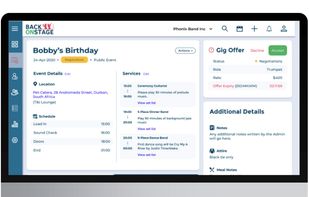
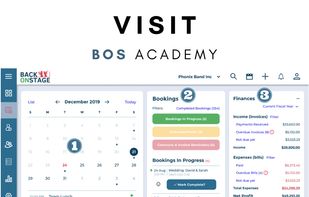
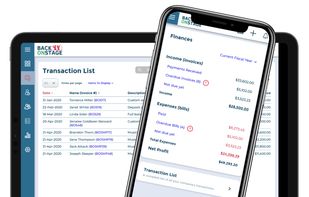
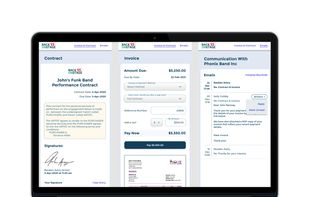
Back On Stage is an all-in-one app designed by musicians for musicians, bandleaders. It provides an intuitive platform to manage your band, capture leads, interact with clients, manage bookings, and handle payments all from a SINGLE dashboard.


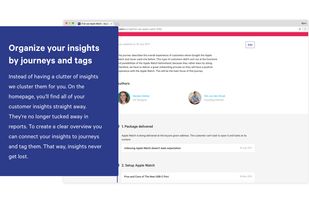
Collect, find and share insights that inspire action in your organization. It’s a central place to share customer insights and helps your team making informed design decisions.



Remotely is a suite of essential business applications including chat, video conferencing, office apps and more which will help you work from anywhere. The suite includes full-featured Zoho tools like Cliq, Meeting, ShowTime, WorkDrive and many more.
India