Cost / License
- Paid
- Proprietary
Application type
Platforms
- Mac
 Germany
 EU
EU

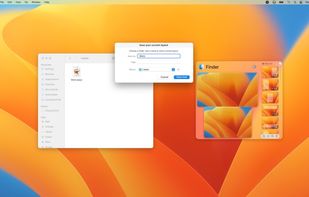

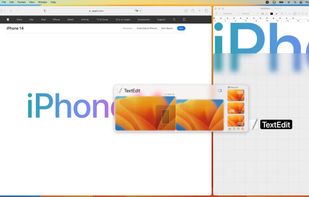

+5


One of the most popular alternatives to DisplayFusion is Rectangle, which is open source with a free version. Other popular alternatives are Dual Monitor Tools, AquaSnap, SnapZones and Dual Monitor Taskbar. Window Managers like DisplayFusion are a crowded field, with more than 50 alternatives for Windows, Mac and Linux.
GermanyEU
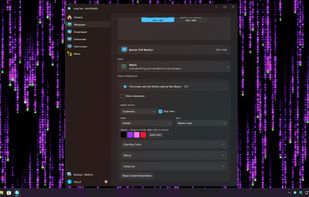
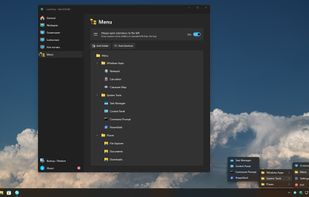
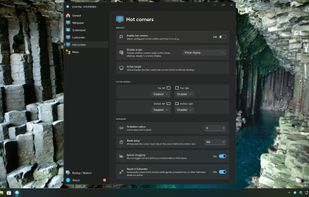
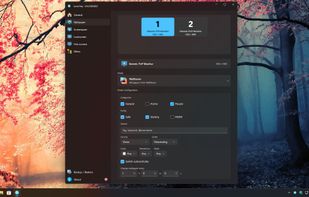
LumoTray is a lightweight Windows tray app for multi-monitor wallpapers, lock screen images, screensaver modes, hot corners, and custom tray menus.


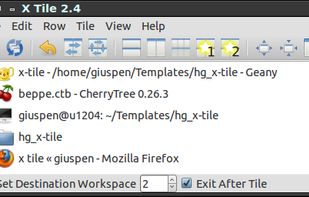
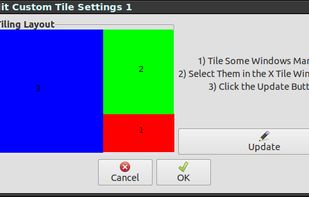
X-tile is an application that allows you to select a number of windows and tile them in different ways. It works on any X desktop like Gnome, KDE, XFCE, LXDE. The main features are: many tiling geometries, undo tiling, invert tiling order, optional system tray docking and menu...


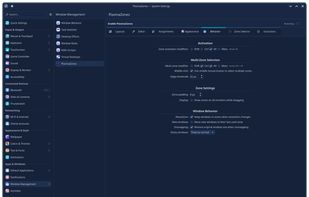
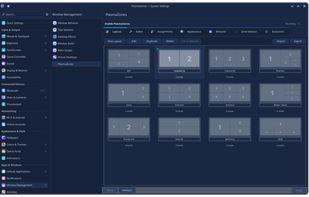
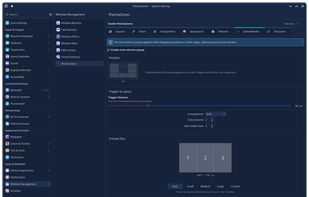
Window management tool enabling creation of custom zones, drag-and-snap, keyboard shortcuts, automated window assignments, layout editor with templates, GPU overlays, multi-monitor layouts, virtual desktop and activity support, plus KCM integration for easy configuration.
 United States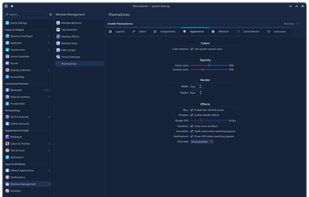

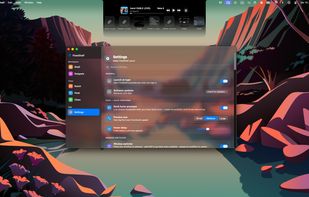
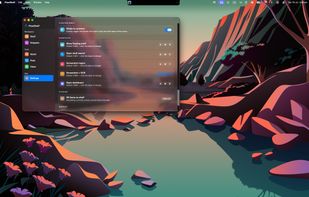
FlowShelf a free Mac app that turns your notch into a Dynamic Island and gives everything you copy, drop, or screenshot a temporary home.
 Australia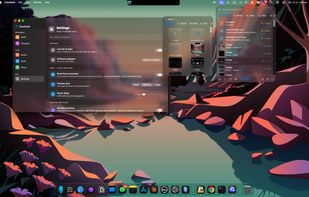


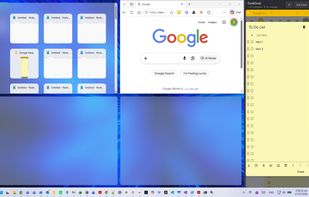
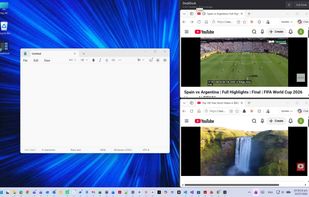
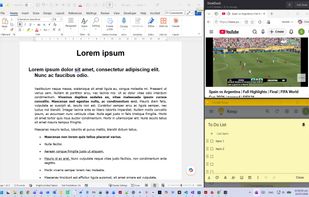
Reserve space on your desktop for three always-visible apps that never get covered. Supports notes, chat, reference, calculators, video calls, or tutorials. Easily dock, resize, reorder, or hide the area. Compatible with all Windows programs and works fully offline.


Plonk is a menu bar app for macOS that bundles a window manager with nine additional desktop utilities, so one icon replaces a stack of single-purpose tools.
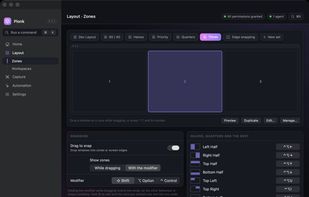

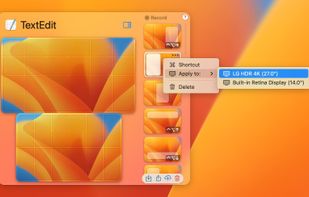
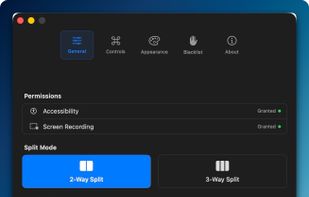
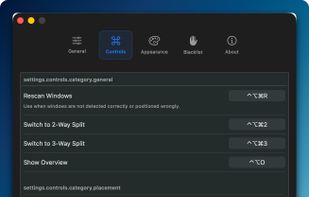
Window management utility on macOS enabling window snapping, 2- and 3-zone layouts, app rotation, keyboard and trackpad gesture controls, plus overview mode for fast app assignment and switching, offering efficient multitasking in customizable zones.
 South Korea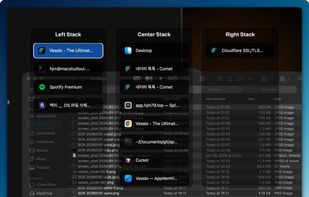


Save your whole working setup — open files, editor tabs, browser tabs, PDF pages and projects — as a named context and restore it with one click. Runs fully locally: no account, no cloud, no telemetry.
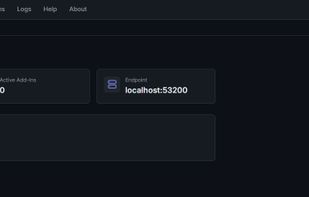
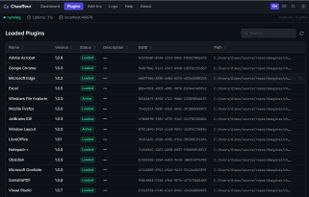

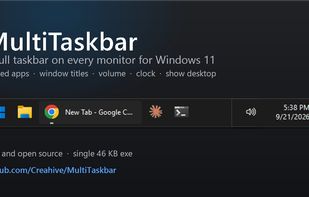
Free, open-source taskbar for your second monitor on Windows 11: pinned apps, window titles, volume, clock and show desktop on every screen.
United States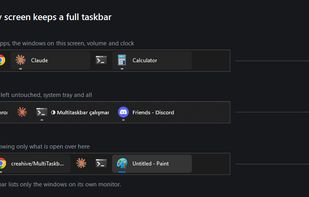


Save, restore and manage window positions on Windows 10 & 11. Create desktop profiles, auto-detect monitors, snap layouts, and switch workspaces with hotkeys. One-time $9.99 purchase.
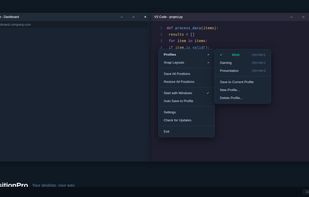
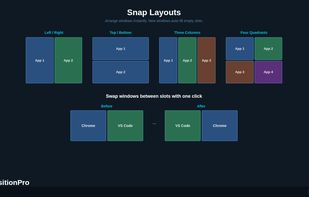
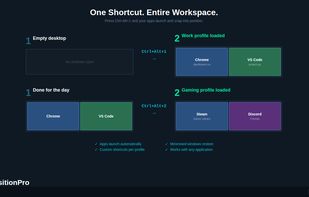
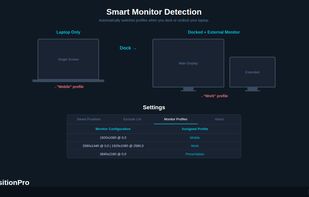


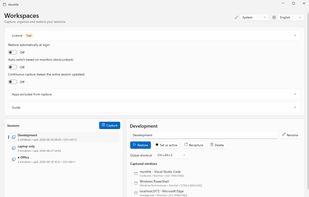
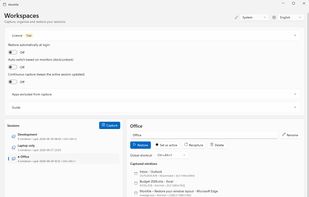
Windows tray utility that saves sessions with each app window’s position and monitor, then restores them when displays are docked, removed or changed. It reuses open windows to avoid duplicates; Pro adds monitor-based session switching, hotkeys and continuous capture.