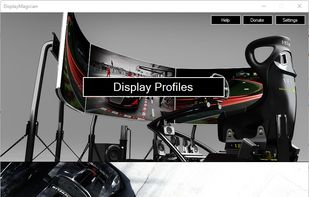
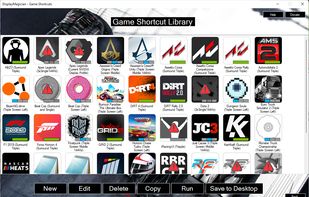
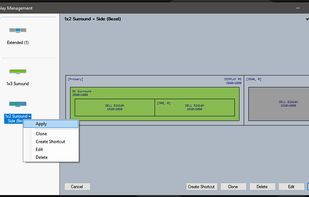
DisplayMagician is an open source tool for automatically configuring your displays and sound for a game or application from a single Windows Shortcut.
Cost / License
- Free
- Open Source (GPL-3.0)
Platforms
- Windows



+9


One of the most popular alternatives to DisplayFusion is Rectangle, which is open source with a free version. Other popular alternatives are Dual Monitor Tools, AquaSnap, SnapZones and Dual Monitor Taskbar. Window Managers like DisplayFusion are a crowded field, with more than 50 alternatives for Windows, Mac and Linux.
DisplayMagician is an open source tool for automatically configuring your displays and sound for a game or application from a single Windows Shortcut.

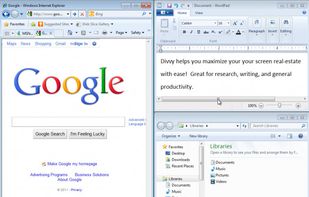
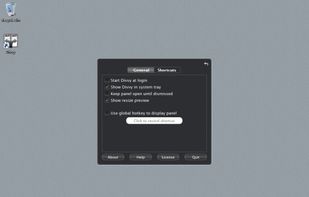
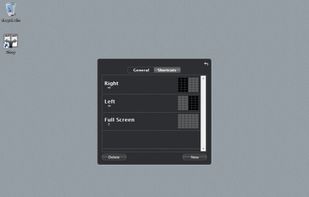
Divvy is an entirely new way of managing your workspace. It allows you to quickly and efficiently "divvy up" your screen into exact portions.
 United States


Superpaper is an advanced multi monitor wallpaper manager for Linux, Windows and Mac OS X operating systems.
 Finland
 EU
EU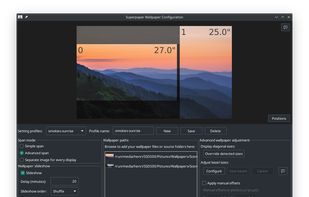


Access all native macOS window tiling commands in one place — the Tiling Panel. Customize keyboard shortcuts and use them on any keyboard, even third-party ones.
 PolandEU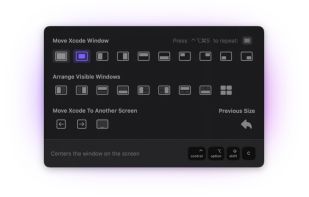


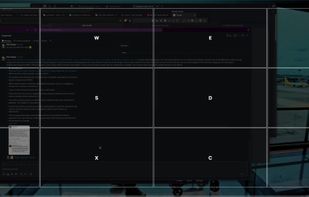
A native macOS menu bar app that provides quick window tiling with keyboard shortcuts and visual grid overlay. Just press QWE, ASD to tile your windows instantly. DRM-free, one-time purchase for all your Macs.
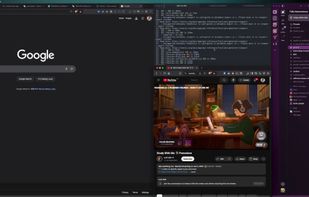


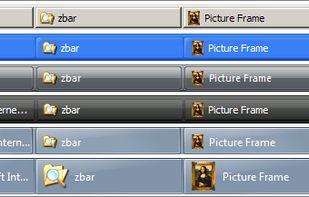
ZBar is a utility for those who use multiple monitors. If you have a single screen, then theres nothing to see here. Move on.
 United Kingdom


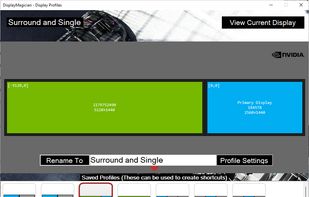
An open source tool for display profile management. Readily switch between display profiles & settings.


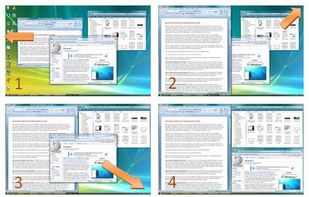
WindowSpace is a powerful desktop enhancement utility for large monitors, widescreens and multi-monitor systems. Once installed, it allows you to manipulate windows in many new amazing ways – snap windows to the screen edges and other windows, move and resize them with keyboard...
 Russia


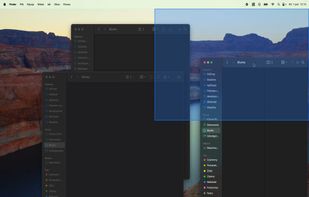
Split screen and organize windows on Mac with keyboard shortcuts, drag-and-drop zones, and professional layouts. Better than native Split View. Multi-monitor support.
PolandEU
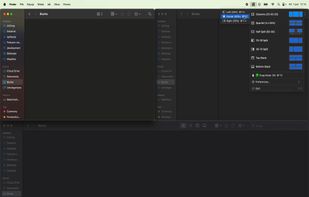


Monitors AnyWhere lets you control digital signage on up to 20 different content channels – anywhere in your building – and you control everything from a single PC.


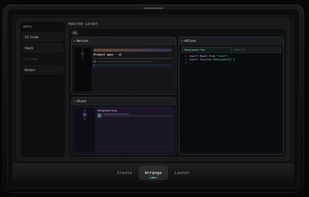
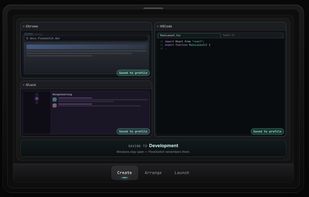
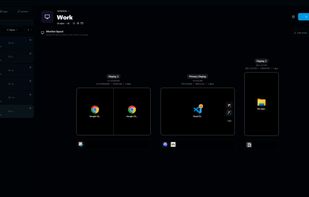
Save per-monitor app layouts on Windows—built from what's running or from scratch—then switch the whole workspace in one click.
United States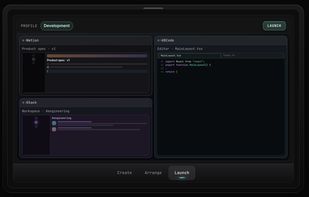


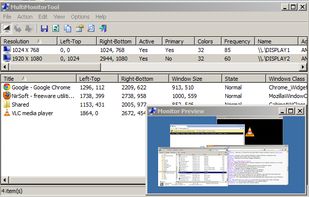
With MultiMonitorTool, you can disable/enable monitors, set the primary monitor, save and load the configuration of all monitors, and move windows from one monitor to another.
 Israel