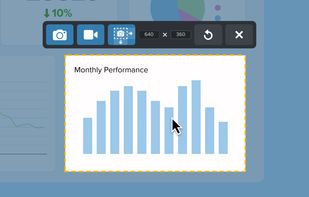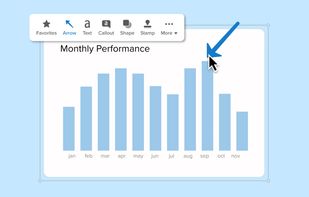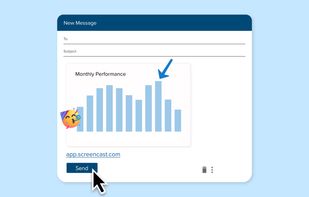

Open-source screen capture and file sharing tool with recording, editing, and annotation features. Supports 4K, dark mode, theming, offline use, and offers a lightweight, ad-free experience without tracking user data.
 United States
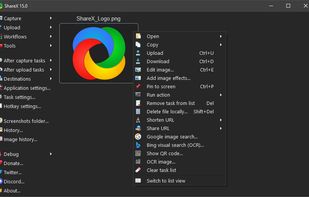


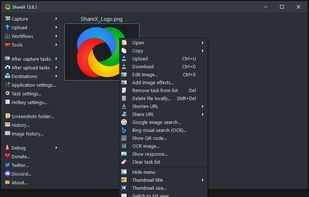

+9
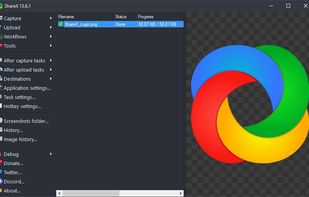




Apps similar to DesktopTools include ShareX, which is free and open source. Other options are Microsoft PowerToys, Greenshot, Flameshot and Snipping Tool. In total there are six Screenshot Capture Tools like DesktopTools for Windows, Mac and Linux.
Open-source screen capture and file sharing tool with recording, editing, and annotation features. Supports 4K, dark mode, theming, offline use, and offers a lightweight, ad-free experience without tracking user data.
United States
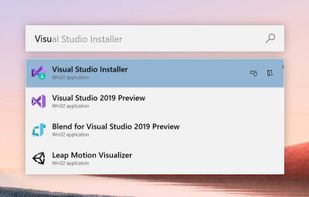
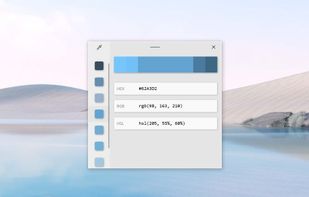
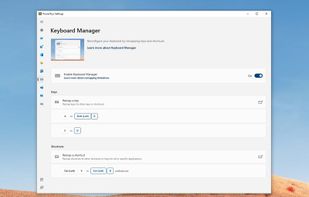
Open-source utilities for Windows include FancyZones for window management, PowerRename for bulk renaming, and Keyboard Manager for custom shortcuts. Ad-free, supports multi-monitor setups, no registration needed, lightweight resource usage, and works offline.
United States

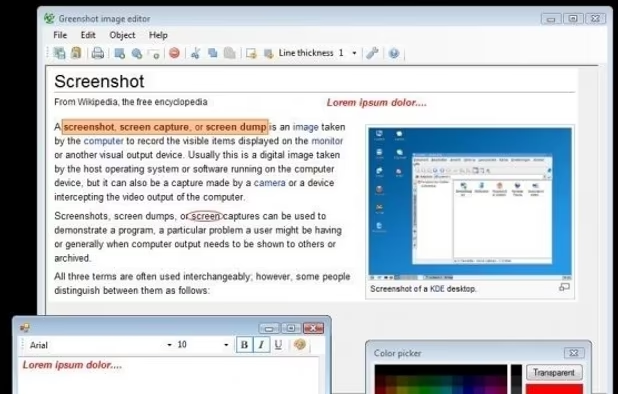
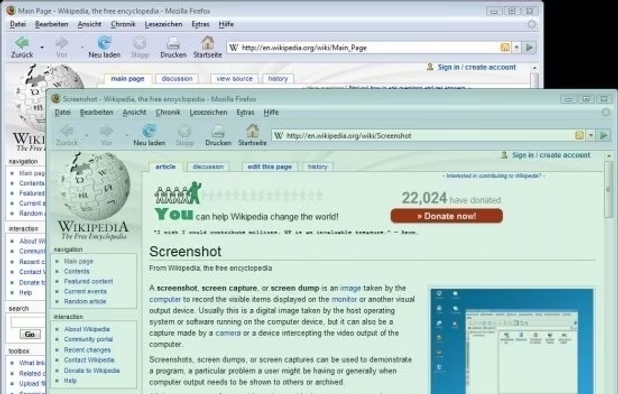
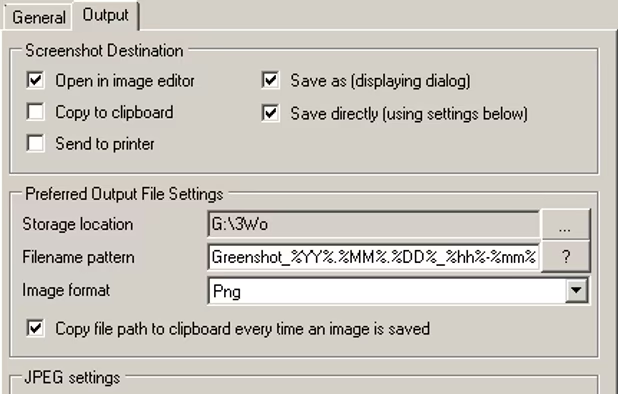
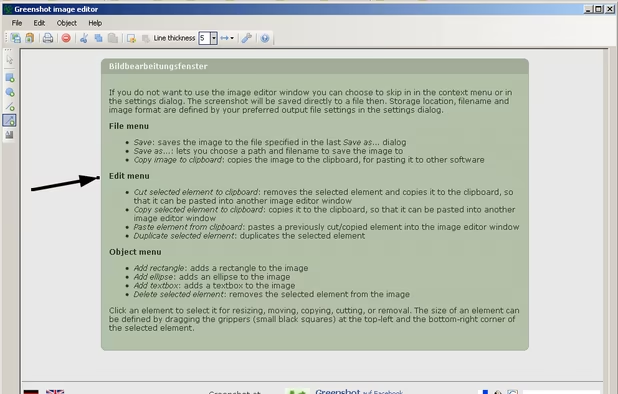
Lightweight screenshot tool offering OCR, exports to Office apps and online storage, integration with external commands, supporting 32 languages and minimal space requirement.
 Germany
 EU

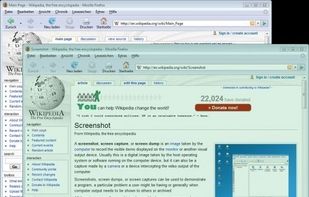
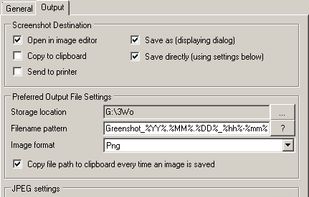
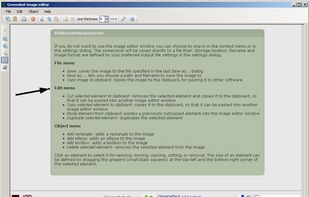


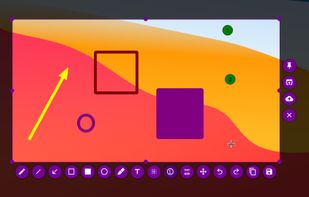
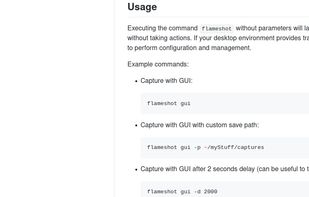
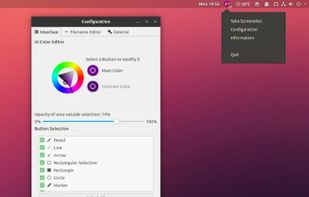
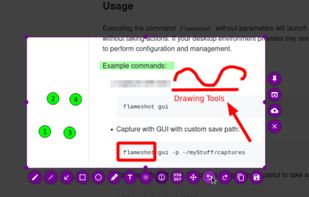
Flameshot is a free, open-source screenshot tool that is cross-platform compatible, offering customization, editing features, CLI scripting, and direct Imgur uploads for seamless sharing. It provides an intuitive user experience through features like area selection, annotations, and saving options.


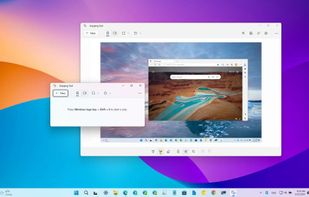
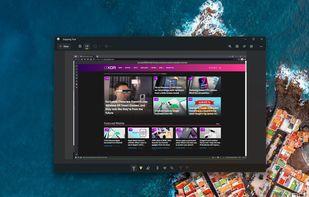
Snipping Tool is a screen capture utility that allows users to take screenshots of specific objects or full screens, annotate them, and save or share the captured images or videos.
United States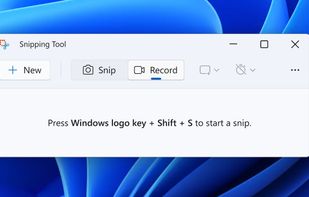
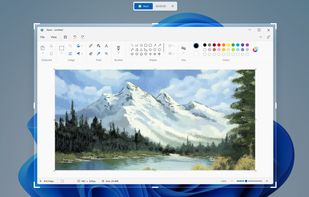


Advanced screen capture and recording tool enabling image or video captures directly from your screen. Includes editing features like callouts, transparency, and effects to enhance visuals. Organize and easily share creations through documents, presentations, or favorite applications.
United States