


 United States





 United States

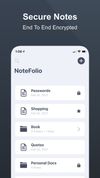
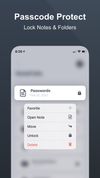
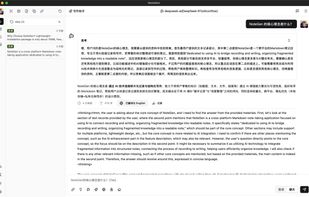
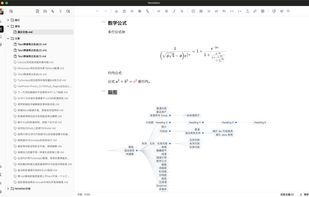
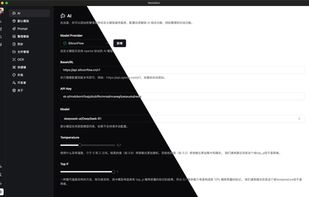
A cross-platform Markdown note-taking application dedicated to using AI to bridge recording and writing, organizing fragmented knowledge into a readable note.
 China


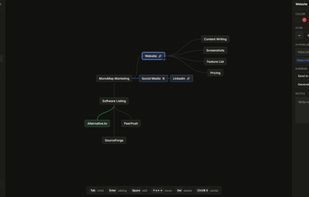
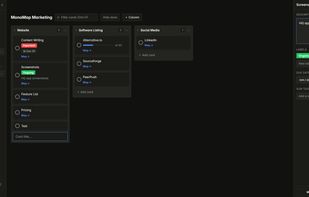
A keyboard-first workspace combines mind maps and kanban boards in one browser app. It works offline, stores maps locally without an account, supports Tab, Enter, and Space shortcuts, turns nodes into cards, and exports Markdown, PNG, or JSON for backup.
 North Macedonia


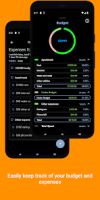
Dark Note offers a wide range of features for taking notes, creating checklists, and keeping track of your budget. Its simple and elegant user interface makes it easy to use and navigate, allowing you to quickly and easily create and manage your notes + checklists.
United States


A private, offline note taking app and to-do list manager for macOS — Markdown editor, PDF/Word export, AI writing tools.
 Australia
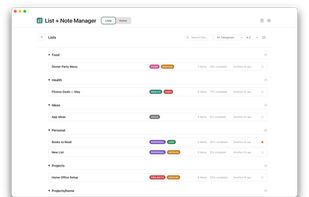
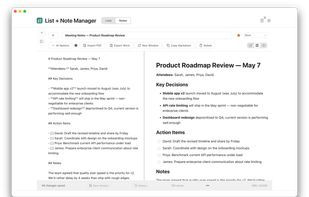


Capture thousands of thoughts and make them all useful. A notes app reimagined for handling your every thought and idea while making it easy to process, organize and review them later.
 Sweden
 EU



CapsuleCraft - zero-database, pure-MIME multimodal workspace and personal knowledge engine. Every note is an RFC 5322 .eml file. Native desktop + Web version too.
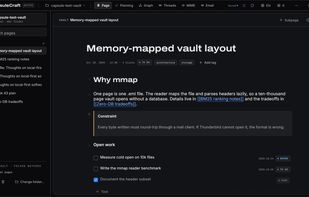
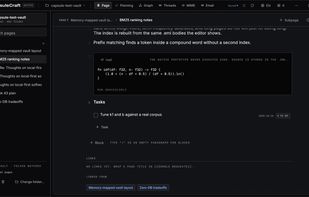
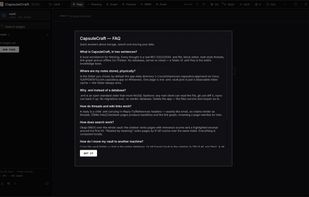
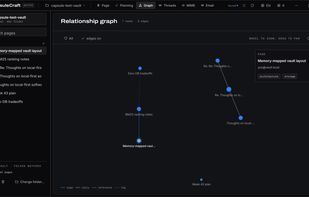

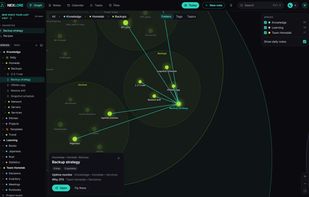
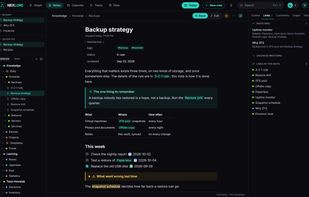
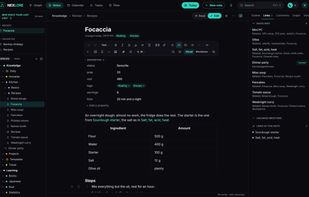
Notes as Markdown files, edited in the browser, with a graph you can zoom into. Self-hosted, for yourself or a small team, and file are interoperable with similar software. Obsidian, Syncthing or any editor may work on the same folder at the same time.


StarMap is a free visual workspace for Windows. Lay out notes, pictures, documents, to-do lists, tables, sketches, and boards inside boards on one big workspace, all connected with lines and arrows. Use it to plot a novel, plan a project, study, or map out a hobby.
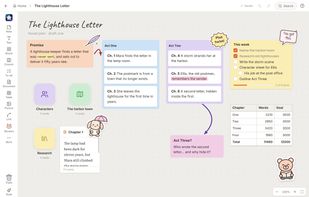
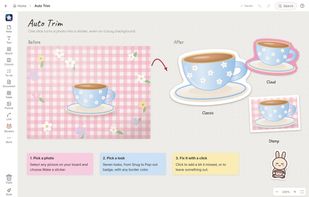
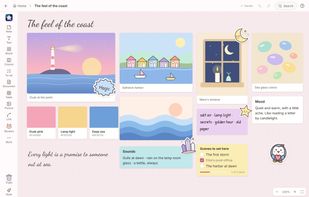
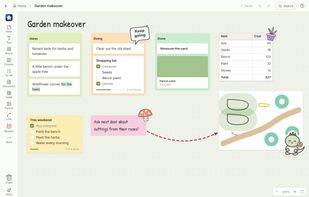


Nodemap provides you with a minimalist, local-first infinite canvas designed for visual thinking, mind mapping, and brainstorming. Because it is local-first, your data remains private and accessible on your device, ensuring a fast and secure workflow for all your creative projects.



Addon for Mozilla that lets you open Google Keep right from the browser—you do not have to actually open the web Google Keep.
United States





 Germany


