





Lists & Notes
Like
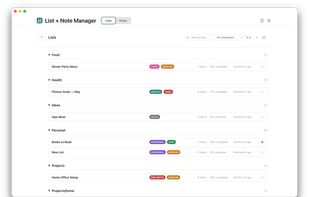
A private, offline note taking app and to-do list manager for macOS — Markdown editor, PDF/Word export, AI writing tools.

Cost / License
- Pay once
- Proprietary
Application type
Platforms
- Mac


Features
Highlights All activities
Lists & Notes News & Activities
Recent activities
 Paul added Lists & Notes as alternative to DayApp
 tcdave added Lists & Notes as alternative to Anytype
 tcdave added Lists & Notes as alternative to Notes
 tcdave added Lists & Notes as alternative to Notion, Obsidian, Standard Notes, Simplenote and 4 more
- tcdave added Lists & Notes
- tcdave added Lists & Notes as alternative to Notion, Obsidian, Standard Notes, Simplenote and 4 more


Developed by
 Tiong Creative
 Licensing
Proprietary and Commercial product.Pricing
One time purchase (perpetual license) that costs $15.Alternatives
15 alternatives listedBadge
Get an embeddable badge for Lists & NotesSupported Languages

No comments or reviews, maybe you want to be first?