



Lightweight Windows annotation tool enabling live drawing, shapes, spotlights, magnification, and click-through overlays, with PDF/image export, portable mode, multi-board backgrounds, and no subscription or registration for seamless presentations.


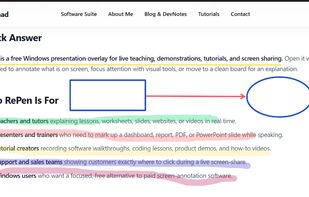


Apps similar to Cursaura include RePen, which is free and open source. Other options are ZoomIt, Epic Pen, Magnifixer and ClickLight. There's no shortage of Screen Magnifiers like Cursaura, with more than 25 alternatives for Windows, Mac and Linux.
Lightweight Windows annotation tool enabling live drawing, shapes, spotlights, magnification, and click-through overlays, with PDF/image export, portable mode, multi-board backgrounds, and no subscription or registration for seamless presentations.

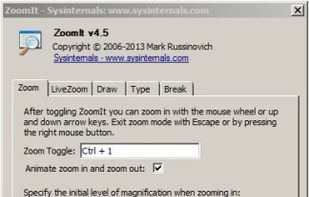
ZoomIt is screen zoom and annotation tool for technical presentations that include application demonstrations. ZoomIt runs unobtrusively in the tray and activates with customizable hotkeys to zoom in on an area of the screen, move around while zoomed, and draw on the zoomed...
 United States


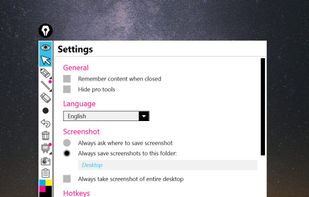
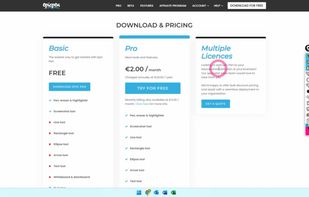
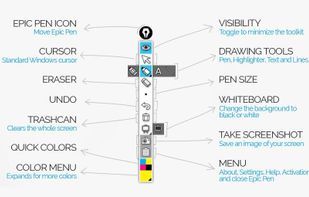
Turn your desktop into a workspace with Epic pen's intuitive drawing tools, enabling free-hand annotation over any app. Supports Windows platform with lightweight features, offline usability, screenshot capture, and comprehensive hotkey functionalities for seamless interaction.
 United Kingdom


Magnifixer is a screen magnifier utility. You can place it anywhere on your screen, make it any size you want and select a zoom level. Magnifixer will always show the area of your screen where the mouse cursor resides.
 Netherlands
 EU



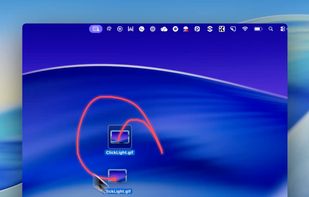
ClickLight is a macOS menu bar app that highlights clicks during live demos, screen sharing, UX reviews, and other instances where viewers need to track your actions. Unlike screen recorders that add click effects post-recording, ClickLight allows viewers to see when you clicked...
 Norway


This app allows you live drawing and taking notes over desktop applications. There are also tools for screen recording and making screenshots. It is great tool for creating presentations, tutorials, manuals, animations, video or streaming.




KMag is a small utility for Linux to magnify a part of the screen. KMag is very useful for people with visual disabilities and for those working in the fields of image analysis, web development etc.
 GermanyEU


Multiboard Draw On Screen, Marker, Mouse & Keyboard On Screen Display. All inclusive Kit for video tutors, Youtubers, Digital Video Teachers, Educators serving for Kindergartens, Universities.
A must be app for digital teachers.


Quick and useful way to demonstrate something on the screen by drawing.
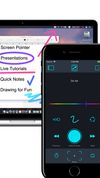
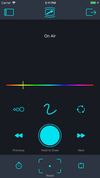
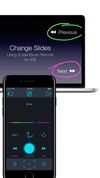


Every screen content can be made available as a digital drawing area so that you can mark and highlight important things. Thus Pointofix is ideal for you as a teacher or IT trainer to support your lectures, training courses and presentations.
GermanyEU


Live overlay for drawing, annotating, hiding text, and capturing screenshots on Linux. Can be used as whiteboard or blackboard. Highly customisable.

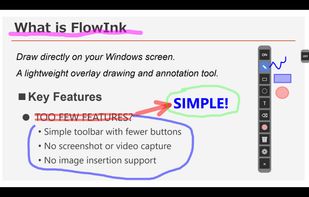
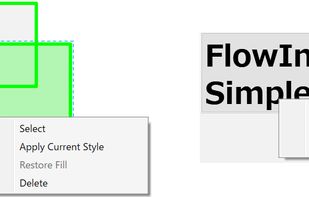
FlowInk is a lightweight, free screen annotation (overlay drawing) tool designed specifically for Windows. It lets you draw, write, or scribble directly on top of any open application, desktop, or screen in real time.
 Japan



 Bosnia & Herzegovina


