

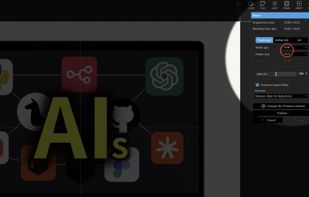
Lightweight Windows annotation tool enabling live drawing, shapes, spotlights, magnification, and click-through overlays, with PDF/image export, portable mode, multi-board backgrounds, and no subscription or registration for seamless presentations.
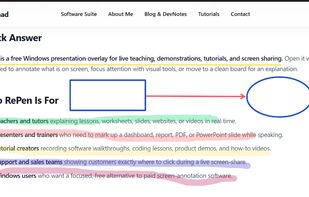




Apps similar to ZoomIt include RePen, which is free and open source. Other options are ZoomShot, Epic Pen, Magnifixer and LumiZoom. There's no shortage of Screen Magnifiers like ZoomIt, with more than 25 alternatives for Windows, Mac, Linux and Android.
Lightweight Windows annotation tool enabling live drawing, shapes, spotlights, magnification, and click-through overlays, with PDF/image export, portable mode, multi-board backgrounds, and no subscription or registration for seamless presentations.

A live screen effect layer for macOS that adds real-time zoom, cursor spotlight/highlight, and freehand drawing directly on your screen.
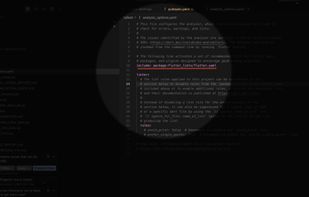


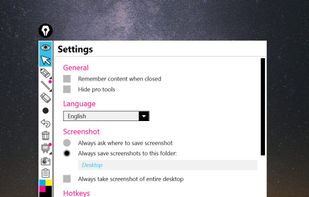
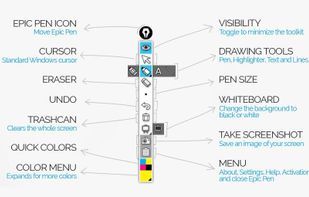
Turn your desktop into a workspace with Epic pen's intuitive drawing tools, enabling free-hand annotation over any app. Supports Windows platform with lightweight features, offline usability, screenshot capture, and comprehensive hotkey functionalities for seamless interaction.
 United Kingdom
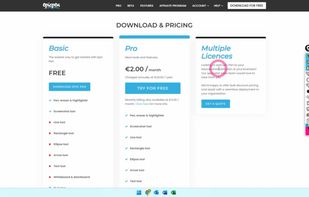


Magnifixer is a screen magnifier utility. You can place it anywhere on your screen, make it any size you want and select a zoom level. Magnifixer will always show the area of your screen where the mouse cursor resides.
 Netherlands
 EU



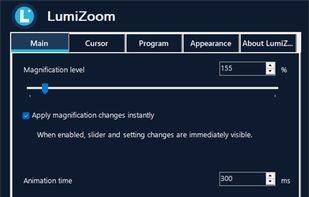
LumiZoom provides consistent full-desktop magnification for Windows, including the Start menu and other system menus. It includes cursor tracking and highlighting, configurable zoom, global keyboard shortcuts, light and dark themes, multiple interface sizes, and an emergency Esc...


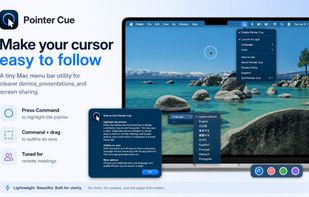
Pointer Cue is a lightweight presentation and demo tool that helps your audience instantly see where to look.
 Japan
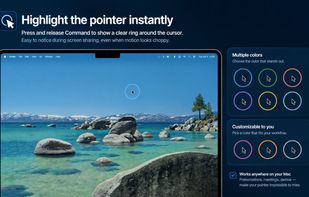
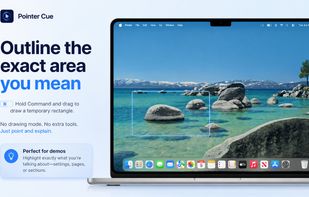
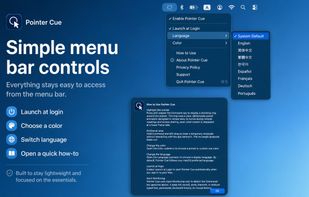


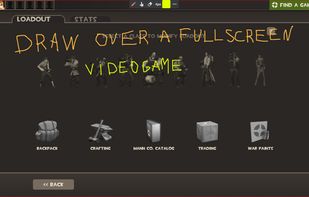
A neat little application that allows you to draw on your screen. Use it from anywhere you want - be it your desktop, while browsing internet or even while in a video game.
 LatviaEU
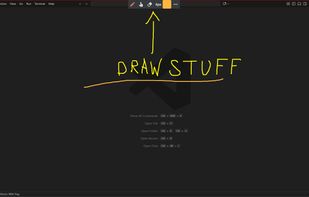
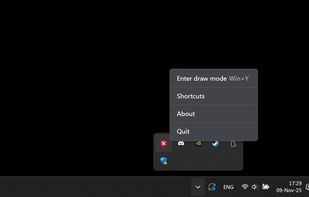


This app allows you live drawing and taking notes over desktop applications. There are also tools for screen recording and making screenshots. It is great tool for creating presentations, tutorials, manuals, animations, video or streaming.




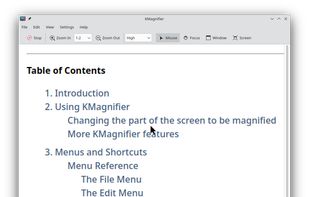
KMag is a small utility for Linux to magnify a part of the screen. KMag is very useful for people with visual disabilities and for those working in the fields of image analysis, web development etc.
 GermanyEU


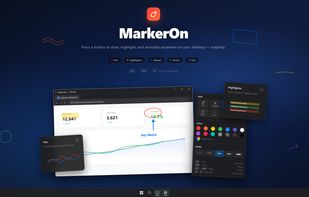
MarkerOn is a lightweight, open-source desktop screen annotation app for demos, teaching, meetings, and recordings. Press a global hotkey to draw over any application, use nine annotation tools including a laser pointer, switch to click-through mode while keeping annotations...
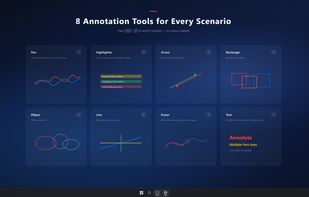
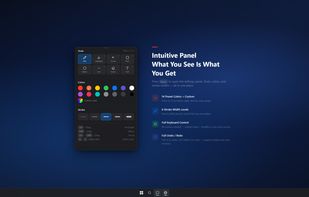


Multiboard Draw On Screen, Marker, Mouse & Keyboard On Screen Display. All inclusive Kit for video tutors, Youtubers, Digital Video Teachers, Educators serving for Kindergartens, Universities.
A must be app for digital teachers.