Cost / License
- Free
- Open Source (MIT)
Application type
Platforms
- Linux
- Ubuntu
 United Kingdom


Apps similar to ZoomIt include RePen, which is free and open source. Other options are ZoomShot, Epic Pen, Magnifixer and Pointer Cue. There's no shortage of Screen Magnifiers like ZoomIt, with more than 25 alternatives for Windows, Mac, Linux and Android.
United Kingdom




iZoom Screen Magnifier & Reader represents a leap in screen magnification technology. iZooms patent-pending ClearPoint font smoothing maintains crystal clear text quality regardless of zoom level. iZoom makes viewing web pages and emails easier than ever with SmartAlign, our...


You need zoom? We got some! Desktop Lens is a simple application to work with small fonts and hi-res images.
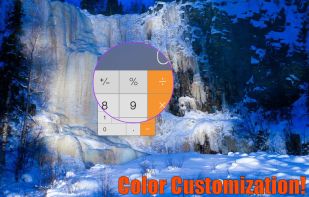
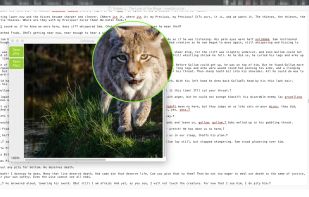


Screen magnification tool designed for low vision users, providing adjustable magnification, clear text rendering with xFont technology, color and pointer customization, multiple monitor support, speech output, cursor enhancements, and application compatibility.
 United States


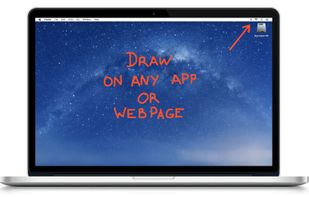
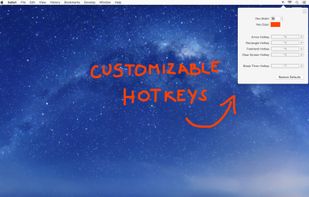
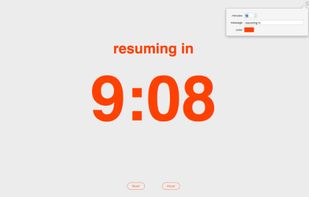
DemoPro is a simple and unobtrusive screen annotation tool for the Mac ideal for live demonstrations. Just press a customizable hotkey to draw on the screen. Release it to continue your demonstration. DemoPro also includes a countdown timer.



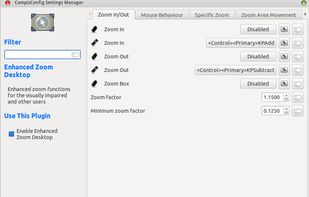
The Enhanced Zoom Desktop plugin allows the whole screen to be zoomed in for improved legibility. It is possible to continue working with other applications while zoomed in.


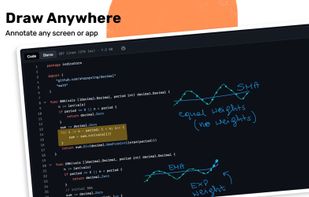
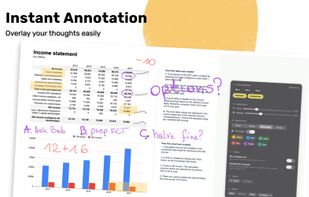
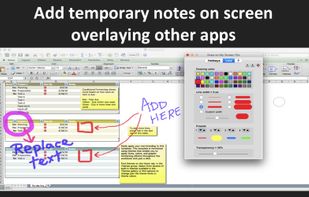
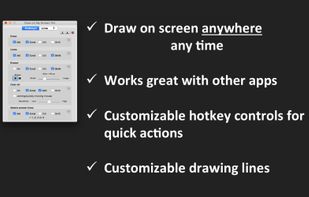
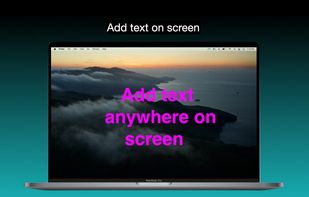
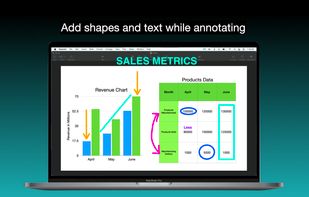
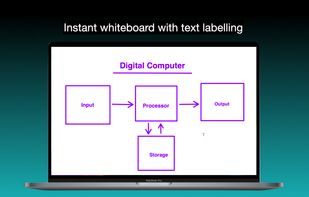
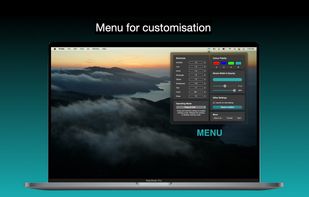
It is a an application which helps the user to annotate anywhere on the mac's screen. It can be used while presentation, video tutorials, screen recordings to draw the audience attention.


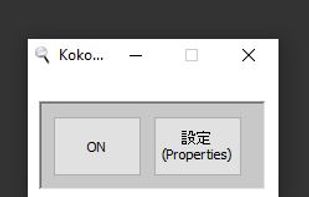
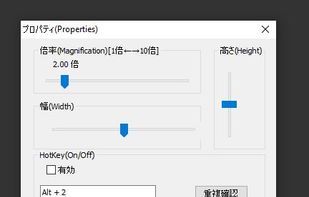
Kokodeka is a magnifier software. Magnifier window also appears in the mouse position while zooming in near the mouse position. In other words, the vicinity of the mouse is always enlarged, and the enlarged part moves with the mouse movement.


Turn your camera into a powerful magnifying glass with flashlight. Get magnifying power similar to a microscope with back or selfie camera. Run brightest flashlight with screen, front and back flash.


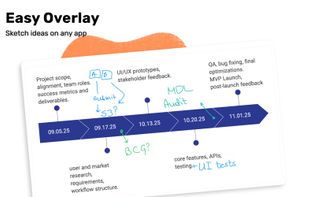
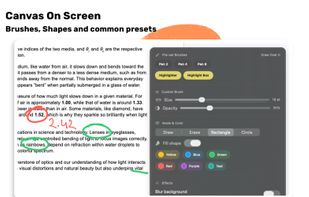
Draw Over It gives presenters, trainers, and any professional an always-ready overlay for live markups. Open it with a hotkey, sketch directly on top of any app, and jump back to work without leaving a trace.
 Poland
 EU
EU