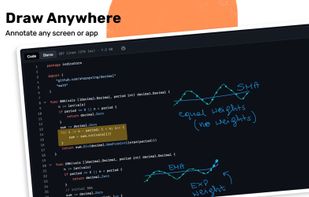
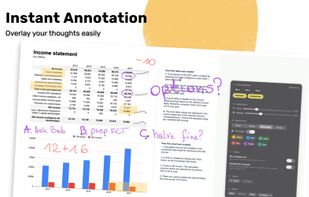
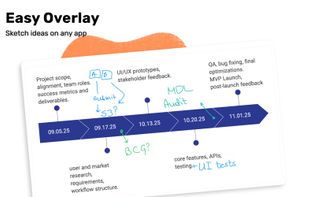
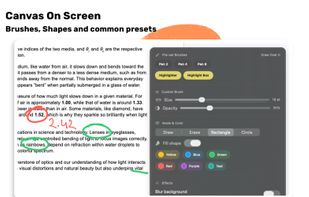
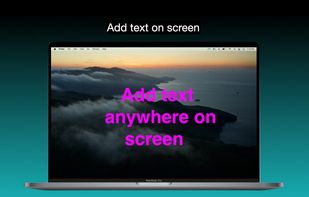
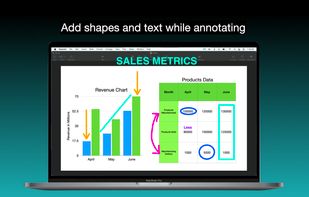
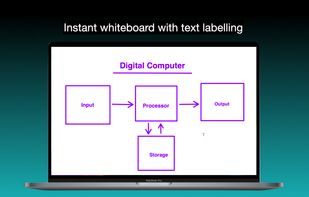
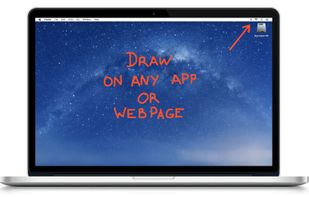
It is a an application which helps the user to annotate anywhere on the mac's screen. It can be used while presentation, video tutorials, screen recordings to draw the audience attention.
Cost / License
- Free
- Proprietary
Platforms
- Mac



+4


Apps similar to Cursaura include RePen, which is free and open source. Other options are ZoomIt, Epic Pen, Magnifixer and ClickLight. There's no shortage of Screen Magnifiers like Cursaura, with more than 25 alternatives for Windows, Mac and Linux.
It is a an application which helps the user to annotate anywhere on the mac's screen. It can be used while presentation, video tutorials, screen recordings to draw the audience attention.

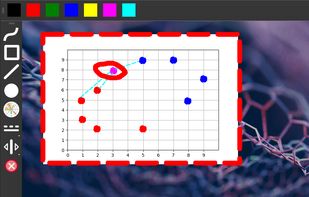
Screen annotation software which allows drawing directly on the screen. It is an open source and multiplatform (all systems that support Python) alternative to tools such as Epic Pen.


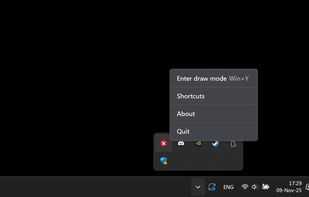
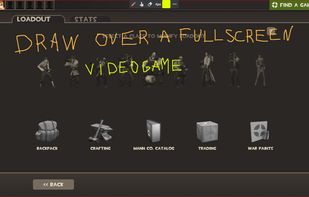
A neat little application that allows you to draw on your screen. Use it from anywhere you want - be it your desktop, while browsing internet or even while in a video game.
 Latvia
 EU
EU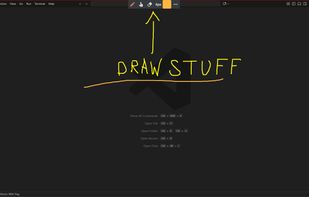


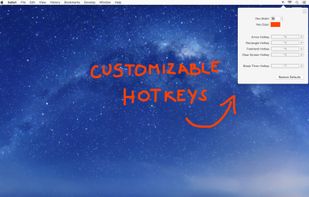
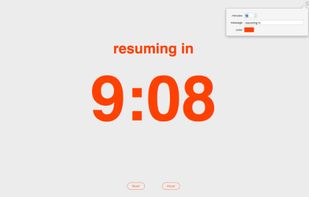
DemoPro is a simple and unobtrusive screen annotation tool for the Mac ideal for live demonstrations. Just press a customizable hotkey to draw on the screen. Release it to continue your demonstration. DemoPro also includes a countdown timer.


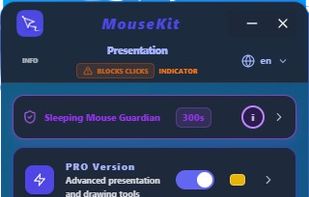
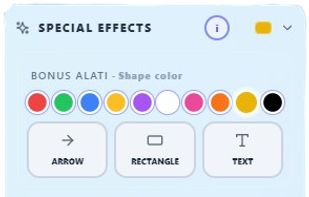
MouseKit turns your mouse cursor into a presentation, on-screen drawing, and cursor-tracking tool — all in one, for Windows.
 Serbia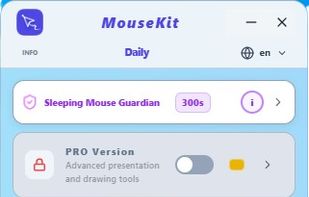


A live screen effect layer for macOS that adds real-time zoom, cursor spotlight/highlight, and freehand drawing directly on your screen.
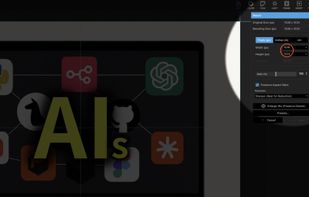
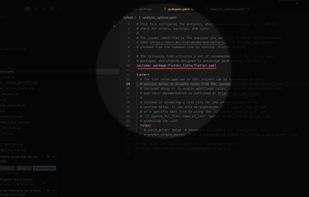

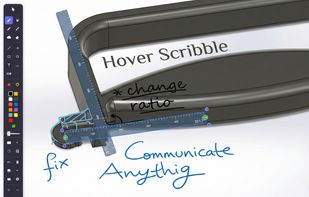
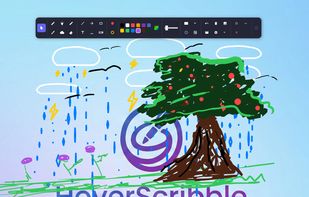
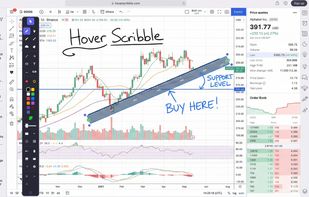
Lightweight screen annotation tool for Windows. Draw on your screen over any application with fading ink, spotlight mode, laser pointer, and shapes. Perfect for presentations, teaching, and streaming.
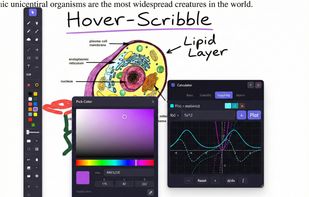


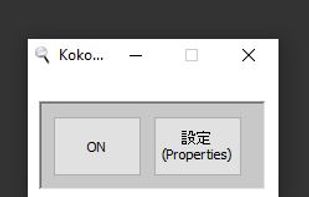
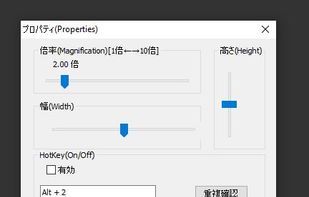
Kokodeka is a magnifier software. Magnifier window also appears in the mouse position while zooming in near the mouse position. In other words, the vicinity of the mouse is always enlarged, and the enlarged part moves with the mouse movement.


Draw Over It gives presenters, trainers, and any professional an always-ready overlay for live markups. Open it with a hotkey, sketch directly on top of any app, and jump back to work without leaving a trace.
 PolandEU