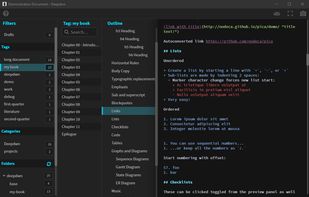
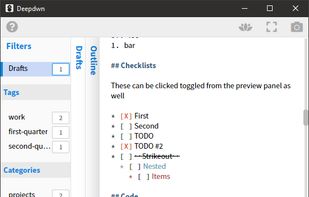
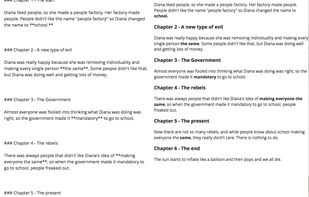
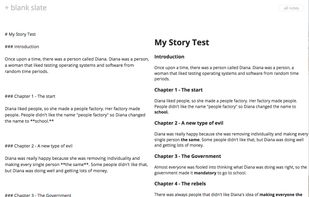
Deepdwn is a markdown editing suite, designed to organize and edit collections of markdown files.
Cost / License
- Paid
- Proprietary
Application typeApplication types
Platforms
- Mac
- Windows
- Linux




Apps similar to Clearly Markdown include Obsidian, which has a free version. Other options are Standard Notes, Typora, PrivacyNotes and ghostwriter. There's no shortage of Text Editors like Clearly Markdown, with more than 50 alternatives for Mac, Windows, Linux, the web and iPhone.
Deepdwn is a markdown editing suite, designed to organize and edit collections of markdown files.

A modern macOS markdown editor - themeable, tabs, sidebar, GitHub flavored markdown, exporting, latex and more.
 Australia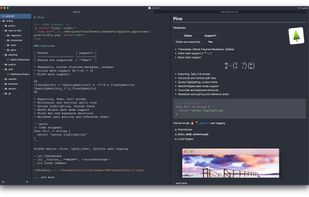
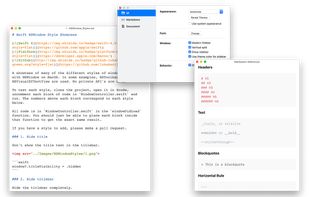


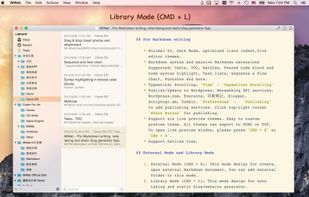
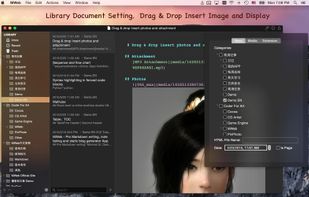
MWeb can handle professional-level markdown with support for markdown extensions. It provides publishing to various social networks and blogging formats, as well as various preview themes.
 China
China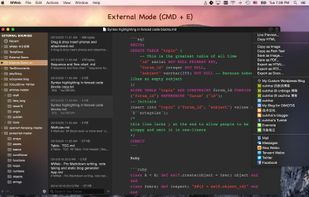


Markdown Edit is a Windows desktop Markdown editor with an emphasis on content and keyboard shortcuts. There is minimal window chrome and most functions are accessed through keyboard shortcuts.
 United States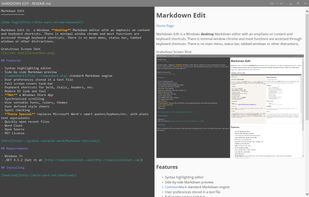
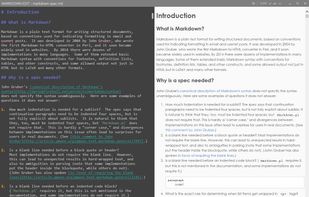


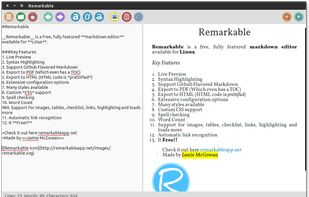
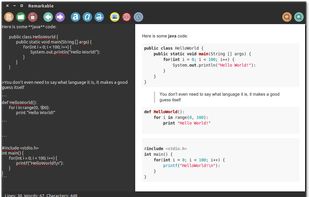
A fully featured markdown editor for Linux. Features include Live Preview, PDF/HTML export, MathJax support, Syntax highlighting, customizable, keyboard shortcuts, GFM, images, tables and much more.


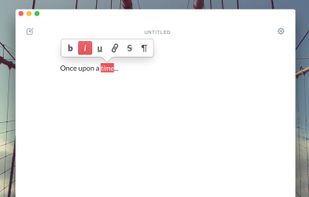
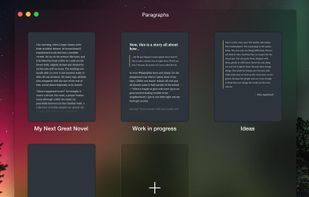
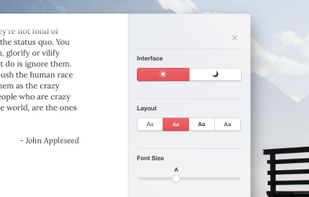
Paragraphs is an app just for writers. It was built for one thing and one thing only: writing. It gives you everything you need to create brilliant prose and does away with the rest.


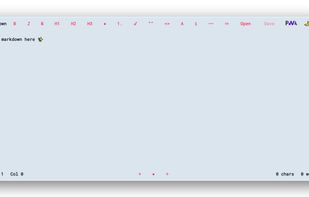
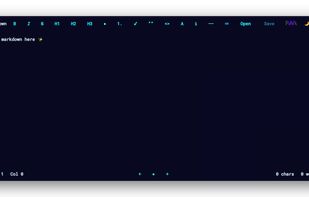




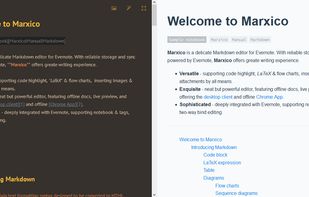
Marxico is a neat Markdown editor that features :
code highlight, tables, images, attachments, LaTeX etc.
live preview, offline desktop client and Chrome App.
Evernote integration with notebooks & tags, two-way bind editing etc.


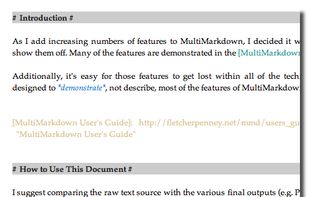
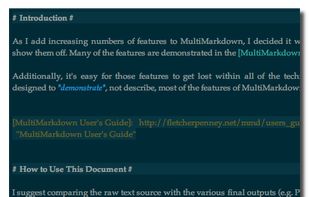
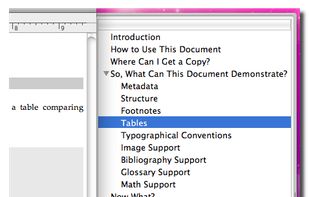
MultiMarkdown Composer is a text editor for Mac that is designed from the ground up around the MultiMarkdown Syntax. It is designed to make writing in MultiMarkdown even easier than it already is, with automatic syntax highlighting, built in previews, easy export to any format...
United States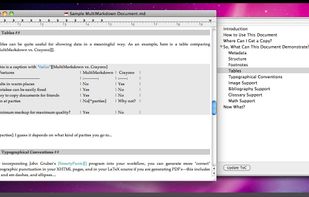



A simple notes app for Windows. Your notes stay in one file on your own computer. No account, no cloud, free and open source.
 Netherlands
 EU
EU