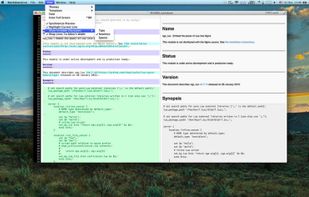
An elegant and easy to use editor with simplicity for the Markdown markup language. Markdown Life is able to use full power of your new Mac and brings you unprecedented performance.
Cost / License
- Paid
- Proprietary
Application type
Platforms
- Mac




+1


Apps similar to Clearly Markdown include Obsidian, which has a free version. Other options are Standard Notes, Typora, PrivacyNotes and ghostwriter. There's no shortage of Text Editors like Clearly Markdown, with more than 50 alternatives for Mac, Windows, Linux, the web and iPhone.
An elegant and easy to use editor with simplicity for the Markdown markup language. Markdown Life is able to use full power of your new Mac and brings you unprecedented performance.

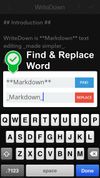
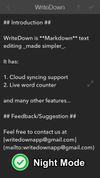
Try WriteDown, an app that made text editing simpler. You can write your note whether you are at home, at work, or on the go. Your notes are synchronized to the cloud, so you can easily read it wherever you want.



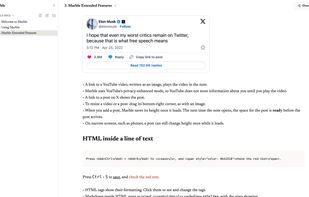
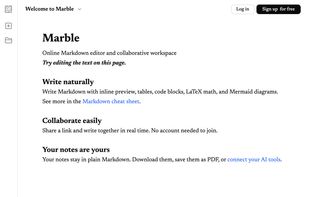
Marble is a beautiful online Markdown editor and collaborative workspace. Write in Markdown, and a clean note will appear to greet you. You can share a link with collaborators and write together in real time. Add tables, code blocks, math, and Mermaid diagrams.
 United Kingdom


a local-first writing app where every page starts empty: nothing to structure first, nowhere to file it, so the first sentence is the first thing that happens.
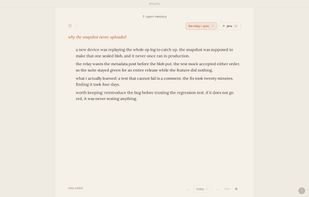
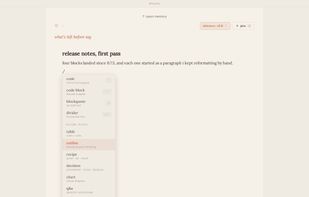
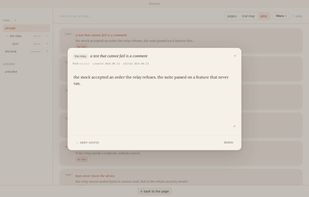
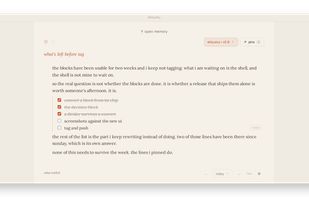


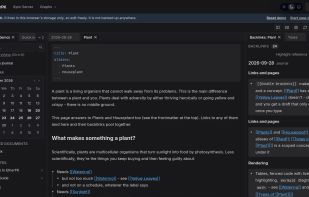
EtherPK is a markdown and wikilink based PKMS / note taking app with backlinks, sync, mobile UI, E2E encryption, AI and MCP integration.
United Kingdom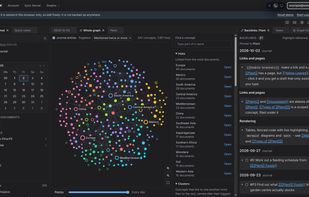

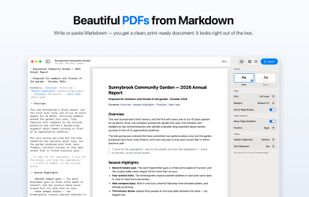
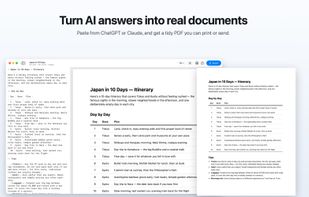
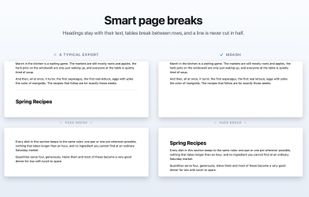
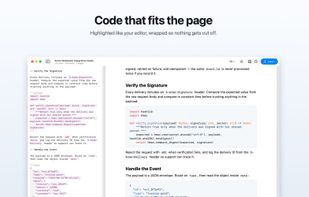
Write or paste Markdown — a ChatGPT answer, your notes, a whole thesis — and export a clean, print-ready PDF with smart page breaks and working links.


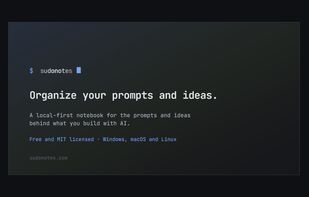
?? Blazing fast notebook for leading AI projects. Brainstorm ideas and keep them connected, orchestrate and scale your projects efficiently, assign the right model to each problem, and avoid wasting effort writing the same prompts.

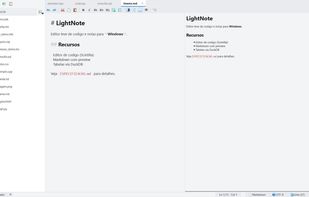
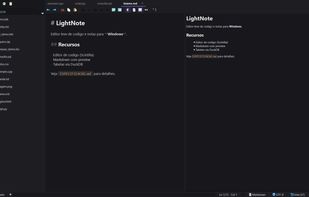
Fast, lightweight editor for Windows that combines a Markdown knowledge base, a code editor, an SQL client and AI assistant integration.
 Brazil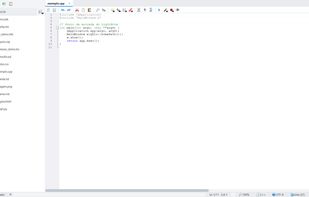


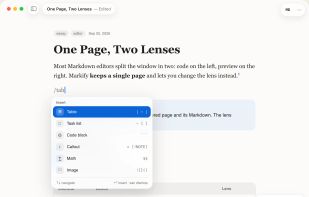
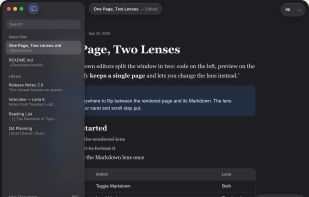
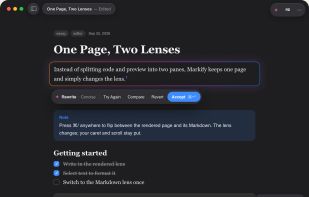
Markify is a native macOS Markdown editor designed for fast editing, reliable previewing, and workflows that keep files under your control.
 France
 EU
EU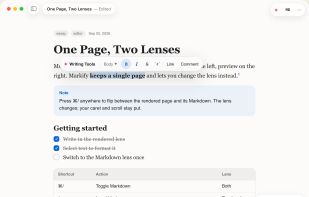

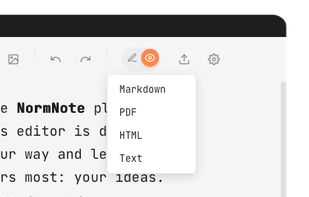
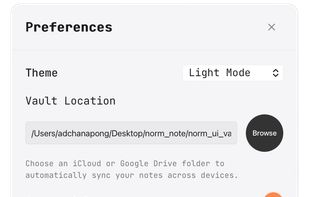
NormNote is a minimalist, distraction-free Markdown editor built for focus and privacy. All notes are stored directly on your device — no accounts, no forced cloud sync. If you want to sync across devices, simply point NormNote to your iCloud or Google Drive folder.
 Thailand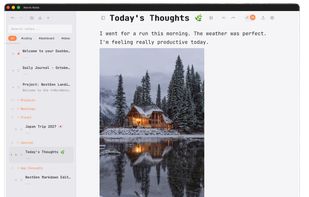
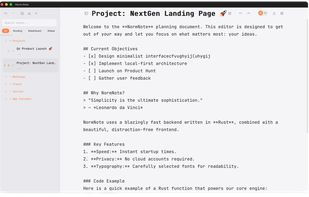

Smart notes that respect your privacy. Your original notes stay 100% on your device. For AI features, only minimal context is temporarily sent to the cloud — without compromising privacy.
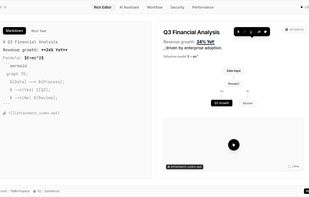
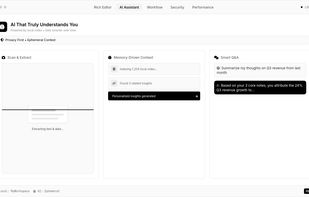
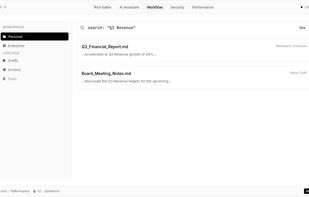
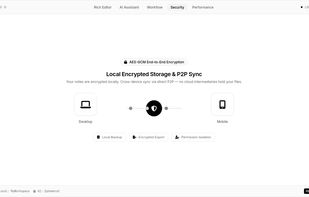
An AI-first workspace that unifies your knowledge base, files and workflows. It runs AI agents 24/7 on your data, stores everything as plain Markdown files on disk & supports bring-your-own AI keys.
 Israel