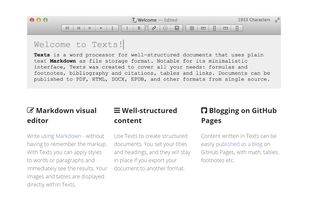
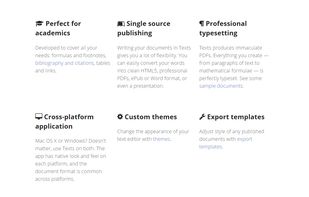
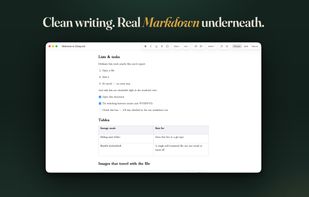
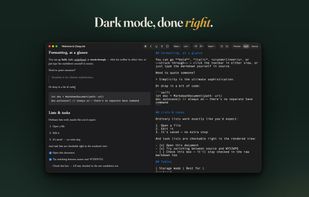
Advanced text editor tailored for creating structured documents. Leverages Markdown to differentiate content and formatting, ensuring streamlined editing and publishing to a multitude of formats.
Platforms
- Mac
- Windows
- Global



+4


Apps similar to Clearly Markdown include Obsidian, which has a free version. Other options are Standard Notes, Typora, PrivacyNotes and ghostwriter. There's no shortage of Text Editors like Clearly Markdown, with more than 50 alternatives for Mac, Windows, Linux, the web and iPhone.
Advanced text editor tailored for creating structured documents. Leverages Markdown to differentiate content and formatting, ensuring streamlined editing and publishing to a multitude of formats.

TextNut will convert your edits into markdown on-the-fly. If you are familiar with Markdown, it is add-on, with a powerful markdown editing mode.
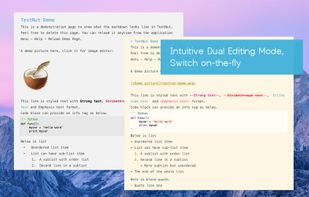
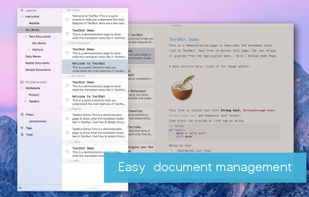
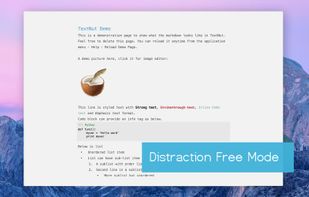
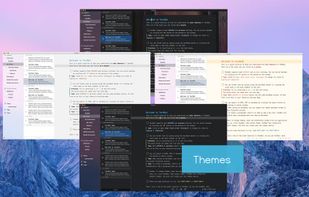


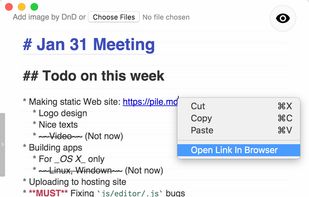
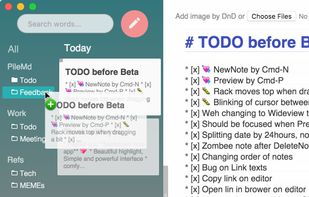
PileMd has a really beautiful Markdown Editor, looks like Preview. It's like a RichText Editor but it's actually Markdown, and it works like a word processor, complete with Undo/Redo histories, list completion and clickable urls.
 Japan
Japan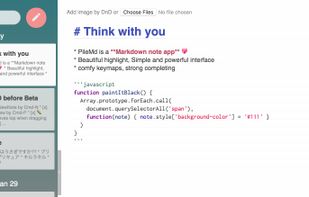


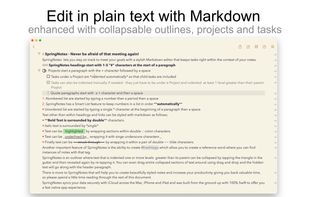
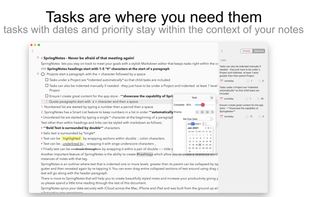
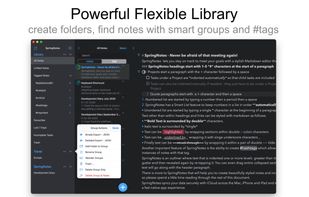
Write styled Markdown notes, sync across Mac, iPhone and iPad add to-dos and tags, export to a variety of formats and choose your favourite style from a variety of colourful themes.
 United Kingdom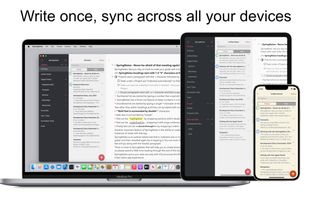


AS Notes brings markdown and [[wikilink]] editing for notes, documentation, blogs and wikis directly into VS Code and compatible editors (e.g. Antigravity, Cursor, Windsurf).
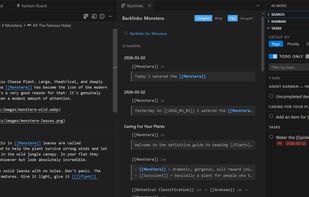


Write markdown documents with quickly accessible code snippets, mathematical equations and images and store them in the cloud to be accessed anywhere.
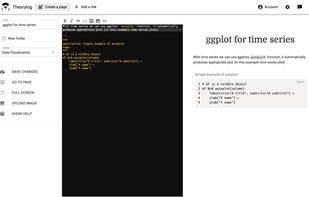


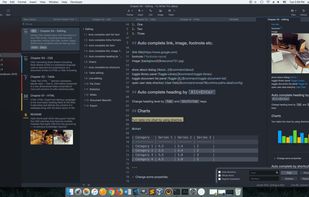


A beautiful and easy to use editor for the popular Markdown markup language, combined with a themed live preview feature, you will never have to write boring documents again.
 United States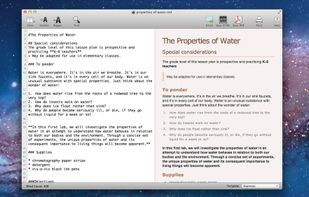
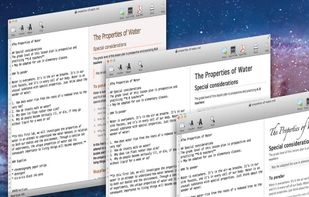


Epsilon Notes is a text editor for writing texts with Markdown-compatible CommonMark tags. Epsilon Notes can generate pdf and HTML code from your documents. CommonMark is an easy text formatting tool taking only a few minutes to learn, Runs on Android and Windows.


A clean & intuitive design focused on things that matter most - your notes! Write offers a well designed writing experience with beautiful inline markdown rendering and some gorgeous fonts. Add Folders from Anywhere.


Zizeg is a native Mac Markdown editor for people who want to work visually while keeping direct control of their source. Edit text, lists, and tables in the rendered Preview, work in raw Source, or keep both editors open side by side. Changes stay in sync in the same plain .
 Hungary
 EU
EU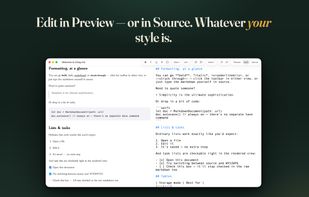

Writage is a new add-in for Word, which enables to edit Markdown documents. Zero knowledge of Markdown is required in order to write structured documents. No need to remember markup for hyperlink or footnote, or how to format a table.