Capture the contents of your entire desktop at the same time as your video camera, microphone and computer's audio. Sophisticated editing tools allow you to create incredible screencasts in no time.
 United States


The best Screenshot Capture alternative to Camtasia is OBS Studio, which is both free and Open Source. If that doesn't suit you, our users have ranked more than 100 alternatives to Camtasia and loads of them are Screenshot Capture Tools so hopefully you can find a suitable replacement. Other interesting Screenshot Capture Tool alternatives to Camtasia are SimpleScreenRecorder, Bandicam, FastStone Capture and VokoscreenNG.
Capture the contents of your entire desktop at the same time as your video camera, microphone and computer's audio. Sophisticated editing tools allow you to create incredible screencasts in no time.
United States
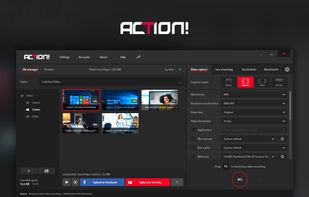
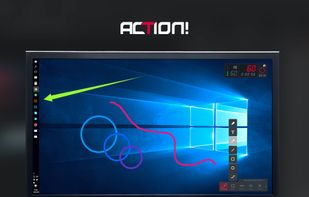
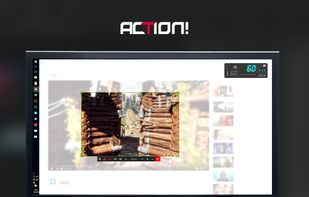
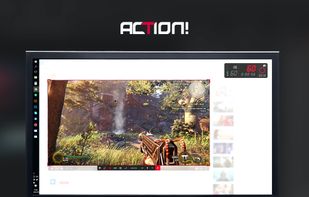
Action! enables HD, 4K, HDR10, and 8K streaming and recording, integrates fps displays, webcams, and live audio commentary. With overlays, monitoring tools, and benchmarking features, it offers a multifaceted solution for gaming capture.
 Poland
 EU


Streamlabs Desktop is all you need for streaming! Our developers have combined a streamer's essentials like video preview, dashboard, and chat windows in one app with better video quality and lower CPU usage.
United States


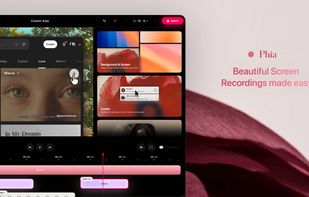
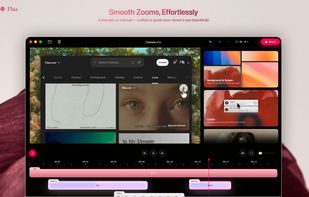
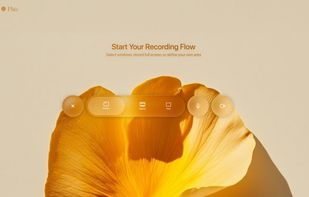
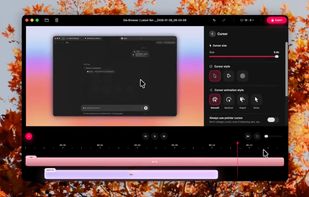
Screen recorder featuring fluid mouse motion, intelligent zoom, motion blur, customizable backgrounds, dynamic title animations, and mesmerizing scene transitions. Instantly share, embed, or edit videos for demos, tutorials, and presentations.


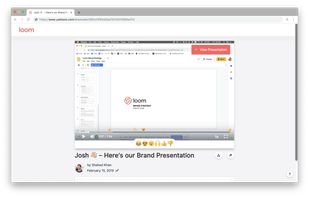
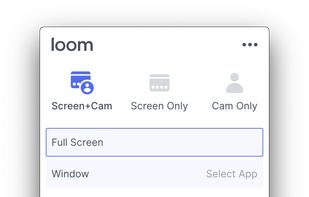
Easy and free screen recorder for Mac, Windows, and Chromebooks. Record your camera and screen with audio directly from your Chrome browser and share the video with your team, friends, and family.
United States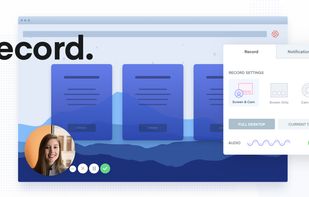

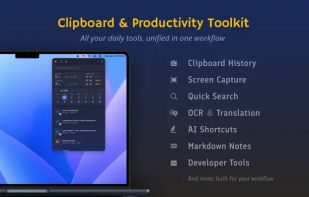
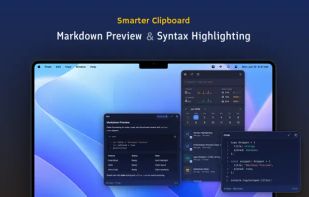
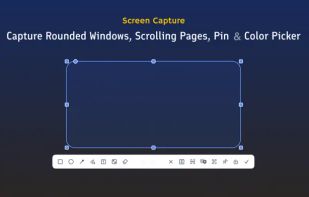
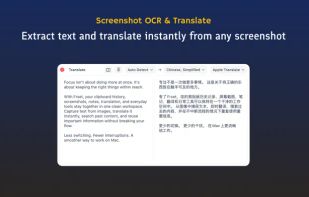
Frset is an all-in-one macOS productivity app combining clipboard management, screenshots, OCR, translation, AI shortcuts, and useful utilities in one place.

Free version Records up to 15 minutes, premium is $20/year or $48/year depending on features (as of January 2020).
United States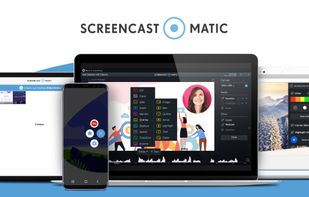
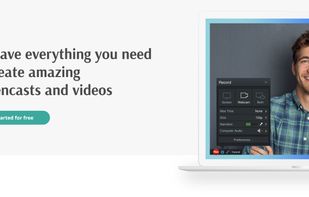
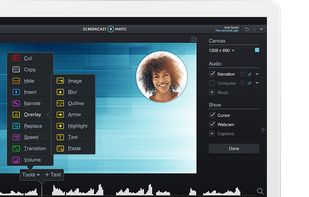
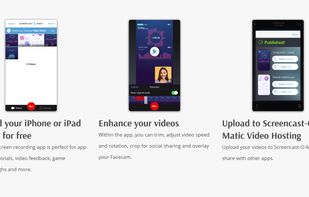


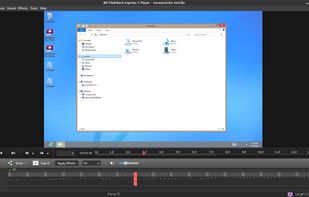
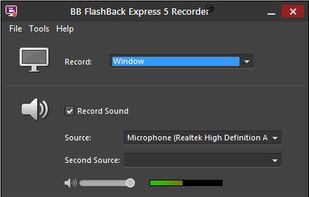
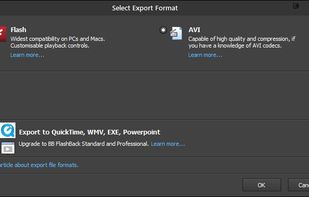
Free software records screen, webcam, and audio; supports picture-in-picture overlays, lossless format storage for frame referencing, export to Flash or AVI, and fast sharing options including direct YouTube upload. Suitable for tutorials, demos, or sharing online.
 United Kingdom
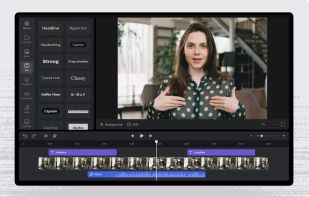


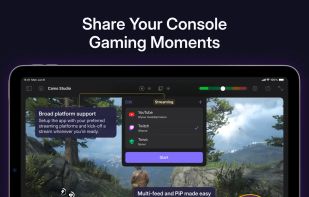
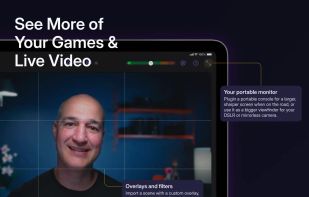
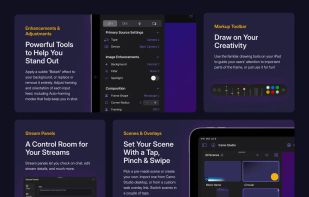
Start a stream or record your next video in a few taps – hone your scenes, connect a camera, and start creating with ease.
United Kingdom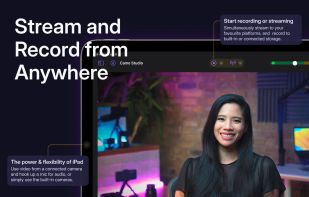


Wink is a Tutorial and Presentation creation software, primarily aimed at creating tutorials on how to use software (like a tutor for MS-Word/Excel etc). Using Wink you can capture screenshots, add explanations boxes, buttons, titles etc and generate a highly effective tutorial...
 India


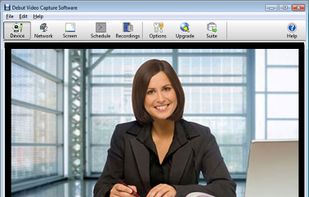
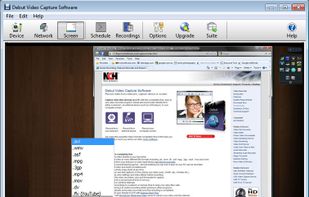
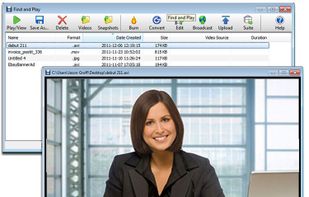
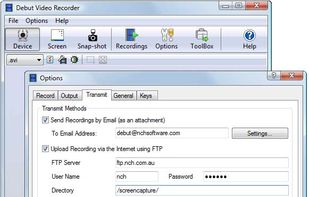
Debut is a screen capture and video recording software that records videos from your screen, webcam or other video devices.
 Australia


Kap is an open-source screen recorder built with Electron and designed to be easy to use but extensible.
 SwedenEU