


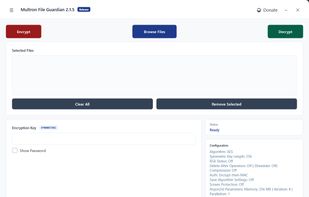
Multron File Guardian - A File Encrypter/Decrypter With Many Encryption Algorithm.
Cost / License
- Free
- Open Source
Alerts
- Discontinued
Platforms
- Windows
 Türkiye




+1


Boxcryptor has been discontinued. The top-rated alternative is VeraCrypt, which is free and open source. People also recommend Cryptomator, TrueCrypt, Tresorit and Picocrypt. There's no shortage of File Encryption Software like Boxcryptor, with more than 50 alternatives for Windows, Mac, Linux, Android and iPhone.
Multron File Guardian - A File Encrypter/Decrypter With Many Encryption Algorithm.
Türkiye
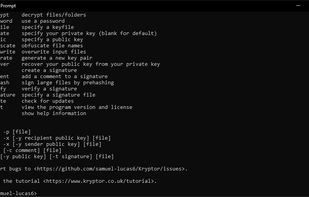


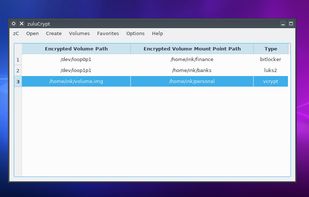
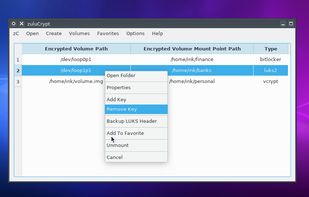
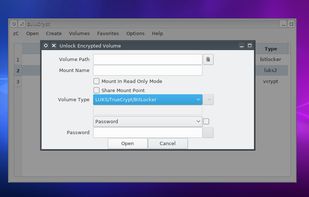
zuluCrypt is a free hard drives encryption, supports PLAIN dm-crypt, LUKS, TrueCrypt, VeraCrypt, and Microsoft’s BitLocker volumes. Currently Linux only.


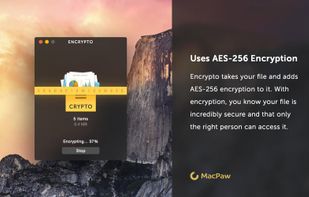
Encrypto lets you encrypt files before sending them to friends or coworkers. Just drop a file into Encrypto, set a password, and then send it however you normally would — but this time with added security. It’s free for both Mac and Windows.
 Ukraine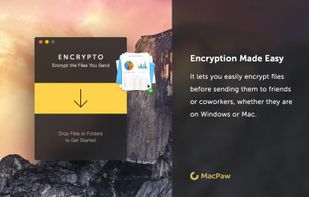


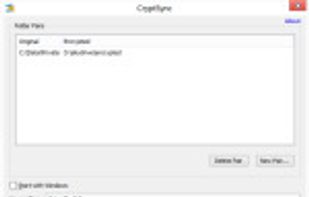
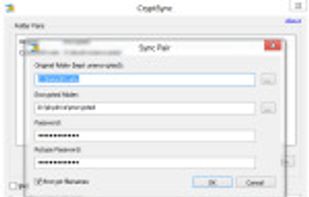
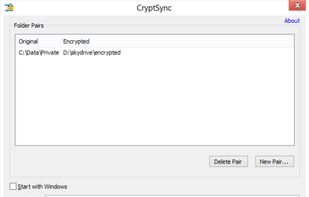
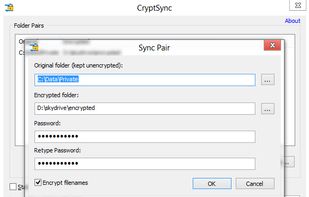
CryptSync is a small utility that synchronizes two folders while encrypting the contents in one folder. That means one of the two folders has all files unencrypted (the files you work with) and the other folder has all the files encrypted.

A simple, modern and secure encryption tool (and Go library) with small explicit keys, no config options, and UNIX-style composability.

A simple right-click, you can encrypt files in seconds - without any prior technical knowledge.
 Germany
 EU
EU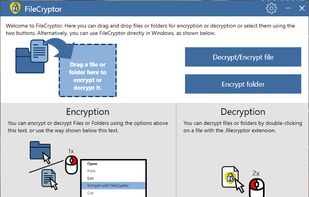


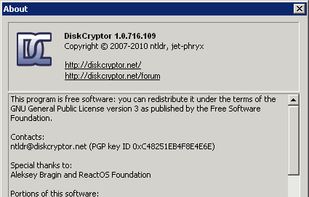
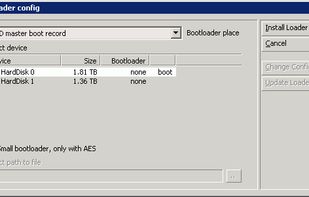
DiskCryptor is a free and open-source utility that offers encryption of all disk partitions, including the system partition. Originally conceived as a replacement for DriveCrypt Plus Pack and PGP Whole Disk Encryption (WDE), the project aims to create the best product in its...
 AustriaEU


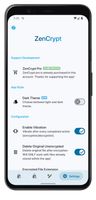
Welcome to ZenCrypt. With this app, you can safely encrypt files, using a secure and efficient library.




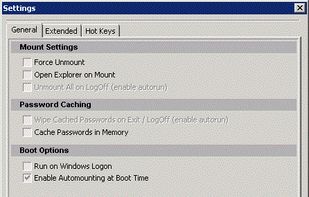
CipherShed is a program that can be used to create encrypted files or encrypt entire drives (including USB flash drives and external HDDs).


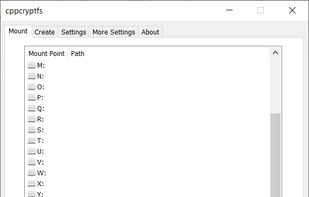
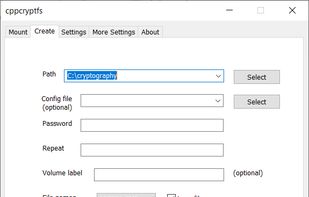
Encrypt your programs easily and in real-time with cppcryptfs while using Windows. After creating your initial settings in the create tab just mount a virtual partition on your system in the mount tab. There all your files will be viewed normally, but when you close the program...


 United Arab Emirates

 Italy
Italy


