

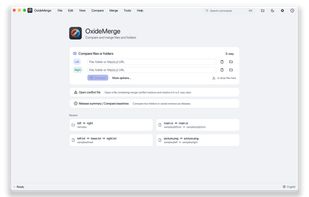
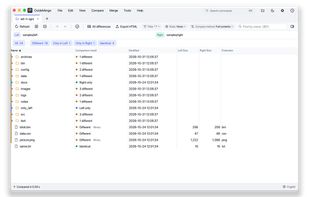
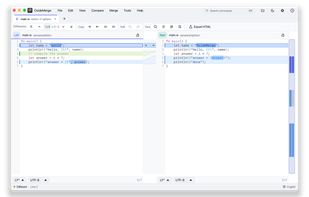
OxideMerge is a free, open-source tool for comparing and merging files and folders on Windows, macOS and Linux. Use it to review changes, combine edits and resolve merge conflicts in a visual interface.
 Taiwan




There are many alternatives to Beyond Compare for Windows if you are looking for a replacement. The best Windows alternative is WinMerge, which is both free and Open Source. If that doesn't suit you, our users have ranked more than 50 alternatives to Beyond Compare and loads of them are available for Windows so hopefully you can find a suitable replacement. Other interesting Windows alternatives to Beyond Compare are Meld, KDiff3, Unison File Synchronizer and P4Merge.
OxideMerge is a free, open-source tool for comparing and merging files and folders on Windows, macOS and Linux. Use it to review changes, combine edits and resolve merge conflicts in a visual interface.
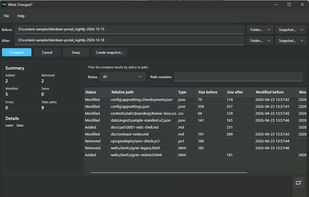
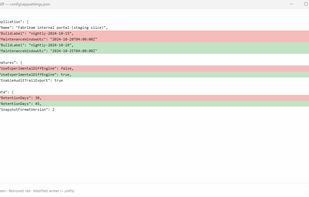
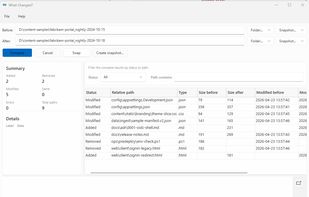
TaiwanOffers free folder or snapshot comparison on Windows, identifies added, removed, modified, and unchanged files, provides detailed file inspection, supports light and dark themes, and enables Pro features like snapshot creation, CSV and HTML report export for sharing.
 United States

Feature-rich offline tool for comparing text, folders, images, audio, video, documents, and Excel on macOS and Windows, supporting advanced diff, merge, waveform, pixel and character-level inspection, version tracking, bulk processing, and export formats.
 Japan


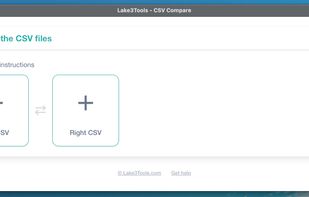
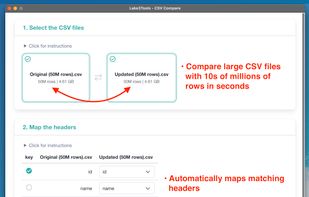
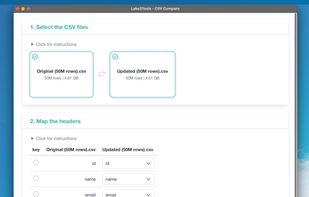
A fast desktop CSV comparison tool built for very large files. Compare millions of rows locally in seconds, without Excel, scripts, or cloud uploads.


Diffract is a purpose-built desktop diff tool that handles far more than plain text. A single app compares text, binary (hex view), images, PDFs, Word documents, Excel spreadsheets, ZIP/tar archives, and Git commits - all in a multi-tab interface.
 Germany
 EU


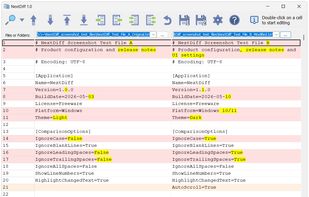
NextDiff is a free file and folder comparison program for Windows that highlights differences between text files, source code, logs, and folders in a side-by-side view.
 CyprusEU

UwDiff compares two files or two folders and shows what changed. It comes as a GUI (UwDiff) and a CLI (uvd) that share one comparison engine, on Windows (x64, ARM64), macOS (Apple Silicon, Intel) and Linux (x86_64, aarch64). No separate .NET install is needed.
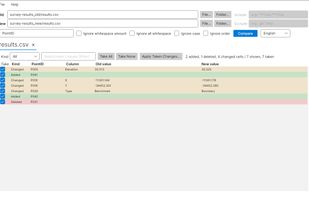
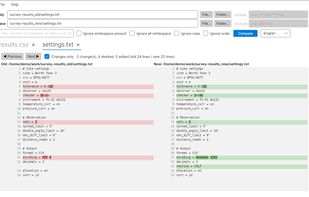
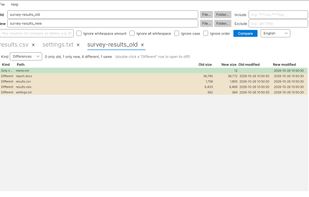


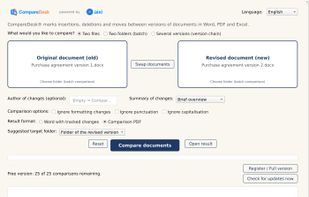
CompareDesk compares two or more versions of a document and reports every insertion, deletion and move. It handles DOCX, DOC, RTF, TXT, PDF and spreadsheets in XLSX, XLSM, XLS, ODS and CSV in any combination, including a PDF against a Word file and a scanned document against a...
 AustriaEU


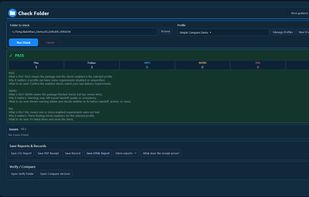
Windows folder checking, comparison and SHA-256 verification software with reusable delivery Profiles and workflow-specific reports.
United States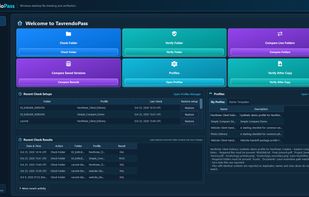

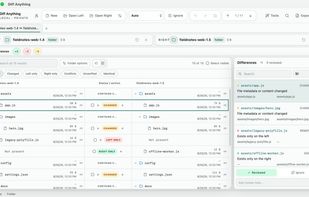
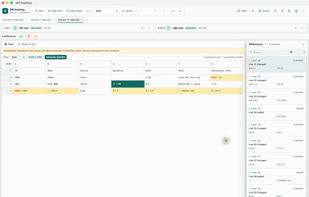
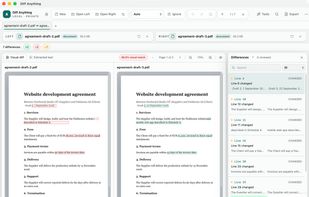
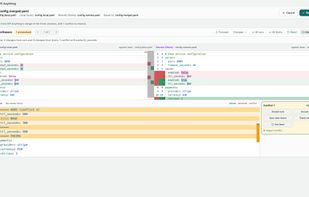
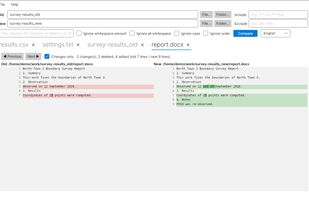
Diff Anything compares two files or two folders on Mac and Windows and shows exactly what changed, in a view made for each kind of file.
 EstoniaEU