The Best Atom AlternativesTop Code & Text Editors like Atom

Atom is described as 'Open-source, Electron based text editor with a massive ecosystem of plugins and themes that are easily accessible through a built-in package manager. Being built with Electron, it uses web technology (HTML, CSS, JavaScript and Node' and is a leading Code Editor in the development category. There are more than 100 alternatives to Atom for a variety of platforms, including Windows, Linux, Mac, BSD and Web-based apps. The best Atom alternative is Visual Studio Code, which is free. Other great apps like Atom are Notepad++, Sublime Text, Vim and VSCodium.

Copy a direct link to this comment to your clipboard
Atom alternatives page was last updated

Alternatives list

  1. Visual Studio Code icon
     1380 likes

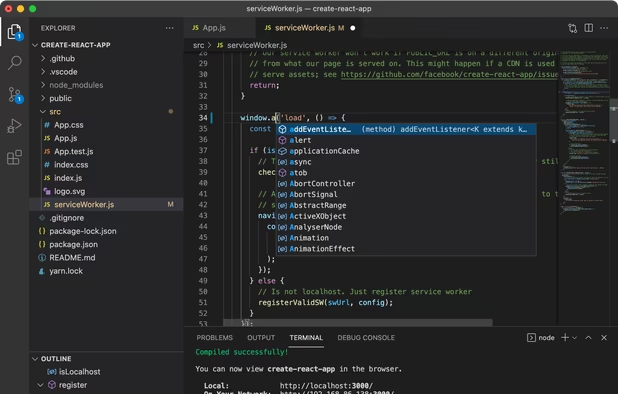
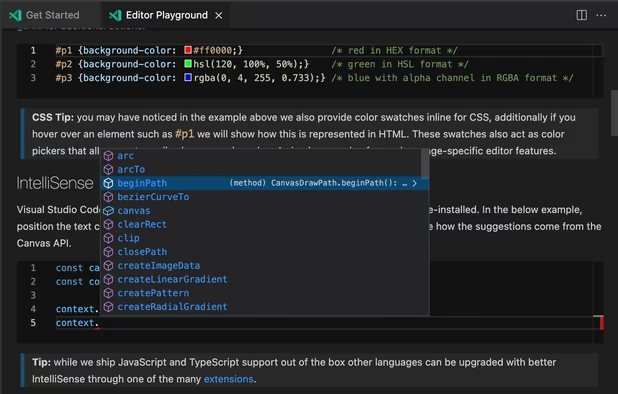
    Free and extensible code editor with built-in Git support, smart IntelliSense, integrated debugger, 30,000+ extensions, works offline, supports markdown and syntax highlighting for numerous languages.

    207 Visual Studio Code alternatives

    Cost / License

    • Free
    • Proprietary (MIT)

    Application types

    Platforms

    • Mac
    • Windows
    • Linux
    • Online
    • Chrome OS
    • Snapcraft
     
    |
    9
    Visual Studio Code vs Atom Comments
    Top Positive Comment
    David
    1

    VS Code has arguably better defaults than Atom especially with the pre-configured minimap. Atom's themes use HTML/CSS so visuals are fully configurable but that also makes it a bit slower with drawing operations whereas VS Code draws everything fast, very noticeable with the minimap which reacts practically instantly to changes. VS Code also loads faster and just feels faster in general. Otherwise, both editors offer a massive list of great features and droves of extensions.

    Dwayne Mitchell
    Positive
    -3

    The best of the best, at least right now.

    someone last
    Positive
    0

    Makes everything easier, faster.

    3 of 9 comments
    • Visual Studio Code is Free and ProprietaryAtom is Free Personal and Open Source
  2. Notepad++ icon
     4933 likes

    Notepad++ is a free, open-source code editor supporting several languages, offering features like syntax highlighting, plugin support, dark mode, portability, privacy, and efficient resource usage, making it highly customizable and suitable for various programming needs.

    249 Notepad++ alternatives

    Cost / License

    • Free
    • Open Source

    Application types

    Platforms

    • Windows
    • PortableApps.com
     
    |
    7
    Notepad++ vs Atom Comments
    Top Positive Comment
    Chris Lamke
    11

    Notepad++ has built-in support for many languages and a great plugin system for more.

    Top Negative Comment
    Guest
    4

    Windows only, few plugins, more a text editor than a code editor/IDE.

    Review by a new / low-activity user.
    David Burns
    Positive
    0

    Usage of Notepad++ should be really straightforward for those with prior IDE knowledge & experience.

    3 of 7 comments
    • Notepad++ is Free and Open SourceAtom is Free Personal and Open Source
    • Notepad++ is Lightweight and Privacy focusedAtom is not according to our users
  3. Sublime Text icon
     2048 likes

    Powerful editor blending code, markup, and prose editing with enhanced features like multi-tab selection, side-by-side definition viewing, and multiple selection tools for swift code navigation.

    194 Sublime Text alternatives

    Cost / License

    • Freemium
    • Proprietary

    Application types

    Platforms

    • Mac
    • Windows
    • Linux
    • Flathub
    • Flatpak
    • Snapcraft
     
    |
    5
    Sublime Text vs Atom Comments
    Top Positive Comment
    Guest
    4

    SublimeText is by far my most favorite editor in my 32 years of computing as it has multitude of features found no where else and is extendable with packages. Vertical Selection and Multi-caret editing is two of my most used features.

    Review by a new / low-activity user.
    David Burns
    Positive
    0

    You wouldn't believe me if I told you the amount of plug-ins available for easy addition.

    Ivan Lopez
    Positive
    1

    It is very similar and easy to understand and use, this program is probably one of the best alternatives to Atom if you are using it for simple text editing and you are not very interested in modifying the program itself, even though both programs are really great, I prefer to use Atom when I'm on linux and Sublime Text when I'm on Windows.

    3 of 5 comments
    • Sublime Text is Freemium and ProprietaryAtom is Free Personal and Open Source
    • Sublime Text is LightweightAtom is not according to our users
  4. Vim icon
     1347 likes

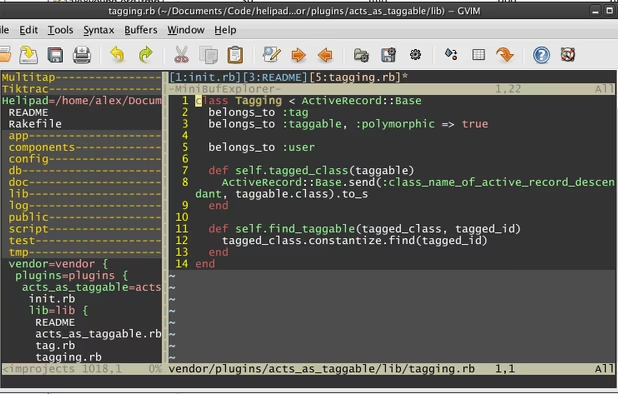
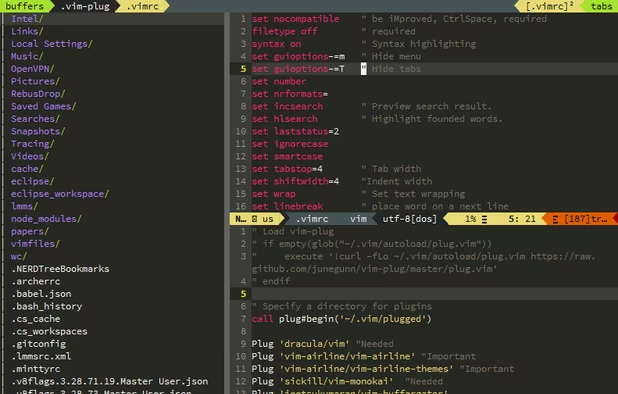
    Vim ("Vi IMproved") is an advanced text editor that allows syntax highlighting, word completion and has a huge amount of contributed content. It also has a GUI version called GVim.

    216 Vim alternatives

    Cost / License

    Application types

    Platforms

    • Mac
    • Windows
    • Linux
    • BSD
    • Haiku
    • AmigaOS
    • OpenSolaris
    • MorphOS
    • Flathub
    • Flatpak
    • Snapcraft
     
    |
    4
    Vim vs Atom Comments
    Guest
    Positive
    11

    Vim offers unlimited customization and consumes very less memory, it supports execution of commands from vim itself and with the right plugins works almost like an ide

    Review by a new / low-activity user.
    Guest
    Negative
    5

    While Vim is powerful, it’s not an easy replacement for a GUI-based text editor.

    Review by a new / low-activity user.
    Conner Vieira
    Positive
    0

    Vim is one of the most lightweight text editors on the planet. If you want to edit plain text or code, and you want to do it efficiently, Vim's keyboard-centric design is great.

    3 of 4 comments
    • Vim is Free and Open SourceAtom is Free Personal and Open Source
    • Vim is LightweightAtom is not according to our users
  5. VSCodium icon
     409 likes

    This repository contains a build file to generate FLOSS release binaries of Microsoft's Visual Studio Code - Open Source ("Code - OSS") project, the open source core of the proprietary Visual Studio Code.

    199 VSCodium alternatives

    Cost / License

    • Free
    • Open Source (MIT)

    Application types

    Platforms

    • Mac
    • Windows
    • Linux
    • Flathub
    • Electron
    • Snapcraft
    • Homebrew
    • Chocolatey
     
    |
    2
    VSCodium vs Atom Comments
    Ernst Went
    Positive
    2

    Has all the famous features of Visual Studio Code but without tracking/telemetry. Updates are coming regularly. Recommendable!

    Sebastian
    Positive
    0

    its better Than most other IDE/Code Editors, even better than Visual studio code.

    • VSCodium is Free and Open SourceAtom is Free Personal and Open Source
    • VSCodium is Privacy focused and LightweightAtom is not according to our users
  6. Zed Editor icon
     115 likes

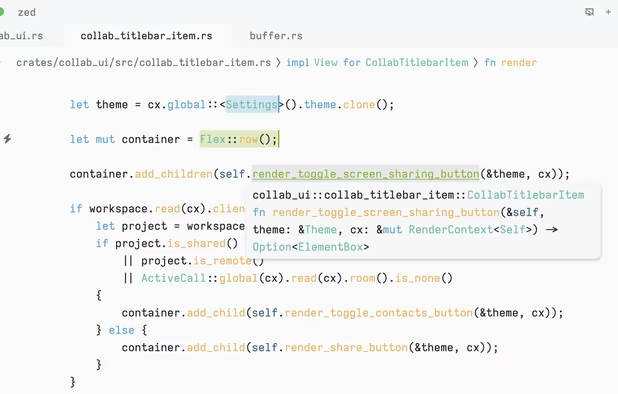
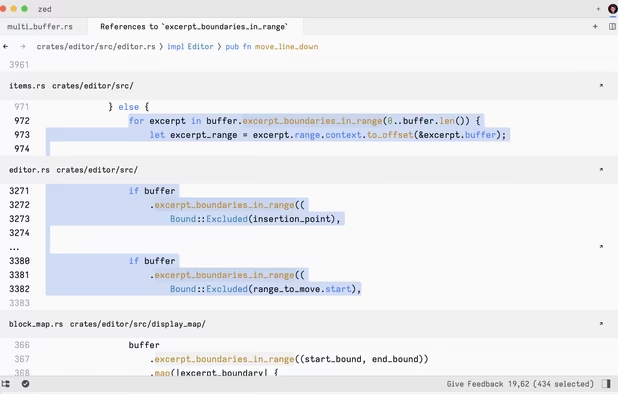
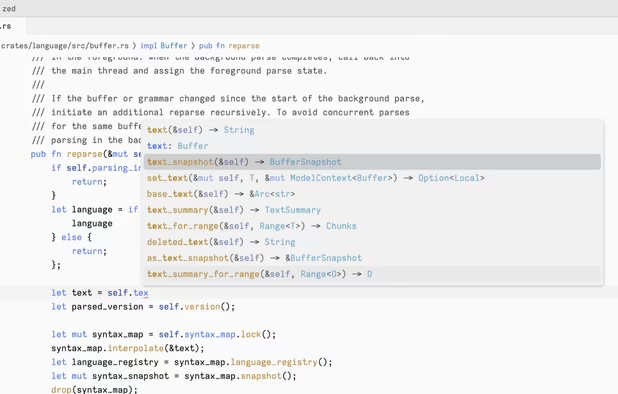
    Blazing fast code editor offering real-time multi-user collaboration, language-aware syntax highlighting, integrated terminal, multi-buffers for tab-free editing, built-in Vim mode, searchable outline, AI coding assistance, advanced keyboard commands, and cross-platform support.

    91 Zed Editor alternatives

    Cost / License

    • Freemium
    • Open Source

    Application types

    Platforms

    • Mac
    • Windows
    • Linux
    • Flathub
    • Flatpak
     
  7. Kate icon
     314 likes

    The Kate project develops two main products: KatePart, the advanced editor component which is used in numerous KDE applications requiring a text editing component, and Kate, a MDI text editor application.

    146 Kate alternatives

    Cost / License

    Application types

    Platforms

    • Mac
    • Windows
    • Linux
    • BSD
    • KDE Plasma
    • Flathub
    • Flatpak
    • Snapcraft
     
  8. Geany icon
     578 likes

    Geany is a powerful, stable and lightweight programmer's text editor that provides tons of useful features without bogging down your workflow.

    155 Geany alternatives

    Cost / License

    Application types

    Platforms

    • Mac
    • Windows
    • Linux
    • BSD
    • Snapcraft
    • Flathub
    • PortableApps.com
    • Flatpak
    • Haiku
     
    |
    1
    Geany vs Atom Comments
    Guest
    Positive
    3

    Geany is easy, extremely fast, and reliable. Has a good console. Has good interaction with the shell. Is very customizable. Can be extended with lua. Has good selection of plugins. Snippets. Block editing. Code folding. Syntax highlighting. Tab completion. Everything works. File browser. Object browser. Configurable compilation and execution. Project managment. etc. Everuthing without bloating.

    Review by a new / low-activity user.
    • Geany is Free and Open SourceAtom is Free Personal and Open Source
    • Geany is Lightweight, Minimalistic and Privacy focusedAtom is not according to our users
  9. gedit icon
     695 likes

    Official text editor of the GNOME desktop environment. Has syntax highlighting and is suitable for programming, with support for several languages. It is extensible with plugins.

    193 gedit alternatives

    Cost / License

    Application types

    Platforms

    • Mac
    • Windows
    • Linux
    • Chrome OS
    • BSD
    • GNOME
    • OpenSolaris
    • Flathub
     
  10. GNU Emacs icon
     387 likes

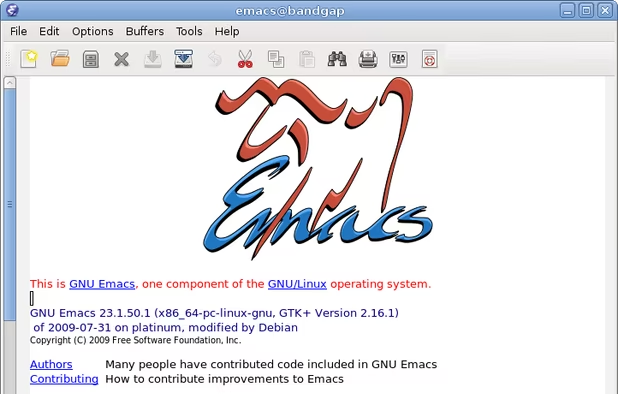
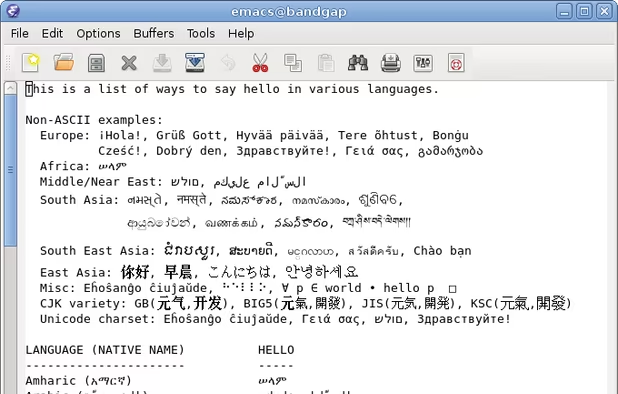
    GNU Emacs is an extensible, customizable text editor—and more. At its core is an interpreter for Emacs Lisp, a dialect of the Lisp programming language with extensions to support text editing. The features of GNU Emacs include:

    181 GNU Emacs alternatives

    Cost / License

    Application types

    Platforms

    • Mac
    • Windows
    • Linux
    • Android
    • BSD
    • Snapcraft
    • F-Droid
    • Haiku
    • Debian
    • MacPorts
    • Homebrew
     
    |
    1
    GNU Emacs vs Atom Comments
    cycroenerugi
    Positive
    4

    Its more than just a text editor, its an list interpreter and an shell. Good for computer setups without mouse

    • GNU Emacs is Free and Open SourceAtom is Free Personal and Open Source
    • GNU Emacs is Privacy focused and LightweightAtom is not according to our users
  11. Neovim icon
     188 likes

    Refactored version of Vim, simplifying maintenance, improving developer contributions, and enabling new user interfaces. Features extensible plugin architecture, lightweight resource usage, syntax highlighting, no registration, ad-free, and distraction-free mode.

    107 Neovim alternatives

    Cost / License

    • Free
    • Open Source

    Application types

    Platforms

    • Mac
    • Windows
    • Linux
    • Chocolatey
    • Flathub
    • Snapcraft
     
    |
    1
    Neovim vs Atom Comments
    downshifter
    Positive
    0

    Lightweight, customisable, terminalbased, extensible to full IDE

    Review by a new / low-activity user.
    • Neovim is Free and Open SourceAtom is Free Personal and Open Source
    • Neovim is LightweightAtom is not according to our users
  12. Pulsar Editor icon
     48 likes

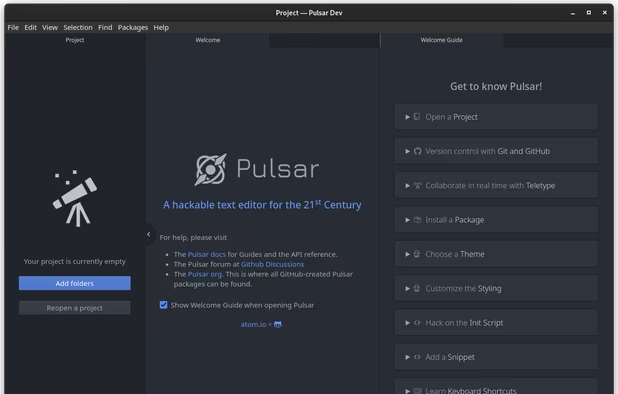
    A Community-led Hyper-Hackable Text Editor, built on Electron. and based on everything we love about our favorite editors.

    78 Pulsar Editor alternatives

    Cost / License

    • Free
    • Open Source

    Application types

    Platforms

    • Mac
    • Windows
    • Linux
    • Chrome OS
    • BSD
    • Electron
     
    |
    4
    Pulsar Editor vs Atom Comments
    Mark
    Positive
    2

    Pulsar is the spiritual successor to Atom.

    Buster_Blue
    Positive
    1

    It's the community-run direct successor (it's a fork) of Atom. If you really liked Atom and wish you could keep using it, this is the obvious choice, because it IS Atom, just with a new name and new maintainers.

    tuva-hayabi
    Positive
    0

    Atom is dead and gone, Pulse is alive and well.

    3 of 4 comments
    • Pulsar Editor is Free and Open SourceAtom is Free Personal and Open Source
    • Pulsar Editor is Lightweight and Privacy focusedAtom is not according to our users
12 of 167 Atom alternatives