Adobe Acrobat Reader AlternativesOnly apps categorised as PDF Editors

The best PDF Editor alternative to Adobe Acrobat Reader is Okular, which is both free and Open Source. If that doesn't suit you, our users have ranked more than 100 alternatives to Adobe Acrobat Reader and many of them are PDF Editors so hopefully you can find a suitable replacement. Other interesting PDF Editor alternatives to Adobe Acrobat Reader are Foxit PDF Reader, PDFgear, Xodo and Qoppa PDF Studio.

filter to find the best alternatives

Adobe Acrobat Reader alternatives are mainly PDF Editors, but if you're looking for PDF Readers or Text to Speech Services you can filter on that. Other popular filters include Windows, Open Source, Linux, Windows + Open Source, Free, Android and Android + Open Source. You can also filter by region, for example EU-based alternatives if you prefer software developed in the European Union. These are just examples - use the filter bar below to find more specific alternatives to Adobe Acrobat Reader.
Copy a direct link to this comment to your clipboard
Adobe Acrobat Reader alternatives page was last updated

Alternatives list

  1. Okular icon
     480 likes
    Copy a direct link to this comment to your clipboard

    Multi-platform document viewer offering extensive format support, including PDF, comics, images, EPUB, and Markdown, with annotation tools, sidebar previews, text-to-speech, DRM management, cross-platform compatibility, and integration with KDE Frameworks libraries.

    113 Okular alternatives

    Cost / License

    • Free
    • Open Source

    Application types

    Platforms

    • Windows
    • Linux
    • BSD
    • KDE Plasma
    • Snapcraft
    • Linux Mobile
    • Flathub
    • Haiku
     
    |
    11
    112
    Comments about Okular as an Alternative to Adobe Acrobat Reader
    Top Positive Comment
    karlossss1996
    4

    It's very fast free pdf reader with some useful editing functions.

    Top Negative Comment
    Notiz_Me
    1

    Doesn't have the ability to print in booklet format.

    KimiBCN
    Positive
    0

    It's a good alternative to Acrobat Reader. But it doesn't have any PDF editing features. You can't rotate images either.

    Show more comments
    3 of 11 comments
    Adobe Acrobat Reader Icon
    Okular icon
    • Most users think Okular is a great Adobe Acrobat Reader alternative.

    • Okular is the most popular Linux alternative to Adobe Acrobat Reader.

    • Okular is Free and Open SourceAdobe Acrobat Reader is Freemium and Proprietary
    • Okular is Privacy focusedAdobe Acrobat Reader is not according to our users
  2. Foxit PDF Reader icon
     1376 likes
    Copy a direct link to this comment to your clipboard

    Foxit Reader offers a lightweight PDF viewing experience across multiple platforms with features such as annotation, form filling, signing, cloud storage integration, collaborative review options, heightened security via Trust Manager, and organizational tools like Group Policy and XML Configuration.

    120 Foxit PDF Reader alternatives

    Cost / License

    • Free Personal
    • Proprietary

    Application types

    Alerts

    • Bundleware

    Platforms

    • Mac
    • Windows
    • ReactOS
     
    |
    14
    208
    Comments about Foxit PDF Reader as an Alternative to Adobe Acrobat Reader
    Comment summary: Foxit PDF Reader is favored for its strong annotation tools, ease of use, and customizable interface. Users note its effective performance on Linux systems, particularly in comparison to Adobe Acrobat Reader, which is outdated on this platform. Foxit also receives praise for its ability to print in booklet format and create fillable forms. While it offers a wide range of features, some users find its user interface outdated compared to Adobe, yet find it a reliable choice for comprehensive PDF viewing.
    Top Positive Comment
    Guest
    4

    This one has the ability to mark PDFs for highlighting books and etc.

    Review by a new / low-activity user.
    beng tang
    Positive
    1

    In Linux Mint, Foxit is better than Adobe Reader. The version of Adobe Reader for Linux is very old and out of date (and thus may be a security risk) and does not support annotating / commenting on PDF files. Foxit supports commenting / annotating very well with a lot of tools to do various types of anotations. It also opens and displays PDF files very well. So Foxit is not only an alternative to, but better than Adobe, in Linux at least.

    Guest
    Positive
    1

    Better than SumatraPDF because of Form field.

    Review by a new / low-activity user.
    Show more comments
    3 of 14 comments
    Adobe Acrobat Reader Icon
    Foxit PDF Reader icon
    • Most users think Foxit PDF Reader is a great Adobe Acrobat Reader alternative.

    • Foxit PDF Reader is the most popular Mac alternative to Adobe Acrobat Reader.

    • Foxit PDF Reader is Free Personal and ProprietaryAdobe Acrobat Reader is Freemium and Proprietary
  3. PDFgear icon
     55 likes
    Copy a direct link to this comment to your clipboard

    Read, edit, convert, merge, and sign PDF files across devices, for completely free and without signing up.

    46 PDFgear alternatives

    Cost / License

    • Free
    • Proprietary

    Application types

    Platforms

    • Mac
    • Windows
    • Online
    • Android
    • iPhone
    • Android Tablet
    • iPad
     
    |
    1
    Comments about PDFgear as an Alternative to Adobe Acrobat Reader
    malcmerlyn
    Negative
    0

    Doesn't show my RPG PDF bookmarks

    Adobe Acrobat Reader Icon
    PDFgear icon
    • Most users think PDFgear is a great Adobe Acrobat Reader alternative.

    • PDFgear is the most popular Web-based, iPhone, iPad & Android Tablet alternative to Adobe Acrobat Reader.

    • PDFgear is Free and ProprietaryAdobe Acrobat Reader is Freemium and Proprietary
  4. Xodo icon
     71 likes
    Copy a direct link to this comment to your clipboard

    Xodo is the ultimate cross-platform PDF viewer and annotator. Powerful, fast, and optimized for all phones and tablets, Xodo makes it easy to access, edit, share, sync, manage, sign, and more.

    115 Xodo alternatives

    Cost / License

    • Subscription
    • Proprietary

    Application types

    Platforms

    • Windows
    • Online
    • Android
    • iPhone
    • Chrome OS
    • Android Tablet
    • iPad
    • Google Chrome
     
    |
    5
    20
    Comments about Xodo as an Alternative to Adobe Acrobat Reader
    Top Positive Comment
    Steven
    0

    It's a free pdf viewer/editior that has all the features that most people use Adobe Reader for. More stable. More secure. The interface feels cleaner to me.

    malcmerlyn
    Positive
    0

    Contrary to what has been written by guest, the app isn't totally free anymore. You should pay a subscription for several features like exporting non-watermarked PDF to your drive service

    Guest
    Positive
    -2

    Completely free, clutter-free interface, and easy to use.

    Review by a new / low-activity user.
    Show more comments
    3 of 5 comments
    Adobe Acrobat Reader Icon
    Xodo icon
    • Most users think Xodo is a great Adobe Acrobat Reader alternative.

    • Xodo is the most popular commercial alternative to Adobe Acrobat Reader.

    • Xodo is Paid and ProprietaryAdobe Acrobat Reader is Freemium and Proprietary
  5. Copy a direct link to this comment to your clipboard

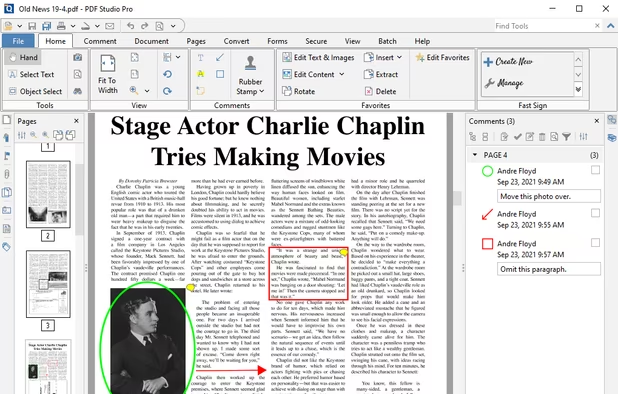
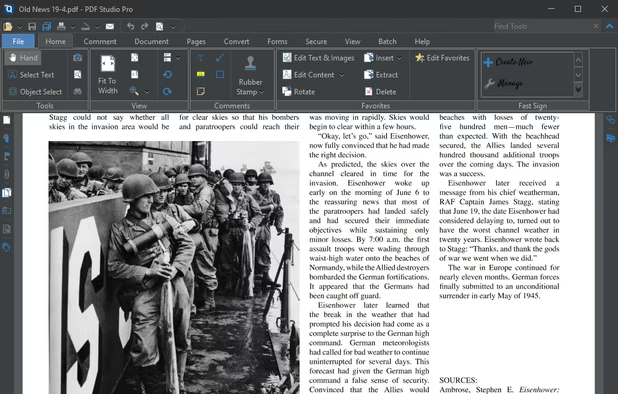
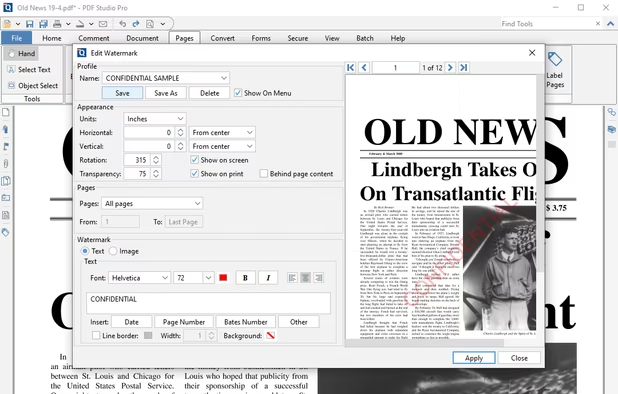
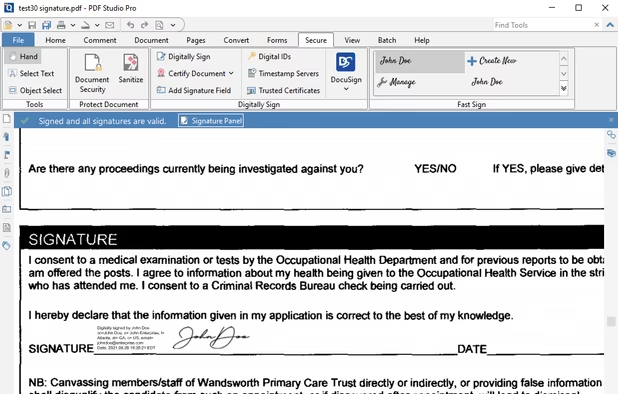
    Create, Convert, Review and Edit PDF Documents on Windows, macOS, and Linux.

    170 Qoppa PDF Studio alternatives

    Cost / License

    • Pay once
    • Proprietary

    Application types

    Platforms

    • Mac
    • Windows
    • Linux
    • Chrome OS
     
    |
    1
    Comments about Qoppa PDF Studio as an Alternative to Adobe Acrobat Reader
    Guest
    Positive
    0

    it has ability to paste highlighted text in comment automatically like adobe acrobate pro or foxit pdf reader.

    Review by a new / low-activity user.
    Adobe Acrobat Reader Icon
    Qoppa PDF Studio icon
    • Qoppa PDF Studio is Paid and ProprietaryAdobe Acrobat Reader is Freemium and Proprietary
  6. Drawboard PDF icon
     15 likes
    Copy a direct link to this comment to your clipboard

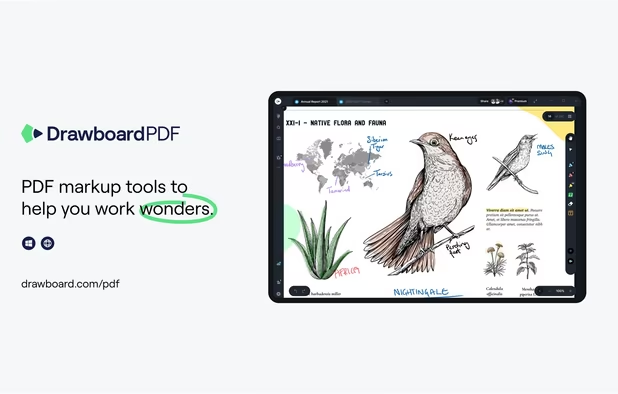
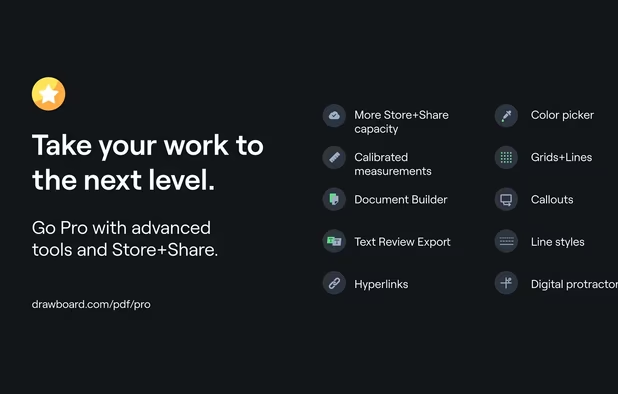
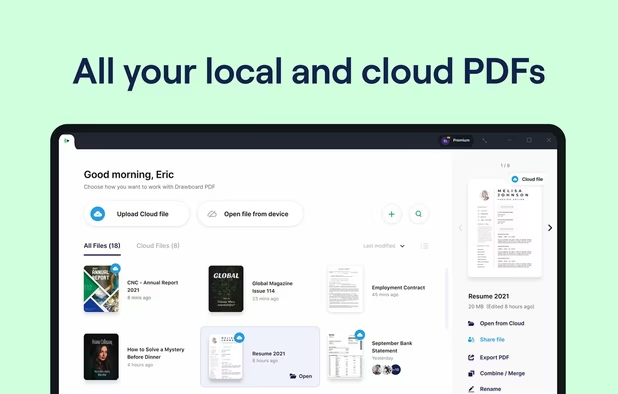
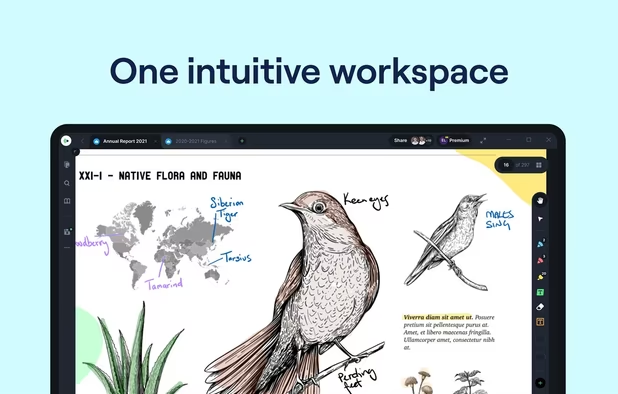
    The top AEC PDF app to markup and manage drawings and documents. Ideal for replacing pen and paper, avoid printing documents again by using our intuitive feature set that makes marking up a PDF easy. Open or create a new PDF, markup using our extensive array of tools, then save...

    56 Drawboard PDF alternatives

    Cost / License

    • Freemium (Subscription)
    • Proprietary

    Platforms

    • Mac
    • Windows
    • Online
    • Android
    • iPhone
    • iPad
    • Android Tablet
     
  7. Copy a direct link to this comment to your clipboard

    Corel PDF Fusion is the all-in-one PDF toolkit: Powerful PDF Creation Software; Versatile PDF viewer; Supports 100+ file formats; Easy PDF creation; Save files to PDF, XPS and DOC formats. Boost your productivity with Corel PDF Fusion, an all-in-one PDF creator that lets you...

    Cost / License

    • Paid
    • Proprietary

    Application types

    Platforms

    • Windows
     
  8. Kami icon
     17 likes
    Copy a direct link to this comment to your clipboard

    Cloud-based PDF viewer and annotation tool for your browser. Perfect for Chromebook 1:1 schools. View, export, print and share your PDF files straight from your browser. Kami works on all browsers and works best with Google Chrome.

    82 Kami alternatives

    Cost / License

    • Freemium (Subscription)
    • Proprietary

    Application types

    Platforms

    • Online
    • Google Chrome
     
  9. PDF X icon
     1 like
    Copy a direct link to this comment to your clipboard

    PDF X is a productive PDF reader & editor for Windows. It's powerful for users to view, print, edit, and annotate Adobe Acrobat PDFs.

    Cost / License

    • Freemium (Pay once or Subscription)
    • Proprietary

    Application types

    Platforms

    • Windows
     
  10. Copy a direct link to this comment to your clipboard

    PDF Max is a desktop class PDF app for reading, annotating or signing PDF documents on your iPhone/iPad. Mark up documents with highlights and handwriting, insert texts and stamps, fill out, sign PDFs and even manipulate PDF pages.

    Cost / License

    • Pay once
    • Proprietary

    Application types

    Platforms

    • iPhone
    • iPad
     
  11. pdfDocs icon
     30 likes
    Copy a direct link to this comment to your clipboard

    pdfDocs integrates with business systems to efficiently assemble, secure and distribute documents in PDF and PDF/A format.

    Cost / License

    • Pay once
    • Proprietary

    Application types

    Platforms

    • Windows
    • Microsoft SharePoint
    • Worldox
     
    |
    1
    Comments about pdfDocs as an Alternative to Adobe Acrobat Reader
    barrydawson
    Positive
    0

    The pdfDocs UI is intuitive, the whole application has the same feel as Microsoft Office.

    Review by a new / low-activity user.
    Adobe Acrobat Reader Icon
    pdfDocs icon
    • pdfDocs is Paid and ProprietaryAdobe Acrobat Reader is Freemium and Proprietary
  12. PDF4QT icon
     8 likes
    Copy a direct link to this comment to your clipboard

    Open-source PDF viewer and editor using Qt framework, featuring hardware-accelerated rendering, encryption, multithreading, text-to-speech, annotation tools, form filling, high-res monitor support, document compression, audio book conversion, and signature validation.

    98 PDF4QT alternatives

    Cost / License

    • Free
    • Open Source (MIT)

    Application types

    Platforms

    • Windows
    • Linux
    • Flathub
     
12 of 36 Adobe Acrobat Reader alternatives