Lightweight Adobe Acrobat Reader Alternatives for Linux
Adobe Acrobat Reader is not available for Linux but there are plenty of alternatives that runs on Linux with similar functionality. The best Linux alternative is Okular, which is both free and Open Source. If that doesn't suit you, our users have ranked more than 100 alternatives to Adobe Acrobat Reader and 15 are available for Linux so hopefully you can find a suitable replacement. Other interesting Linux alternatives to Adobe Acrobat Reader are Evince, MuPDF, Xournal++ and Linwood Butterfly.

filter to find the best alternatives

Adobe Acrobat Reader alternatives are mainly PDF Readers, but if you're looking for Text to Speech Services or Ebook Readers you can filter on that. Other popular filters include Open Source, Windows, Linux, Android, Free, Windows + Open Source and PDF Editor. You can also filter by region, for example EU-based alternatives if you prefer software developed in the European Union. These are just examples - use the filter bar below to find more specific alternatives to Adobe Acrobat Reader.
Copy a direct link to this comment to your clipboard
Adobe Acrobat Reader alternatives page was last updated

Alternatives list

  1. Okular icon
     484 likes

    Multi-platform document viewer offering extensive format support, including PDF, comics, images, EPUB, and Markdown, with annotation tools, sidebar previews, text-to-speech, DRM management, cross-platform compatibility, and integration with KDE Frameworks libraries.

    116 Okular alternatives

    Cost / License

    Application types

    Platforms

    • Windows
    • Linux
    • BSD
    • KDE Plasma
    • Snapcraft
    • Linux Mobile
    • Flathub
    • Haiku
     
    |
    12
    Okular vs Adobe Acrobat Reader Comments
    Top Positive Comment
    karlossss1996
    4

    It's very fast free pdf reader with some useful editing functions.

    Top Negative Comment
    Notiz_Me
    1

    Doesn't have the ability to print in booklet format.

    bam121944
    Positive
    0

    I like to manage pdfs as well as read them

    3 of 12 comments
    • Okular is Free and Open SourceAdobe Acrobat Reader is Freemium and Proprietary
    • Okular is Privacy focusedAdobe Acrobat Reader is not according to our users
  2. Evince icon
     460 likes

    Evince (or GNOME Document Viewer) is a document viewer for multiple document formats: PDF, Postscript, djvu, tiff, dvi, XPS, SyncTex support with gedit, comics books (cbr,cbz,cb7 and cbt) and others. See Supported Document Formats for details.

    119 Evince alternatives

    Cost / License

    Application types

    Platforms

    • Linux
    • PortableApps.com
    • Flathub
    • GNOME
     
    |
    5
    Evince vs Adobe Acrobat Reader Comments
    Top Positive Comment
    Jatan Mehta
    3

    Fast and simple. Allows images to be saved from the right-click context menu.

    guoiewbvc923
    Positive
    0

    For me this is the best PDF reader as it allows you to view PDF files and not much more. If you need more features than just viewing PDF's this is not for you.

    Hasan Yildiz
    Positive
    0

    Free, easy-to-use interface. Easily edit files.

    3 of 5 comments
    • Evince is Free and Open SourceAdobe Acrobat Reader is Freemium and Proprietary
    • Evince is Minimalistic and Privacy focusedAdobe Acrobat Reader is not according to our users
  3. MuPDF icon
     160 likes

    MuPDF offers a highly versatile PDF, XPS, and eBook interpreter, customizable as a renderer, viewer, or toolkit. Features include digital signatures, redactions, form filling, annotations, and page manipulation, ideal for mobile, eBooks, and embedded apps supporting Java, C++, and Python.

    94 MuPDF alternatives

    Cost / License

    Application types

    Platforms

    • Windows
    • Linux
    • Android
    • F-Droid
    • Xfce
     
    |
    3
    MuPDF vs Adobe Acrobat Reader Comments
    Pro Daddy
    Negative
    3

    It doesn't have several major features that adobe reader has. MuPDF just open files that's all. no options at all, no resizing, no editing, no change in view, there is nothing.

    Guest
    Positive
    0

    If reading PDFs is all you need, this app is just wonderful. No editing tools or other bloat.

    Review by a new / low-activity user.
    malcmerlyn
    Negative
    -4

    Not available on Apple Store (Ipad 6, ios 17.5.1)

    • MuPDF is Free and Open SourceAdobe Acrobat Reader is Freemium and Proprietary
    • MuPDF is Privacy focusedAdobe Acrobat Reader is not according to our users
  4. Xournal++ icon
     189 likes

    Handwritten note-taking and PDF annotation using pen input and pressure sensitivity, shape drawing, customizable toolbar layouts, image insertion, audio recording, multi-language options, LaTeX integration, and complete export in PDF or PNG formats across all platforms.

    58 Xournal++ alternatives

    Cost / License

    Application types

    Platforms

    • Mac
    • Windows
    • Linux
     
  5. Butterfly is a note-taking app where your ideas come first. You can paint, add texts, and export them easily on every device. This app works on android, windows, linux, and in the web.

    46 Linwood Butterfly alternatives

    Cost / License

    Platforms

    • Mac
    • Windows
    • Linux
    • Online
    • Android
    • iPhone
    • Android Tablet
    • Self-Hosted
    • Snapcraft
    • AltStore
    • Flathub
    • F-Droid
     
  6. Sioyek icon
     22 likes

    Sioyek is a PDF viewer with minimal interface optimized for reading research papers and technical books.

    39 Sioyek alternatives

    Cost / License

    Application type

    Platforms

    • Mac
    • Windows
    • Linux
     
    |
    1
    Sioyek vs Adobe Acrobat Reader Comments
    Barrett
    Positive
    1

    It's a minimalist PDF reader for programmers and other such nerds. Includes dark mode, keyboard navigation, and a minimalist UI that allows for great focus.

    • Sioyek is Free and Open SourceAdobe Acrobat Reader is Freemium and Proprietary
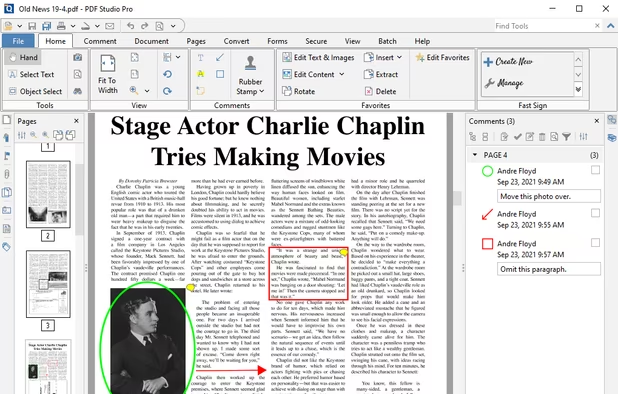
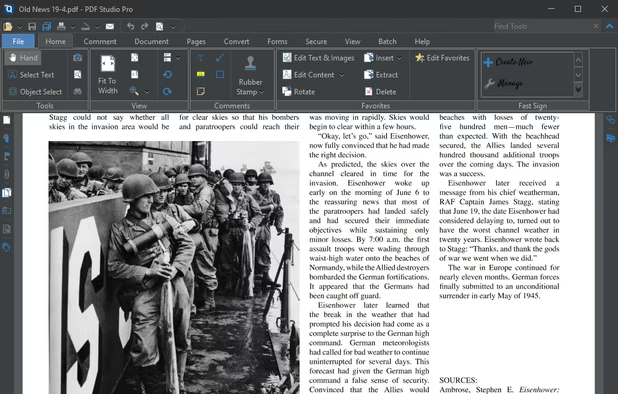
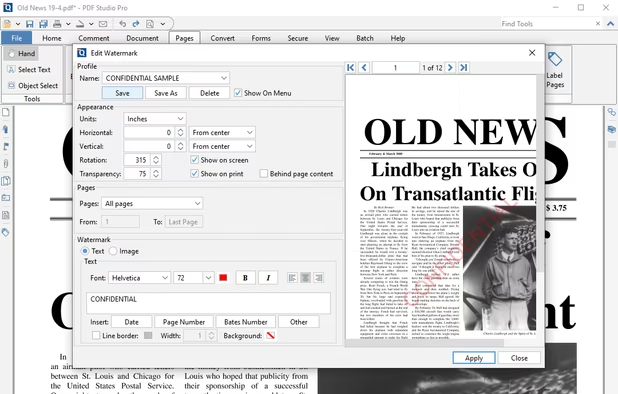
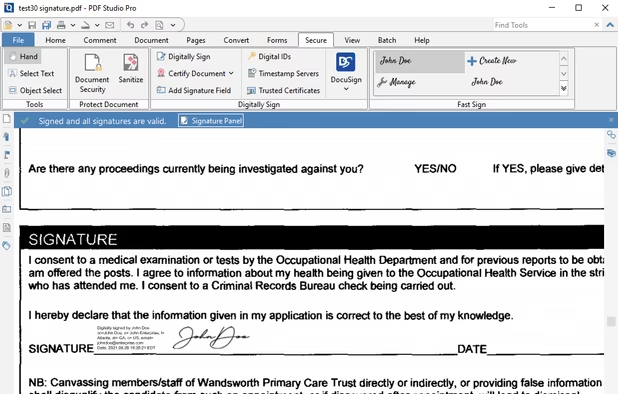
  7. Create, Convert, Review and Edit PDF Documents on Windows, macOS, and Linux.

    174 Qoppa PDF Studio alternatives

    Cost / License

    • Paid
    • Proprietary

    Application types

    Platforms

    • Mac
    • Windows
    • Linux
    • Chrome OS
     
    |
    1
    Qoppa PDF Studio vs Adobe Acrobat Reader Comments
    Guest
    Positive
    0

    it has ability to paste highlighted text in comment automatically like adobe acrobate pro or foxit pdf reader.

    Review by a new / low-activity user.
    • Qoppa PDF Studio is Paid and ProprietaryAdobe Acrobat Reader is Freemium and Proprietary
  8. Papers icon
     12 likes

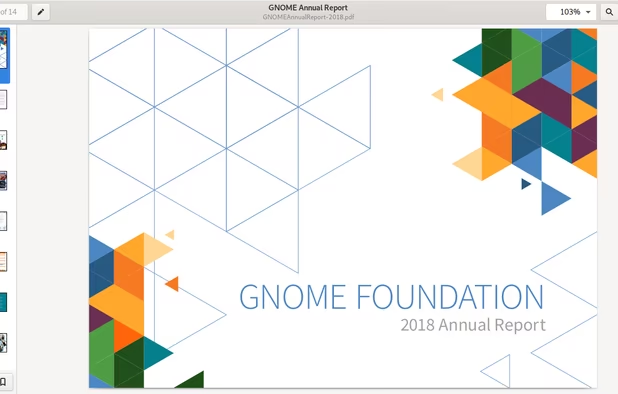
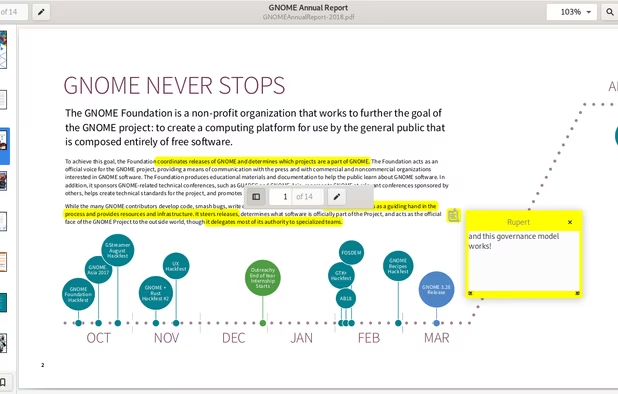
    A document viewer for the GNOME desktop. You can view, search or annotate documents in many different formats.

    Cost / License

    Application types

    Platforms

    • Linux
    • Flathub
    • GNOME
    • Flatpak
     
  9. zathura icon
     45 likes

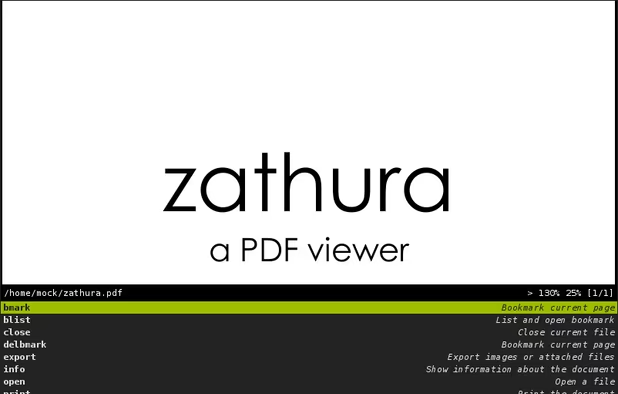
    Zathura is a highly customizable and functional document viewer. It provides a minimalistic and space saving interface as well as an easy usage that mainly focuses on keyboard interaction.

    72 zathura alternatives

    Cost / License

    • Free
    • Open Source (Zlib)

    Application types

    Platforms

    • Mac
    • Linux
    • BSD
    • MacPorts
    • Homebrew
     
  10. qpdfview icon
     44 likes

    qpdfview is a Qt-based tabbed document viewer using the Poppler library for PDF rendering and CUPS for printing. Support for the DjVu and PostScript formats can be added via plugins.

    Cost / License

    • Free
    • Open Source

    Application type

    Platforms

    • Linux
    • Haiku
    • Qt
     
    |
    2
    qpdfview vs Adobe Acrobat Reader Comments
    Hans Von Eichler
    Positive
    -3

    Anything written using the beautiful Qt SDK (or better yet with the KDE SDK) is awesome, and it's a tabbed PDF viewer! It's sweet!

    Guest
    Positive
    -3

    Really fast, many options with keybindings.

    Review by a new / low-activity user.
    • qpdfview is Free and Open SourceAdobe Acrobat Reader is Freemium and Proprietary
  11. Atril icon
     15 likes

    Atril is a simple multi-page document viewer. It can display and print PostScript (PS), Encapsulated PostScript (EPS), DJVU, DVI, XPS and Portable Document Format (PDF) files. When supported by the document, it also allows searching for text, copying text to the clipboard...

    Cost / License

    • Free
    • Open Source

    Application types

    Platforms

    • Linux
    • BSD
     
  12. NightPDF icon
     4 likes

    Dark Mode PDF reader.

    Cost / License

    Application type

    Alerts

    • Discontinued

    Platforms

    • Mac
    • Windows
    • Linux
    • Flathub
     
12 of 15 Adobe Acrobat Reader alternatives