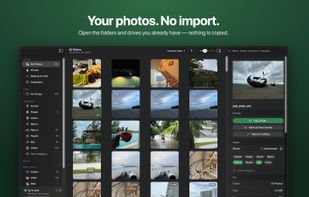
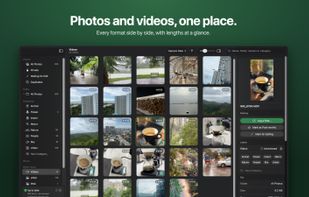
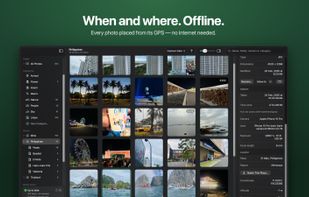
Keeper is a fast photo culling for professional photographers.
Cost / License
- Free
- Proprietary
Since
- Since 2026
 United States
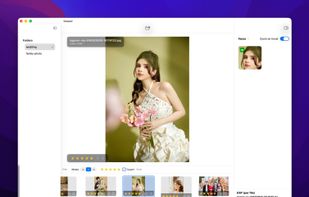





The best free alternative to Adobe Bridge is digiKam, which is also Open Source. If that doesn't suit you, our users have ranked more than 50 alternatives to Adobe Bridge and loads of them are free so hopefully you can find a suitable replacement. Other interesting free alternatives to Adobe Bridge are XnView MP, FastStone Image Viewer, XnView Classic and JPEGView.
Keeper is a fast photo culling for professional photographers.
United States
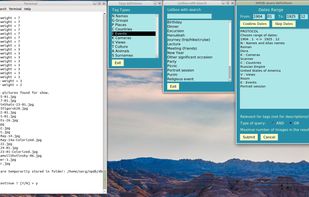
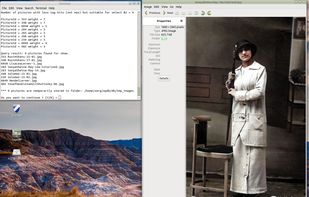
Organizes scanned and smartphone photos alongside PDF documents in a local SQLite archive. Add custom tags, metadata and personal text descriptions, run tag or free-text searches, and save result sets as stories or collections for later offline access.
 Israel


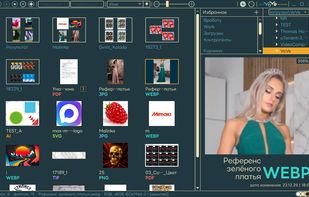
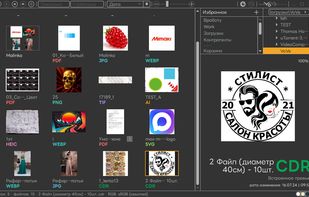
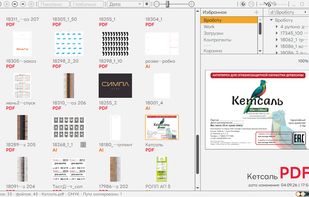
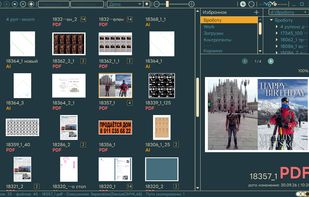
VO-VE (View Only — View Everything) is a lightweight graphics viewer for Windows and Linux, created for everyday work in a print shop. It helps designers and prepress professionals identify artwork visually, find files and inspect them without opening a graphics editor.
 Russia


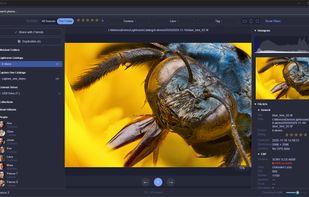
Memora is a privacy-first photo management application for Windows. Instead of manual tagging, it uses local AI to understand the content of your images, so you can search your library by describing a scene in plain language. Everything runs on your own computer.
 Austria
 EU

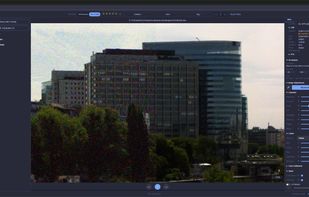
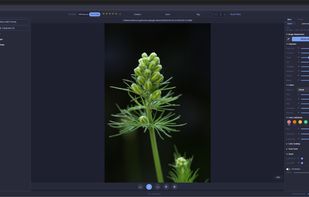


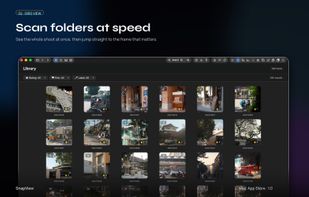
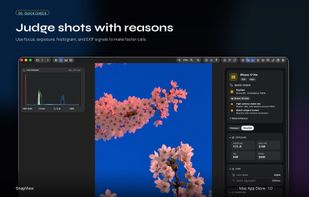
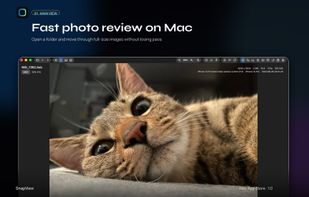
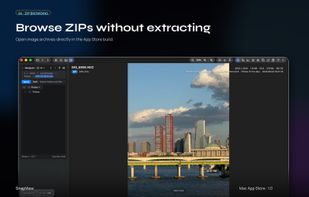
SnapView is a fast, intuitive image viewer for macOS, built to make photo viewing and comparison feel easy.
 South Korea


Ambedo is a free, browser-based bulk metadata editor. It lets you batch edit, strip, and organize metadata across hundreds of video, audio, and image files simultaneously — without uploading anything to a server.




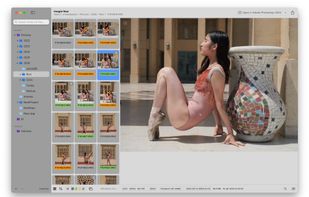
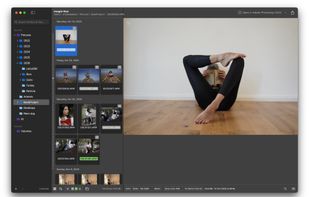
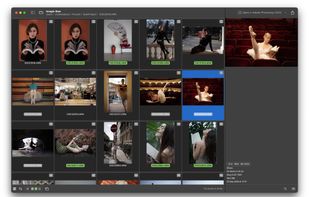
A lightweight, native macOS application for browsing, culling, and organizing RAW photos - built as a more efficient alternative to Adobe Bridge.
 RomaniaEU
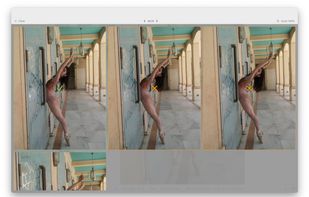


Screenshot AI is a macOS app for finding photos and screenshots across multiple folders using natural-language descriptions.
 Armenia
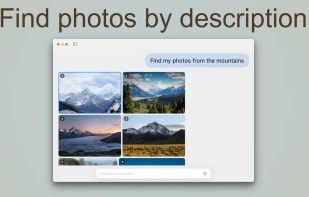

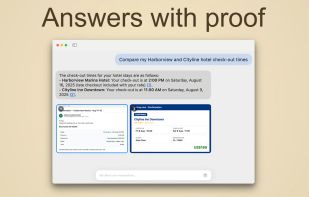
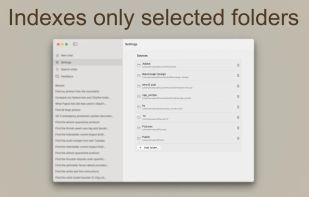


Media asset management tool. Search the photos and videos already on your computer by describing what you remember in your browser.
United States



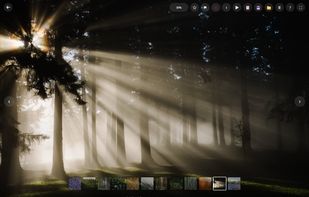
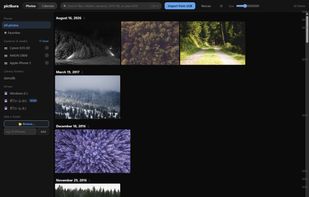
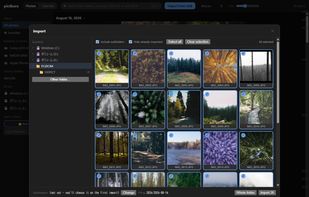
pictkura does two things and stops: it imports from a USB drive or SD card into folders sorted by capture date, and it lays out a large library so you can find and look at what you already have.



Organize photos right where they live on your Mac and drives. No import, no library. Rename, move, find duplicates and plan your posts.