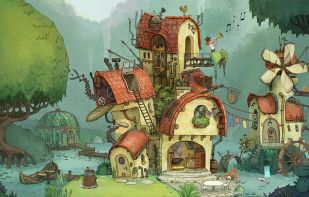
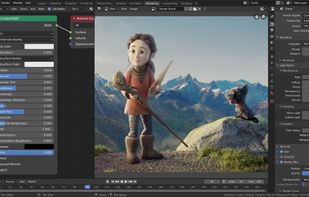
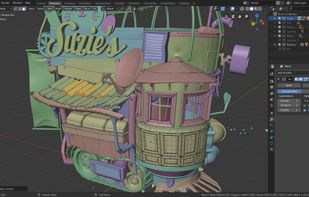
A comprehensive open-source 3D software suite for modeling, UV unwrapping, texturing, rigging, and animating. It supports renderings, simulations including fluid and cloth dynamics, complex compositing, video editing, and Python scripting, running across all major operating systems.
Cost / License
- Free
- Open Source (GPL-3.0)
Application type
Platforms
- Mac
- Windows
- Linux
- BSD
- Snapcraft
- Flathub
- PortableApps.com
- Haiku
- Steam
- Flatpak



Blender vs Adobe After Effects Comments
AE's main purpose: Video effect editing. Blender has a whole range of possibilities, but it's hard to get into and it's not designed to be used solely for video effect editing.
Comparing Blender with After Effects is wild to me. I regularly use both for work, and I can't fathom using one for the other. Like, sure, you can do video editing in both, but neither excel at that.
- Blender is Free and Open Source
- Blender is Customizable, Lightweight and Privacy focused


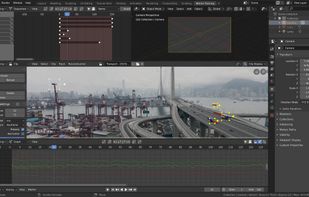
Blender is has a bit different workflow, that doesn't make it worse than AE. People think that Blender is only a 3D program, but it fact it has greasepencil (2d animation tool), and it also includes node-based compositing, video editing and video tracking. With Blender you can combine 2d animations, 3d renderings and video footage without using any external program.