

Menu bar tool for macOS shows real-time CPU, GPU, memory, disk, network, battery status, sensor data, fan speed, Bluetooth device info, multi-time zone clocks, customizable widgets, and historical graphs while ensuring privacy.
 Ukraine
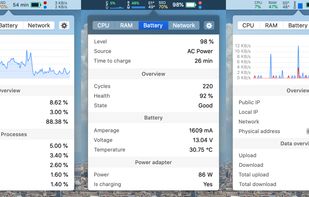


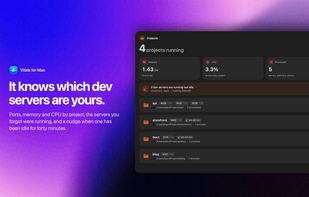
Apps similar to ActiveStat include Stats, which is free and open source. Other options are MacThrottle, iStat Menus, Core Temp and Vitals for macOS. You can choose from more than 10 System Information Utilities like ActiveStat for Mac, iPhone, iPad and Windows.
Menu bar tool for macOS shows real-time CPU, GPU, memory, disk, network, battery status, sensor data, fan speed, Bluetooth device info, multi-time zone clocks, customizable widgets, and historical graphs while ensuring privacy.
Ukraine
Lightweight macOS tool that tracks thermal pressure and throttling, shows real time CPU temperature and fan speed, provides 10-minute history graphs, statistics for thermal states, and customizable notifications, all without requiring administrator privileges.
 France
 EU


Advanced Mac utility with menubar monitoring for CPU, GPU, memory, disks, network, and sensors, including fan control, S.M.A.R.T status, Bluetooth battery tracking, weather, notifications, and deep customization. Combines multiple stats in a single view while prioritizing privacy.
 Australia
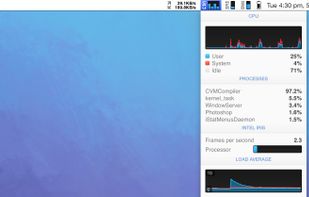
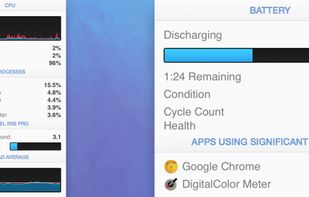


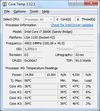
Core Temp is a compact, no fuss, small footprint, yet powerful program to monitor processor temperature and other vital information.
 Israel

Native Apple Silicon monitoring for macOS with CPU, GPU, Neural Engine, memory, SMC sensors, processes, disks, SMART data and network views. It adds menu bar modules, floating panels, health alerts, disk treemaps, CSV exports and CPU, memory, disk and Metal benchmarks.
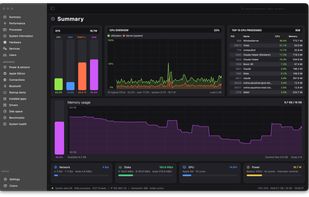
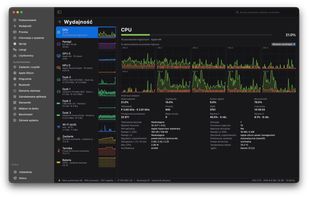


iStatistica is an advanced system monitor for macOS and iOS. It includes notification center widget and menu bar popover / monitoring dashboard. Simply slide out notification center to keep an eye on your CPU, memory, disk usage, network activity, sensors and fans data.
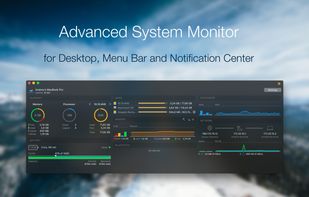
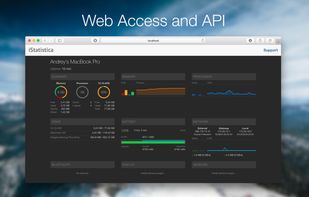


Provides real-time statistics for CPU, memory, disk, and network usage on macOS, allows users to view, organize, and terminate processes, analyze system resource consumption, view data in graphs and tables, check current transfers, and monitor system health.
 United States
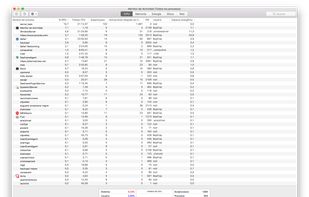
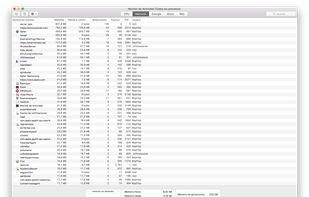


The Activity Monitor alternative for Mac: groups every process under its app, so you see 60 apps instead of 1,000 processes.
 Pakistan
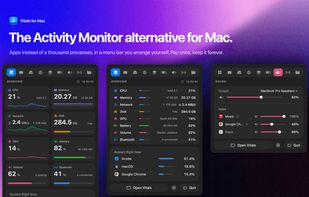
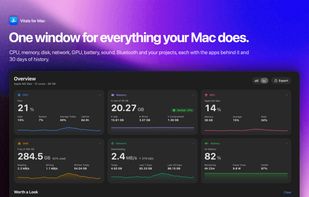
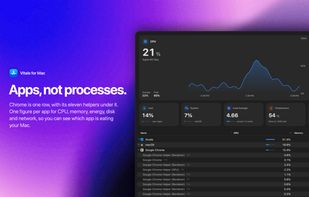

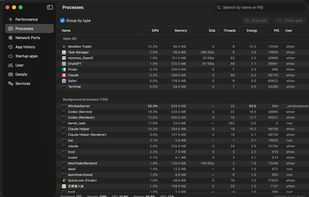
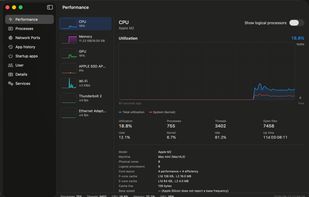
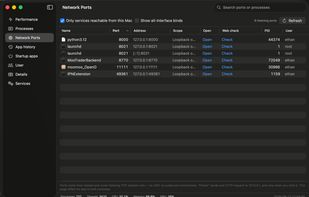
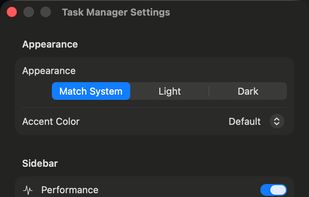
A Windows 11 Task Manager–style system monitor for macOS — processes, CPU/memory/GPU/disk/network, listening ports, startup items and services, with no password and no permission prompts.
A tiny native macOS menu-bar line for CPU, GPU, RAM, network activity, and the apps behind meaningful spikes.
Australia