





A list of open-source software containing slop (LLM generated) code or endorses the usage of LLMs in other ways.
This list contains software that obviously accepts irresponsible coding practices or promotes LLM usage. I found these applications while searching for alternatives to previously used software that turned out to contain code generated by slop-machines.
Each of added applications have at least one link that points to the verifiable proof.
This list by no means is meant to cover all the software that contains code by not-so-intelligent tools and people using them but to serve as a reminder to myself about what I have already checked.
Why having LLM generated code (and using generative tools in general) is bad?
- Ethical reasons — such as illegally retrieved training material, underpaid workers that prepare the training data.
- Impact on environment — increased fossil fuel usage to supply the needed electricity power, water usage in water scarce regions. This somewhat overlaps with the above.
- Social impact – noise pollution in neighbourhoods near AI data centres, air pollution from diesel- or gas-powered turbines (also overlaps with the above), resource consumption by data centres drastically increases utility prices.
- Impact on brain and thinking, reasoning — by offloading thinking and decision making to machines people are shooting in their foot (more like in their head) as this leads to brain rot. Less intelligent people are easier to control.
- Even legal issues (especially in open-source software as it cannot be guaranteed that the “generated” code is not really just re-used, thus unknowingly violating the source license).
- Inevitable enshittification — every software product from big technology eventually gets enshittified to maximize revenue. For users this could mean hidden or plain ads, biased opinions/information, privacy violations, increased prices for LLM based tools.
- Burden on open-source software maintenance — LLM tools provide easier access to code contributions which often shifts the responsibility of checking code quality from developers to maintainers and reviewers. Digging through walls of merge request text and code generated by slop-machines takes valuable time that otherwise could be spent more meaningfully by fixing bugs and working on new features.
I will try to add links that back up the claims above, but it may take a while.
Of course, I see how and where generative tools could be helpful and sometimes I feel tempted to find an acceptable way to use them, but for now the direct and indirect costs far too much outweigh gains.
This list has its positive counterpart: Slop-Free (Supposedly) Open-Source Software (not quite complete yet). Also take a look at and give thumbs up to AI Slopfree Software Catalog which contains software dedicated against usage of LLMs.
Also, here is a list of some labels that can be added / voted for so they would eventually appear on application pages:
- Slopware;
- Slop (LLM) Code;
- Slop-Source Software;
- Open-Source Slopware;
- Contains Slop (LLM Generated) Code.

Cost / License
- Free
- Open Source
Platforms
- Linux
- Mac
- Windows
- Homebrew
- Chocolatey
- Snapcraft

- AGENTS.md;
- contributors — as of now the repository has 53 commits by Copilot;
- merged pull requests potentially containing LLM generated code or other use of LLMs.
Updated: 2026-09-13

Podman is a daemon-less container runtime for managing containers, pods, and container images. It is intended as a counterpart to CRI-O, to provide low-level debugging not available through the CRI interface used by Kubernetes.
Cost / License
- Free
- Open Source
Application type
Platforms
- Mac
- Windows
- Linux
- Red Hat
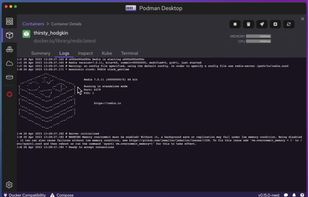
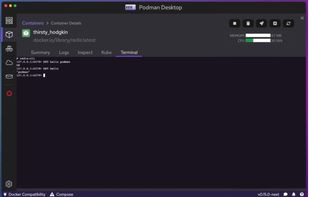 +5
+5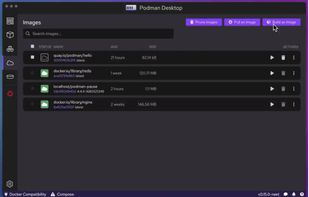

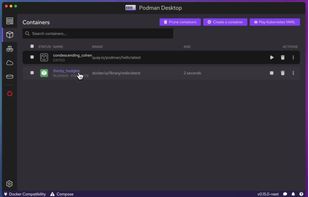
This tool allows to browse, manage lifecycle of containers, inspect containers, images from different container engines. It includes a tray icon support. It can connect to multiple engines at the same time and provides an unified interface.
Cost / License
- Free
- Open Source
Platforms
- Mac
- Windows
- Linux
- Flathub
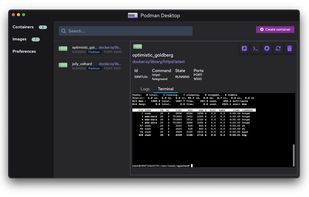

Portainer Community Edition is a lightweight service delivery platform for containerized applications that can be used to manage Docker, Swarm, and Kubernetes environments. It is designed to be as simple to deploy as it is to use.
Cost / License
- Free Personal
- Open Source
Application typeApplication types
Platforms
- Windows
- Linux
- Docker
- Self-Hosted
- Kubernetes
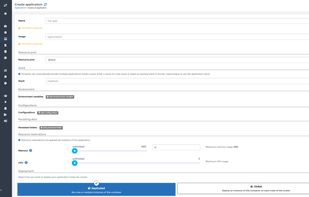
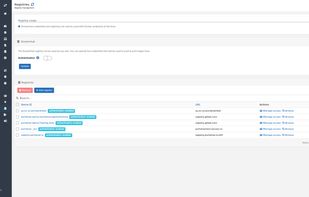
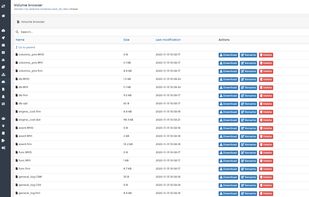 +6
+6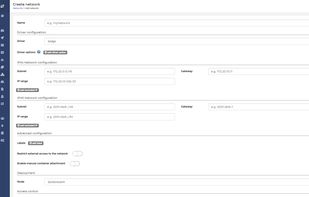
- CLAUDE.md;
- contributors — as of now there are 69 commits from Claude;
- merged pull requests potentially containing LLM generated code or other use of LLMs.
Updated: 2026-09-03

Rancher Desktop is an open-source desktop application for Mac, Windows and Linux. It provides Kubernetes and container management. You can choose the version of Kubernetes you want to run. You can build, push, pull, and run container images.
Cost / License
- Free
- Open Source
Platforms
- Mac
- Windows
- Linux

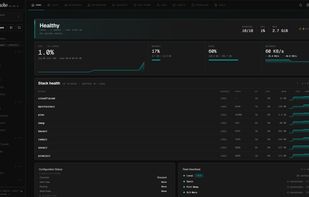
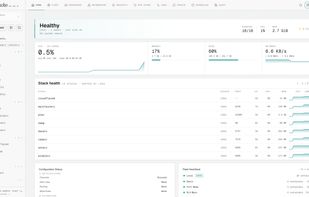
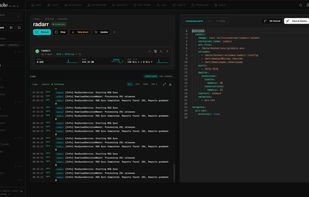
Graphical platform for managing Docker Compose operations across single or multiple hosts, offering file-on-disk workflows, log viewing, and volume browsing.
Cost / License
- Free
- Open Source
Application type
Platforms
- Self-Hosted
- Docker
 +7
+7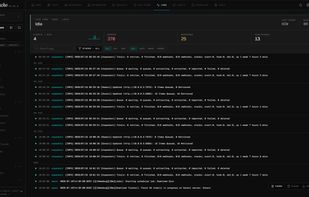
- contributors — as of now the repository has 5 commits by Claude;
- merged pull requests potentially containing LLM generated code or other use of LLMs.
Updated: 2026-09-03

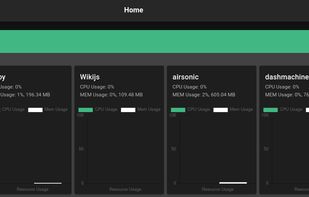
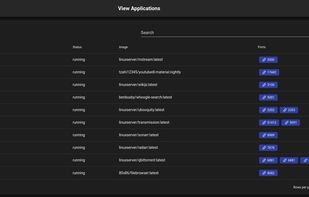
A web interface for managing docker containers with an emphasis on templating to provide 1 click deployments. Yacht is a flask based container management UI with a focus on templates and 1-click deployments.
Cost / License
- Free
- Open Source
Application type
Platforms
- Linux
- Self-Hosted

- commit with Copilot: fe66dbc;
- commit with Copilot: 65bf3d1;
- commit with Copilot: 0115eef;
- commit with Copilot: 10d6f96;
- merged pull requests potentially containing LLM generated code or other use of LLMs.
Updated: 2026-09-03


Content Management Systems

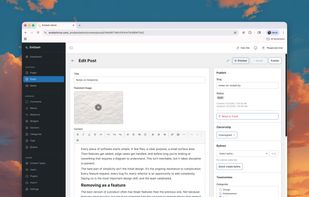
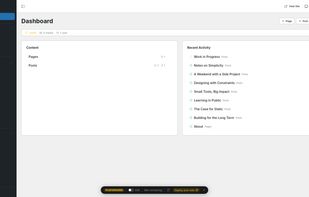
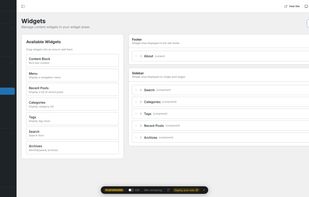
Full-stack TypeScript CMS built on Astro and Cloudflare with sandboxed plugins, rich text editing, roles, schema builder, WordPress migration and AI-assisted tools.
Cost / License
- Free
- Open Source
Application typeApplication types
Platforms
- Self-Hosted
- Typescript
 +1
+1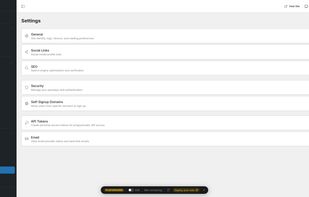


Database Clients

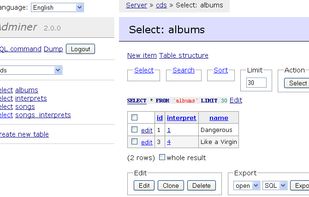
Adminer (formerly phpMinAdmin) is a full-featured database management tool written in PHP. Conversely to phpMyAdmin, it consist of a single file ready to deploy to the target server. Adminer is available for MySQL, PostgreSQL, SQLite, MS SQL and Oracle.
Cost / License
- Free
- Open Source
Application type
Platforms
- Self-Hosted
- PHP


- CLAUDE.md;
- contributors — Claude as of now is listed as the 2nd most active contributor with 502 commits;
- merged pull requests potentially containing LLM generated code.
Updated: 2026-09-02

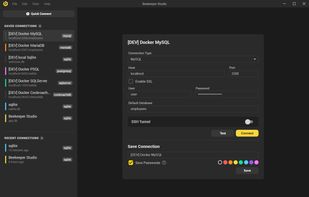
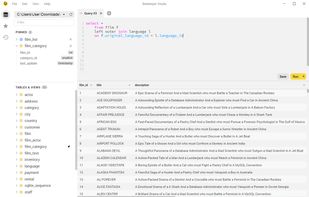
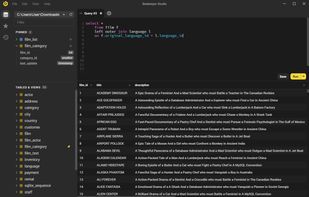
Open Source SQL Editor and Database Manager for MySQL, SQL Server, Postgres, Redshift, Sqlite and more.
Cost / License
- Freemium
- Open Source
Application type
Platforms
- Mac
- Windows
- Linux
- MySQL Community Edition
- MariaDB
- Microsoft SQL Server
- CockroachDB
- Amazon Redshift
- PostgreSQL
 +2
+2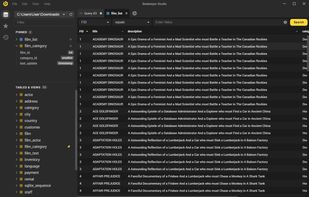
- CLAUDE.md;
- contributors — as of now the repository has 334 commits by Claude, 10 by claude[bot] and 4 by Copilot;
- merged pull requests potentially containing LLM generated code.
Updated: 2026-09-03

Cost / License
- Free
- Open Source
Application type
Platforms
- Mac
- Windows
- Linux
- .agents/skills/cloudbeaver-frontend-tests;
- AGENTS.md;
- contributors — as of now the repository has 4 commits by Copilot;
- merged pull requests potentially containing LLM generated code.
Updated: 2026-09-03

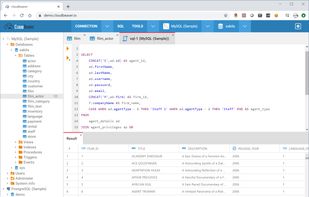
A versatile, open-source database tool for developers and administrators supporting multiple databases via JDBC drivers with extensive plugins.
Cost / License
- Freemium
- Open Source
Application type
Platforms
- Mac
- Windows
- Linux
- Flathub
- Eclipse
- Flatpak
- Java
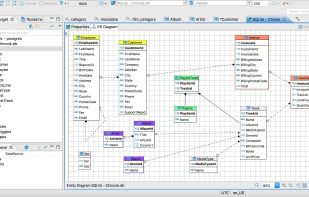 +3
+3
- AGENTS.md;
- AGENTS-Architecture.md;
- AGENTS-New-Database-Driver.md;
- contributors — as of now the repository has 27 commits by Copilot and 7 by Claude;
- merged pull requests potentially containing LLM generated code.
Updated: 2026-09-03

DbGate is cross-platform database manager. Simple and effective, allowing to work with many various databases simultaneously - SQL and NoSQL.
Cost / License
- Freemium
- Open Source
Application typeApplication types
Platforms
- Mac
- Windows
- Linux
- Online
- Flathub
- Flatpak
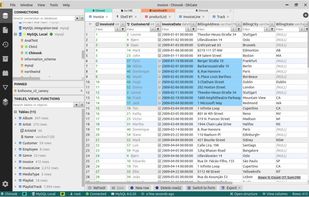
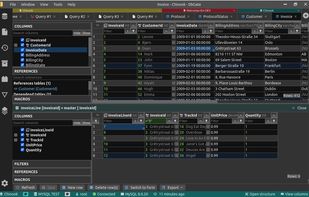
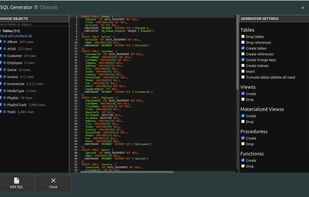 +3
+3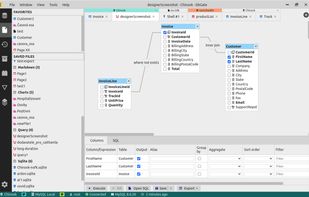

Cost / License
- Freemium
- Open Source
Platforms
- Mac
- Windows
- Linux
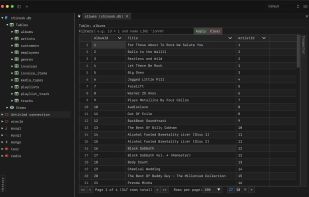
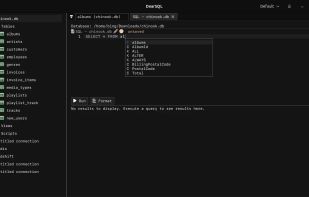
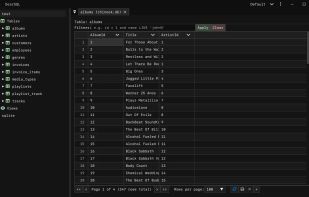
- commit by Claude: 15d9d07;
- merged pull requests potentially containing LLM generated code.
Updated: 2026-09-03

ClickHouse is an open source column-oriented database management system capable of real time generation of analytical data reports using SQL queries.
Cost / License
- Freemium
- Open Source
Platforms
- Mac
- Linux
- BSD
- FreeBSD
- Windows
- Docker
- Self-Hosted
- Online
- Software as a Service (SaaS)
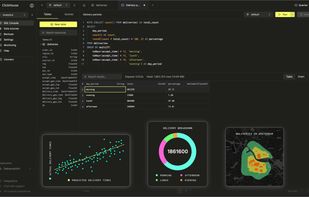
- .claude;
- .github/copilot-instructions.md;
- AI_POLICY.md;
- contributors — as of now Claude is listed as the 2nd most active contributor with 17769 commits;
- merged pull requests potentially containing LLM generated code.
Updated: 2026-09-09

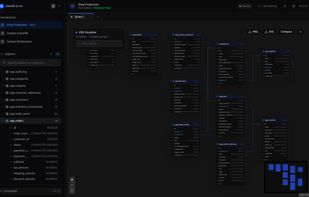
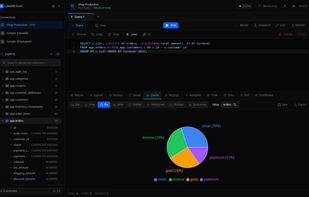
LibreDB Studio is a browser-based database client that is installed next to the database rather than on each user's machine. It runs as a single container, a Helm chart, an OpenShift operator, a native package (Homebrew, Snap, deb, rpm, winget), a desktop build for Linux, or...
Cost / License
- Free
- Open Source
Application type
Platforms
- Mac
- Windows
- Linux
- Self-Hosted
- Docker

- .claude;
- CLAUDE.md;
- commit with Claude: 2fcbcb7;
- merged pull requests potentially containing LLM generated code.
Updated: 2026-09-02

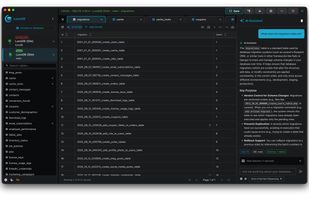
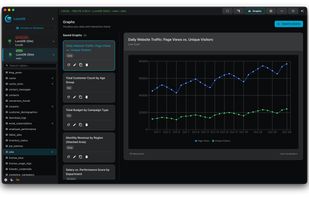
Modern, AI-powered database client supporting MySQL, PostgreSQL, SQLite, MariaDB, MongoDB, SQL Server, and Redis with voice dictation, multiple AI providers, and visual relationship diagrams.
Cost / License
- Freemium
- Open Source
Platforms
- Mac
- Windows
- Linux

 +2
+2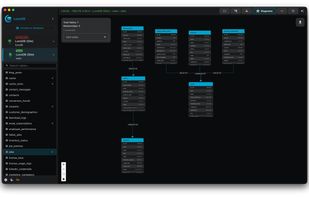
Has LLM based features: AI-Powered Features.

phpMyAdmin is a tool written in PHP intended to handle the administration of MySQL over the Web. Currently it can create and drop databases, create/drop/alter tables, delete/edit/add fields, execute any SQL statement, manage keys on fields.
Cost / License
- Free
- Open Source
Application type
Platforms
- Linux
- Online
- Self-Hosted
- PHP
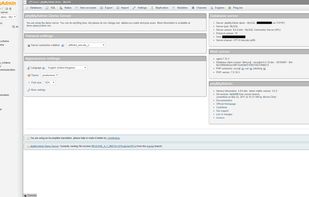
Merged pull requests potentially containing LLM generated code.
Updated: 2026-09-02

A blazing-fast, lightweight, 100% client-side AI-enabled data exploration tool that helps you analyze local & remote data with zero setup. Powered by DuckDB-Wasm and integrated AI assistance.
Cost / License
- Free
- Open Source
Platforms
- Online
- Self-Hosted
- Docker
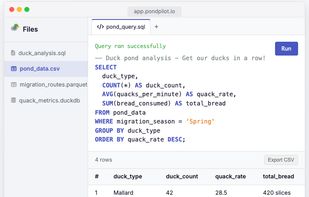
Provides LLM based functionality: AI-Powered SQL Assistant.
Updated: 2026-09-02

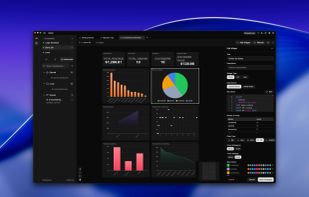
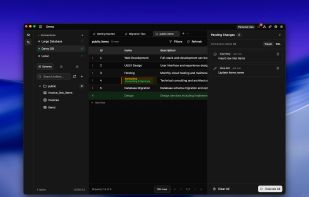
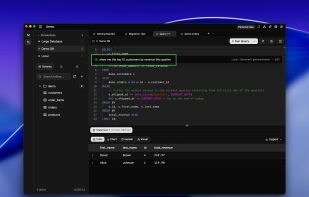
Seaquel is a cross-platform database GUI that makes working with databases fast and intuitive. Connect to MySQL, PostgreSQL, SQL Server, SQLite, and more through a modern interface built for both individual developers and teams.
Cost / License
- Free Personal
- Open Source
Application type
Platforms
- Mac
- Windows
- Linux
 +11
+11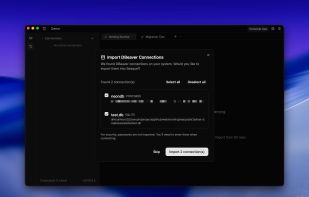
- .cursor/agents;
- CLAUDE.md;
- contributors — as of now the repository has 169 commits by Claude;
- merged pull requests potentially containing LLM generated code.
Updated: 2026-09-03

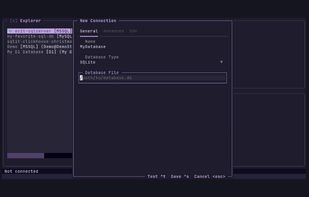
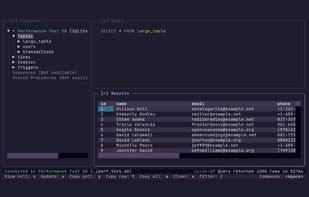
A user friendly TUI for SQL databases. Written in python. Supports SQL server, Mysql, PostreSQL and SQLite, Turso and more.
Cost / License
- Free
- Open Source
Application type
Platforms
- Python
- Mac
- Linux
- Windows

 +1
+1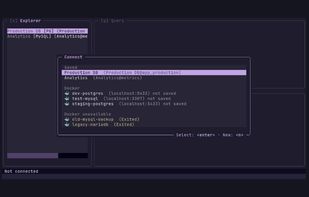
- contributors — as of now the repository has 14 commits by Claude;
- merged pull requests potentially containing LLM generated code;
Updated: 2026-09-03

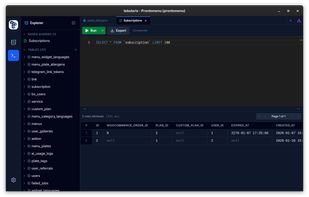
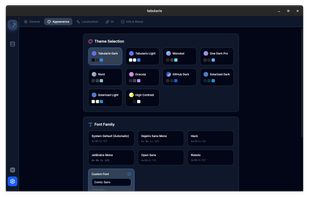
Tabularis is a free, open-source desktop database client for PostgreSQL, MySQL/MariaDB, and SQLite. Built with Rust (Tauri v2) and React, it is fast, lightweight, and designed for everyday SQL work.
Cost / License
- Free
- Open Source
Application type
Platforms
- Mac
- Windows
- Linux
- .claude/skills;
- AGENTS.md;
- contributors — as of now the repository has 29 commits by Claude and 3 by Copilot;
- merged pull requests potentially containing LLM generated code.
Updated: 2026-09-03

VeloxDB is a fast, memory-efficient, developer-focused desktop client for PostgreSQL. Connect directly to your databases — no cloud, no middleware, no telemetry. Built with performance and productivity at its core.
Cost / License
- Free
- Open Source
Application type
Platforms
- Mac
- Windows
- Linux
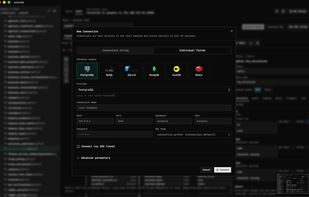
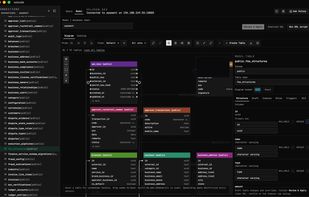
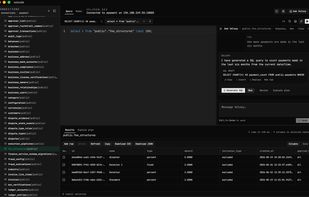
- .cursor;
- contributors — as of now the repository has 3 commits by cursoragent.
Updated: 2026-09-03

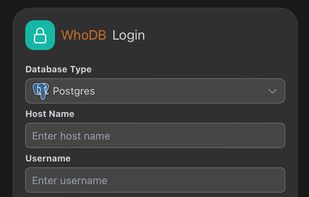
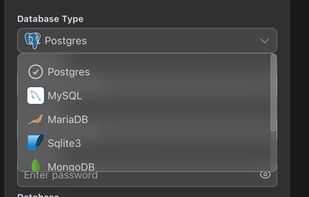
WhoDBis a lightweight (~20MB), powerful, and user-friendly database management tool designed to streamline your database administration tasks.
Cost / License
- Free
- Open Source
Platforms
- Mac
- Windows
- Linux
- Online
- BSD
- Self-Hosted
- Mozilla Firefox
 +16
+16





Desktop Shells and Status Bars
Email
Email related software and tools (currently mostly server-side).

Web-based team collaboration suite with email, calendar, contact and project management, filesharing, CRM, trouble tickets, chat, and online office integration.
Cost / License
- Freemium
- Open Source
Application typeApplication types
Platforms
- Linux
- Online
- Self-Hosted
- Software as a Service (SaaS)


 +6
+6

Haraka is an open source SMTP server written in Node.js which provides extremely high performance coupled with a flexible plugin system allowing Javascript programmers full access to change the behaviour of the server.
Cost / License
- Free
- Open Source
Platforms
- Self-Hosted
- Node.JS

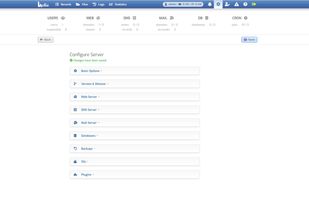
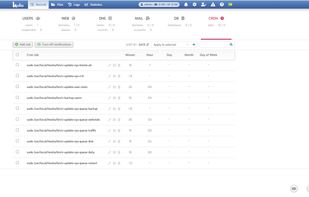
Hestia Control Panel is an open source web server control panel with an easy-to-use interface as a lightweight alternative to cPanel, Plesk, etc. Hestia It's also the continuation of the development of Vesta Control Panel.
Cost / License
- Free
- Open Source
Application typeApplication types
Platforms
- Linux
- Self-Hosted

 +1
+1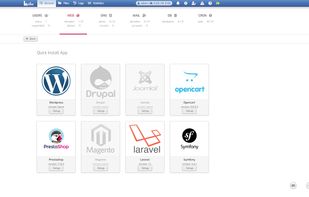

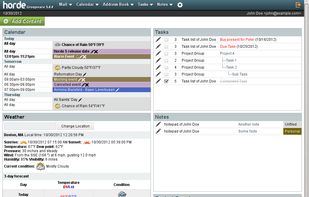
Enterprise-level free suite offers IMAP email, calendar, contacts, tasks, notes, file manager, wiki, syncing, multi-language support, and mobile access.
Cost / License
- Free
- Open Source
Application typeApplication types
Platforms
- Online
- Self-Hosted


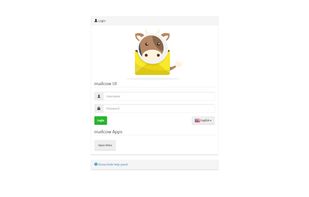
mailcow is a mail server suite based on Dovecot, Postfix, SOGo, Rspamd and other open source software, that provides a modern Web UI for administration.
Cost / License
- Free
- Open Source
Application typeApplication types
Platforms
- Linux
- Self-Hosted
 +3
+3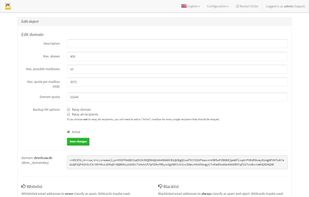
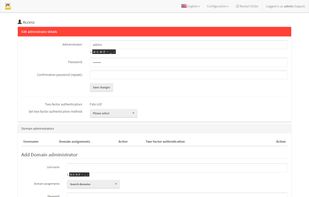
I have used mailcow: dockerized for quite long time, and overall this is a very nice and easy way to set up a self-hosted email server (if one do not mind working with Docker/containers), but unfortunately slop got into it.

Mailu is a simple yet full-featured mail server as a set of Docker images. It is free software (both as in free beer and as in free speech), open to suggestions and external contributions.
Cost / License
- Free
- Open Source
Application typeApplication types
Platforms
- Linux
- Self-Hosted

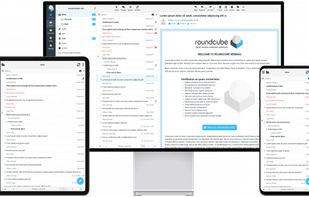
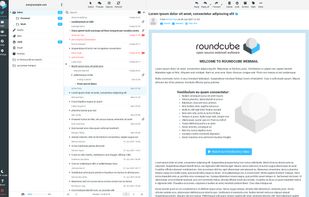
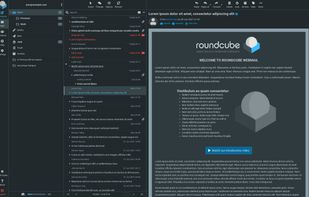
Roundcube webmail is a browser-based multilingual IMAP client with an application-like user interface. It provides full functionality you expect from an e-mail client, including MIME support, address book, folder manipulation, message searching and spell checking.
Cost / License
- Free
- Open Source
Application typeApplication types
Platforms
- Self-Hosted
- PHP
- Cloudron
- Nextcloud
 +9
+9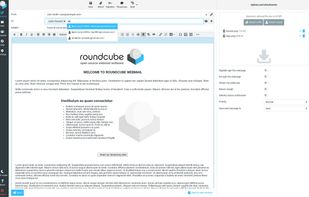

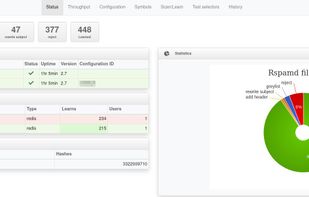
Rspamd is an advanced spam filtering system that allows evaluation of messages by a number of rules including regular expressions, statistical analysis and custom services such as URL black lists.
Cost / License
- Free
- Open Source
Application type
Platforms
- Linux
- BSD
- Self-Hosted
 +4
+4

WildDuck is a scalable no-SPOF IMAP/POP3 mail server. WildDuck uses a distributed database (sharded + replicated MongoDB) as a backend for storing all data, including emails.
Cost / License
- Free
- Open Source
Application type
Platforms
- Self-Hosted

Zimbra Collaboration is an open, secure collaboration tool for email, calendaring, tasks and more. With the most innovative web application available today, Zimbra boosts the productivity of users on any desktop and dramatically reduces TCO compared to legacy platform vendors.
Cost / License
- Paid
- Proprietary
Application typeApplication types
Platforms
- Linux
- Online
- Self-Hosted
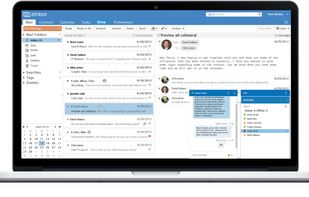


Enterntainment Tracking and Organisation

Effortlessly organize your watchlist and track episodes with a sleek interface. Get release notifications, iCloud sync, and tailored streaming guides.
Cost / License
- Free
- Open Source
Application type
Platforms
- Mac
- iPhone
- iPad
- Apple Watch
- Apple TV
- visionOS



- contributors — as of now the repository has 219 commits by cursoragent;
- merged pull requests potentially containing LLM generated code or other use of LLMs.
Updated: 2026-09-04
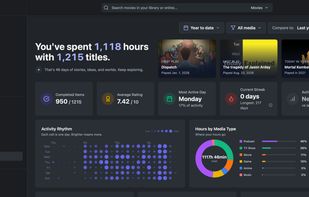
Floppy is a free, open-source, self-hosted media tracker and personal media diary for movies, TV shows, anime, manga, books, comics, video games, board games, music, and podcasts.
Cost / License
- Free
- Open Source
Application type
Platforms
- Self-Hosted

- .claude/skills/run-floppy;
- AGENTS.md;
- contributors — as of now the repository has 727 commits by Claude;
- merged pull requests potentially containing LLM generated code or other use of LLMs.
Updated: 2026-09-04

Free, open-source tool for organizing games, movies, TV, manga, books, anime, music and podcast in mixed collections with visual boards, offline caching, sharing, and no ads or tracking.
Cost / License
- Free
- Open Source
Application typeApplication types
Platforms
- Mac
- Windows
- Linux
- Android


 +6
+6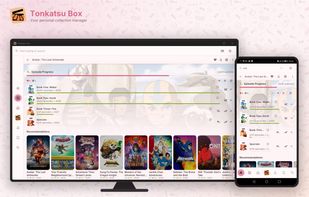
- .claude;
- contributors — as of now the repository has 795 commits by Claude and 1 by cursoragent;
- merged pull requests potentially containing LLM generated code or other use of LLMs.
Updated: 2026-09-04

ShowCase (formerly Movie DB) is a fully open-source android application for exploring and organizing your personal collection of films and television series.
Cost / License
- Free
- Open Source
Application typeApplication types
Platforms
- Android
- F-Droid



- contributors — as of now the repository has 6 commits by Copilot;
- merged pull requests potentially containing LLM generated code or other use of LLMs.
Updated: 2026-09-04

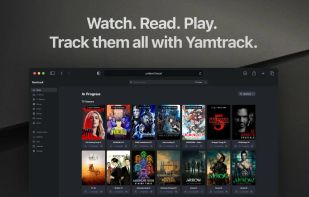
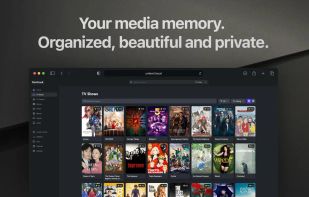
Self-hosted tracker for movies, TV shows, anime, and manga with multi-user support, detailed episode tracking, ratings, notes, imports, exports, and Docker.
Cost / License
- Free
- Open Source
Application typeApplication types
Platforms
- Self-Hosted
- Docker
 +3
+3
- contributors — as of now the repository has 4 commits by Copilot and 2 by gemini-code-assist[bot];
- merged pull requests potentially containing LLM generated code or other use of LLMs.
Updated: 2026-09-04


File Encryption

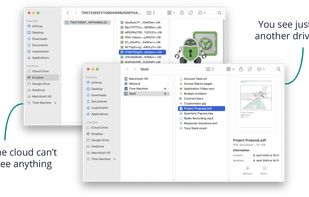
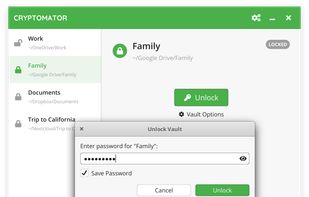
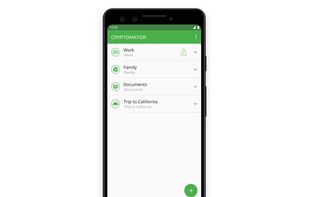
Cryptomator provides transparent, client-side encryption for your cloud. Protect your documents from unauthorized access. Cryptomator is free and open source software, so you can rest assured there are no backdoors.
Cost / License
- Freemium
- Open Source
Application typeApplication types
Platforms
- Mac
- Windows
- Linux
- Android
- iPhone
- Android Tablet
- iPad
- Flathub
- F-Droid
- Homebrew
- Chocolatey
- AppImage
- contributors — as of now the repository has 3 commits by Copilot;
- merged pull requests potentially containing LLM generated code or other use of LLMs.
Updated: 2026-09-12


File Synchronisation

On-premises file sync, universal access, integrated collaboration, real-time communication with privacy and data control focus.
Cost / License
- Free
- Open Source
Application typeApplication types
Platforms
- Mac
- Windows
- Linux
- Online
- Android
- iPhone
- Android Tablet
- HUAWEI AppGallery
- iPad
- Self-Hosted
- Snapcraft
- Flathub
- F-Droid
- OpenAPK
- Raspberry Pi
- Cloudron
- Docker Hub

 +5
+5
Nextcloud Android
- .claude/skills/java-to-kotlin;
- AGENTS.md;
- merged pull requests potentially containing LLM generated code or other use of LLMs.
Nextcloud Desktop
Nextcloud iOS
Nextcloud Server


Comments
Neo luddites are mad 🤭
Someone has to be mad about the madness that has taken the world over.
It’s nice to be on the same list as Nginx, Mozilla Firefox, DuckDuckGo Browser, Brave thanks, author, great tier list.
Great succes! Not!
oh no, not Tor and SimpleX 😭😭😭
In case of Tor take this with a grain of salt since it is a fork of Slopzilla Slopfox, khem, Mozilla Firefox, which now is a slopware as well, but currently I do not know how to extract Tor specific changes nor I do have time to learn how to do it! Unless an explicitly stated stance or policy against slop-generators is added, Tor is considered as a slopware as well, especially as they have made some changes in files targeted for LLM tools.
@Edgars
If that's your standard for determining what is and isn't slopware, you will probably want to take a look at librewolf, mullvad-browser, waterfox, and other firefox-derivatives which still pull updates from Firefox. I mention these browsers specifically because they tout themselves as privacy/security friendly browsers, which makes the use of LLMs for development even more uncool.
I am pretty sure all of them do take measures to pull LLM functionality out of the core Firefox upstream though (and librewolf is hosted on Codeberg, which discourages LLM contributions), but I know for sure Mullvad Browser and Waterfox include agents.md and claude.md instructions.
@Alex Ruiz I would not call that a standard as I am quickly looking for obvious signs of LLM usage and judging forks of projects containing code generated by LLMs is quite slippery, unless forks contain explicitly stated stance against machine-generated code (take Gram (fork of zed; not a browser though) for an example). I will soon review the browsers you mentioned (couple of them I was going to check anyway).
add calibre. they just went full ai slop. generated book covers and everything.
Done. Thank you for your suggestion!
For qBittorent they say and this is in the linked MD file here "This project strongly discourages issue reports and pull requests authored or submitted by AI agents. All issue reports and pull requests should be created and submitted by a human contributor. AI may be used for assistance, but a human must review, take responsibility for, and submit the final changes."
So can you clarify what exactly is AI Slop with qBittorrent? Or is AI assistance in any regards means "AI tainted" or is it having an agent.md enough to make the whole software tainted?
For this list any involvement of LLM tools is considered to be a taint, even machine generated reviews in merge requests for a human generated code if no one objects to them. As for AGENTS.md and similar files targeted to LLM tooling – a project with them endorses LLM usage and encourages users to use LLM based tools, contributing to increasing usage of LLMs, thus amplifying issues they currently are associated with.
So if a person generates code as a template, then a person modifies it, a person reviews the code and is submitted/owned by a person that is considered completely LLM generated and so called tainted. Understood.
Can you help me reconcile and address what is said below, it seems like you completely glossed over the quote or didn't consider it at all ---
Edgars: " a project with with AGENTS.md endorses LLM usage and encourages users..."
Agent.md file from qBittorrent that you didn't address in your reply: "This project strongly discourages issue reports and pull requests authored or submitted by AI agents. All issue reports and pull requests should be created and submitted by a human contributor. AI may be used for assistance, but a human must review, take responsibility for, and submit the final changes."
Perhaps it would wise to actually review the agent.md file to see what each project allows/restricts agents in doing. Since the idea that just having agent.md file doesn't automatically equate to they "endorse and encourage the use AI in general". An agent.md file at least looking into it for a few seconds is like having a rules or an enforcer that allows or disallows what an AI can do. Not having one would permit AI to go completely unrestricted as they have done when AI Agents first appeared on Github imo.
No, code is not considered completely LLM generated if a person has put in a significant amount of their own efforts based on some output of an LLM, but the resulting code is still considered tainted.
As for the quote from AGENTS.md – “discourages” != “prohibits”, “should not” != “must not”, and the main point of the quote is that human still has to be in the loop, so despite the disclaimer the project is still LLM-permissive, and meaningful instructions for agents shows the project even as pro-LLM. Even more so if reviewers are sparingly using Copilot for reviews.
Also, take a look at the commit message when AGENTS.md was added:
| Current main purpose of this document is to help GitHub Copilot to conduct effective code review. | Since this file is for everything AI related, a few general policies are also included.
| Perhaps it would wise to actually review the agent.md file to see what each project allows/restricts agents in doing.
I inspect AGENTS.md and similar files (with a quick glance though) – if they do not contain clear anti-LLM stance and have meaningful instructions for agents, no matter how restrictive or permissive, they still are meant for LLM agents so they would not vomit complete garbage, and thus it means that LLM-generated code is acceptable in the project, which is more than enough to put a software to this list.
Besides all aforementioned, the project already contains clearly LLM generated code.
One thing I have started to think about after your comments is that ”slop” probably is not the most suitable umbrella term for this list, “tainted” probably could be a better one, but on the other side – humans also tend to create slop, so if a human has reviewed and understands code or even added their own input to LLM output, it does not necessarily mean that the final result is still not a slop.
Oh well, while it seems that (at least partial) Markdown syntax is accepted here, the final rendering is quite incomplete and styling is not the best (for example, <p> are rendered as inline elements making paragraphs to stick together in a one big hard-readable mess) so the outcome is far from intended and quite terrible.
"This list contains software that obviously accepts irresponsible coding practices or promotes LLM usage."
"Linux kernel"
Oh boy HAHAHA
What is your point exactly?
Add bun: Bun
Bun
Thank you for the suggestion! I will check it out and add it to the list once I will have time for it.