• Unity icon
  • Unity Asset Store icon
  • Microsoft Visual Studio icon
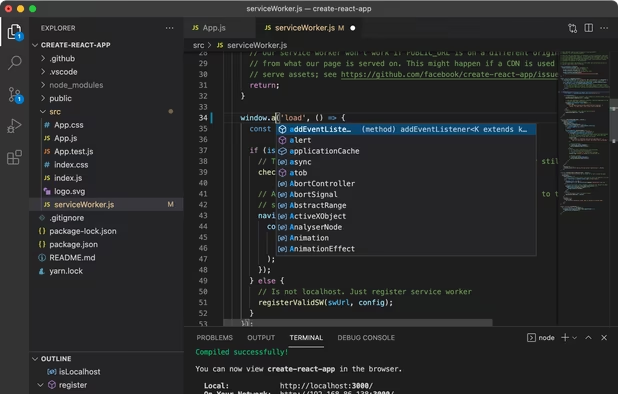
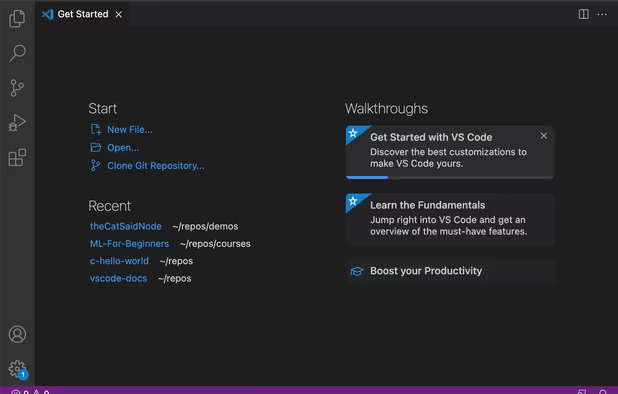
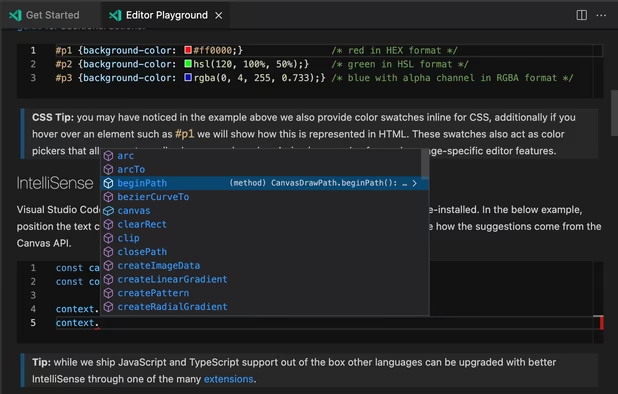
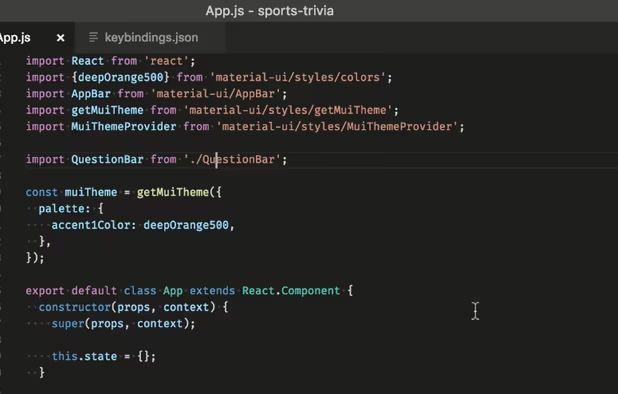
  • Visual Studio Code icon
  • GitHub icon
  • +10

Apps I use for game development

Jamie Roberts15 appsUpdated
Copy a direct link to this comment to your clipboard

A list of apps I use to develop video games as a hobby. Looking at trying your hand at development? This list may be a good place to start. Note that this list is tailored towards Windows users, as this the environment that I use.

  1. Unity icon
     Like

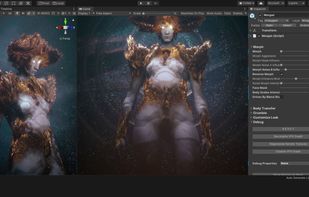
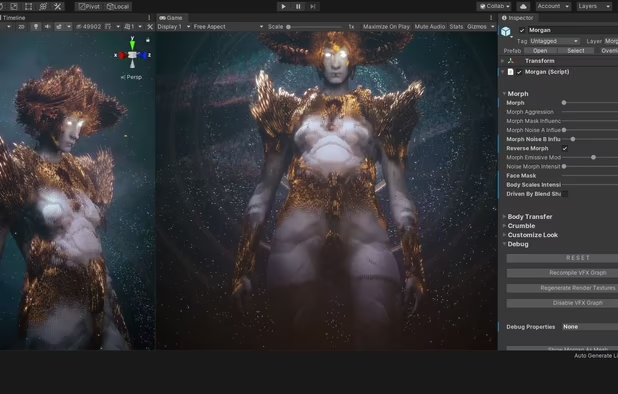
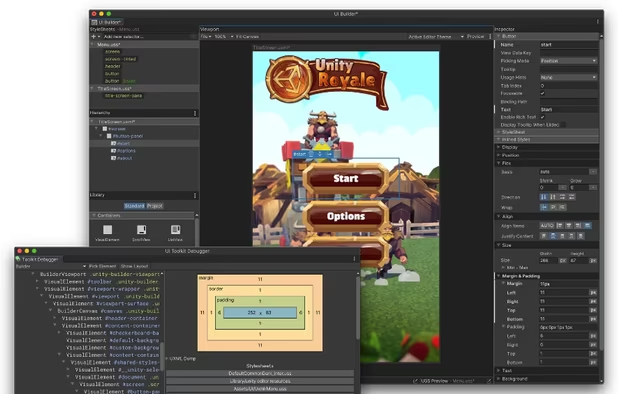
    Real-time 3D engine enabling collaboration to create immersive, interactive experiences on Windows, Mac, and Linux, with extensive platform support.

    Cost / License

    • Freemium
    • Proprietary

    Application type

    Platforms

    • Mac
    • Windows
    • Linux
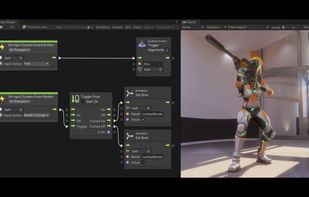
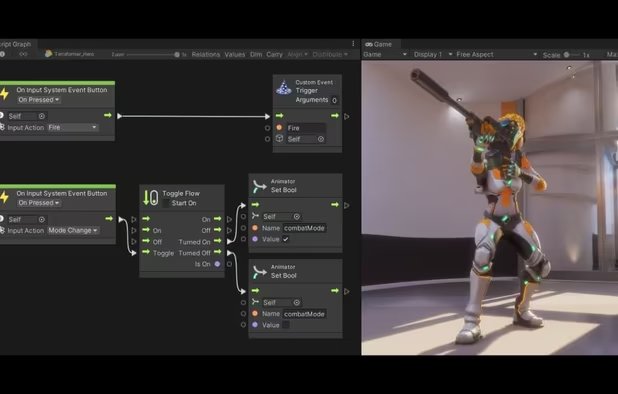
    Unity screenshot 1
    Unity screenshot 1
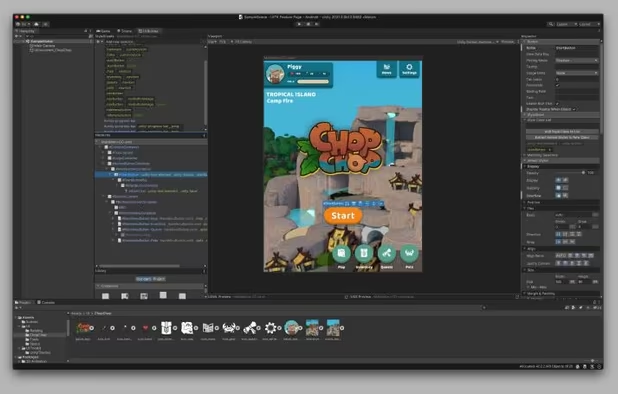
    Unity screenshot 2
    +2
    Unity screenshot 3
    Jamie Roberts’s note

    What is a game without a game engine? Unity is my engine of choice and has everything I need. It gets a bad rep for being the producer of asset swaps and whatnot. But honestly, it's a robust engine that is capable of great things.

  2. Discover the best assets for game making. Choose from Unity's massive catalog of 2D, 3D models, SDKs, templates, and tools to speed up your game development process.

    Cost / License

    • Freemium
    • Proprietary

    Platforms

    • Online
    Unity Asset Store screenshot 1
    Jamie Roberts’s note

    Look, it's okay to buy and use assets. Just don't simply repackage them and try to sell them as a game.

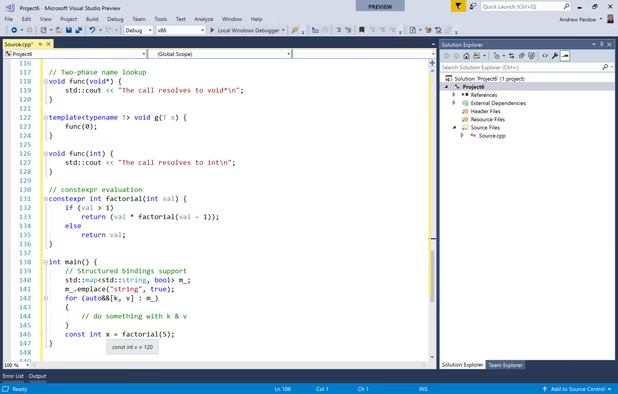
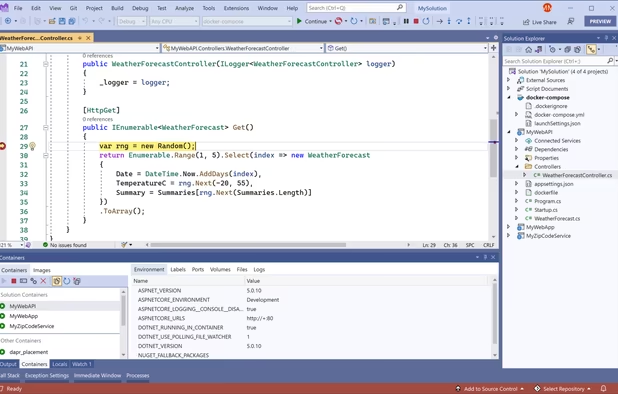
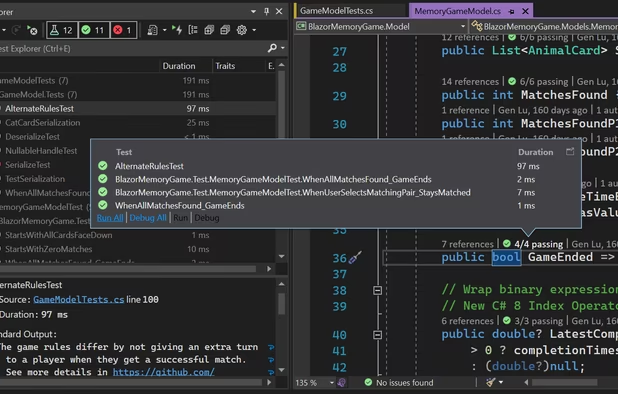
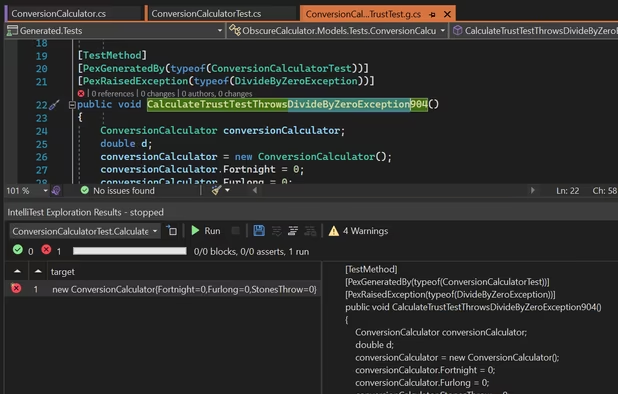
  3. Microsoft Visual Studio is an IDE used to create programs, apps, websites, and web services using various frameworks. It supports multiple languages and offers tools for coding, debugging, and design.

    Cost / License

    • Free Personal
    • Proprietary

    Application type

    Platforms

    • Windows
    • Online
    • .NET Framework
    Microsoft Visual Studio screenshot 1
    Microsoft Visual Studio screenshot 1
    Microsoft Visual Studio screenshot 2
    +5
    Microsoft Visual Studio screenshot 3
    Jamie Roberts’s note

    My primary coding environment that connects easily with Unity.

  4. Free, extensible code editor with Git integration, AI-driven IntelliCode, and 30,000+ extensions, supporting various languages like Python, Java.

    Cost / License

    • Free
    • Proprietary

    Application type

    Platforms

    • Mac
    • Windows
    • Linux
    • Online
    • Chrome OS
    • Snapcraft
    • Chocolatey
    Visual Studio Code screenshot 1
    Visual Studio Code screenshot 1
    Visual Studio Code screenshot 2
    +2
    Visual Studio Code screenshot 3
    Jamie Roberts’s note

    Another Visual Studio product. I use the online version of VS Code on my iPad (with a keyboard) to code in bed. It's not a buildable or debuggable environment, but it allows me to quickly write up a bunch of code on the fly. Works great with GitHub.

  5. GitHub icon
     Like

    Web-based Git hosting service facilitating collaboration, with features like issue tracking, social networking, and wikis for project management.

    Cost / License

    • Freemium
    • Proprietary

    Application type

    Platforms

    • Mac
    • Windows
    • Online
    • Android
    • iPhone
    • Android Tablet
    • iPad
    Homepage
    Organization profile view
    Repository Homepage
    +6
    Issues
    Jamie Roberts’s note

    GitHub is fabulous, even if your projects aren't open source. I have a couple private repositories that I use to easily sync code between a couple devices.

  6. Fast, smooth vector graphic design software with curve precision, vibrant colors, live gradients, and dynamic drawing tools, ideal for professionals.

    Cost / License

    • Paid
    • Proprietary

    Application type

    Platforms

    • Mac
    • Windows
    • iPad
    Affinity Designer screenshot 1
    Affinity Designer screenshot 1
    Affinity Designer screenshot 2
    +7
    Affinity Designer screenshot 3
    Jamie Roberts’s note

    A great choice for making 2D art like UI and logos.

  7. Paint.NET icon
     Like

    Free image editor for Windows, offering layer support, plugins, special effects, and portable use without installation. Lightweight and ad-free.

    Cost / License

    • Free
    • Proprietary

    Application type

    Platforms

    • Windows
    • .NET Framework
    Paint.NET screenshot 1
    Jamie Roberts’s note

    Used for quick image creation and editing.

  8. Blender icon
     Like

    Free open-source 3D software for modeling, texturing, rigging, animation, rendering, compositing, video editing, and simulation.

    Cost / License

    • Free
    • Open Source

    Application type

    Platforms

    • Mac
    • Windows
    • Linux
    • BSD
    • Snapcraft
    • Flathub
    • PortableApps.com
    • Haiku
    • Steam
    • Flatpak
    Splash Artwork for Blender 4.3
    Cycles Render Engine
    Modeling, Sculpt, UV
    +9
    VFX
    Jamie Roberts’s note

    I don't actually do much of my own 3D modelling, but when I do, I use Blender.

  9. Trello icon
     Like

    Organize tasks with boards, lists, and cards, and customizable workflows. Ideal for projects, collaboration, and effortless progress tracking.

    Cost / License

    • Freemium
    • Proprietary

    Application type

    Platforms

    • Mac
    • Windows
    • Online
    • Android
    • iPhone
    • Android Tablet
    • iPad
    • Apple Watch
    • Android Wear
    • Software as a Service (SaaS)
    Trello screenshot 1
    Trello screenshot 1
    Trello screenshot 2
    +6
    Trello screenshot 3
    Jamie Roberts’s note

    Some kind of tracking software is essential so you don't forget what you're doing. Trello is great at what it does.

  10. Steam icon
     Like

    Steam is a digital distribution, digital rights management, multiplayer and communications platform developed by Valve Corporation. It is used to distribute a wide range of games and related media entirely over the internet, stretching from one-man independent efforts to some of...

    Cost / License

    • Free
    • Proprietary

    Application type

    Platforms

    • Mac
    • Windows
    • Linux
    • Online
    • Android
    • iPhone
    • Android Tablet
    • Windows Phone
    • iPad
    • Snapcraft
    • Flathub
    • SteamOS
    Steam screenshot 1
    Steam screenshot 1
    Steam screenshot 2
    +4
    Steam Store
    Jamie Roberts’s note

    Steam is an obvious choice as a self-publishing storefront.

  11. Discord icon
     Like

    A versatile platform for text and voice communication, featuring topic-specific channels, customizable moderation, and smooth low latency interactions.

    Cost / License

    • Freemium
    • Proprietary

    Application type

    Platforms

    • Mac
    • Windows
    • Linux
    • Online
    • Android
    • iPhone
    • Android Tablet
    • iPad
    • Snapcraft
    • Epic Games Store
    • Flathub
    • Electron
    • Playstation
    • Xbox
    Desktop UI
    Desktop UI Color Customization
    Cross Platform Video Chat and Screensharing
    +8
    Phone UI
    Jamie Roberts’s note

    The best place to chat with the players and fans.

  12. Shelfit icon
     Like

    Worry less about juggling multiple windows or deciding where you want to store things. With Shelfit you can quickly open up a shelf, drag files in, and then when you're ready just drag them back out.

    Cost / License

    • Paid
    • Proprietary

    Application type

    Platforms

    • Windows
    Shelfit screenshot 1
    Shelfit screenshot 1
    Shelfit screenshot 2
    +5
    Shelfit screenshot 3
    Jamie Roberts’s note

    A bit of a self plug here; but I made this app specifically to help me with my development workflow. It comes in handy when you are dealing with a lot of loose files that need to be moved around, or put somewhere quickly.

  13. The latest Windows update with a redesigned Start menu, Widgets integration, Xbox gaming features, and tighter security requirements, built with modern hardware in mind.

    Cost / License

    • Paid
    • Proprietary

    Application type

    Platforms

    • Windows
    Windows 11 screenshot 1
    Windows 11 screenshot 1
    Windows 11 screenshot 2
    +2
    Windows 11 screenshot 3
    Jamie Roberts’s note

    You need an OS for game development, and regardless of how you feel about Windows; it is king of computer gaming. It's incredibly easy to use Windows to develop, build, and play.

  14. Veeam Agent for Microsoft Windows and Veeam Agent for Linux work with Veeam Availability Suite to deliver Availability for ALL workloads — virtual, physical and cloud — from a single management console, extending Veeam’s leadership position from being the best for VMware vSphere...

    Cost / License

    • Paid
    • Proprietary

    Application type

    Platforms

    • Windows
    • Linux
    Status page
    Get an overview of your recent backups in the Control Panel.
    CryptoLocker protection for USB storage
    +6
    Restore individual files from ANY backup type
    Jamie Roberts’s note

    Keep you code safe. Back it up.

  15. BackBlaze icon
     Like

    Provides scalable cloud backup and storage with S3 API, offering enterprise-grade security and 1/5 the cost for secure data protection.

    Cost / License

    • Paid
    • Proprietary

    Application type

    Platforms

    • Mac
    • Windows
    • Online
    • Android
    • iPhone
    • Android Tablet
    • iPad
    BackBlaze screenshot 1
    BackBlaze screenshot 1
    BackBlaze screenshot 2
    +6
    BackBlaze screenshot 3
    Jamie Roberts’s note

    Sometimes local backups aren't enough. For an added layer of safety, backup your project to a cloud.

Whether you're just dabbling or looking to make something big; hopefully this list can help you find software that can help.

No comments so far, maybe you want to be first?