


Secure Swiss-based email with end-to-end encryption and zero third-party access. Available across devices, offering a free version to promote privacy.
Cost / License
- Freemium
- Open Source
Application typeApplication types
Platforms
- Mac
- Windows
- Linux
- Online
- Android
- iPhone
- iPad
- Snapcraft
- Flathub
- OpenAPK
- Tor
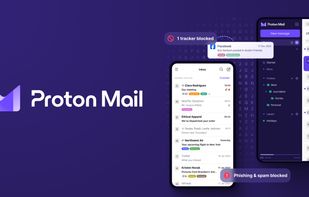

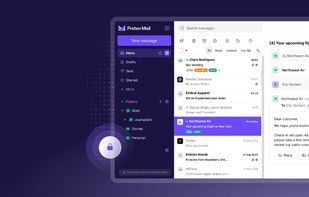
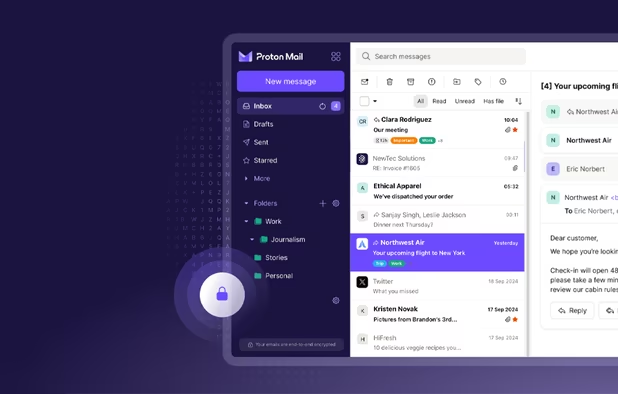
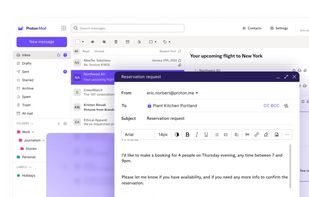
+9

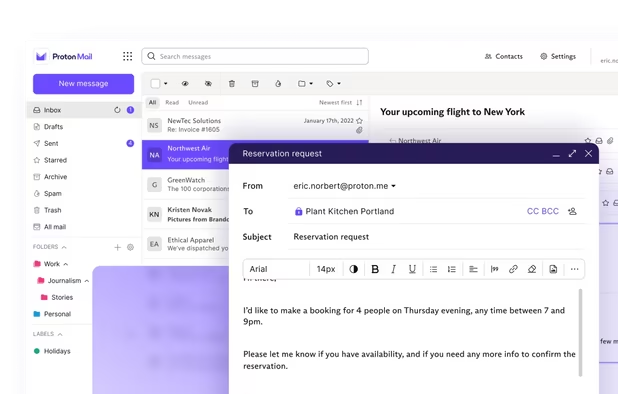
ProtonMail is a fine e-mail provider. Their clients are open source, your e-mails are encrypted and they have a free tier which is really usable ! Hosted in Switzerland.
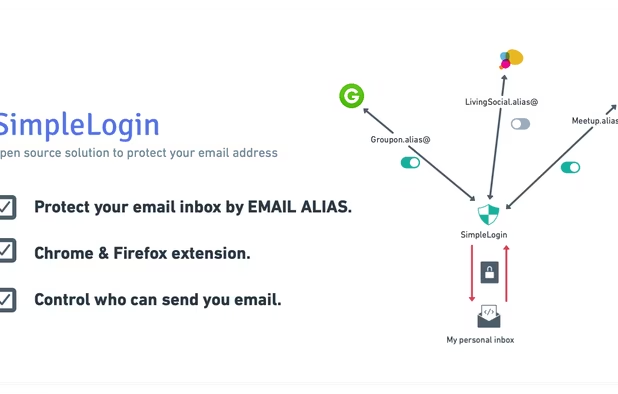
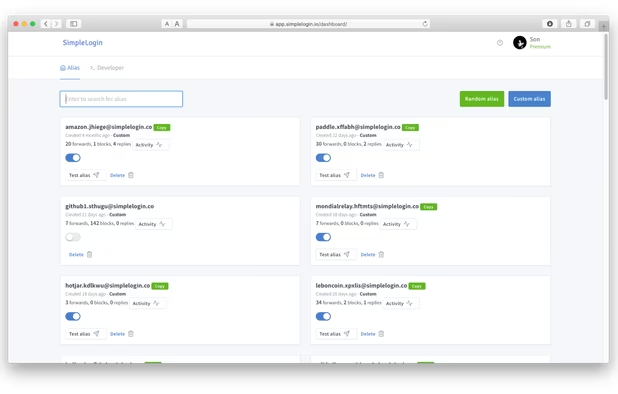
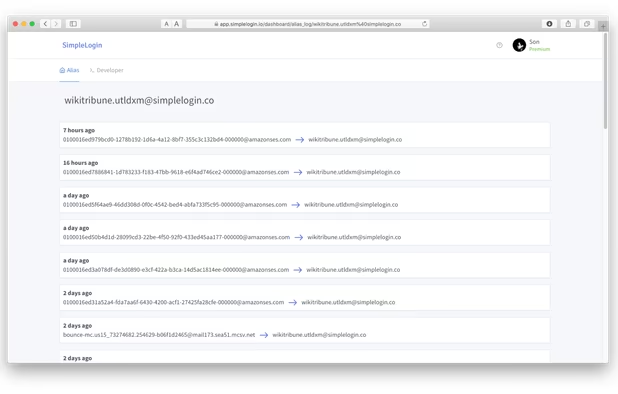
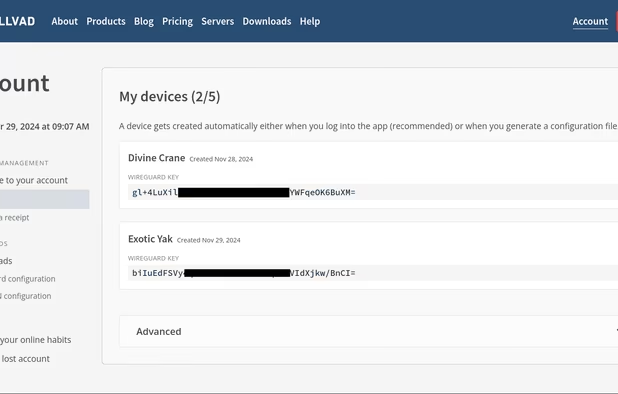
Worth mentioning :










Comments
awesome list! you should really consider adding briar and tutanota
Tuta is mentioned in my email description but I don't really use it yet. I'm not really into e-mail but if I would have to chose a new email provider they would probably be in my top pick alongside posteo.
I don't use Briar, because it's hard to have people using it. And p2p for communication often come with poorer UX in my opinion. I have tested it with a friend, it's a cool project and it got recommended in some of my other lists but it's not part of my daily setup.
oh my bad i didn't notice you had tuta on there having ppl switch really is the hardest part. im tripping i kinda forgot this is your setup and not like a recommendation list
It's a akward mix of both my setup and recommendations. I would tend to recommend SimpleX more than Briar because as I said p2p communication is not a conveniant UX for people used to centralized system such as WhatsApp.