Apps with 'document-converter' feature

All apps in Apps with 'document-converter' feature category. Use the filters below to narrow down your search. 
Copy a direct link to this comment to your clipboard
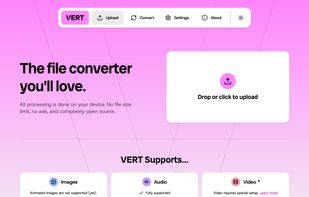
  1. VERT.sh icon
     18 likes

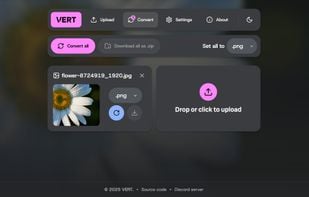
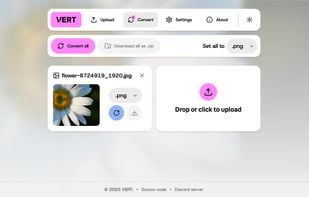
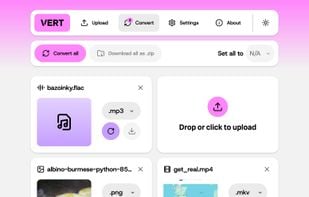
    VERT.sh is an online file converter that processes files on your device instead of the cloud. It's blazingly fast, ad-free, and open source.

    • Audio Converter
    • FreeOpen Source
    • Online
    • Self-Hosted
    • Software as a Service (SaaS)
    Landing page (light mode)
    57 alternatives
  2. Adobe Acrobat DC icon
     203 likes

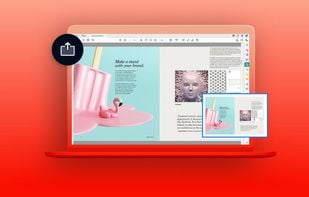
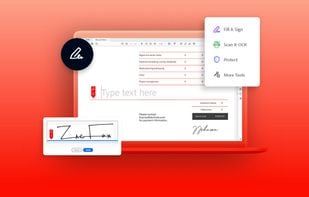
    Create and edit PDFs. Collaborate with ease. E-sign documents and collect signatures. Get everything done in one app, wherever you work. Acrobat’s got it. Stay on top of your documents with powerful features for desktop, mobile, and web.

    Adobe Acrobat DC screenshot 1
    303 alternatives
    3.2
    Fair12 reviews
  3. Pandoc icon
     91 likes

    Pandoc is a Haskell library for converting from one markup format to another, and a command-line tool that uses this library.

    • FreeOpen Source
    • Mac
    • Windows
    • Linux
    Pandoc screenshot 1
    16 alternatives
  4. Filestar icon
     16 likes

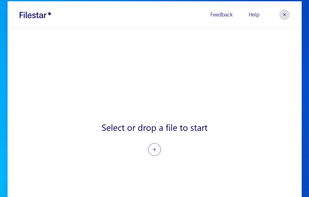
    With Filestar you can "do anything with any file". Get rid of repetitive tasks, save time and boost your productivity with over 30.000 file conversions available. Transform or convert hundreds of files, all at the same time with a few simple clicks.

    Filestar screenshot 1
    34 alternatives
  5. Zamzar icon
     31 likes

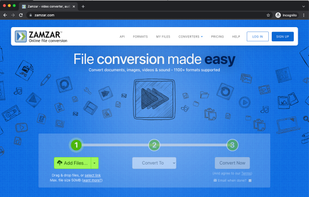
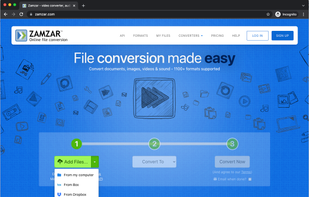
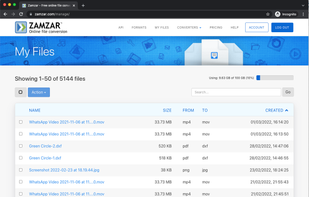
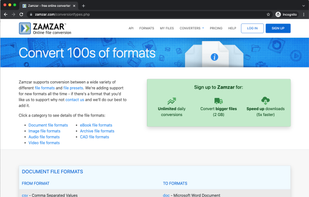
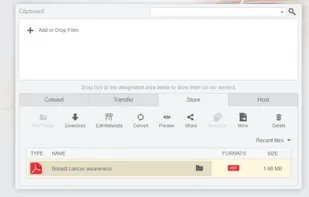
    Online file converter, providing easy to use file conversion and compression for hundreds of different file formats. Includes support for document, video, image, audio, CAD and more. Also offers a desktop app and powerful API for developers.

    Easy to use 3 step tool for converting files.
    121 alternatives
  6. DocDroid icon
     11 likes

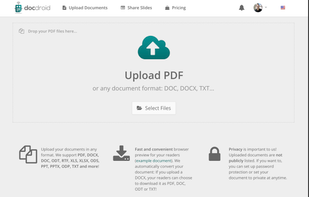
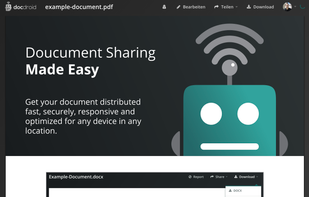
    Upload and share your documents and slides in any format. Free & fast! No registration required. The document viewer is fast, responsive and optimized for mobile devices. Using the DocDroid REST API, it is possible to connect the service to other apps, such as Dropbox...

    • PaidProprietary
    • Online
    Upload documents
    31 alternatives
  7. MultiMarkdown icon
     5 likes

    MultiMarkdown, or MMD, is a tool to help turn minimally marked-up plain text into well formatted documents, including HTML, PDF (by way of LaTeX), OPML, or OpenDocument (specifically, Flat OpenDocument or ‘.

    • FreeOpen Source
    • Mac
    • Windows
    • Linux
    • Self-Hosted
    10 alternatives
  8. Docparser icon
     5 likes

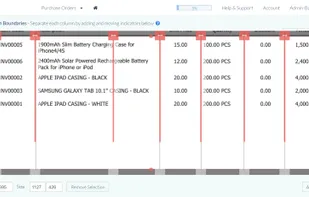
    Parse PDF's and update cloud platforms with parsed data, or download your data in Excel, CSV, JSON, & XML. Set up easy parsing rules, based on the layout of your PDF, then automate parsing for future PDF's.

    • PaidProprietary
    • Online
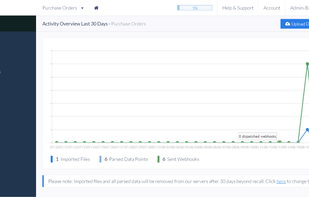
    Tabular Data Parsing
    43 alternatives
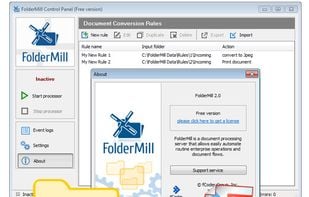
  9. FolderMill is a server-side application that watches defined hot folders and automatically converts incoming files or prints them on a specified printer. FolderMill provides an easy way to automate routine document processing tasks and establish a document flow in an enterprise...

    • PaidProprietary
    • Windows
    FolderMill screenshot 1
    6 alternatives
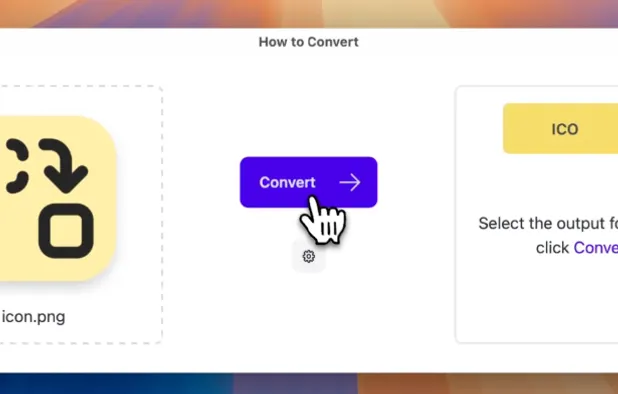
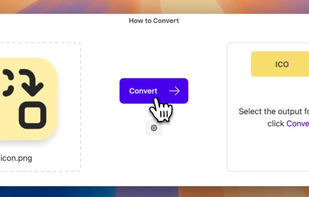
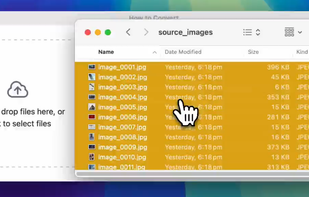
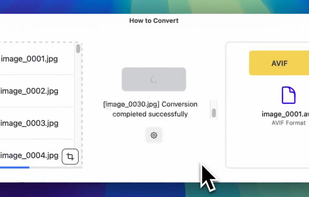
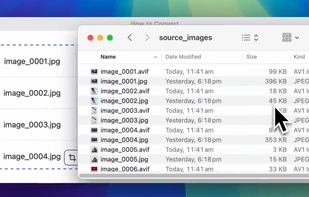
  10. A local universal file converter that doesn't send your files to sketchy servers.

    • PaidProprietary
    • Mac
    • Windows
    • Linux
    • Online
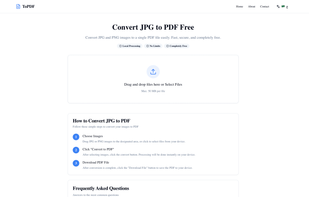
    How to Convert screenshot 1
  11. Morphosis icon
     1 like

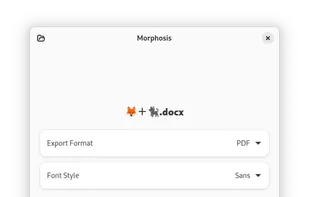
    Morphosis is a document conversion app written in Python, using GTK4 and Libadwaita.

    • FreeOpen Source
    • Linux
    • Flathub
    • Flatpak
    Morphosis screenshot 1
    54 alternatives
  12. CometDocs icon
     11 likes

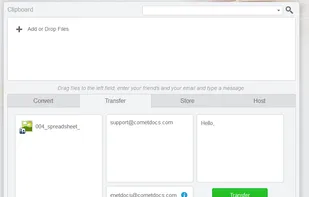
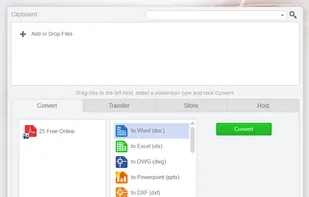
    Free online conversion service. Possible to determine unknown file format too.

    Thats a pretty catchy selling point in itself—you can convert PDFs to Excel files, huge TIFF images to PDF, icon files into images, and the site even does a little OCR work on certain image-to-text co.

    CometDocs screenshot 1
    104 alternatives
  13. Batch Docs icon
     7 likes

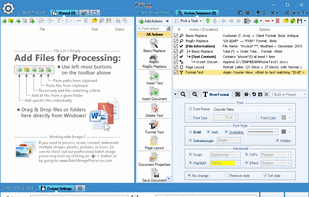
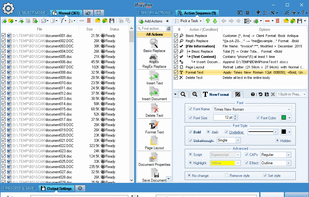
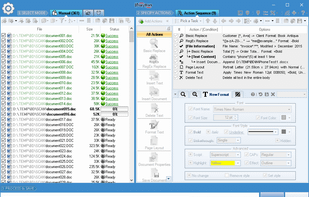
    Replace, insert new content, remove existing text, change text style and formatting in 1000s of Word and text documents in bulk. Save results and convert between various document formats: docx, doc, pdf, odt, rtf, wpd, txt, xps, html, and others.

    • FreemiumProprietary
    • Windows
    Main Window.
  14. Readiris icon
     9 likes

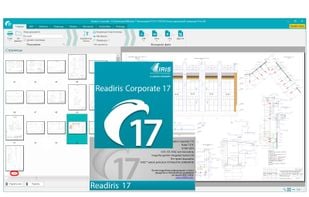
    PDF and OCR publishing software (optical character recognition) for MAC & WINDOWS. Do you dream of an intelligent PDF and OCR solution to intuitively manage your documents? You've found it.

    • PaidProprietary
    • Mac
    • Windows
    Readiris screenshot 1
  15. DocsPal icon
     8 likes

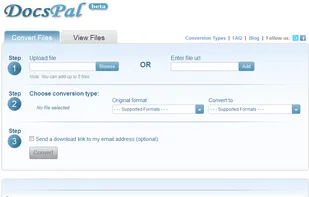
    DocsPal is a free online file converter. Convert your files online, instantly and for free: documents, video, audio, images, e-books, archives. You can also view your document directly in our Viewer page. And there is no need to download any software.

    DocsPal screenshot 1
    135 alternatives
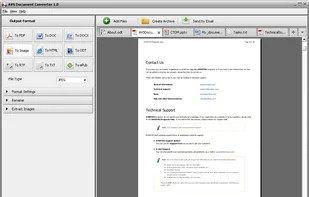
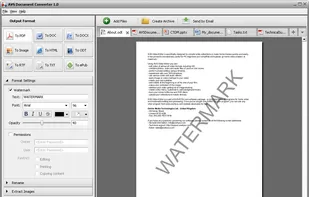
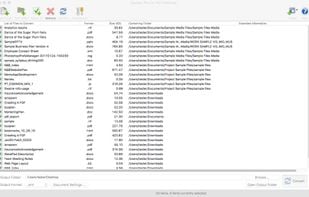
  16. AVS Document Converter is an easy-to-use software application designed to view and convert various types of documents. AVS Document Converter can quickly and easily perform the following tasks:

    • FreemiumProprietary
    • Windows
    AVS Document Converter screenshot 1
    67 alternatives
  17. IDMarkz icon
     1 like

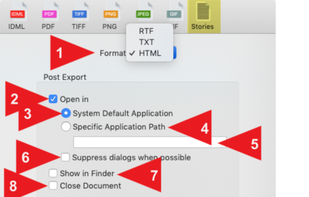
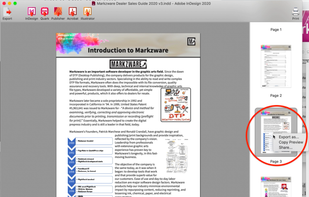
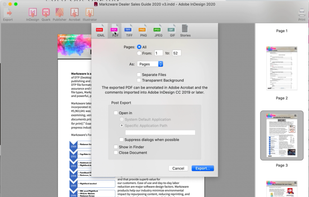
    IDMarkz standalone app lets you preview, export & open Adobe InDesign documents in many other file formats & apps. Export InDesign to QuarkXPress, Affinity Publisher, older InDesign versions, Acrobat, Illustrator, IDML, PDF, TIFF, PNG, JPEG, GIF, ...

    IDMarkz screenshot 1
    5 alternatives
  18. Doxillion icon
     5 likes

    Doxillion is a multi-format document and pdf converter and is the fastest way to convert DOC, DOCX, PDF, WPS, Word, HTML, EPUB, MOBI and other file types.

    • Free PersonalProprietary
    • Mac
    • Windows
    Doxillion screenshot 1
    12 alternatives
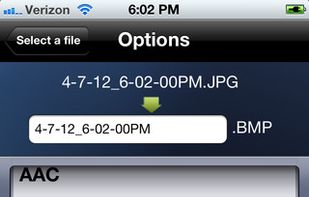
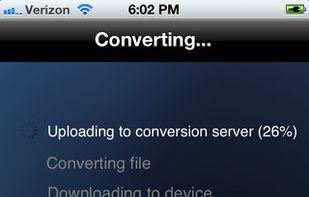
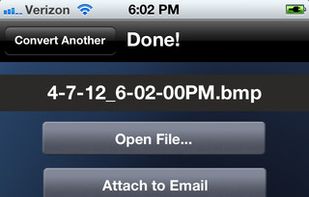
  19. The File Converter will convert to and from nearly any file format!

    The File Converter can convert Videos, Audio, Documents, Ebooks, Images and Archives!

    1. Choose your input file

    2. Choose your output file format and file name

    3. Convert!

    4. Open your file in another app su.

    The File Converter screenshot 1
    The File Converter screenshot 2
    The File Converter screenshot 3
    153 alternatives
  20. Replace, insert new content, remove existing text, change text style and formatting in 1000s of Word and text documents in bulk. Save results and convert between various document formats: docx, doc, pdf, odt, rtf, wpd, txt, xps, html, and others.

    • PaidProprietary
    • Windows
    Main Window.