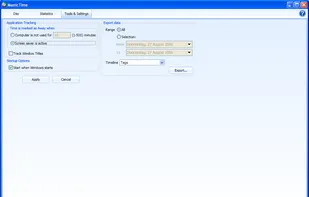
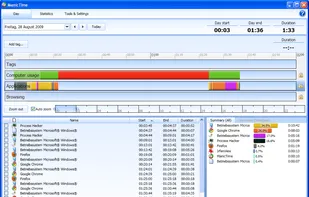
ManicTime automatically records your computer usage. It remembers which apps you've used and for how long. It will also remember which web sites you've visited and which documents you've worked on.
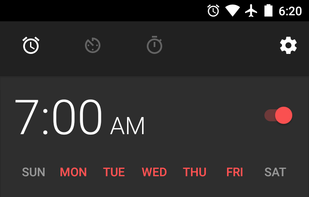
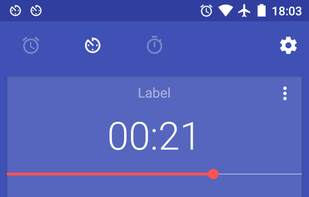
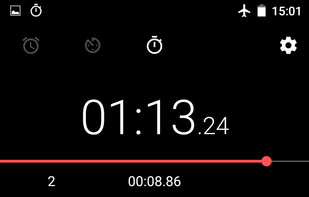
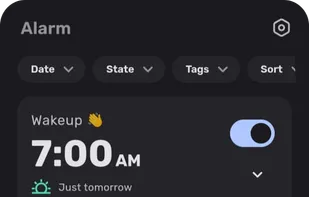
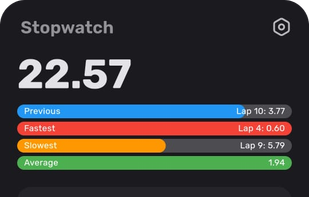
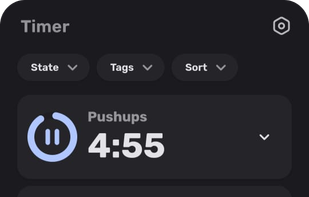
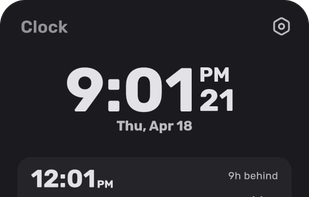
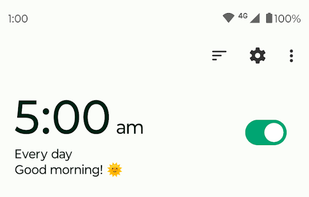
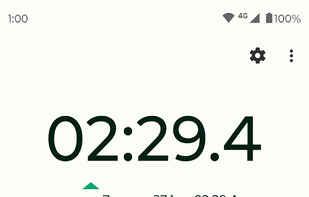
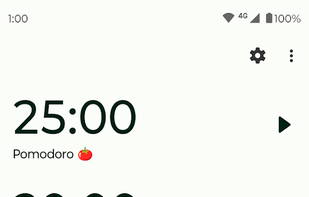
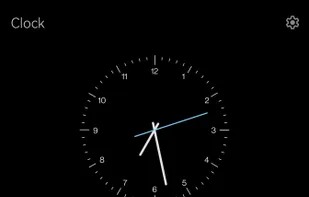
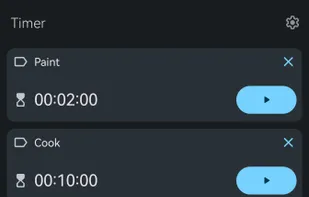
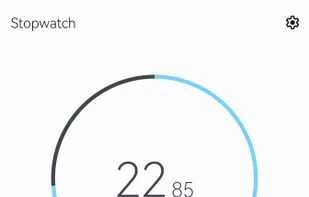
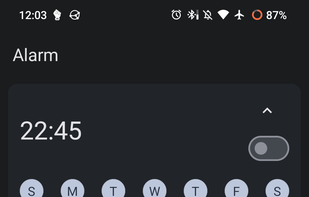
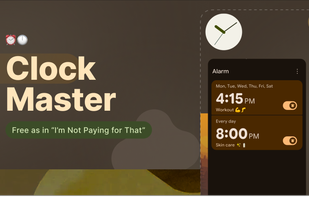
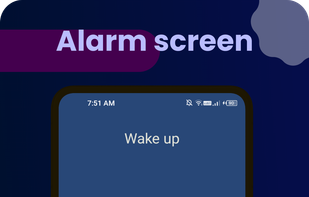
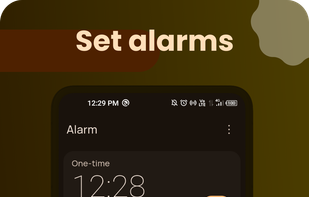
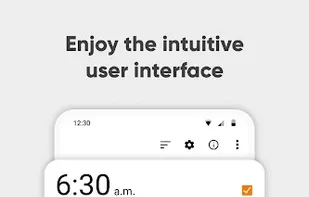
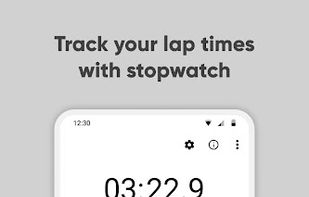
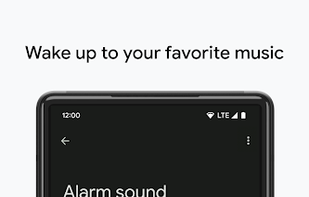
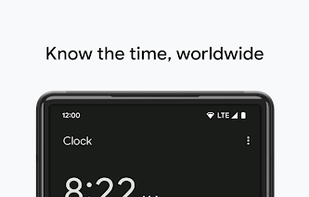
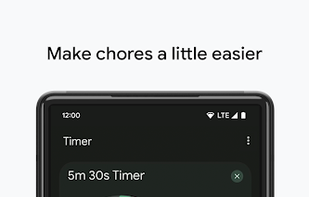
Introducing Fossify Clock – the ultimate timekeeping companion designed to enhance your daily routines and promote better sleep habits. With a multitude of functions tailored to your needs, Fossify Clock seamlessly integrates into your life, offering unparalleled convenience and...
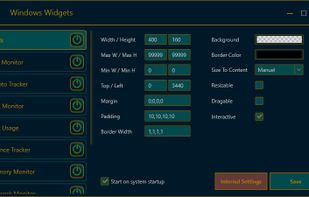
WindowsWidgets is a Windows application that enables you to create, load, and manage customizable, standalone widgets for your desktop. The project is released under the AGPL license. This repository provides an overview of Widget Manager and the supporting plugins (widgets)...
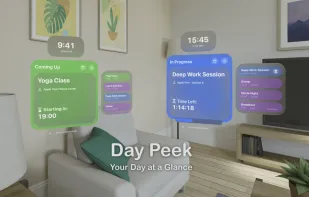
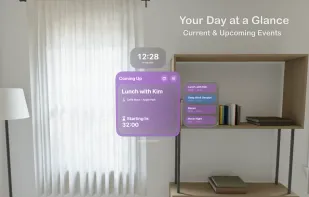
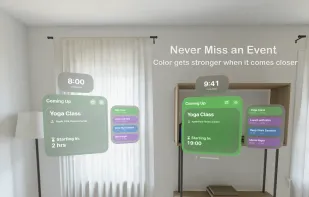
Day Peek helps you stay on top of your schedule. It displays a clock with your upcoming events in a colorful, floating widget that gradually fades in as the event approaches.
Actual Multiple Monitors is a software utility which offers the comprehensive solution to improve the functionality of Windows user interface for comfortable and effective work with multi-monitor configurations.
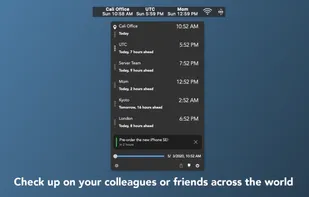
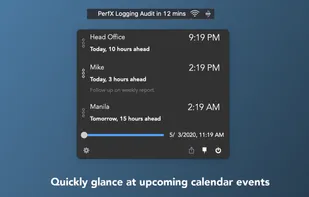
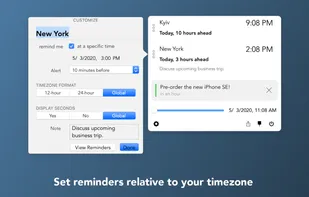
Second Clock is a software that allows for the display of a secondary clock in a different time zone on your menu bar. By pressing the Command key and dragging the menu bar item, users can easily adjust its position on the menu bar.
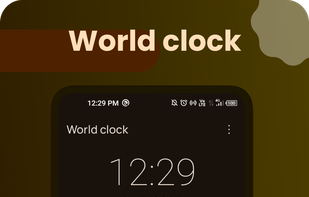
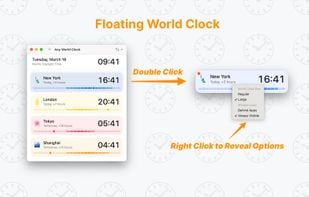
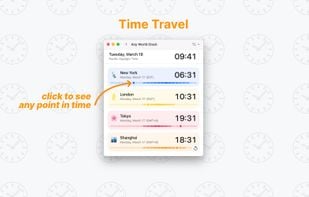
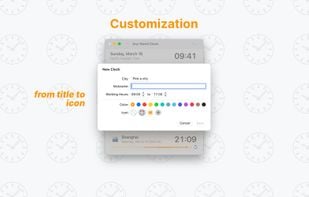
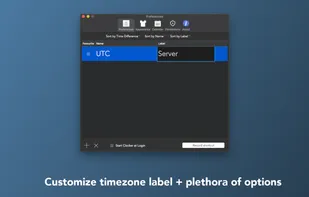
Any World Clock lets you check you any time zone in the world with simple and easy-to-use interface. You can also assign a different name and an icon for the time zone.
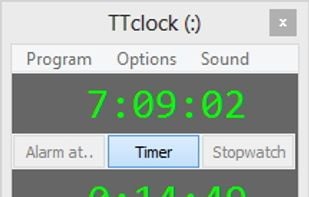
TTclock is a simple, compact alarm clock, countdown timer and stopwatch that can be minimized to the system tray. It has two display modes: pure clock and control panel.
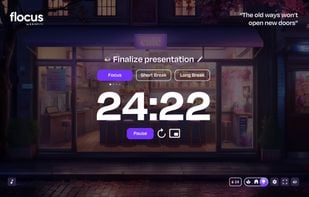
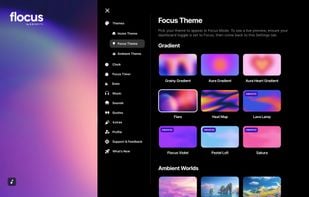
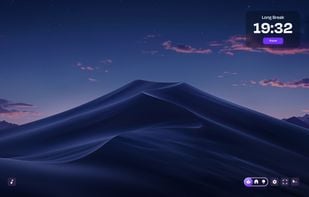
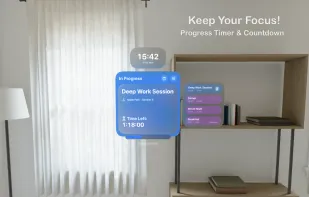
Achieve peak productivity and relaxation all in one app with Flocus. Kick off your day with dynamic greetings on your Home Dashboard, then set yourself up for success by listing your daily goals and reading motivational quotes.


 Germany
 EU
EU


 Slovenia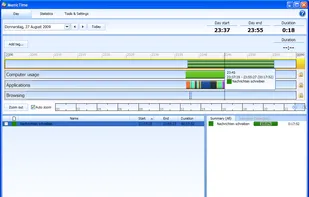




 India
India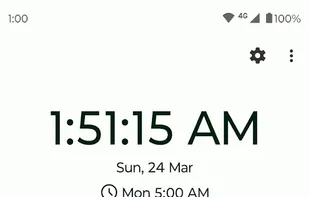


 France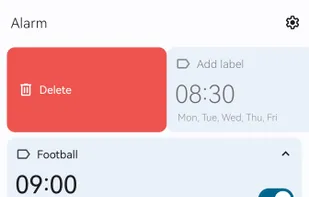


 Finland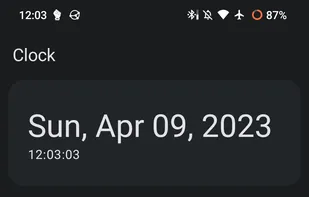







 Türkiye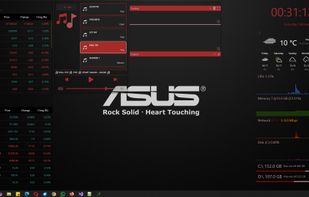




 Russia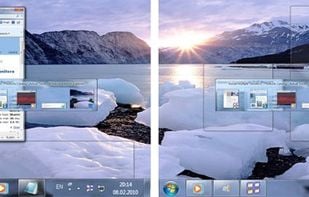


 Israel


 Norway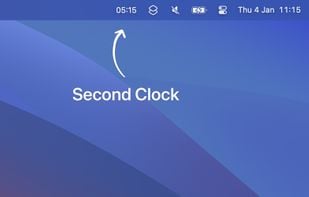


 Ukraine


 United Kingdom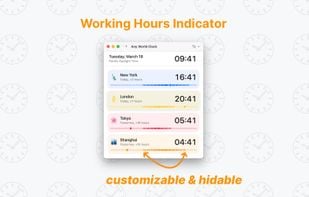




 Spain
Spain


 United States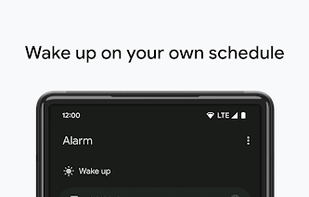










 Netherlands