

 Germany
 EU
EU
+6
Best alternatives are  draw.ioand
 Excalidraw
101 alternativesdraw.ioandExcalidraw
 draw.ioandExcalidraw
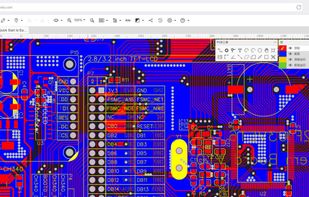
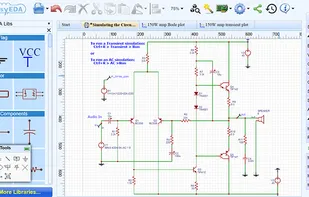
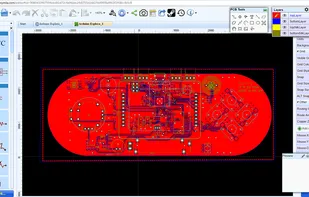
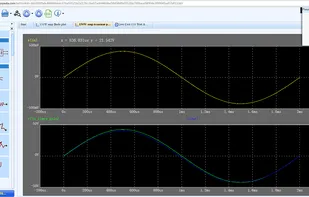
Electronic design automation tool for PCB design, offering SPICE simulation, drag-and-drop interfaces, advanced routing, and comprehensive library access.
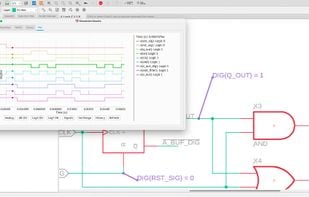
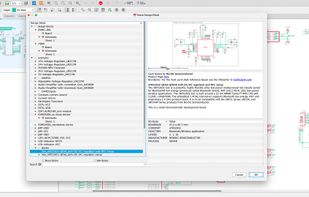
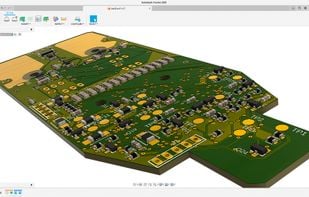
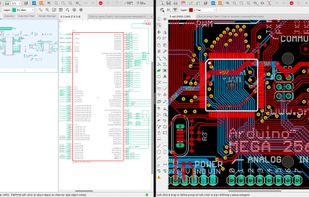

Schematic capture, Ngspice based simulation, PCB layout, custom PCB manufacturing, for electronic engineers, educators, students and hobbyists.

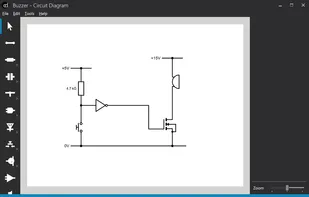
Circuit Diagram is a free application for making electronic circuit diagrams and exporting them as images. Design circuits online in your browser or using the desktop application.

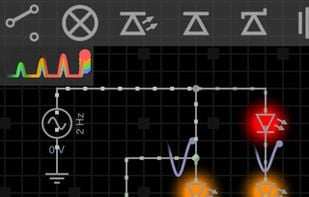
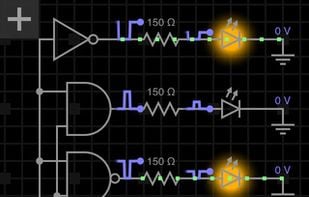
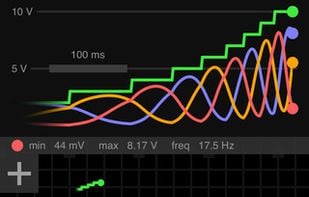
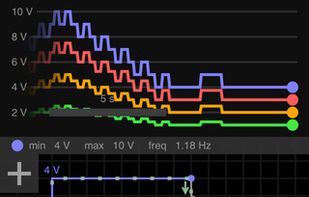
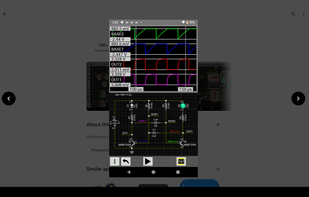
Design and simulate electronic circuits! All joking aside, this time you will understand how electronic circuits work. "I stumbled upon some serious gold" - GeekBeat.tv "A fully realized circuit simulator" - EDA360 Insider Build any circuit, tap play button, a.


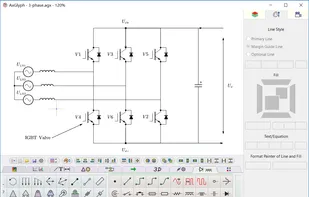
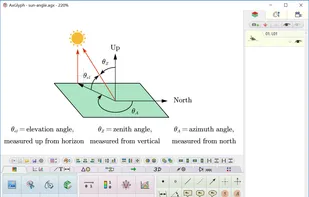
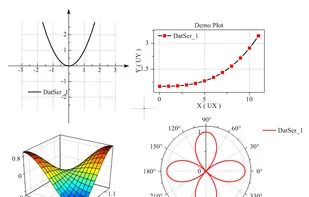
AxGlyph is a powerful interactive vector graph maker for multiple purposes. It can draw flow chart, mind map, circuit diagram, chemical experiments, coordinate graph, 3D objects and even animations. Still looking for a scientific graph tool? Let's try AxGlyph!
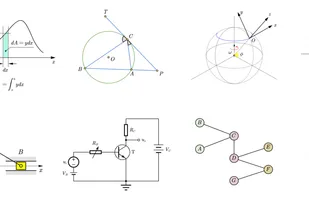 draw.ioand

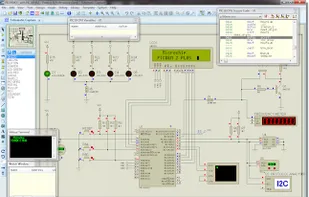
A virtual simulation environment for electronic circuits with support of digital and analog devices. It also provides virtual instruments and virtual debugging tools.


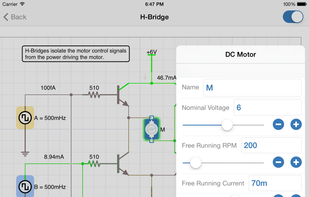
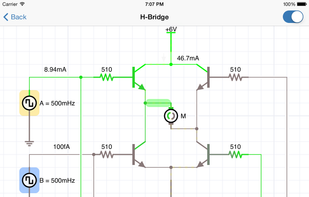
iCircuit is the easy to use electronic circuit simulator and designer - the perfect tool for students, hobbyists, and engineers.

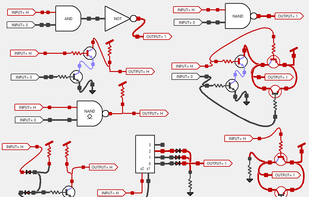
Python simulation of logic gates, circuits, down to transistor level using std_logic levels. This served as a prototype for the faster and more fully featured jSimuGate, also on GitHub - innovation-plantation/simugate

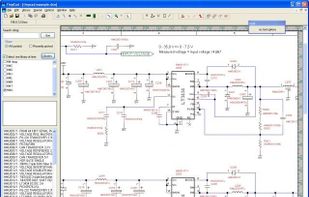
TinyCAD is an open source schematic capture program for MS Windows. Use TinyCAD to produce professional circuit diagrams and export net list information to PCB applications.

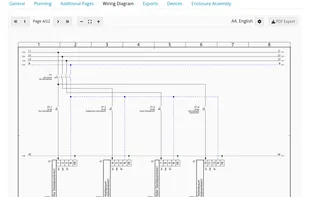
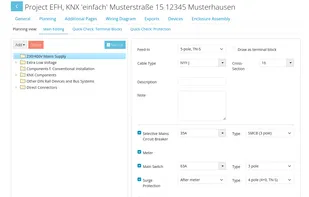
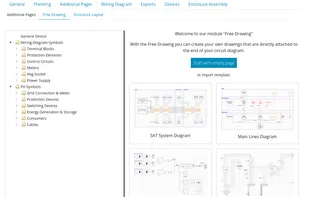
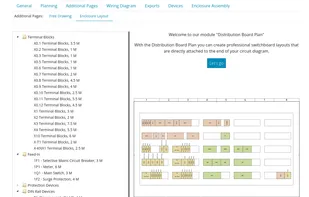
Online tool to auto generate wiring diagrams / 2D-CAD drawings for electrical installations and smart home plannings and documentations for KNX & Loxone.

 Graphisoft DDScad
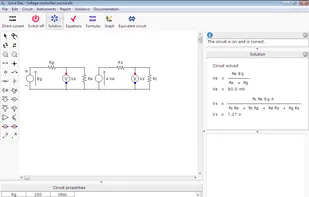
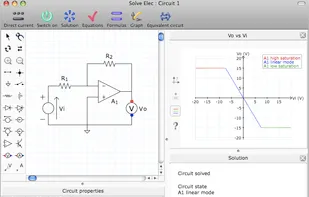
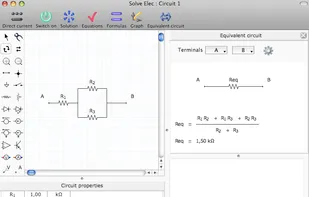

VoltSim is an interactive realtime circuit simulator. It has digital and analog components and even Integrated Circuits. It is the perfect companion to students, hobbyists, and engineers.

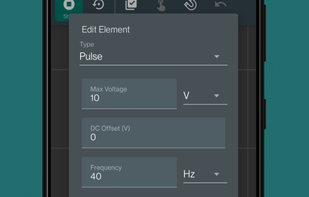

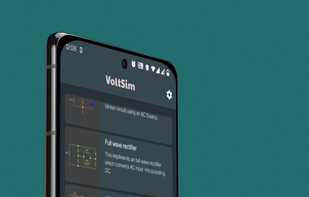

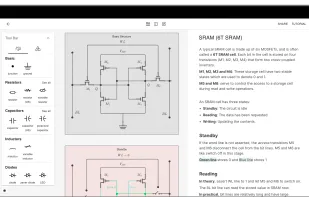
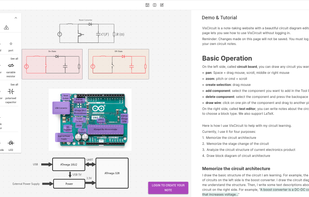
VisCircuit is a note-taking tool that contains an easy circuit diagram drawer and a beautiful note editor, designed to help you learn about electronics and circuits more easily.

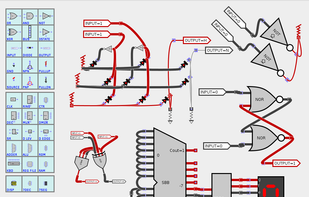
Design & simulate gates & PLAs with transistors & diodes, Processors with integrated logic components, using std_logic signals. Easy to wire buses, reverse polarity of discrete parts, or change parts to open collector. Even apply DeMorgan on gates!.


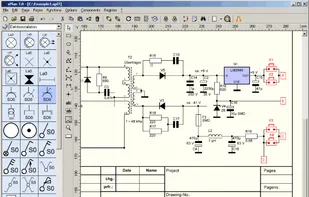
sPlan is a software with already many thousands enthusiastic users. You need a software to design your schematic circuit diagrams easy and fast? Then there is no way around sPlan! No matter if you only want to sketch a little circuit diagram or if you need to design a big...

 QDia
QDia
Electronics Assistant is a Windows program that performs electronics-related calculations. It includes a resistor colour code calculator, resistance, capacitance and power calculations and more. Details of calculations can be saved or printed.
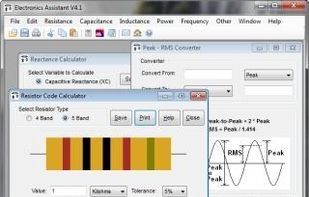
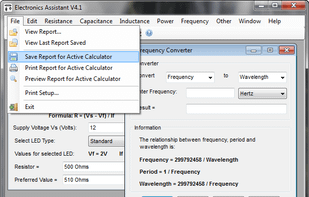
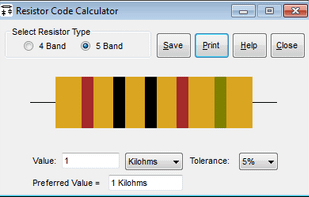
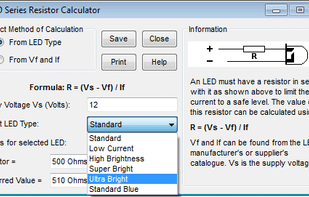


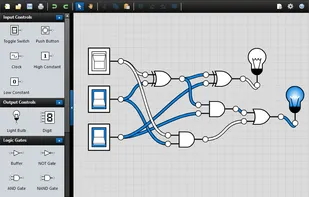

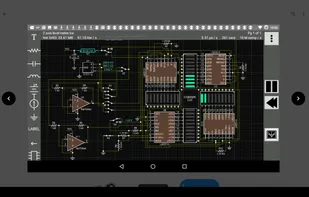
Tool to easily create electrical and electronic schematics, PLC ladder, flow and timing diagrams
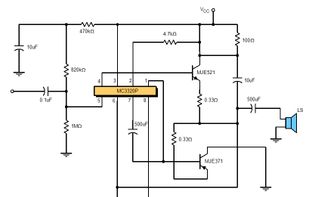
 KiCadand
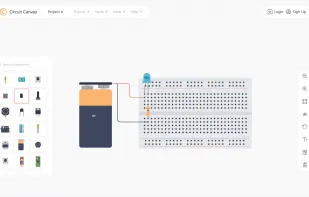
Circuit Canvas is a modern, browser-based electronics circuit diagram tool designed for speed and clarity—no installs, no file management, just clean schematics you can draw, save, and share instantly.

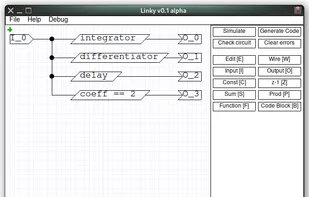
Aim of this project is bring classical control theory and signal processing to your projects. You can develop digital circuit in z-domain, simulate it and generate the portable c code. You can easily use it even on embedded projects because there is no single dependency, there...
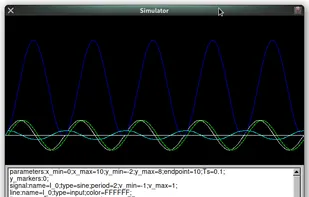

FluidSIM 4 is a comprehensive software for the creation, simulation, instruction and study of electropneumatic, electrohydraulic and digital circuits.
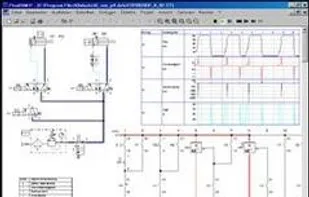

DrawSCH is able to create schematics online for free,You don't need to install the software. Just open your browser.
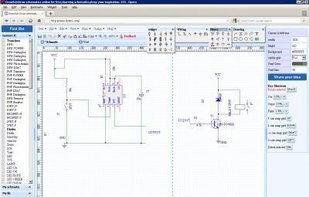


Make your circuits live! CircuitBee provides a platform for you to share live versions of your circuit schematics on your websites, blogs or forums.
Features include full zooming capability, panning, and even mouse over tips about symbols in the schematic.
It sure beats a blur.

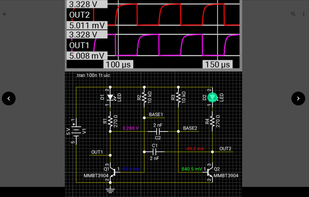
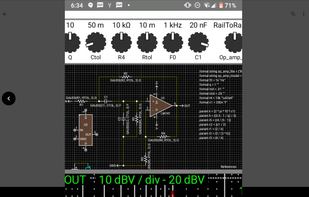
Electronics CAD with circuit simulator • interactive component adjustment and display of simulations. • export a net list that can be imported directly into KiCad Pcbnew for PC board layout.

 United States

 China
China

 Ukraine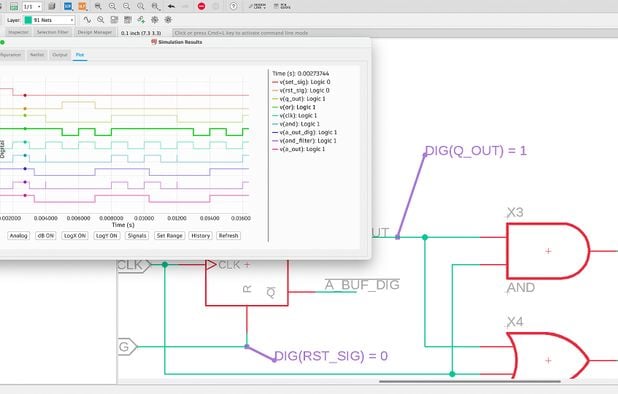


 Norway


