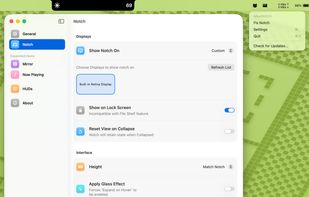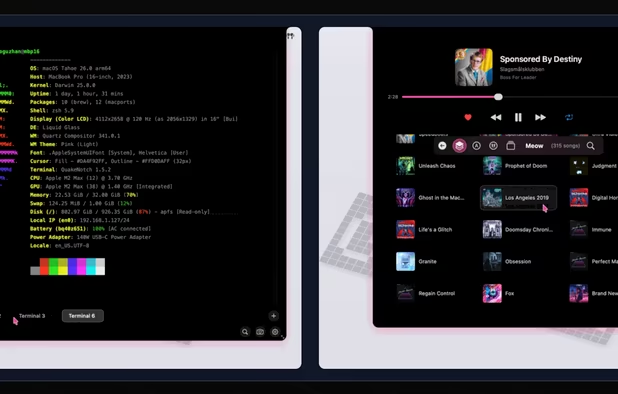


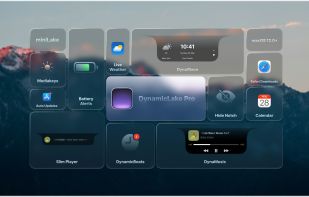
A native Mac productivity suite for files, clipboard history, media controls, system HUDs, live activities, lock screen customization and more.
Cost / License
- Paid
- Proprietary
Application type
Platforms
- Mac
- iPhone
- iPad
 Netherlands
 EU
EU



+2
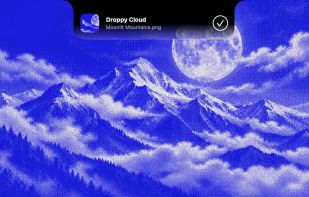


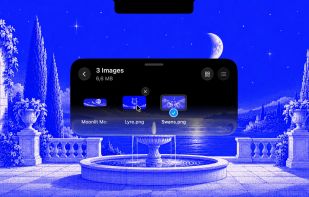
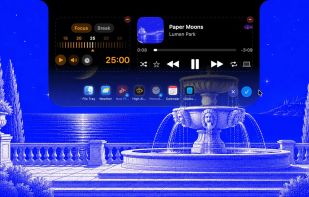
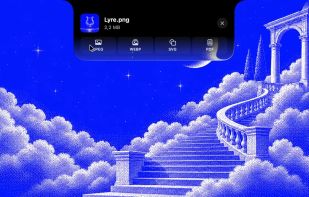
A native Mac productivity suite for files, clipboard history, media controls, system HUDs, live activities, lock screen customization and more.
NetherlandsEU
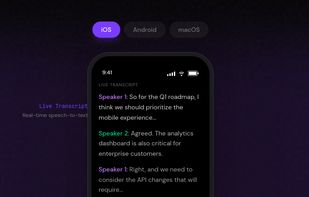
Private, on-device recording and transcription tool with speaker identification, Markdown notes, AI assistant, and customizable triggers. Zero data leaves device.
 United States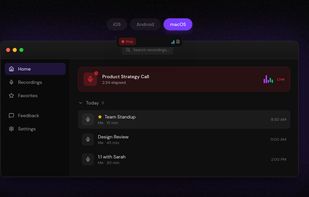

Minimalist always-on-top teleprompter for macOS offering persistent floating text, voice activation, customizable scroll speed, pause on hover, and lightweight open-source design.
 PolandEU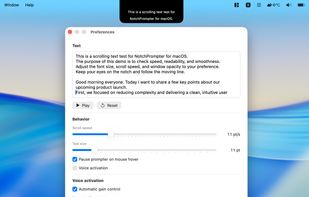


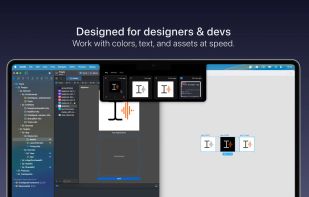
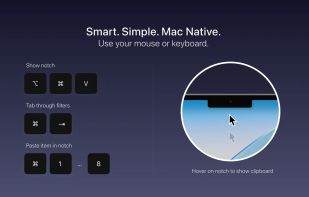
Snippet shows your most recent clipboard items – text, images, colors, files – in a clean, glanceable view from your Mac’s notch or menu bar. It’s not a history. It’s a short-term, visual space for things you’re using right now.
 Switzerland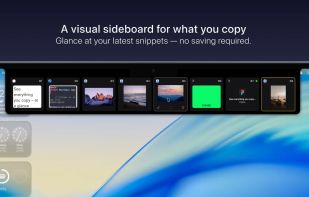

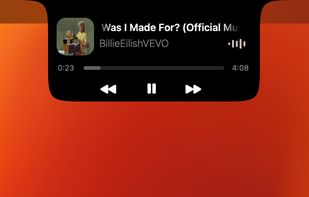
Transforms the MacBook notch into a dynamic music center with real-time visualizer, full playback controls, and support for various music apps on macOS.

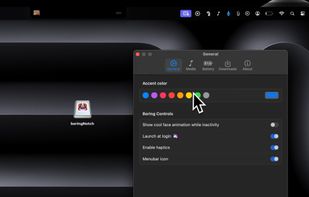
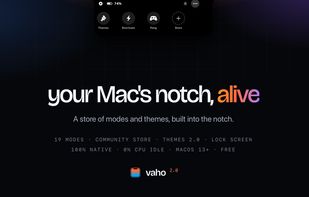
Media, alerts and files in the one spot of your screen that's always in sight — plus a store of community modes and themes, whole-desktop themes and lock-screen widgets. Native, free to start.


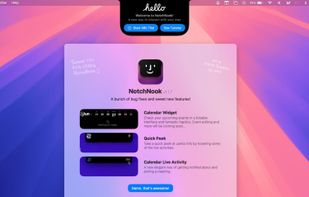
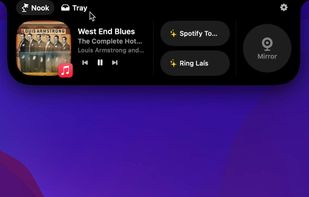
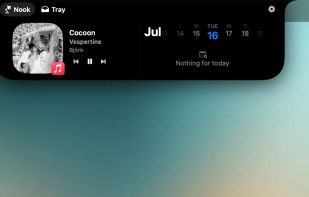
NotchNook brings music controls, calendar, notes, to-dos, timers, a camera mirror and Shortcuts to the top of your Mac display. The Tray keeps files close for drag-and-drop and AirDrop, on Macs with or without a notch and across multiple displays.


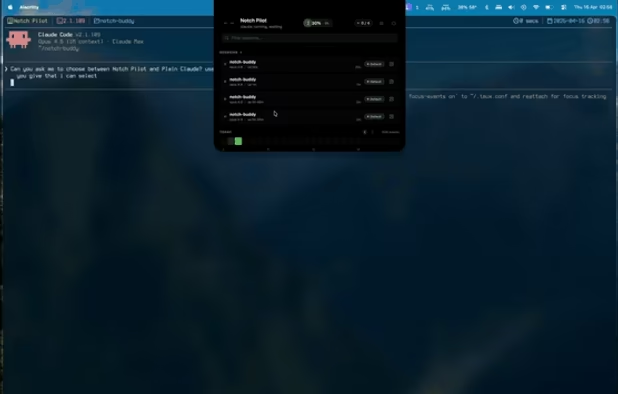
macOS notch panel for AI agents. Monitor Claude Code, Codex, Gemini CLI, Cursor - real-time status, notifications, permissions, terminal jump. Zero config.


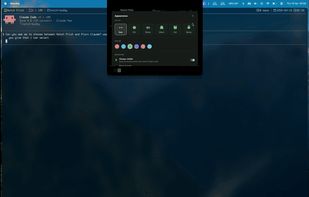
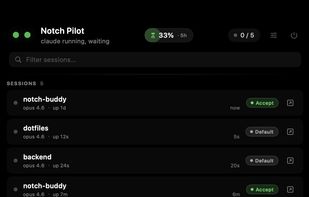
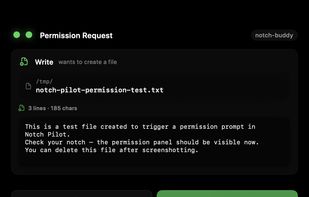
A live companion for Claude Code that lives in your MacBook notch. Reacts to what Claude is doing, intercepts permission prompts, and shows all your running sessions at a glance.
 India
India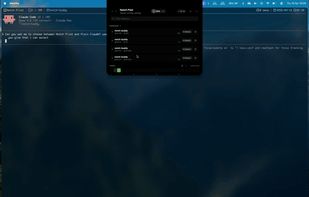
 Sculptorand

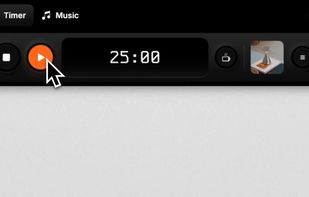
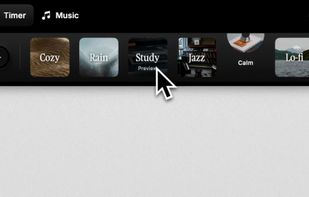
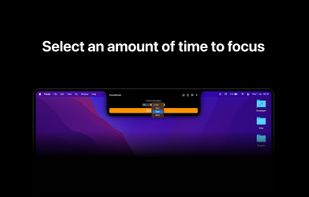
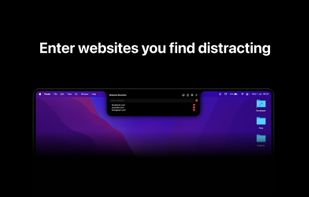
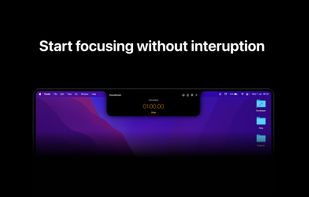
NotchFlow turns your Mac’s notch into an interactive Dynamic Island designed to keep you in flow. With a built-in Pomodoro timer, curated focus music, and subtle visual cues, you can stay productive without distractions.
NetherlandsEU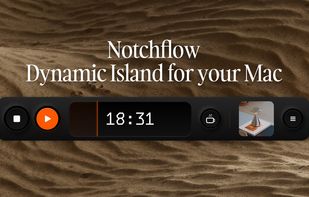


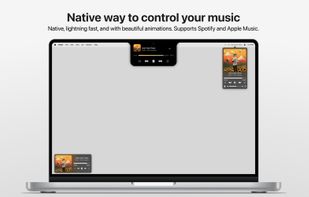
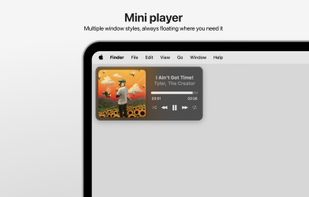
Tuneful lets you control Spotify or Apple Music effortlessly on your Mac, designed from the ground up to feel like a native part of macOS—from UI and animations to performance. Running in the background, Tuneful uses minimal system resources.
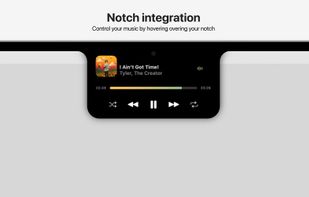
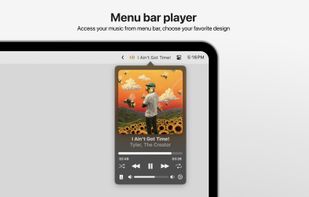

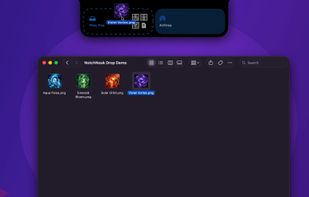
Turns the MacBook notch into a drop zone! Easily share files using AirDrop, Mail, Messages and more by simply dropping them into your MacBook notch area.
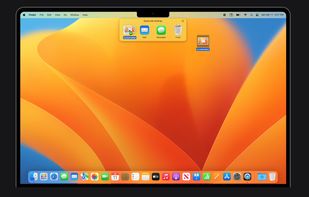
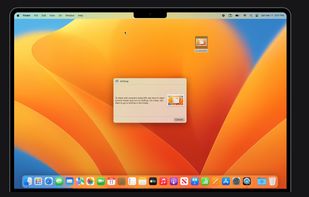

QuakeNotch has a full-featured quake terminal for your MacBook notch and more with a smooth and intuitive experience.
 Türkiye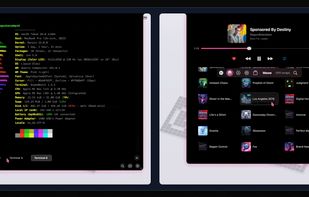
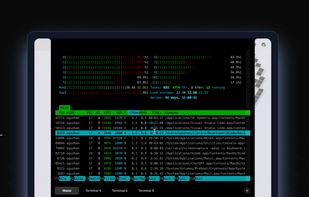
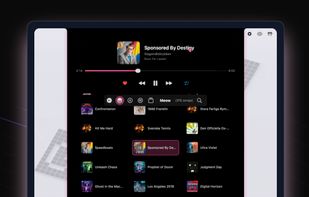


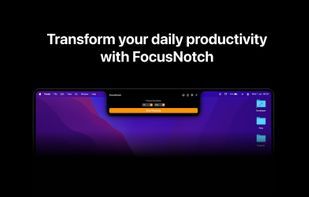


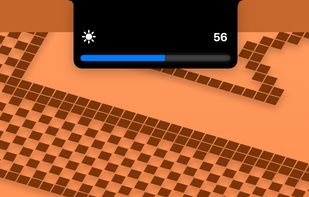
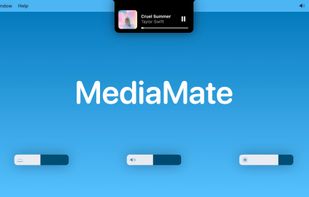
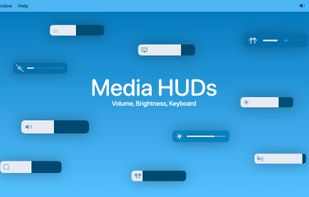
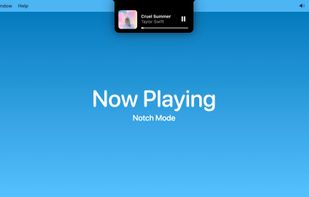
New, fresh visuals for changing your volume, brightness and now playing media throughout the Notch from your MacBook Pro.
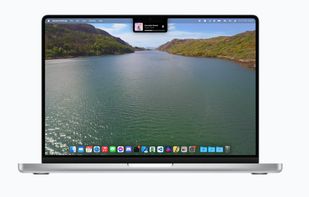


Claude Code notifications without the context switch. A minimal, always-present session manager for macOS.
 SwedenEU

 Ukraine
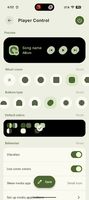
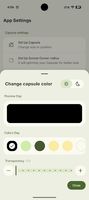



DynamicNotch treats the MacBook notch like a compact native surface instead of a static cutout. It stays close to the hardware shape until something important happens, then expands with queue-driven presentation, gesture support, and system-aware feature routing.
 Belarus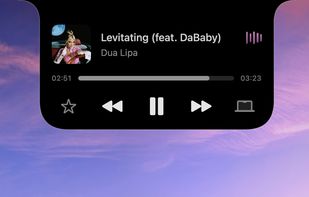
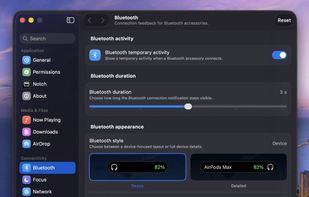
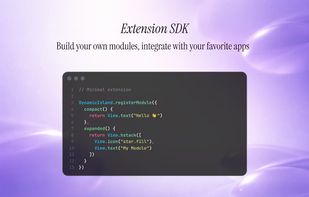
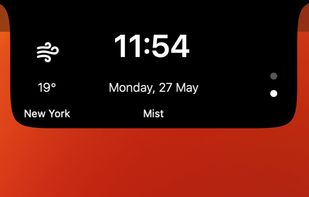
Transforms the MacBook notch with live music, battery, calendar, notification, weather, and file drop activities, customizable modules, and developer SDK support.
India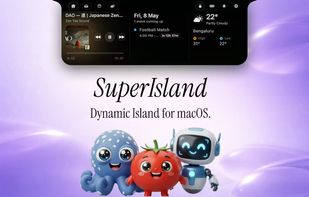
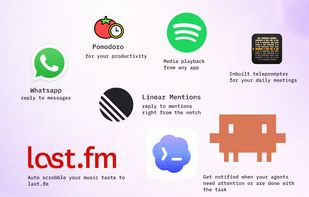

Turns your MacBook’s notch into a customizable HUD with widgets, AI chat, music, brightness, volume controls, and more ? Built for macOS 14+ with Swift.
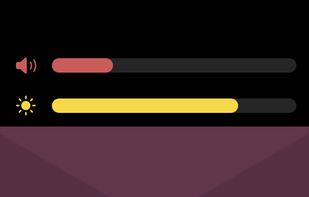

DynamicLake: Effortlessly control essential system functions such as volume, brightness, and keyboard backlight with a simple and intuitive interface.
 SwedenEU
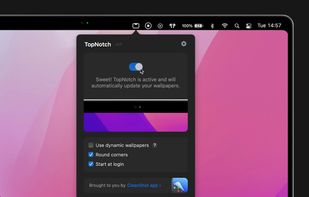

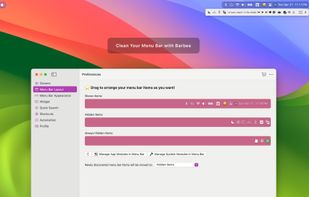
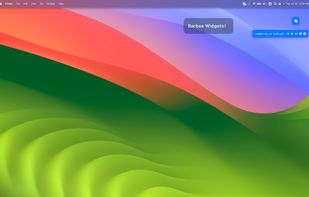
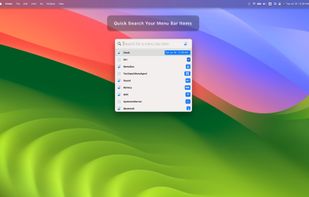
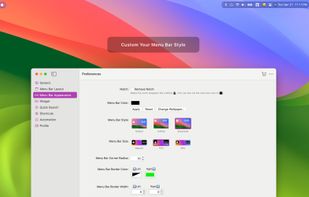


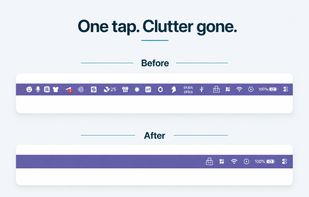
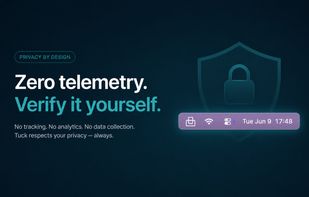
Tuck is a lightweight macOS menu bar manager with one-click icon hiding, zero telemetry, and Shelf Mode for notched MacBooks. Free tier with no time limit; Pro is a one-time purchase (no subscription).
United States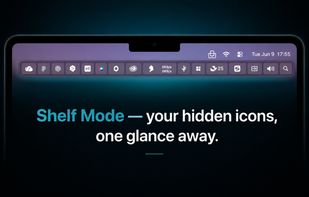
 India
India