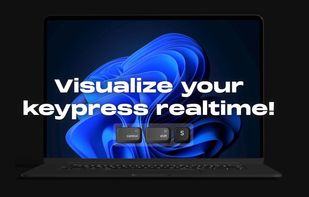
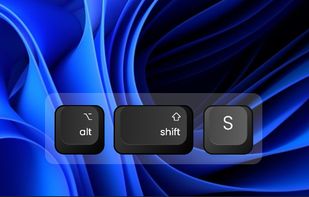
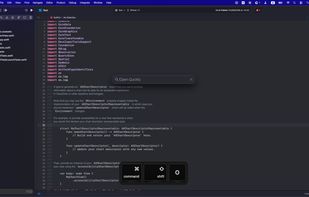
Keyviz is a free and open-source tool to visualize your keystrokes and mouse actions in real-time.
Cost / License
- Freemium
- Open Source (GPL-3.0)
Application typeApplication types
Platforms
- Mac
- Windows
 India
India




+4
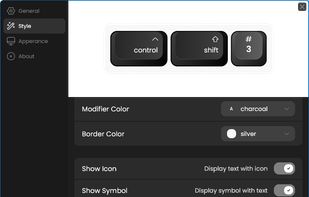


Keyviz is a free and open-source tool to visualize your keystrokes and mouse actions in real-time.
India
Ghost Input is a handy macOS app that helps you automate tasks by recording and playing back your keyboard and mouse actions.
 Greece
 EU
EU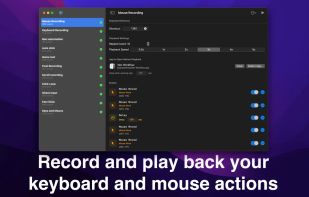
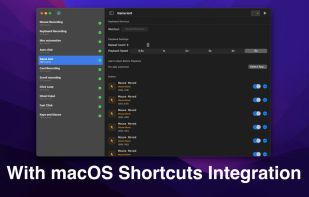
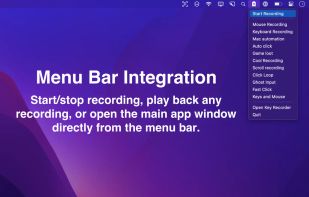


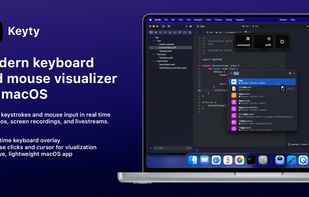
Open-source macOS tool displaying real-time keystrokes, shortcuts, mouse activity, and customizable overlays for tutorials, streams, and presentations.
 Ukraine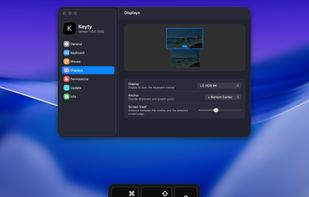

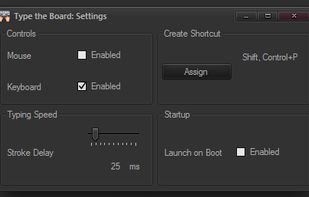
"Type the Board" is a tiny application developed by Wizardry and Steamworks and fulfills the sole purpose of being able to use keystrokes in order to simulate pasting the contents of the clipboard.
 United Kingdom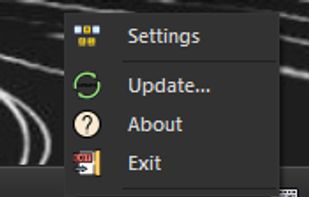
 AutoHotkey
KeyScreen makes your keystrokes visible on screen-perfect for tutorials, presentations, and screen recordings.
 IrelandEU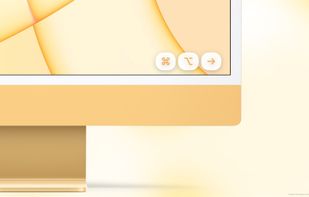
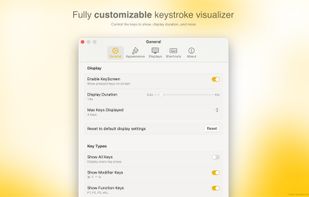
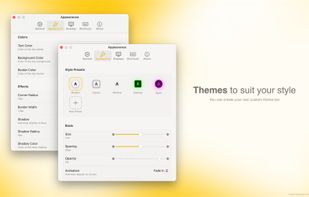
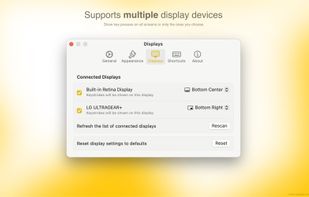

KeyDrawer draws keypresses on the screen of your Mac with a style that matches your Mac's look and feel. It will make your tutorial videos, video streams and presentations look elegant and professional.
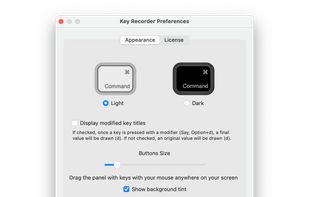
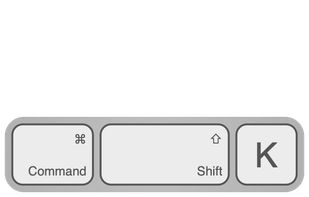
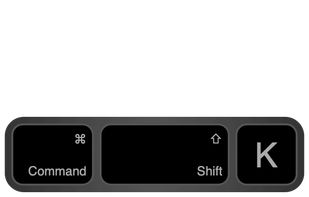

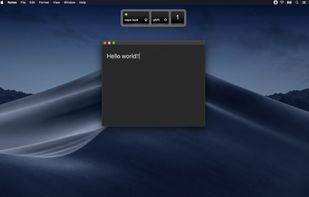
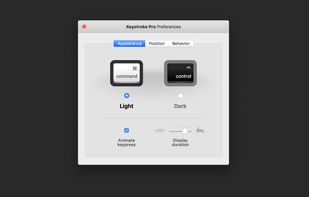
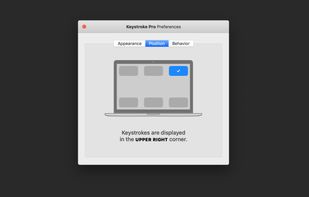
“Keystroke Pro” visualizes single and combined keypresses in an unique and elegant way. It’s the perfect companion for capturing tutorials, ?recording screencasts and performing presentations.
 GermanyEU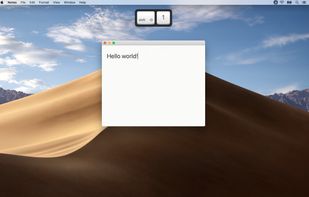

Keystrokes on screen, keyboard, mouse, draw on screen. Designed specifically for creating screencasts and tutorials. CSS Based keystroke on screen. Lots of predefined keystroke CSS themes. It's easy to create a theme yourself.




 Keyvizand

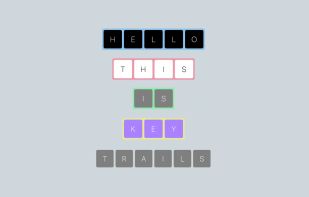
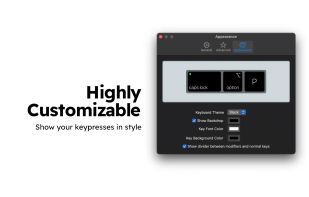
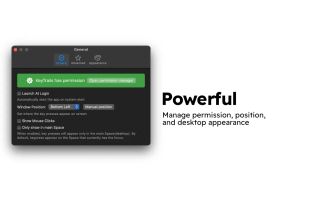
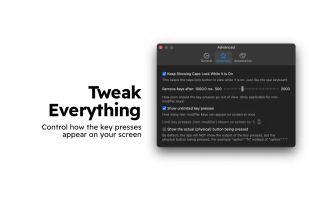
KeyTrails helps you present your keyboard input on your screen. Whether you are making a tutorial video, streaming your gaming session, or giving a business presentation, KeyTrails makes your content just a bit catchier.