Apps with 'Infinite canvas' feature Page 3 of 3

All apps in Apps with 'Infinite canvas' feature category. Use the filters below to narrow down your search. 
Copy a direct link to this comment to your clipboard
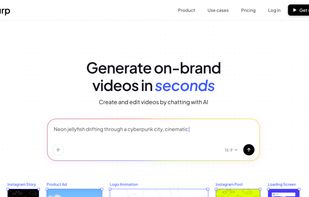
  1. Burp AI icon
     Like

    Start creating Lottie animations for free. Our Starter plan offers all the essential features you need to get started. Upgrade to remove watermarks, collaborate with others, and access advanced features.

    Cost / License

    • Freemium
    • Proprietary

    Application type

    Platforms

    • Online
    • Software as a Service (SaaS)
    • GB flagUnited Kingdom
    Burp AI screenshot 1
    23 alternatives
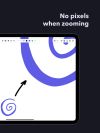
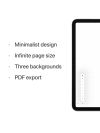
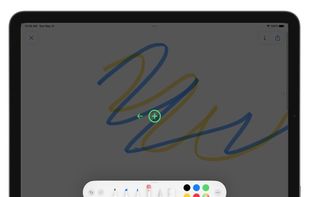
  2. Unlimited Whiteboard is a minimalist software for Apple Pencil with features like an infinite canvas, three paper backgrounds, PDF export, and dark mode support.

    Cost / License

    • Freemium
    • Proprietary

    Application type

    Platforms

    • iPad
    Unlimited Whiteboard screenshot 1
    Unlimited Whiteboard screenshot 2
    Unlimited Whiteboard screenshot 3
    13 alternatives
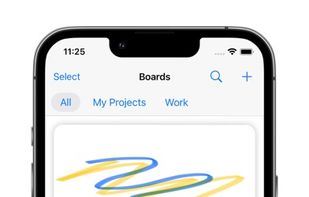
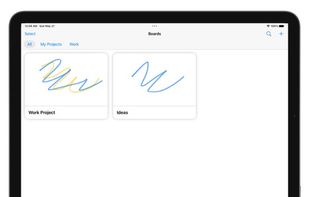
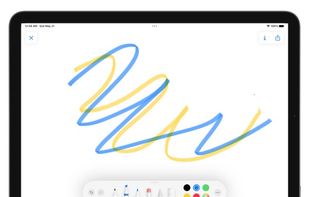
  3. Infinite Board is an app for drawing and planning, providing unlimited workspace that extends beyond your device screen size by scrolling and dragging an indicator.
    Cost / License

    • Free
    • Proprietary

    Application type

    Platforms

    • iPhone
    • iPad
    Infinite Board screenshot 1
    Infinite Board screenshot 1
    Infinite Board screenshot 2
    +3
    Infinite Board screenshot 3
    13 alternatives
  4. Foldervas icon
     Like

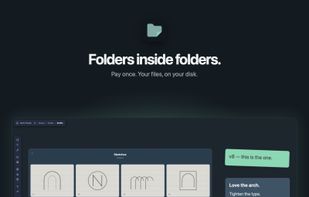
    Visual board app with folders inside folders: notes, images, files and drawings on an infinite canvas, saved as local files.
    Cost / License

    • Paid
    • Proprietary

    Application type

    Platforms

    • Mac
    • Windows
    Every folder opens into its own infinite canvas.
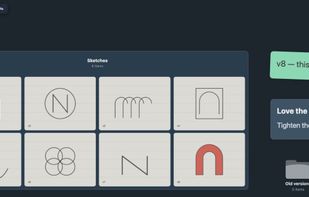
    A board with a gallery of drafts, two notes and a subfolder.
    1 alternative
  5. MeetVista icon
     Like

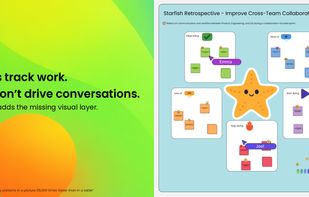
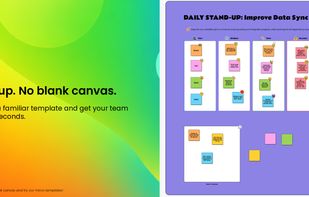
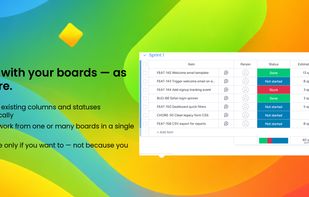
    MeetVista brings a visual workspace directly into your monday boards. Turn your boards into living canvases where planning, discussion, and execution happen in one place.

    Cost / License

    • Paid
    • Proprietary

    Application type

    Platforms

    • Online
    • Software as a Service (SaaS)
    • SE flagSweden
    • European Union flagEU
    MeetVista screenshot 1
    MeetVista screenshot 1
    MeetVista screenshot 2
    +2
    MeetVista screenshot 3
    15 alternatives
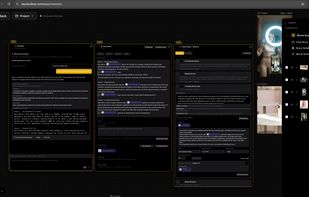
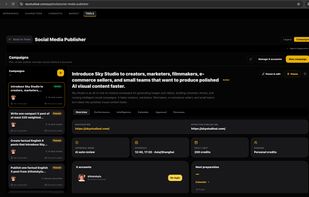
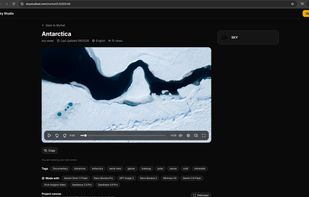
  6. Web-based AI filmmaking studio. Chat an idea into a story, split it into shot-by-shot scenes with consistent characters, and render frames and video on one canvas. Then share or sell the project on the Market, auto-publish AI posts to social media, and make e-commerce product visuals.

    Cost / License

    • Paid
    • Proprietary

    Application type

    Platforms

    • Online
    • Software as a Service (SaaS)
    • US flagUnited States
    Cinematic Story Canvas. Step 1: chat with the AI to turn an idea into a story. Step 2: refine the scene-by-scene Story Detail and its cast. Step 3: every Movie Scene gets its own video prompt with the character attached; pick the model, aspect ratio, resolution and length, then generate. Results land on the canvas as layers.
    Characters: create a reusable character from a text prompt or one reference image, with your choice of image model and resolution. Each character gets front, side, back and headshot views that you can download, replace and reuse to keep the same look across shots.
    Social Media Publisher: set up an X campaign with a goal, a destination link, a posting schedule, a daily credit limit and an approval mode (AI auto review or review every post). The agent researches, writes and publishes the posts; Performance, Calendar and Approval tabs track the results.
    +1
    Market: a public project page with the main video, tags and the models used to make it. Anyone can watch for free and explore the project canvas read-only, and users can copy the whole project into their own Sky Studio workspace.
    11 alternatives
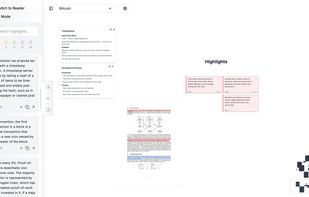
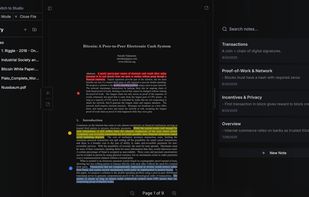
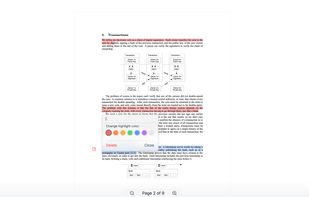
  7. Shadow Reader is more than just another PDF viewer. It’s built for students, researchers, and anyone who want to go beyond reading and into real understanding.
    Cost / License

    • Freemium
    • Proprietary

    Platforms

    • Online
    Shadow Reader screenshot 1
    Shadow Reader screenshot 1
    Shadow Reader screenshot 2
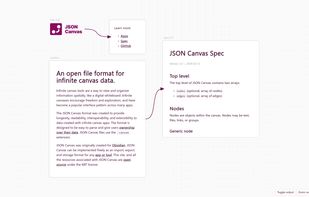
  8. Infinite canvas tools are a way to view and organize information spatially, like a digital whiteboard. Infinite canvases encourage freedom and exploration, and have become a popular interface pattern across many apps.

    Cost / License

    • Free
    • Open Source (MIT)

    Platforms

    • Self-Hosted
    • US flagUnited States
    JSON Canvas screenshot 1
    7 alternatives
  9. NeatNotes icon
     Like

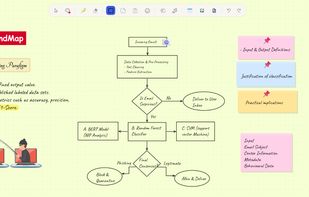
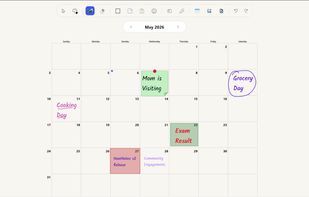
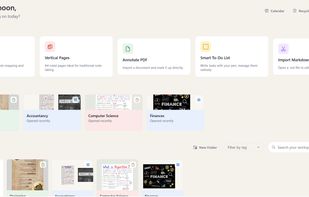
    Free infinite canvas note-taking app for Windows with handwriting recognition, math solver, PDF annotation, and Obsidian Vault Mirror sync. 100% local, no cloud, no account required.

    Cost / License

    • Free
    • Proprietary

    Platforms

    • Windows
    • CA flagCanada
    Mindmap
    Calendar
    Home Screen
    +2
    Pen Modes
    8 alternatives
  10. ShotSlate icon
     Like

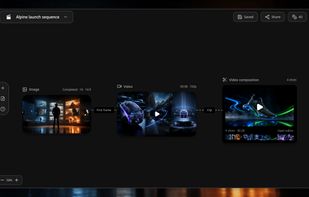
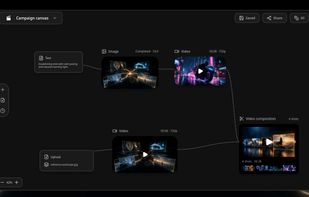
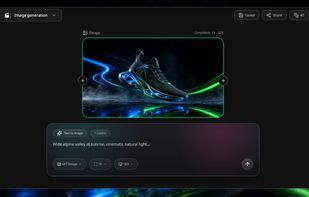
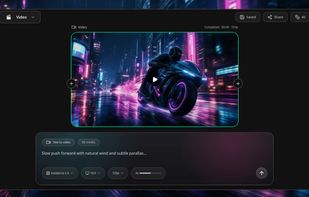
    ShotSlate is your AI Director for video creation: generate images, create clips, and compose AI ad, UGC video, AI animation, micro drama, AI film, and more.

    Cost / License

    • Freemium
    • Proprietary

    Application type

    Platforms

    • Online
    • GB flagUnited Kingdom
    ShotSlate screenshot 1
    ShotSlate screenshot 1
    ShotSlate screenshot 2
    +2
    ShotSlate screenshot 3
    3 alternatives