


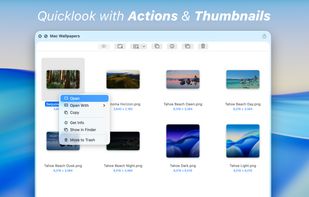
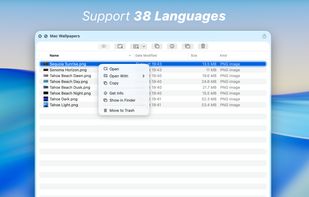
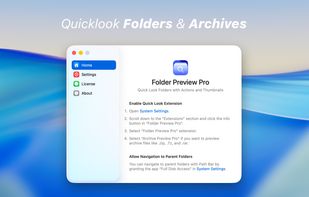
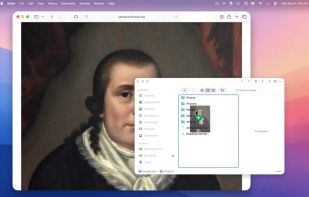
Very much like Folder Preview, Folder Preview Pro allows you to quick look folders in Finder.
Cost / License
- Paid
- Proprietary
Platforms
- Mac
 United Kingdom



Best alternatives are 

23 alternatives


Very much like Folder Preview, Folder Preview Pro allows you to quick look folders in Finder.
United Kingdom
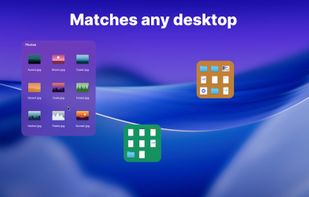
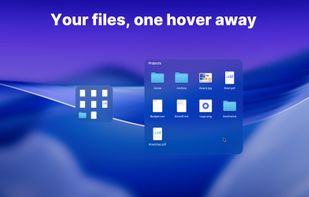
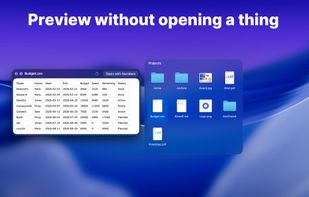
Keeps real Finder folders on your Mac desktop as compact tiles that expand on hover into a full file grid. Drag and drop, Quick Look and multi-display support, with Finder still the source of truth. One-time purchase, 14-day trial, no account.
 Ukraine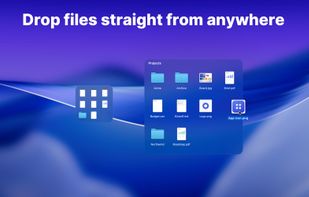

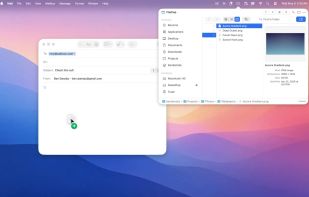
FilePop is a file browser that lives in your menu bar. Hit the global shortcut, the picker pops down from the menu-bar icon, and you're already there — at your favorites, your recents, your home folder, ready to drag a file out, drop one in, or jump to a path with a...

 United Kingdom

Gloobus-preview is a Gnome extension designed to enable a full screen preview of any kind of file similar to Apple's Quicklook.



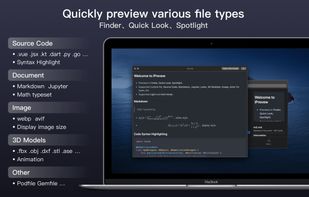
iPreview provides quicklook preview for source code, Markdown, Jupyter, Webp, Avif, 3D Model and any more file types in macOS Finder, Quicklook, Spotlight.
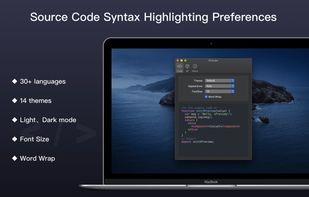
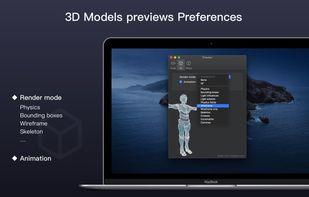
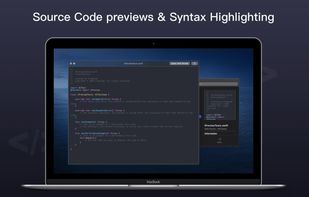

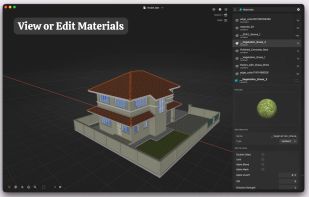
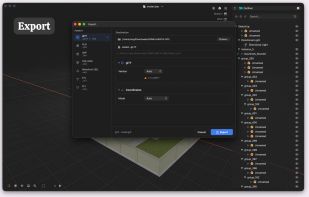
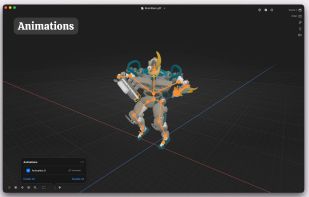
Fast native 3D viewing, scene editing and conversion, with an outliner, Finder Quick Look on Mac, and AR on iPhone and iPad.
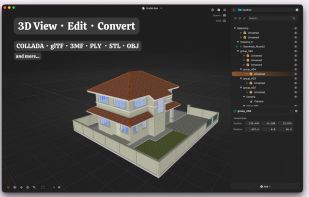
 SculptViewand

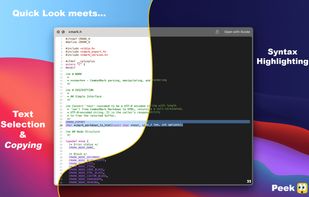
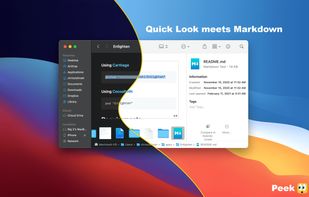
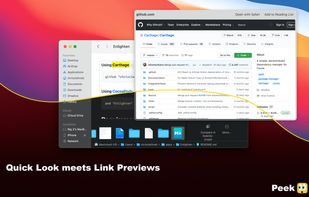
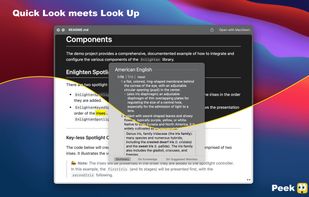
Accelerate your workflow with the Quick Look conveniences that only Peek can deliver: text selection & copying, scroll restoration, syntax highlighting, & more.

BucketDrop is a tiny, open-source menu bar app for uploading files to your own S3-compatible storage. No dashboards. No syncing folders. No vendor lock-in. Just drop a file and get a shareable URL instantly.
 India
India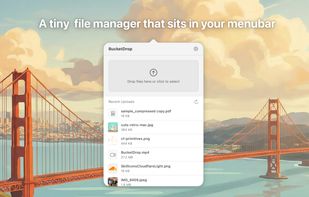


A native macOS application for PGP encryption, decryption, signing, and key management built with SwiftUI.
 Brazil
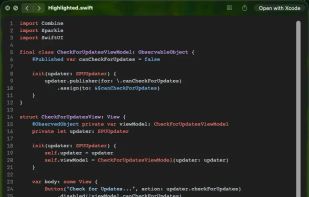
This is a Quick Look plug-in that renders source code with syntax highlighting, using the Highlight library.
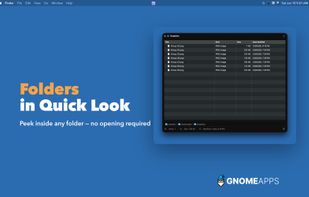
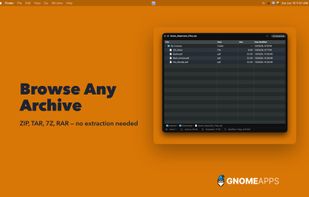
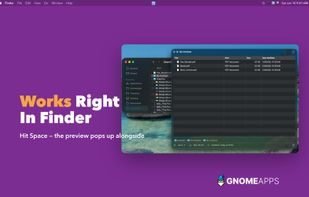
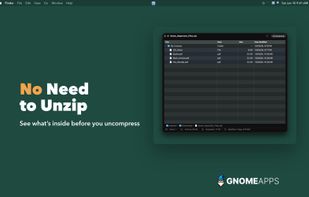


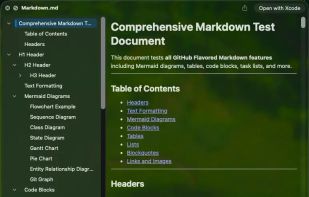
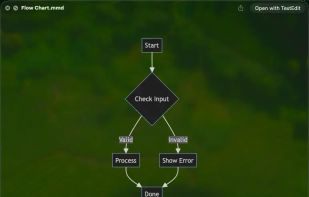
Preview folders, archives, source code with syntax highlighting, Markdown, Mermaid diagrams, ebooks, and many more file types directly in macOS Quick Look.
 United States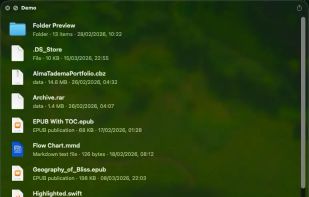


 France
 EU
EU


