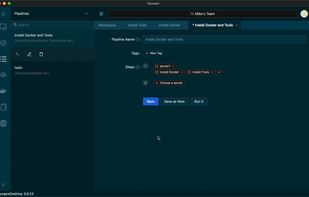
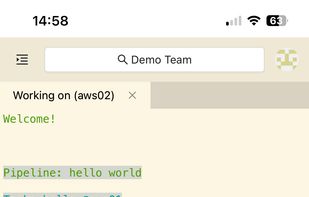
SSH client for file transfer, terminal and tunneling.
Cost / License
- Free Personal
- Proprietary
Application typeApplication types
Platforms
- Windows
 United Kingdom


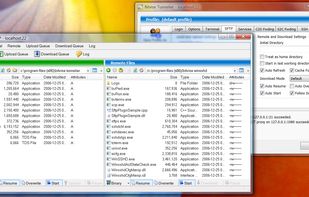


+2
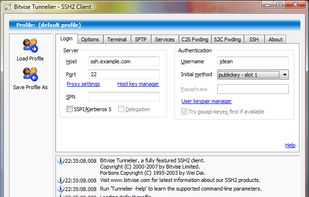


Apps similar to Xcasca include PuTTY, which is free and open source. Other options are Termux, Windows Terminal, MobaXterm and ReTerminal. You're spoiled for choice with Terminal Emulators like Xcasca: we list more than 25 alternatives for Windows, Mac, Linux, Android and iPhone.
SSH client for file transfer, terminal and tunneling.
United Kingdom
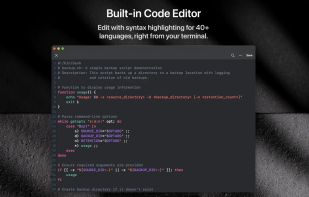
A modern SSH client and terminal offering an unrivaled SSH and SFTP experience that enhances your productivity without compromising your privacy.
 Czechia
 EU
EU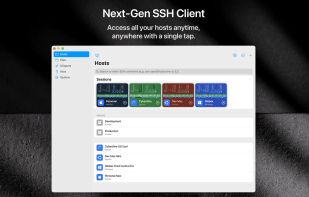


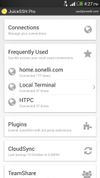
The all in one terminal client for Android including SSH, Local Shell, Mosh and Telnet support.
United Kingdom


SecureCRT combines rock-solid terminal emulation with the strong encryption, data integrity, and authentication options of the Secure Shell protocol. SecureCRT provides secure remote access, file transfer, and data tunneling for everyone in your organization.


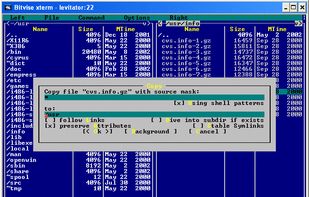
The xterm program is a terminal emulator for the X Window System. It provides DEC VT102 and Tektronix 4014 compatible terminals for programs that can't use the window system directly.
 United States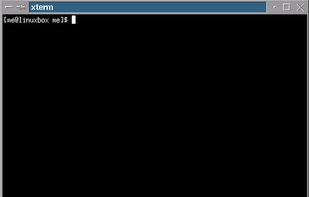


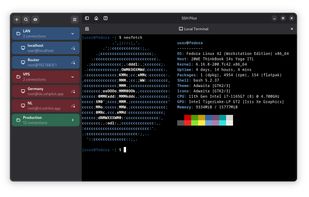
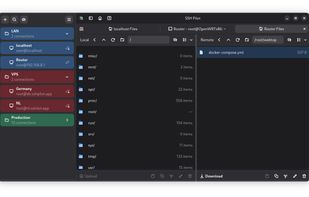
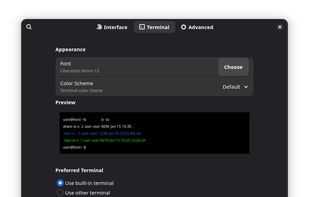
Desktop SSH manager featuring a user-friendly graphical interface, integrated terminal, tabbed sessions, port forwarding, secure credential storage, SCP upload, keypair generation, privacy controls, customizable appearance options, and .ssh/config import support.
United States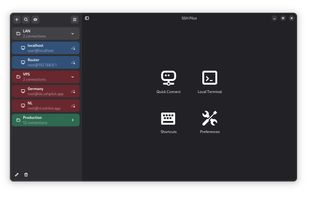


 India
India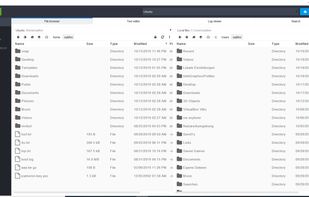
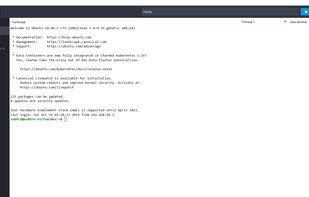
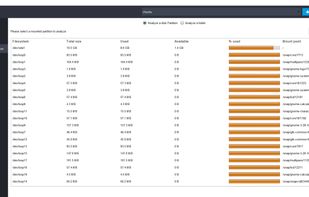
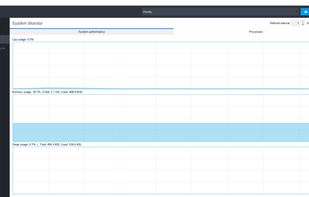


Xshell is a powerful SSH1, SSH2, SFTP, TELNET, RLOGIN and SERIAL terminal emulator for Windows platforms. It allows users to gain access to Unix/Linux hosts easily and securely on a Windows workstation.
United States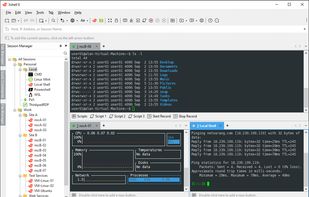
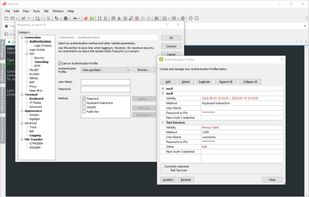
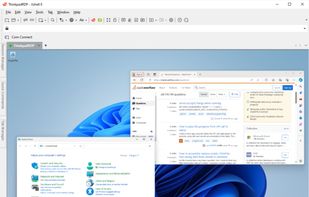
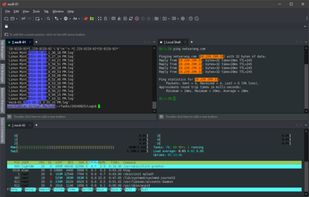


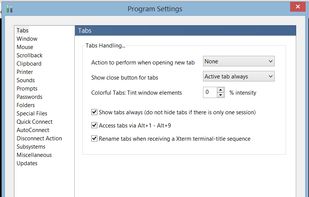
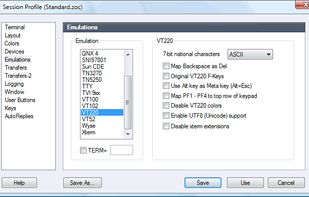
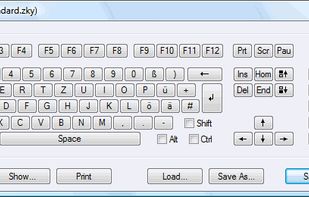
ZOC is a powerful and well-established terminal emulator and telnet client, well known for its outstanding user interface with tabbed multi session support.
 GermanyEU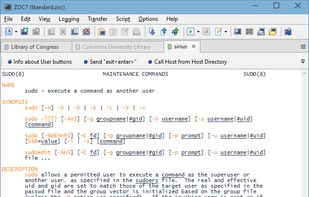


Whether you're on the go or at your desk, WebSSH keeps you connected — anytime, anywhere! ?(^?^)?
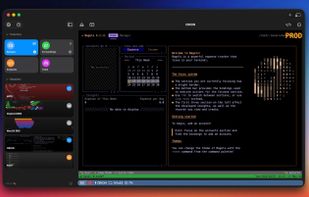
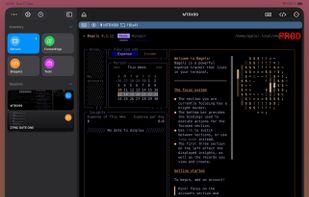



Lightning fast SSH terminal with remote file access. No other app fuses your SSH servers and iOS devices as well as Secure ShellFish. Tap Get and see for yourself.
 DenmarkEU




Oysape is a cutting-edge SSH client and terminal solution, tailor-made for DevOps and CI/CD workflows. It simplifies server management by allowing users to maintain a list of servers, and execute customizable Tasks on selected servers dynamically.