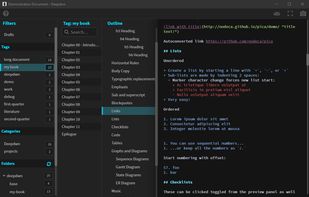
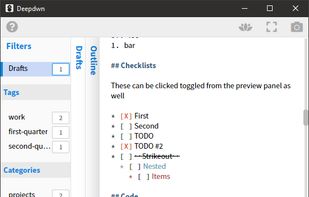
Deepdwn is a markdown editing suite, designed to organize and edit collections of markdown files.
Cost / License
- Paid
- Proprietary
Application typeApplication types
Platforms
- Mac
- Windows
- Linux




W


Apps similar to Writage include Typora. It's paid, but ghostwriter and Clearly Markdown are free. Other options are MarkText, Rentry.co, marka.md and StackEdit. There's no shortage of Text Editors like Writage, with more than 50 alternatives for Mac, Windows, Linux, the web and iPhone.
Deepdwn is a markdown editing suite, designed to organize and edit collections of markdown files.

A modern macOS markdown editor - themeable, tabs, sidebar, GitHub flavored markdown, exporting, latex and more.
 Australia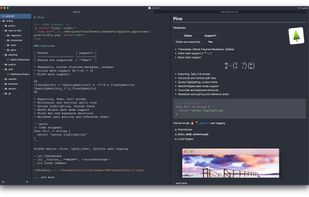
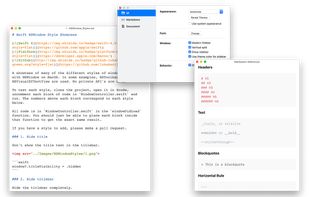


Markdown Edit is a Windows desktop Markdown editor with an emphasis on content and keyboard shortcuts. There is minimal window chrome and most functions are accessed through keyboard shortcuts.
 United States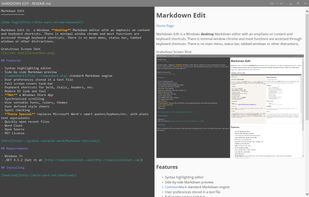
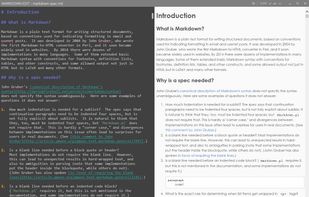


Glow is a terminal based markdown reader designed from the ground up to bring out the beauty—and power—of the CLI.


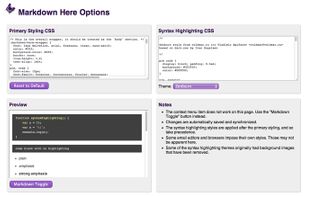
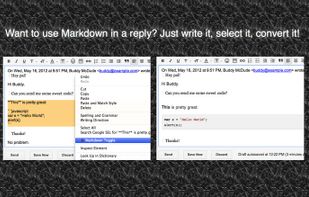
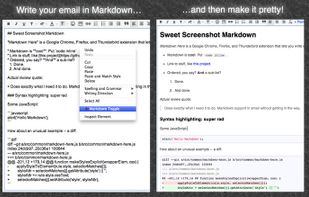
Google Chrome, Firefox, and Thunderbird extension that lets you write email in Markdown and render it before sending.
 United Kingdom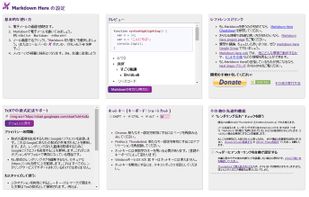


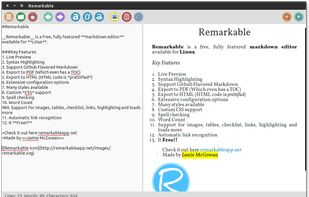
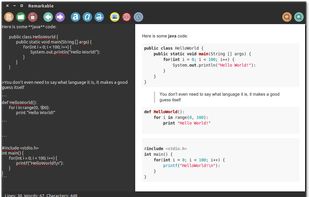
A fully featured markdown editor for Linux. Features include Live Preview, PDF/HTML export, MathJax support, Syntax highlighting, customizable, keyboard shortcuts, GFM, images, tables and much more.






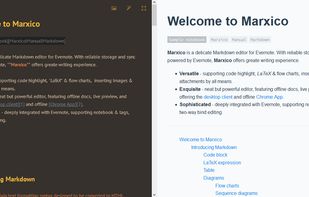
Marxico is a neat Markdown editor that features :
code highlight, tables, images, attachments, LaTeX etc.
live preview, offline desktop client and Chrome App.
Evernote integration with notebooks & tags, two-way bind editing etc.


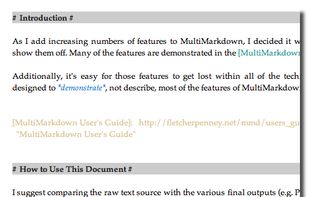
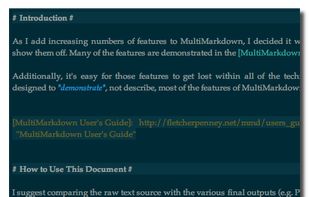
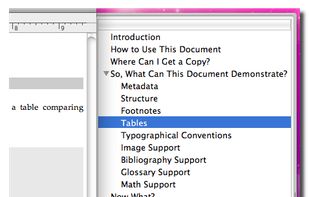
MultiMarkdown Composer is a text editor for Mac that is designed from the ground up around the MultiMarkdown Syntax. It is designed to make writing in MultiMarkdown even easier than it already is, with automatic syntax highlighting, built in previews, easy export to any format...
United States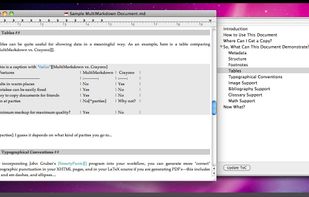


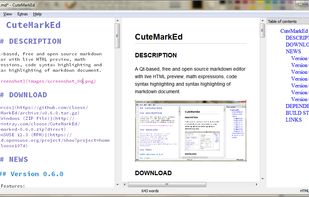
A Qt-based, free and open source markdown editor with live HTML preview, math expressions, code and markdown syntax highlighting.
 Germany
 EU
EU